
By Balvinder Kumar, Founder, Trending AI Tools · Updated November 2026 · Free plans and prices checked against each tool’s official site
Short answer: The best free Grammarly alternative for most people is LanguageTool, especially if you write in more than one language. If you rewrite and paraphrase a lot, QuillBot‘s free grammar checker and paraphraser are hard to beat. For long-form and fiction, ProWritingAid gives deeper style reports. Hemingway Editor is the best free tool for making writing clearer and shorter. And a free AI assistant like Claude or ChatGPT can proofread whole documents if you ask it to.
Grammarly’s own free plan is still decent, so here’s what it costs, what each alternative does better, and where each falls short. Prices checked against official pages in November 2026.
How much is Grammarly?

Grammarly renamed its paid plan from Premium to Pro. Current US pricing:
- Free: $0. Spelling and grammar corrections, tone detection and 100 AI prompts a month.
- Pro: $12 a month billed yearly ($144 a year), or $30 billed month to month. Adds full-sentence rewrites, tone adjustment, plagiarism and AI-text detection, and 2,000 AI prompts a month.
- Enterprise: custom pricing with unlimited AI prompts.
Read our Grammarly review for a full look at the tool.
Quick comparison
| Tool | Free plan | Paid from | Best for |
|---|---|---|---|
| LanguageTool | Yes, 2,000 characters per text field, on the web | Premium (see site) | Writing in 30+ languages |
| QuillBot | Grammar checker, 125-word paraphraser | $8.33/mo billed yearly ($19.95 monthly) | Paraphrasing and students |
| ProWritingAid | 500 words per check, 2 report runs a day | $10/mo billed yearly ($30 monthly), or $399 lifetime | Novels, long documents, style reports |
| Hemingway Editor | Free web editor, no account | $19.99 one-time desktop app | Making writing clear and concise |
| Microsoft Editor | Basic checks in Word and Edge | Comes with Microsoft 365 | People who write in Word and Outlook |
| Claude or ChatGPT | Free plans | About $20/mo for Pro or Plus | Proofreading and rewriting whole documents |
The best free Grammarly alternatives
1. LanguageTool
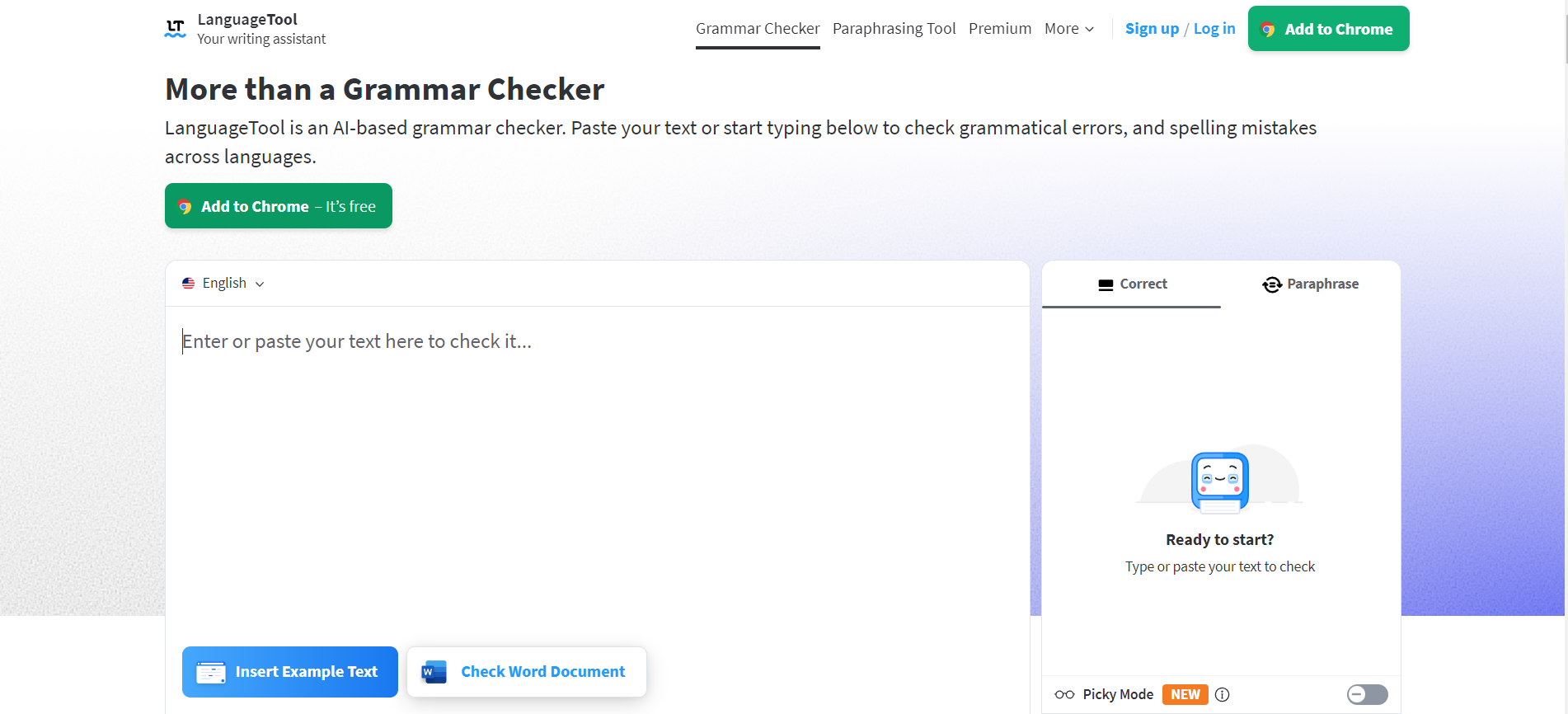
LanguageTool is a grammar, spelling and style checker that supports more than 30 languages and dialects, which makes it the obvious pick for bilingual writers and non-native English speakers.
What the free plan includes: Basic grammar, punctuation and spelling checks, with a limit of 2,000 characters per text field. Note that LanguageTool’s help center says its browser extension is now Premium-only, so free users mainly work in the web editor.
Paid plans: Premium raises the limit to 150,000 characters per text field and adds thousands of extra style checks and unlimited AI paraphrasing. Prices vary by billing period and region, so check languagetool.org for the current amount.
Pros:
- Excellent multilingual support
- Clean, unintrusive suggestions
- Premium is usually cheaper than Grammarly Pro on longer billing periods
Cons:
- The free browser extension is gone
- 2,000 characters per check is short for long documents
- For English-only writing, Grammarly’s rewrites are often stronger
Visit: languagetool.org | Our LanguageTool review
2. QuillBot

QuillBot started as a paraphrasing tool and now includes a grammar checker, summarizer, AI detector and plagiarism checker. It’s especially popular with students and non-native writers.
What the free plan includes: The grammar checker, plus paraphrasing up to 125 words at a time in two modes (Standard and Fluency), and summaries up to 1,200 words.
Paid plans: Premium is $19.95 a month, $39.95 every three months, or $99.95 a year (about $8.33 a month). It removes the paraphrasing limit, unlocks all modes and adds a plagiarism checker (25,000 words a month).
Pros:
- The best paraphraser in this list
- Free grammar checking with no word limit stated
- Premium on yearly billing costs less than Grammarly Pro
Cons:
- 125 words per paraphrase on the free plan
- Grammar suggestions are less detailed than Grammarly or ProWritingAid
- Paraphrasing someone else’s work isn’t a substitute for citing it
Visit: quillbot.com | Our QuillBot review
3. ProWritingAid
ProWritingAid is a grammar checker and style editor with more than 20 detailed reports on things like overused words, sentence length, pacing and dialogue. Novelists and long-form writers like it more than Grammarly for big documents.
What the free plan includes: Grammar, spelling and punctuation checks on 500 words at a time, with 2 runs per report a day and 10 rephrases a day.
Paid plans: Premium is $10 a month billed yearly ($120), or $30 billed monthly, and there’s a one-time lifetime option at $399. Premium Pro adds more AI features.
Pros:
- The most detailed style reports of any tool here
- Works in Word, Google Docs, Scrivener and the browser
- A lifetime license is available
Cons:
- 500 words per check makes the free plan more of a trial
- English only
- So many suggestions can feel overwhelming
Visit: prowritingaid.com | Our ProWritingAid review
4. Hemingway Editor

Hemingway Editor doesn’t try to fix every comma. It highlights long, hard-to-read sentences, passive voice, adverbs and complex words, and gives your text a readability grade. It’s the fastest way to make writing clearer.
What’s free: The web editor at hemingwayapp.com is free and needs no account.
Paid: A desktop app for Mac and Windows costs $19.99 once. Hemingway Editor Plus adds AI rewrites on a subscription; see the official site for current pricing.
Pros:
- Instantly shows what makes your writing hard to read
- Free with no sign-up
- One-time purchase for the desktop app, no subscription
Cons:
- Not a full grammar checker
- The free web editor doesn’t save your work
- AI rewrites need a paid plan
Visit: hemingwayapp.com | Our Hemingway Editor review
5. Microsoft Editor
If you write in Word, Outlook or the Edge browser, Microsoft’s built-in editor already checks spelling and grammar for free. Microsoft 365 subscribers get more refinements and Copilot rewriting help.
Price: Basic checks are free in Microsoft’s apps; advanced features come with a Microsoft 365 subscription.
Pros:
- Already installed if you use Word or Edge
- No extra account or extension
Cons:
- Fewer suggestions than dedicated tools
- Works best only inside Microsoft’s own apps
6. Claude or ChatGPT
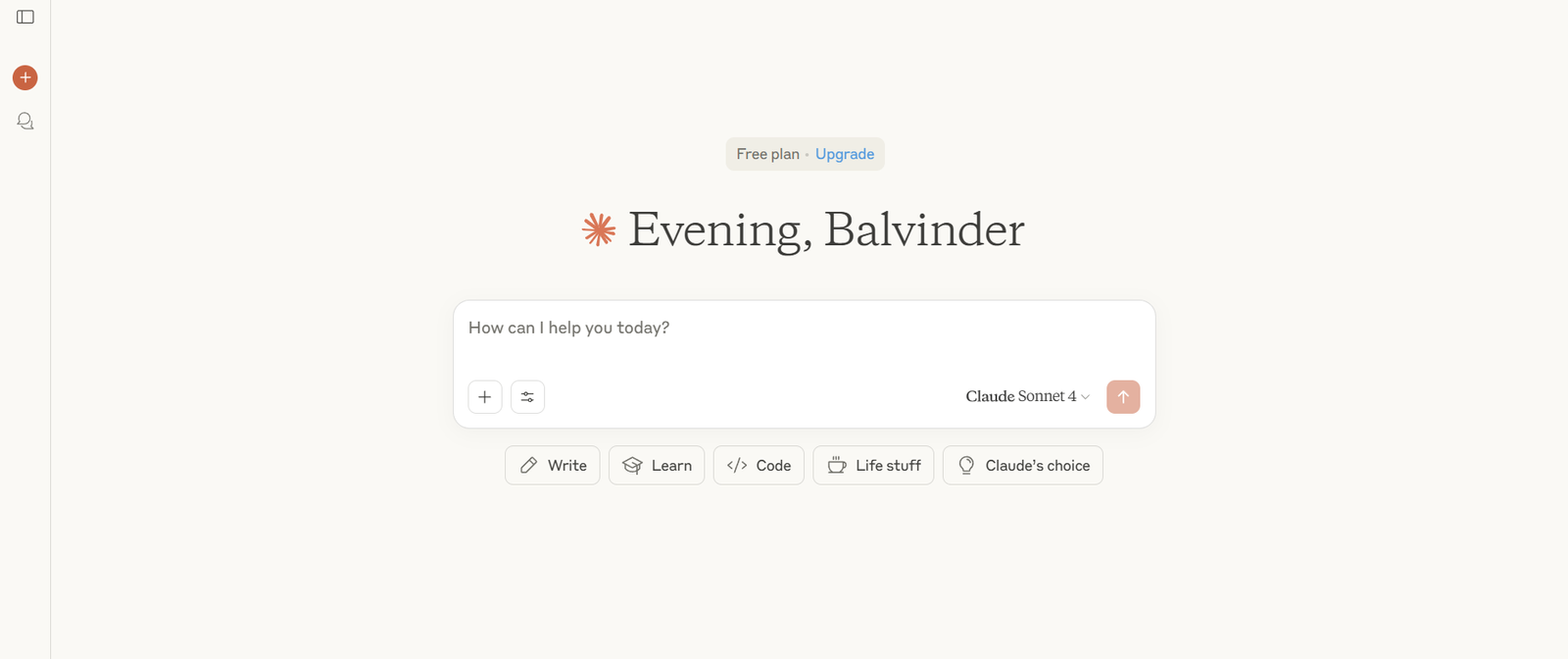
A general AI assistant can proofread far more than a sentence at a time. Paste a whole document and ask: “Fix grammar and spelling only; don’t change my wording” or “Make this clearer for a non-expert reader.”
Price: Both have free plans. Claude Pro and ChatGPT Plus are about $20 a month.
Pros:
- Handles long documents and explains its changes
- Can match a tone or style guide you describe
- Free plans are generous for occasional use
Cons:
- No live, as-you-type checking in every app
- It may rewrite more than you asked, so be specific
Visit: Our Claude review | Our ChatGPT review | Free ChatGPT Plus alternatives
How to choose
- You write in more than one language: LanguageTool.
- You paraphrase or summarize a lot (students): QuillBot.
- You’re writing a book or long reports: ProWritingAid.
- Your writing is correct but hard to read: Hemingway Editor.
- You live in Word and Outlook: Microsoft Editor.
- You want a second pair of eyes on a whole document: Claude or ChatGPT.
A good free combination: LanguageTool or QuillBot for everyday checks, Hemingway for clarity, and an AI assistant for a final read-through of important documents. If you write professionally every day and want one tool everywhere, Grammarly Pro on yearly billing is still good value.
Grammarly alternatives: frequently asked questions
Is Grammarly free?
Yes. Grammarly’s free plan corrects spelling and grammar, shows your tone and includes 100 AI prompts a month. Grammarly Pro costs $12 a month billed yearly or $30 billed monthly.
What is the best free alternative to Grammarly?
LanguageTool for most people, especially multilingual writers. QuillBot is better if you paraphrase a lot, and Hemingway Editor is best for making writing clearer.
Is QuillBot better than Grammarly?
For paraphrasing and summarizing, yes. For live grammar and style suggestions across your apps, Grammarly is stronger. QuillBot Premium on yearly billing is cheaper than Grammarly Pro.
Can ChatGPT or Claude replace Grammarly?
For proofreading whole documents, often yes, and both have free plans. They don’t check as you type in every app, though, so many people use an AI assistant alongside a free grammar checker.
Is LanguageTool still free?
Yes, on the web, with a 2,000-character limit per text field. LanguageTool now requires Premium for its browser extension.


