
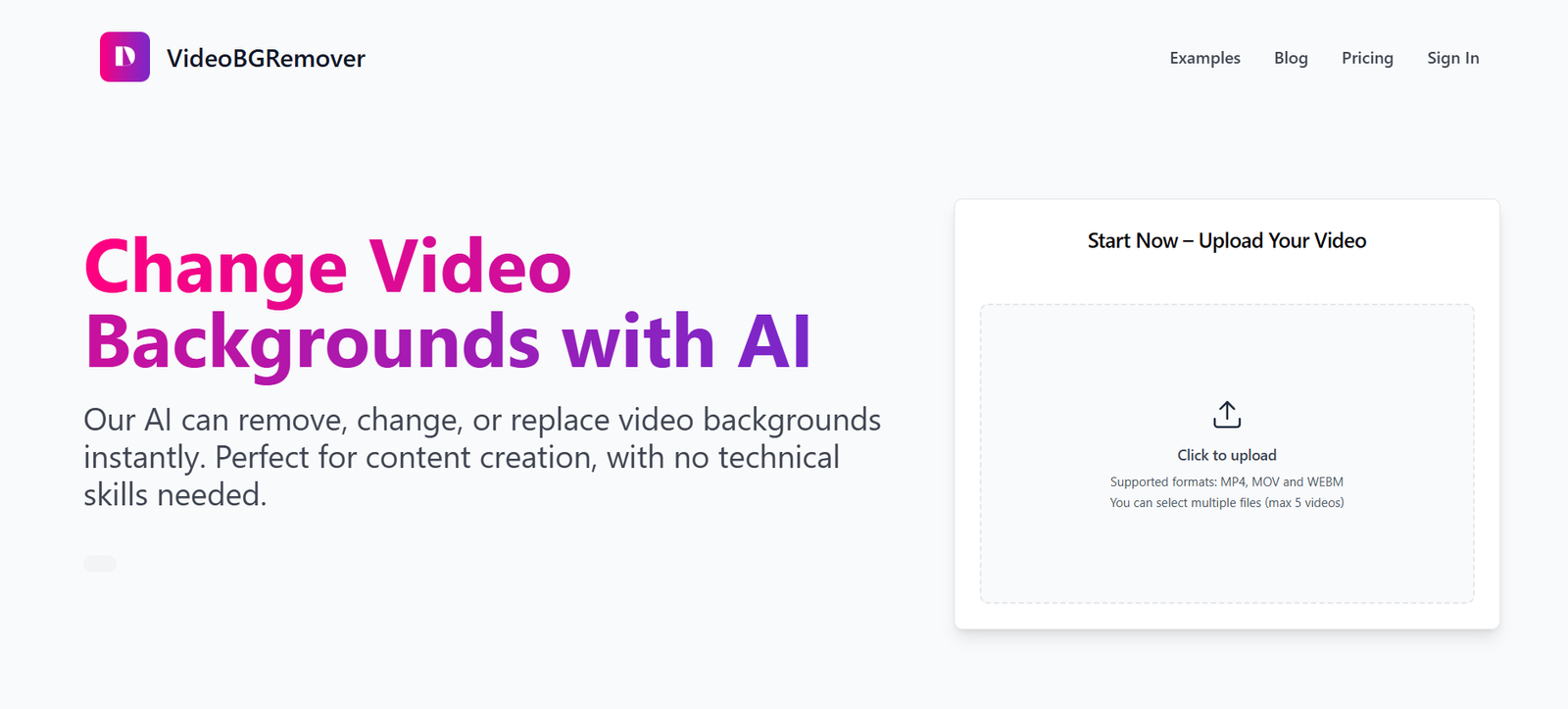
VideoBGRemover.com is a web-based AI tool that enables users to remove backgrounds from videos automatically, without the need for a green screen or complex editing software. Designed for content creators, marketers, and businesses, the platform simplifies video editing by extracting subjects from their background using machine learning and computer vision.
This tool offers a straightforward upload-process-download experience, making professional-looking video content more accessible to users who lack video editing expertise. Whether you’re producing YouTube videos, TikTok content, product demonstrations, or virtual presentations, VideoBGRemover.com helps you isolate your subject with just a few clicks.
With no installations or subscriptions required for basic use, the platform is ideal for both casual creators and professionals who need fast, AI-powered video editing capabilities.
Features
AI Video Background Removal
Automatically removes the background from your video, keeping the subject intact with no green screen needed.
Web-Based Platform
Fully online—no need to download software or plugins.
No Green Screen Required
Unlike traditional chroma key software, the AI detects subjects using deep learning, eliminating the need for a physical green screen.
Supports MP4 and Common Video Formats
Easily upload standard video files from any device.
Export with Transparent Background (Alpha Channel)
Download videos with transparent backgrounds for easy integration into other projects.
Simple Workflow
Upload a video, wait for processing, and download the result—no complex settings to adjust.
Secure Processing
Uploaded videos are automatically deleted after processing to maintain user privacy.
How It Works
Visit VideoBGRemover.com
Open the website in any modern browser on desktop or mobile.Upload a Video File
Upload a video in a supported format (e.g., MP4, MOV). Recommended length: under 5 minutes for faster processing.AI Processes the Video
The platform uses deep learning models to identify the subject and remove the background frame by frame.Preview and Download
After processing, you can preview the output and download the video with a transparent or solid-color background.Use in Your Project
Import the output into editing tools like Adobe Premiere, Final Cut Pro, or OBS for further customization.
Use Cases
YouTube and Social Media Creators
Create background-free talking head videos or overlays for YouTube intros and TikToks.
Virtual Presentations and Webinars
Add dynamic or branded virtual backgrounds in professional presentations.
E-commerce Product Videos
Isolate product demonstrations from distracting environments.
Video Advertising
Produce clean, brand-consistent ads without hiring a studio or using a green screen.
Game Streaming and Tutorials
Place yourself over gameplay or instructional content with a transparent video layer.
Education and Online Courses
Record lecture videos with clean visuals, free from cluttered home office backgrounds.
Pricing
As of May 2025, VideoBGRemover.com offers both free and paid options:
Free Plan
Limited to low-resolution output
Watermark on processed videos
Up to 30 seconds per video
Ideal for testing and casual users
Premium Plan – $9.99/month
High-resolution output (720p and 1080p)
No watermark
Up to 5-minute videos
Priority processing
Suitable for content creators and marketers
Pro Plan – $29.99/month
Extended video length (up to 15 minutes)
Batch upload support
Transparent background export (.mov with alpha channel)
Commercial license
One-Time Credit Packs
1 video (HD) – $3
5 videos – $10
10 videos – $18
Bulk and team pricing options are available upon request.
Strengths
No Green Screen Needed
Makes professional-style background removal available to anyone, regardless of setup.
Fast and Accurate AI
Delivers reliable subject detection and background cutouts with minimal artifacts.
Easy to Use
No technical knowledge or software installation required—just upload and download.
Transparent Output Support
Ideal for advanced use cases like overlays and composite video creation.
Privacy Friendly
Videos are deleted after processing, ensuring user data stays secure.
Affordable
Cost-effective plans for individuals and teams, with no long-term commitment required.
Drawbacks
Limited Editing Tools
The platform removes backgrounds but does not offer background replacement or detailed editing options.
Processing Time
Longer videos can take several minutes to process depending on resolution and complexity.
Free Tier Has Restrictions
Free users are limited to short, low-resolution videos with watermarks.
No Manual Adjustments
You cannot fine-tune the background mask manually—everything is handled automatically.
Requires Stable Internet
Uploads and downloads depend on internet speed, which can be a challenge for large files.
Comparison with Other Tools
VideoBGRemover.com vs. Unscreen Pro
Both provide background removal for videos, but VideoBGRemover is more affordable and offers straightforward pricing without requiring large credit packs.
VideoBGRemover.com vs. Adobe Premiere Pro
Premiere requires manual masking or chroma key techniques. VideoBGRemover automates the entire process, saving time for non-professionals.
VideoBGRemover.com vs. Canva Video Editor
Canva offers video editing but lacks background removal features. VideoBGRemover is purpose-built for this function.
VideoBGRemover.com vs. Kapwing
Kapwing has background removal for images and limited video functionality. VideoBGRemover excels in dedicated, full-video processing.
Customer Reviews and Testimonials
“I used it to clean up my tutorial videos—saved me hours of manual editing.” – YouTube Creator
“As a marketer, I love being able to place our spokesperson over branded backgrounds without setting up a green screen.” – Digital Marketer
“Super easy to use. I processed three product videos for our store in under 30 minutes.” – E-commerce Business Owner
“It’s great for streaming—now I can overlay myself on screen without OBS complications.” – Game Streamer
Conclusion
VideoBGRemover.com provides a highly effective, AI-powered solution for removing video backgrounds without the need for green screens or editing expertise. It empowers content creators, educators, marketers, and professionals to produce clean, studio-style videos using just a web browser.
With its combination of accuracy, speed, and accessibility, VideoBGRemover.com is one of the simplest and most cost-effective tools for anyone looking to improve their video production quality in minutes.










