
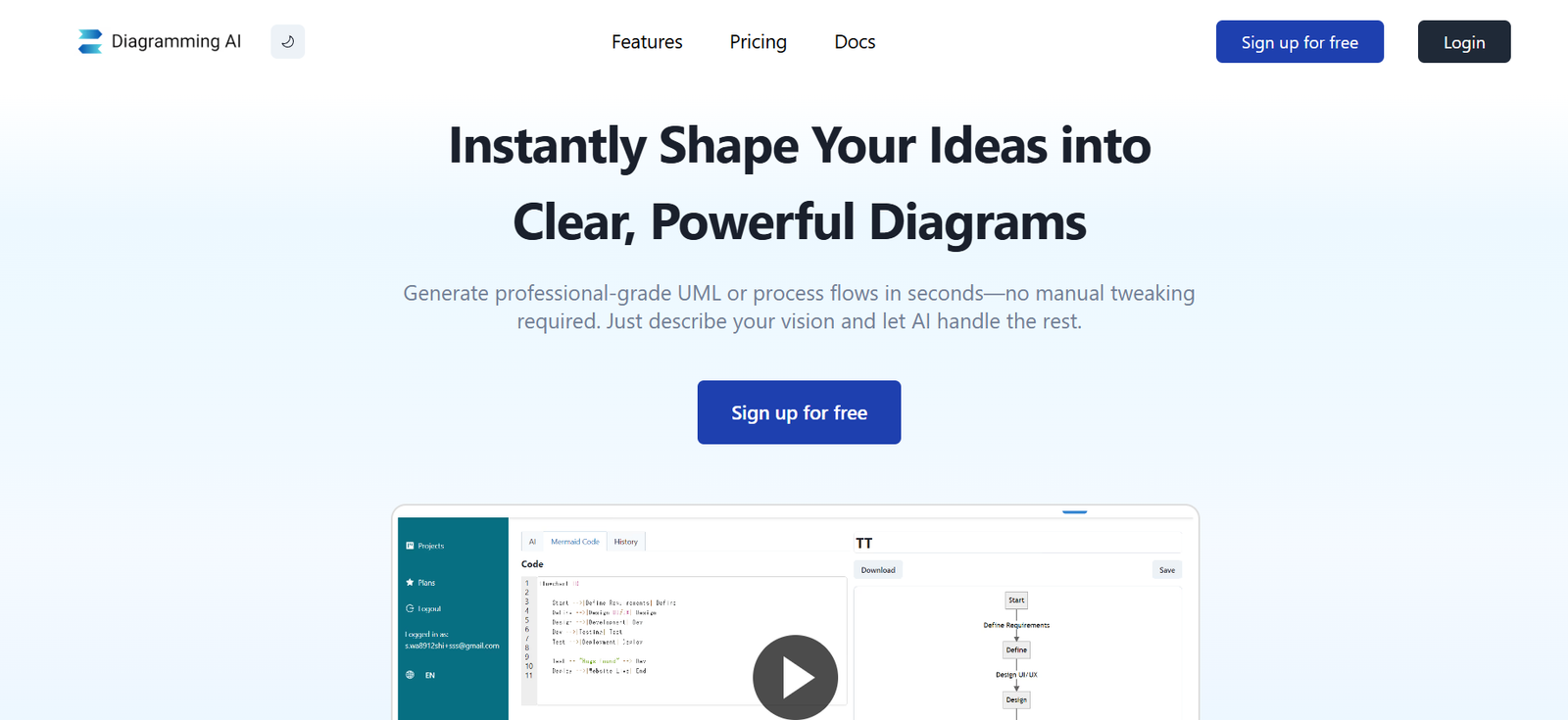
Diagramming AI is an AI-powered online tool designed to help individuals and teams create professional diagrams instantly from text prompts. Instead of manually dragging shapes and connecting lines, users can simply describe what they need, and the AI automatically generates a complete diagram.
The platform is built for professionals, educators, and students who want to save time and improve clarity in visual communication. Whether you’re making flowcharts, mind maps, organizational charts, or technical diagrams, Diagramming AI streamlines the entire process while maintaining high-quality design standards.
Features
Text-to-diagram generation that turns plain language into structured visuals.
Support for multiple diagram types including flowcharts, mind maps, organizational charts, and network diagrams.
Drag-and-drop editor for manual adjustments after AI generation.
Real-time collaboration for teams to edit diagrams together.
Customizable styles, colors, and layouts for brand consistency.
Export options in popular formats like PNG, SVG, and PDF.
Integration capabilities with common project management and documentation tools.
How It Works
Enter a description of the diagram you need, specifying relationships, structure, or key points.
The AI processes your request and automatically generates a diagram that matches your description.
You can then edit the diagram manually, adjusting layout, styles, or labels as needed.
Once complete, export the diagram in your preferred format or share it via a link with team members.
Use Cases
Business process mapping to document workflows and decision-making paths.
Educational materials such as concept maps for classroom presentations.
Project management planning with Gantt-style visuals or task flow diagrams.
Technical documentation showing system architecture or network layouts.
Brainstorming sessions with automatically generated mind maps.
Pricing
Free Plan offers limited diagram generations per month with basic customization options.
Pro Plan includes unlimited diagrams, full customization features, and priority AI processing.
Enterprise options are available for organizations needing bulk licenses, advanced integrations, and dedicated support.
Strengths
Extremely fast diagram creation from simple text input.
Multiple diagram formats available in one platform.
Collaboration features for real-time teamwork.
Professional-grade visual output suitable for business presentations.
Flexible customization to match branding or style preferences.
Drawbacks
Free plan limitations may restrict frequent professional use.
AI-generated diagrams may require manual adjustments for complex structures.
Dependent on internet connectivity for generation and editing.
Comparison with Other Tools
Compared to tools like Lucidchart or Miro, Diagramming AI stands out for its text-to-diagram feature, which significantly reduces setup time. While traditional diagramming tools excel in manual control and integrations, Diagramming AI focuses on speed and automation, making it ideal for users who need quick, professional visuals without spending hours on layout design.
Customer Reviews and Testimonials
Users appreciate how quickly the tool transforms their ideas into ready-to-use diagrams. Many note that it is particularly useful for brainstorming sessions and early-stage project planning.
Example feedback includes:
“I described my workflow in a few sentences, and Diagramming AI gave me a complete flowchart in under 10 seconds. It saved me at least an hour of work.”
Conclusion
Diagramming AI offers an intelligent and efficient way to create high-quality diagrams from plain text. By combining AI automation with manual editing options, it serves both speed and precision needs. For professionals, educators, and students, it is an invaluable tool for turning complex ideas into clear visual formats with minimal effort.


