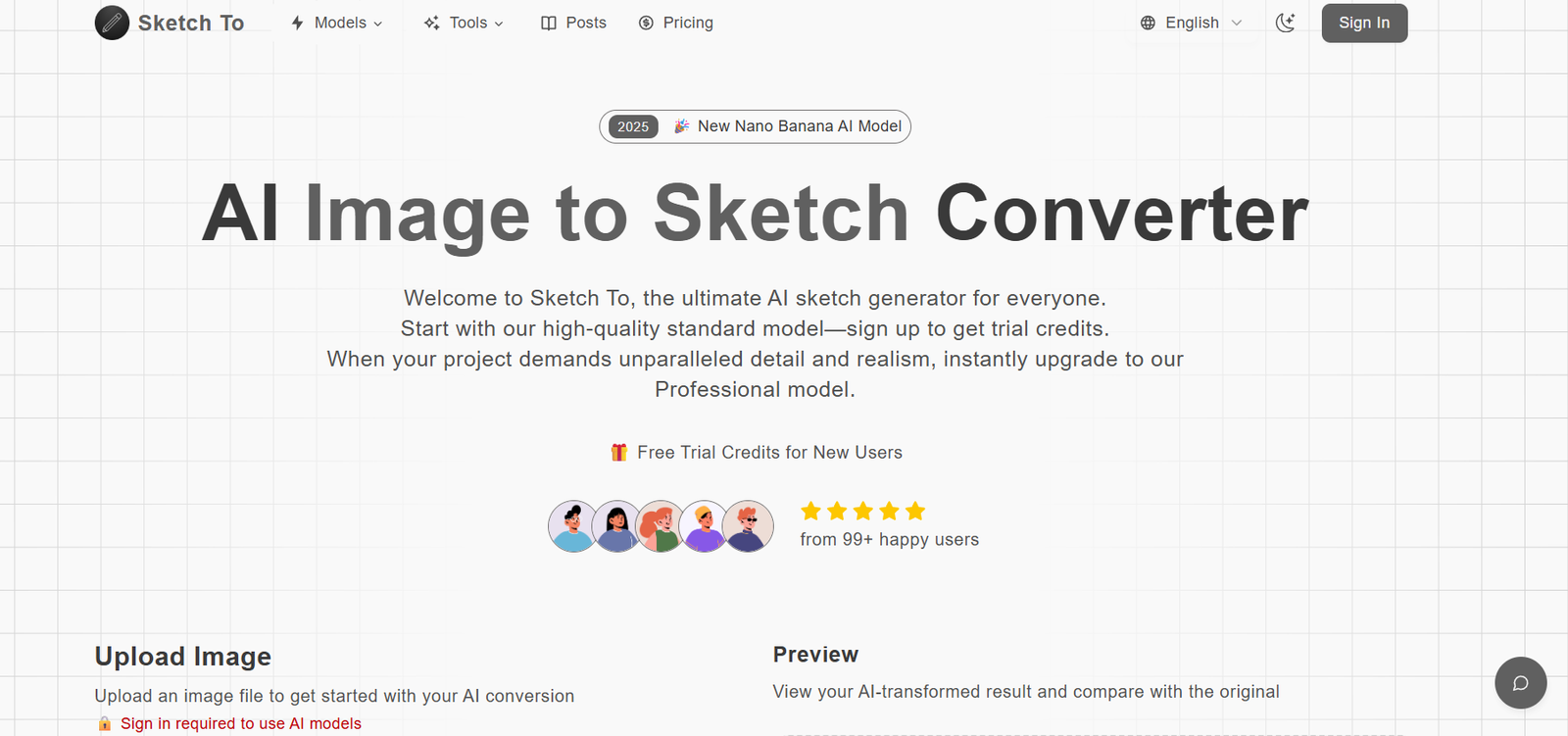
SketchTo is an AI-powered tool designed to transform rough sketches and line drawings into fully rendered images with photorealistic or artistic styles. By using generative AI and advanced image-to-image translation models, SketchTo enables users to visualize their ideas quickly and creatively. Whether it’s a product concept, character illustration, or architectural sketch, the platform can bring your vision to life in seconds.
Developed with simplicity and speed in mind, SketchTo is ideal for artists, designers, students, engineers, and anyone who wants to prototype visual ideas without needing advanced software or drawing skills. The platform supports a wide range of outputs, from anime and realistic art to cartoon styles and abstract compositions.
SketchTo runs entirely in the browser and does not require any installation or technical setup. Users only need to upload a sketch, describe the desired outcome, and let the AI handle the rest.
Features
SketchTo comes packed with features that simplify the creative process and expand the visual possibilities of a single sketch.
Sketch-to-Image Conversion: Upload a hand-drawn or digital sketch and turn it into a high-quality image using AI-generated textures, colors, lighting, and depth.
Text Prompt Integration: Combine sketches with text prompts to further define your desired output. The AI uses both visual and textual cues to generate refined results.
Multiple Artistic Styles: Choose from different output styles such as realistic, cartoon, fantasy, anime, and abstract. This flexibility makes the tool suitable for various creative domains.
High-Resolution Outputs: Images are generated in high resolution, making them suitable for digital art, presentation slides, portfolios, and marketing assets.
Fast Generation: Results are delivered in seconds thanks to optimized inference pipelines. Users can iterate quickly and experiment with multiple ideas.
Browser-Based Access: No downloads or software installations are required. SketchTo works directly from any modern web browser.
User-Friendly Interface: The clean and minimal UI allows users of all skill levels to navigate, upload, prompt, and download with ease.
No Account Required (for Free Users): Users can try the tool without signing up, reducing the barrier to entry.
How It Works
SketchTo makes it easy to turn concepts into visuals with just a few steps. The process is intuitive and does not require any design expertise.
Step 1: Visit sketchto.com and access the main tool page.
Step 2: Upload your sketch or line drawing. This could be a scanned image, a photo of a physical drawing, or a digitally created sketch.
Step 3: Optionally, enter a text prompt describing what you want the final image to look like. This can include style details, colors, environment, or subject matter.
Step 4: Click the “Generate” button. The AI model will analyze the sketch, interpret the text, and generate a complete image that matches your input.
Step 5: View the output, download the image, or generate again to see alternate versions or styles.
No login is required to generate images, although advanced features may be available for registered users in the future.
Use Cases
SketchTo supports a wide range of creative and professional applications across different industries and user types.
Product Design: Designers can convert product concept sketches into realistic visualizations for stakeholder presentations or client pitches.
Game Development: Concept artists and developers can generate character or environment designs from rough drafts, accelerating early-stage asset creation.
Marketing & Advertising: Marketers can use the tool to create quick visual prototypes or campaign mockups without hiring a graphic designer.
Architecture & Interior Design: Professionals and students can upload floor plans or space layouts and see them rendered with textures and lighting.
Education & Learning: Art students and teachers can use SketchTo to study visual transformation, style differences, or iterate ideas rapidly.
Entertainment & Comics: Writers and creators of comics or webtoons can produce visuals based on panel sketches or scene outlines.
Social Media Content: Creators can turn doodles or ideas into shareable content with artistic flair for platforms like Instagram or Pinterest.
Pricing
As of October 2025, SketchTo is currently free to use and does not offer any subscription or premium plans. The tool operates as a public web application with open access to its core functionality.
Free Tier:
Unlimited image generation
No login required
High-resolution output
Access to all style modes
No watermark
There are currently no paid plans or monetization options publicly listed on the official website. However, future updates may include:
Advanced style customization
Batch processing
Priority generation
Commercial usage rights
Users are advised to monitor the site or join an email list (if available) to stay informed about future pricing tiers or feature expansions.
Strengths
SketchTo stands out for its simplicity, accessibility, and creative versatility. It removes the friction of traditional illustration and design workflows, making it possible to convert rough ideas into polished visuals almost instantly.
The tool’s browser-based nature means it’s available on any device without setup. Its high-quality output, despite being free, makes it competitive with more complex platforms.
Another strength lies in its fusion of visual and text input. By combining sketch data with natural language prompts, the tool gives users precise control over how their ideas are rendered.
Because it’s free, SketchTo is also a great educational resource, ideal for classroom settings, workshops, and creative experiments.
Drawbacks
While SketchTo is impressive, there are a few limitations that users should be aware of.
No Login = No History: Since there is no user account system, you cannot save your generation history or access previously created images.
No Editing Tools: Users cannot make manual adjustments to the output after generation. Fine-tuning must be done outside the platform.
Lack of API Access: SketchTo does not currently support API integration, making it less useful for large-scale or automated workflows.
Limited Transparency: The website does not provide detailed documentation about the underlying AI models, data sources, or privacy practices.
Potential Content Limitations: Like many generative platforms, results may vary depending on sketch clarity or prompt accuracy. Complex or abstract sketches may produce less consistent results.
Comparison with Other Tools
SketchTo competes with several AI-based creative tools, but its sketch-to-image focus sets it apart.
Compared to DALL·E 3 or Midjourney, which are prompt-only tools, SketchTo gives users the added advantage of combining hand-drawn visuals with descriptive input, resulting in more directed and personalized outputs.
Tools like Scribble Diffusion or ControlNet (used with Stable Diffusion) offer similar functionality but often require technical setup, local installation, or coding knowledge. SketchTo offers this experience without the complexity.
Compared to Craiyon or Artbreeder, SketchTo offers better sketch control and image fidelity, though it may lack community and sharing features.
For beginners or non-technical users, SketchTo provides a faster and more accessible route to image generation without needing model knowledge or prompt engineering skills.
Customer Reviews and Testimonials
As of now, there are limited formal customer reviews on platforms like Product Hunt, Trustpilot, or G2. However, based on user interactions found through social media and creator forums, early feedback is positive.
Users appreciate the simplicity of the tool, especially the ability to generate visuals directly from line art or concept sketches. Creators on Reddit and Discord communities report using SketchTo for mockups, poster designs, and character art.
Teachers have noted its usefulness in art education, helping students visualize their work without full rendering experience.
Common requests from users include the addition of login features, downloadable project history, and support for commercial use licensing.
Conclusion
SketchTo is a fast, simple, and creative AI tool that bridges the gap between raw ideas and visually compelling outputs. By turning sketches into art using advanced AI models and text prompts, it empowers users to prototype, ideate, and share visual content in seconds.
Whether you’re an artist, designer, educator, or content creator, SketchTo offers a low-barrier way to experiment with visual storytelling. It eliminates the need for advanced software or manual rendering, allowing users to focus purely on creativity.