
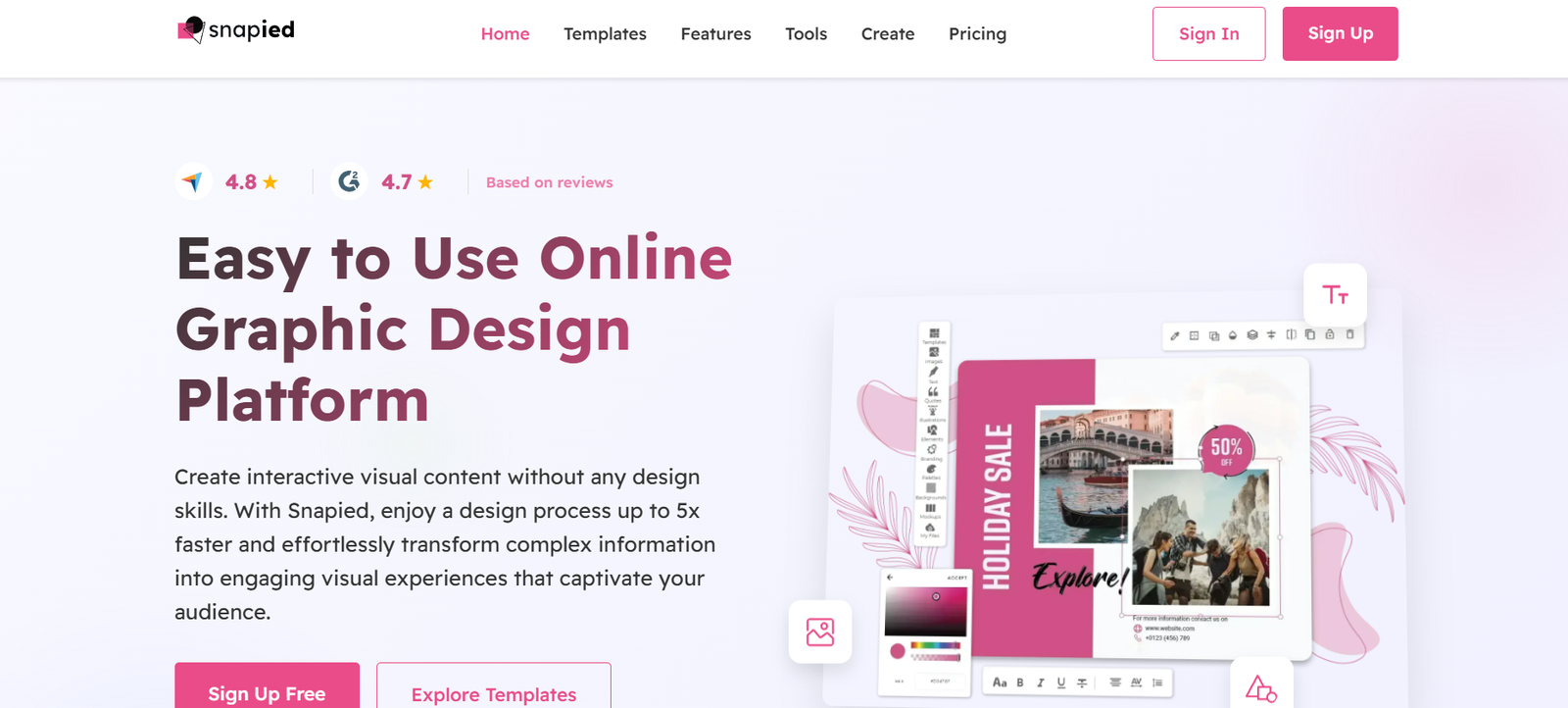
Snapied AI is a browser-based graphic design platform that combines traditional design tools with AI-powered features to help users create professional-looking graphics in minutes. Designed for marketers, social media managers, small businesses, and content creators, Snapied makes graphic design accessible — no prior experience or design skills required.
From social media posts to product mockups and marketing materials, Snapied provides a user-friendly drag-and-drop interface, templates, and automation tools that simplify the creative process. The AI assistance helps users remove backgrounds, generate design variations, and even create full graphics with minimal input.
Visit the official website: https://snapied.com
Features
AI-Powered Design Tools
Snapied integrates artificial intelligence to assist with design generation, background removal, and template customization.
1. AI Background Remover
Instantly remove backgrounds from any image, making it easy to isolate products or subjects without manual editing.
2. AI Image Generator
Create new images using text prompts, helping users visualize concepts or generate creative assets from scratch.
3. Templates Library
Access thousands of customizable templates for Instagram posts, YouTube thumbnails, flyers, resumes, eBooks, banners, and more.
4. Drag-and-Drop Editor
An intuitive design interface that allows users to add elements, text, images, and effects with ease.
5. Smart Resize Tool
Quickly adapt a design to multiple formats (e.g., from a Facebook post to an Instagram story) without starting over.
6. Cloud-Based Storage
All designs are saved to the cloud, accessible anytime and anywhere with an internet connection.
7. Collaboration Features
Work with team members by sharing designs and collaborating in real-time or asynchronously.
8. Export in Multiple Formats
Download completed designs in various formats including PNG, JPG, and PDF, with resolution options.
How It Works
Snapied AI offers a straightforward process that simplifies graphic creation:
Start with a Template or From Scratch
Choose from the pre-made templates or open a blank canvas to start designing.Add Your Elements
Use drag-and-drop to insert text, shapes, icons, logos, and photos. Upload your own media or use Snapied’s library.Enhance with AI Tools
Use the AI background remover or AI-generated image tool to automate complex tasks.Customize and Resize
Adjust fonts, colors, positions, and sizes. Resize your design to fit different platforms with one click.Download or Share
Once the design is ready, export it in your desired format or share it with your team or audience.
No downloads or installations are needed — everything runs directly in your browser.
Use Cases
Snapied AI is versatile and serves a wide variety of users and needs:
Digital Marketers
Design ad creatives, banners, email headers, and infographics quickly with the help of pre-built templates.
Social Media Managers
Create content for Instagram, Facebook, LinkedIn, and Pinterest using platform-specific templates and easy resizing tools.
E-commerce Sellers
Design product images, promotional flyers, and website visuals with branded consistency.
Bloggers and Content Creators
Produce visually engaging blog headers, thumbnails, and downloadable PDFs like checklists or guides.
Freelancers and Agencies
Use Snapied to deliver fast, professional-looking designs to clients without investing in complex software.
Educators and Students
Create resumes, presentations, and class materials with minimal learning curve.
Pricing
As of June 2025, Snapied offers the following pricing plans:
Free Plan
10 design downloads/month
Limited template access
AI background remover (limited uses)
Basic export options
Pro Plan – $12/month (billed annually)
Unlimited design downloads
Full template access
Unlimited AI background remover
AI image generator included
Priority support
High-resolution exports
Business Plan – $24/month (billed annually)
All Pro features
Team collaboration tools
Brand kits
Custom templates
Early access to new features
Enterprise Plan – Custom Pricing
API access
Dedicated account manager
Security and compliance support
White-label design system
Snapied offers a 14-day free trial for premium features. For current pricing and promotional offers, visit https://snapied.com.
Strengths
Ease of Use
Snapied’s interface is beginner-friendly and intuitive, perfect for users without design backgrounds.
AI Integration
The platform automates time-consuming tasks like background removal and content generation.
Extensive Template Library
With thousands of templates, users can create professional designs for almost any use case.
Affordable Pricing
Compared to traditional design software, Snapied offers excellent value, especially for startups and small teams.
Browser-Based Convenience
No need to download software — accessible from anywhere with internet access.
Team Collaboration
Business plans support real-time or asynchronous collaboration across teams.
Drawbacks
Limited Offline Access
Snapied operates entirely in the browser, so users must be online to create or edit designs.
Feature Depth
While powerful for general use, Snapied lacks advanced features found in tools like Adobe Photoshop or Illustrator.
Free Plan Limitations
The free plan includes only 10 design downloads per month and restricts access to many premium templates.
AI Image Generation Scope
The image generation tool, while useful, may not offer the same quality or customization as specialized AI art platforms.
Comparison with Other Tools
Snapied AI competes with platforms like Canva, VistaCreate, and Adobe Express. Here’s how it differentiates:
Compared to Canva: Snapied offers similar functionality but with a stronger emphasis on AI-powered tools like image generation and background removal. Canva has a more mature ecosystem and broader integrations but is also pricier at higher tiers.
Compared to Adobe Express: Snapied is easier to use for non-designers and provides more accessible pricing for small businesses.
Compared to VistaCreate: Snapied provides more advanced AI features and a cleaner interface, though VistaCreate offers a larger stock media library.
Snapied’s value lies in its balance of AI automation and user-friendly design for everyday users.
Customer Reviews and Testimonials
While Snapied is still growing its user base, early reviews from creators and marketers are very positive:
“Snapied is the only tool I need for all my client visuals. It’s fast, intuitive, and makes me look like a pro.” – Marketing Consultant
“The AI tools are super helpful — I saved hours removing backgrounds and resizing images.” – Shopify Seller
“Love the templates! I’ve never designed anything before and now I can do it all myself.” – Social Media Manager
Users appreciate the simplicity, automation, and affordability, particularly among freelancers, small business owners, and social media professionals.
Conclusion
Snapied AI is an excellent choice for anyone looking to create high-quality designs quickly and affordably. With AI-assisted features, thousands of templates, and a beginner-friendly interface, Snapied bridges the gap between complex design tools and the needs of modern marketers and creators.
Whether you’re designing Instagram posts, ads, resumes, or product visuals, Snapied can help you get the job done efficiently — all from your browser. It’s especially well-suited for small businesses, freelancers, and growing teams looking for smart design solutions without the complexity of traditional software.










