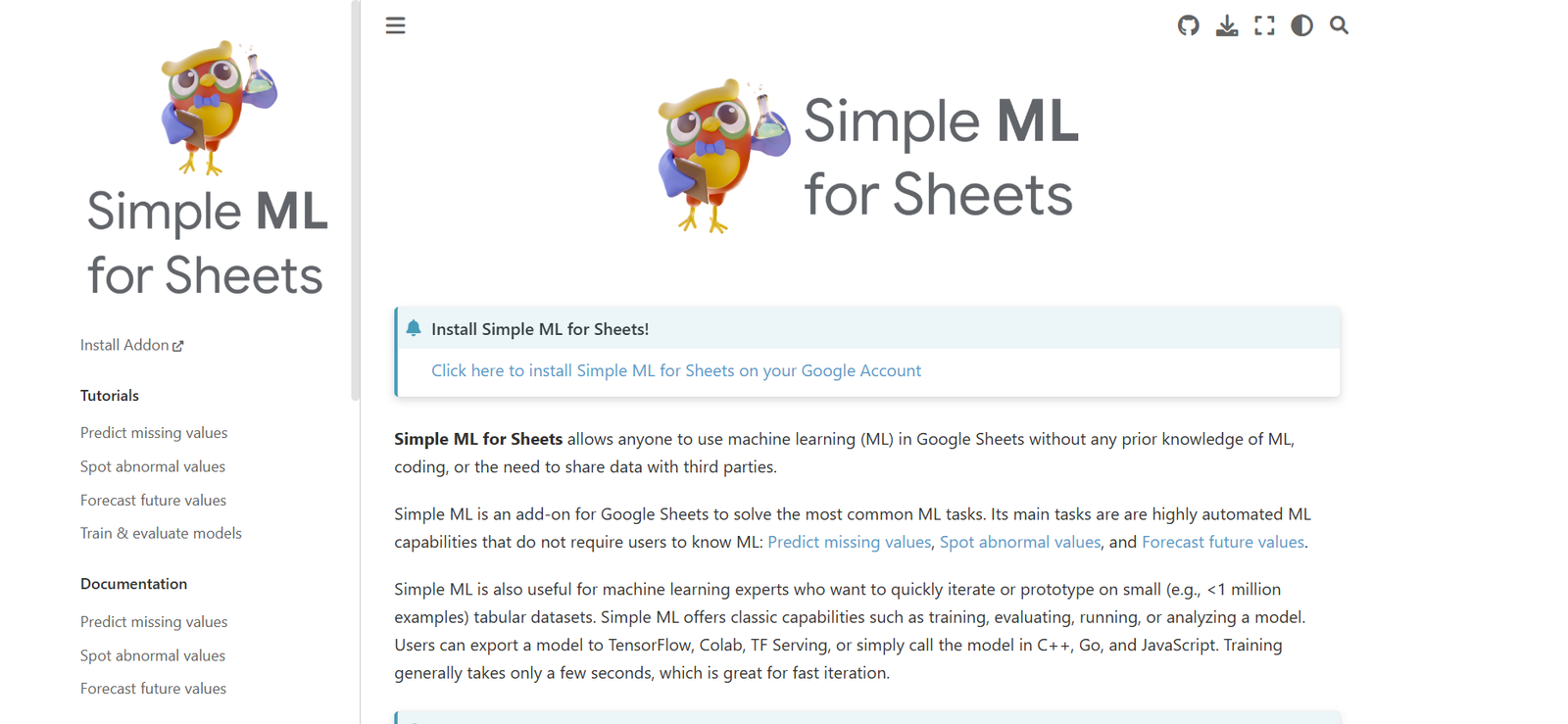
Simple ML for Sheets is a free Google Sheets add-on developed by Google’s TensorFlow Decision Forests team. It allows anyone to build, train, and use machine learning models directly inside Google Sheets without any coding or prior ML experience.
The tool makes it possible for spreadsheet users—such as business analysts, educators, marketers, and non-technical professionals—to apply predictive models to their data using a familiar interface. It transforms Google Sheets into a lightweight machine learning platform by introducing automation for tasks like forecasting, classification, and missing value imputation.
By using Simple ML for Sheets, users can understand patterns in their data, predict future outcomes, and make more informed decisions—all within the context of their spreadsheets.
Features
Simple ML for Sheets brings powerful machine learning capabilities into a simple spreadsheet interface.
No-Code ML Modeling
Users can train machine learning models without writing any code. The interface guides users through the process using intuitive menus and prompts.
Prediction Tasks
Supports common ML use cases like classification (e.g., customer churn prediction), regression (e.g., revenue forecasts), and missing value imputation.
Guided Model Creation
The add-on helps users select the right target column, choose input features, and configure the task type with step-by-step instructions.
Model Evaluation
After training, the model’s performance is displayed with evaluation metrics such as accuracy for classification and RMSE for regression.
Missing Value Filling
Automatically fills missing data using machine learning models trained on the available parts of the dataset.
Anomaly Detection
Detects unusual or inconsistent data points in the dataset, helping users spot errors or outliers.
Data Preparation Assistance
Assists users in preparing their datasets for modeling by identifying invalid values, mixed data types, or potential issues in the structure.
AutoML Support
Utilizes AutoML logic in the backend to optimize models based on the structure and content of the data.
Exportable Models
While designed for in-Sheets usage, the models created are built on TensorFlow Decision Forests, making them portable for advanced users.
Fast Training Time
Even large datasets train within minutes thanks to optimized backend engines, making ML experimentation accessible to everyday users.
How It Works
Simple ML for Sheets works by integrating Google’s machine learning technology with the user interface of Google Sheets.
To begin, users install the Simple ML add-on from the Google Workspace Marketplace. Once installed, it appears in the Sheets toolbar as a new menu. From there, users can launch the add-on and follow a guided workflow to train and apply a machine learning model.
The process typically includes selecting a target column (what you want to predict), choosing the input features (data that informs the prediction), and confirming the task type (classification or regression). The tool will then split the data, train a model using TensorFlow Decision Forests, and return the predictions directly in new columns in the spreadsheet.
Model performance is presented after training, and users can use the model to predict missing values, detect anomalies, or forecast future trends. All actions are performed within the spreadsheet, eliminating the need for exporting data or using external platforms.
Use Cases
Simple ML for Sheets can be applied in a wide range of business and educational scenarios.
Sales Forecasting
Businesses can predict future sales based on historical data and influencing factors like marketing spend, product categories, or regions.
Churn Prediction
Marketers and support teams can identify which customers are likely to leave based on usage patterns, engagement data, or feedback scores.
Grade Prediction
Educators can estimate final grades or test outcomes based on attendance, prior performance, and participation.
Budget Forecasting
Finance teams can use the tool to model expense trends or forecast departmental spending using historical and categorical data.
Survey Analysis
Researchers can identify patterns in survey responses, including satisfaction scoring or predicting future behavior based on questionnaire responses.
Product Demand Estimation
Retailers can estimate product demand or stock requirements by analyzing past sales, promotions, and seasonal trends.
Customer Segmentation
Businesses can use clustering techniques (via classification) to categorize customers into high-value, at-risk, or frequent buyer segments.
Missing Value Filling
Users working with incomplete data can fill in missing fields, such as incomplete address or demographic information, without manual input.
Anomaly Detection
Helps identify data entries that deviate significantly from the rest—useful for fraud detection or quality control.
Small Business Analytics
Entrepreneurs and solo operators can make data-informed decisions without needing to hire a data science team.
Pricing
Simple ML for Sheets is completely free to use.
There are no subscription fees, usage limits, or paid tiers at the time of writing. It is available as a free Google Sheets add-on from the Google Workspace Marketplace.
Since it is built and maintained by Google, the tool benefits from reliable cloud infrastructure and tight integration with the broader Google ecosystem.
Strengths
Simple ML for Sheets offers several advantages for users who want to explore machine learning without technical barriers.
No Coding Required
Accessible to anyone familiar with spreadsheets, regardless of programming or data science background.
Integrated with Google Sheets
No need to switch platforms—workflows stay within the spreadsheet environment users already know.
Powered by TensorFlow
Built on top of TensorFlow Decision Forests, providing strong machine learning foundations and performance.
Fast and Lightweight
Models train quickly and run directly in the cloud, suitable even for moderately sized datasets.
Free to Use
No cost associated with installation or usage, making it ideal for educators, students, and small businesses.
Guided and Intuitive
Step-by-step assistance ensures users are not overwhelmed, even if they are new to machine learning.
Google-Backed
Developed and supported by a team within Google, ensuring long-term support and quality.
Drawbacks
While powerful for its simplicity, Simple ML for Sheets also has some limitations.
Limited Customization
Advanced users may find the modeling options too constrained, with little ability to modify model hyperparameters.
Google Sheets Dependency
Only works inside Google Sheets, limiting use to relatively small datasets that fit within Sheets’ row and column limits.
No Support for Deep Learning
The tool focuses on classical ML tasks and doesn’t support deep learning or complex multi-layer models.
Minimal Documentation for Experts
While documentation is friendly for beginners, experienced ML practitioners may seek more technical insights or extension options.
Internet Required
As a cloud-based tool, it requires an internet connection for functionality.
Comparison with Other Tools
Simple ML for Sheets can be compared with tools like AutoML in BigQuery, DataRobot, MonkeyLearn, and RapidMiner.
BigQuery ML allows SQL-based model training but requires knowledge of BigQuery and SQL.
DataRobot offers a full AutoML suite but is enterprise-focused and expensive.
MonkeyLearn provides text analysis tools but lacks spreadsheet integration.
RapidMiner is powerful for prototyping ML workflows but involves a steeper learning curve.
Simple ML for Sheets stands out for its simplicity, integration into Google Sheets, and zero-cost accessibility. It’s ideal for spreadsheet users who want a lightweight, no-code entry into machine learning.
Customer Reviews and Testimonials
While the add-on is relatively new, early user feedback has been overwhelmingly positive.
Users appreciate:
How easy it is to get started
The ability to build models without writing code
How well it integrates into everyday spreadsheet workflows
The free availability for individuals and teams
Fast training and usable results within minutes
Teachers have highlighted its value in data science education, while small business owners note the practical benefit of being able to make data-driven decisions without hiring technical staff.
You can view user ratings and reviews directly on the Google Workspace Marketplace page.
Conclusion
Simple ML for Sheets represents a major step forward in making machine learning accessible to everyone. By embedding powerful predictive tools directly into Google Sheets, it empowers everyday users—regardless of technical background—to unlock insights from their data and take action based on predictions.
Whether you’re forecasting sales, filling missing data, analyzing survey results, or exploring data trends, Simple ML for Sheets offers a low-barrier, no-cost way to experiment with machine learning and improve your decision-making process.
As part of Google’s broader effort to democratize AI, Simple ML for Sheets is an excellent choice for learners, professionals, educators, and small businesses who want to bring intelligence to their spreadsheets without writing a single line of code.