
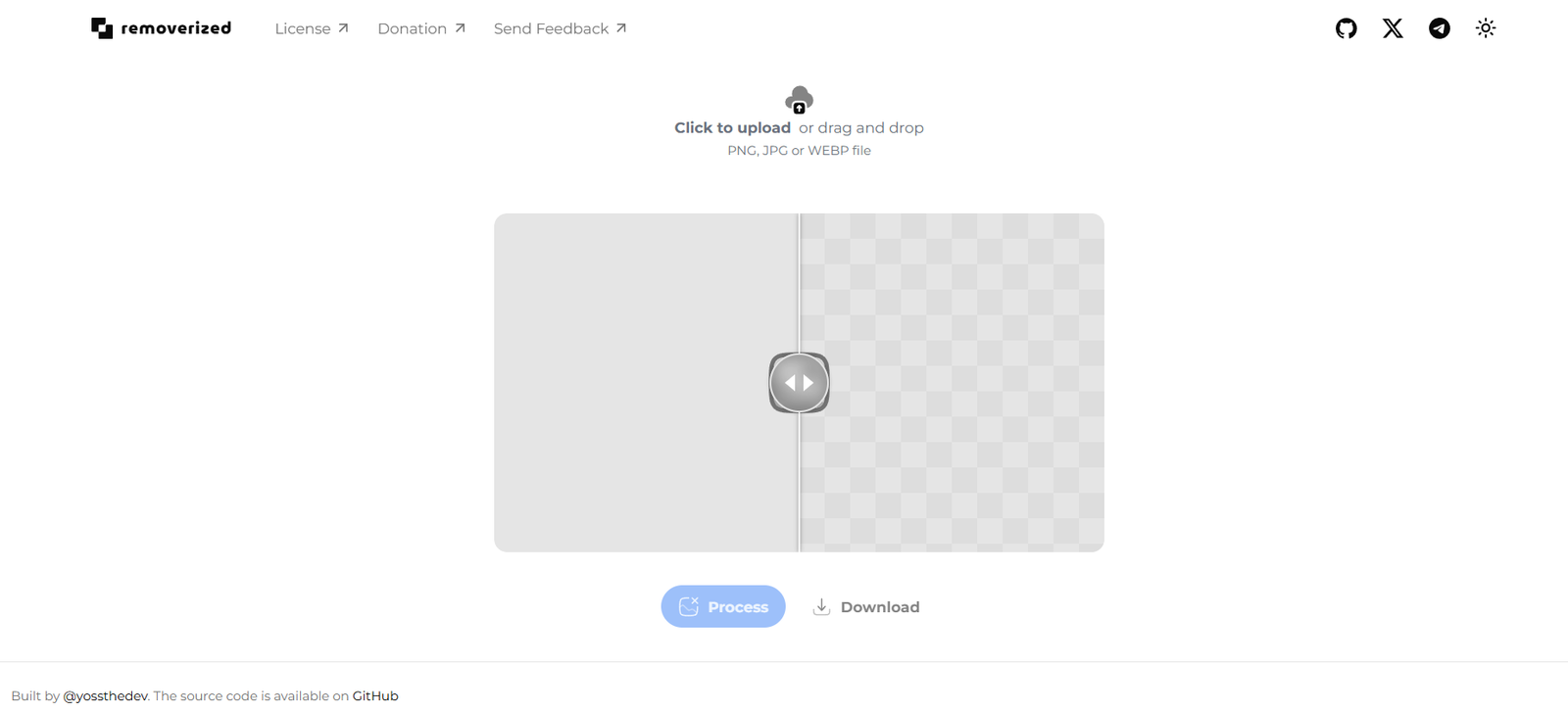
Removerized is an open-access, web-based tool designed to remove backgrounds from images using artificial intelligence. The app is hosted at https://removerized.pages.dev and can be accessed directly without requiring any installation or login.
It accepts image uploads from your local device and processes them in real time to separate the foreground subject from the background. The output is a clean PNG image with a transparent background, ready for use in design, social media, e-commerce, or presentations.
The project appears to be built for simplicity and speed, offering an ad-free, distraction-free interface. It is particularly useful for users looking for a lightweight, one-click solution without complex editing features.
Features
Instant Background Removal
Using pre-trained AI models, Removerized identifies the subject and removes the background in seconds.
No Login or Account Required
You can use the tool instantly, without creating an account or providing personal details.
Browser-Based Application
Runs entirely in your browser with no downloads, plugins, or extensions needed.
Drag-and-Drop Interface
You can drag and drop an image directly into the page, making the workflow seamless.
Transparent PNG Output
Images are exported as transparent PNGs, perfect for further editing or use in design tools.
Completely Free to Use
There are no paywalls, usage limits, or premium plans—Removerized is entirely free.
Minimalist User Experience
The interface is clean, with only one goal: upload an image and download the result.
How It Works
Removerized simplifies the process of background removal to just a few steps:
Visit the Website
Go to https://removerized.pages.dev using any modern browser.Upload an Image
Click on the upload area or drag-and-drop an image file (JPG or PNG format).AI Processing
The tool uses a lightweight machine learning model to detect the main subject and remove the background automatically.Download the Output
Once processed, a PNG image with a transparent background is displayed. You can click to download it instantly.
No settings to adjust, no features to toggle—just a fast, efficient, and reliable result.
Use Cases
E-commerce Product Images
Remove messy backgrounds from product photos for a clean, professional look on marketplaces like Amazon, Etsy, or Shopify.
Social Media and Content Creation
Create standout posts, thumbnails, or profile pictures by placing your subject against new custom backgrounds.
Digital Marketing and Design
Use cutout images in banners, email campaigns, or infographics to capture user attention.
Education and Presentations
Improve classroom visuals or online lesson content by isolating objects and people in teaching materials.
Blogging and Web Design
Add transparent images to websites or blogs to integrate better with layouts and themes.
Quick Image Prototyping
Designers can test visuals or mockups rapidly without waiting for manual background edits.
Pricing
Removerized is 100% free to use.
No subscription required
No sign-up needed
No hidden fees
Unlimited image uploads
There is no premium version or monetization model currently in place. Users can access full functionality without any restrictions. This makes it ideal for students, freelancers, or casual users who need occasional background removal.
Strengths
Completely Free
No cost to the user, even for high-quality transparent background results.
Fast and Lightweight
The tool loads quickly and processes images in seconds, even on slower devices.
No Setup Required
No need to install apps or sign up. Just open the site and start working.
Highly Accessible
Works on any device with a browser—Windows, macOS, Linux, Android, or iOS.
Simple and Effective Interface
Focuses on doing one thing very well: removing image backgrounds instantly.
Privacy-Friendly
No personal data is collected. Images are processed client-side or removed after session ends (depending on implementation).
Drawbacks
No Editing or Refinement Tools
You cannot manually touch up the background removal if the result is imperfect.
No Batch Uploading
Only one image can be processed at a time. No support for bulk editing.
Limited File Format Support
Supports only JPG and PNG files; no support for TIFF, GIF, or PSD.
No Background Replacement
Users cannot replace the removed background with a color, gradient, or new image directly in the tool.
No Cloud Storage or History
There is no option to save projects, revisit past edits, or organize files.
No API or Developer Integration
Unlike some competitors, Removerized does not offer an API or automation tools for developers.
Comparison with Other Tools
Removerized vs Remove.bg
Remove.bg is more feature-rich but adds watermarks in its free version and limits downloads. Removerized is fully free with no branding.
Removerized vs Slazzer
Slazzer offers plugins, batch processing, and paid plans. Removerized is simpler but more accessible for single-use cases.
Removerized vs Adobe Express
Adobe Express requires a login and is part of a larger suite. Removerized is streamlined and doesn’t require an account.
Removerized vs Canva Background Remover
Canva offers background removal as a Pro feature only. Removerized offers it free without subscription.
Customer Feedback and Community Use
Removerized doesn’t publish testimonials, but based on its simplicity and accessibility, it’s ideal for users like:
Freelance designers who need fast background removal
Students working on class presentations
Social media managers creating fast-turnaround content
Entrepreneurs preparing product listings
Non-technical users who want a tool that “just works”
Conclusion
Removerized is a clean, fast, and entirely free tool for anyone who needs to remove image backgrounds with minimal effort. Unlike other platforms that introduce complexity or paywalls, Removerized focuses on usability and speed. It’s perfect for occasional users, students, freelancers, and anyone looking for a simple solution without the overhead of subscriptions, software, or registration.
While it doesn’t offer advanced editing tools or batch processing, its speed, accessibility, and zero-cost nature make it a compelling choice in the crowded background removal space.









