
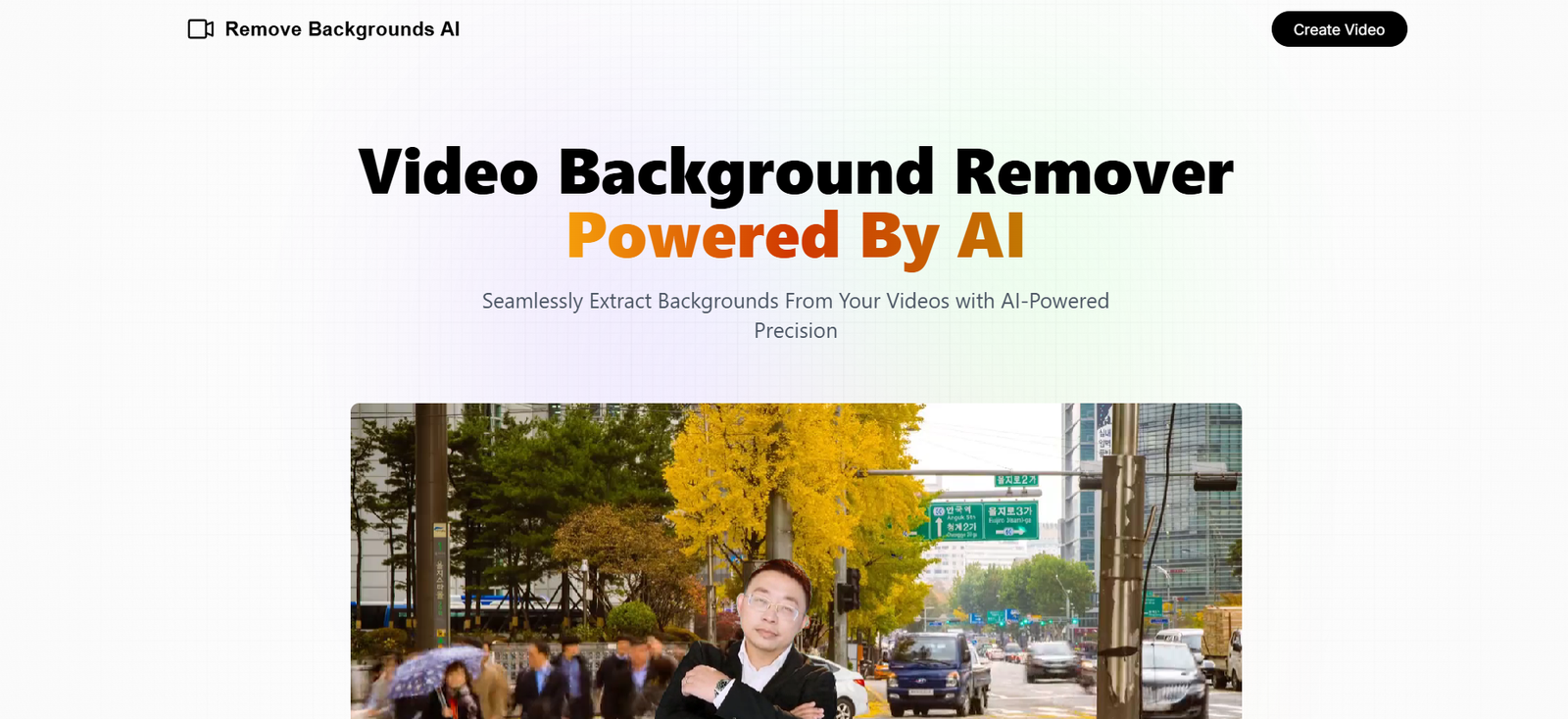
RemoveBackgroundsAI.com is a web-based AI tool designed to automatically remove the background from images with just a single upload. Built for speed and simplicity, this tool helps content creators, e-commerce sellers, marketers, and casual users create clean, professional-quality images by separating subjects from their backgrounds—no manual work or editing expertise needed.
Leveraging advanced machine learning models, RemoveBackgroundsAI.com identifies people, objects, and products, producing precise cutouts suitable for marketing materials, social media posts, or online stores. The platform is fast, intuitive, and requires no downloads or account setup, making it one of the most accessible tools in the AI image editing space.
Features
AI-Powered Background Removal
Uses artificial intelligence to detect and extract the subject in an image with clean edges and minimal artifacts.
One-Click Simplicity
Removes backgrounds in seconds—just upload your image and download the result.
Web-Based Platform
No installation required. Works in any modern browser on desktop or mobile.
Download in PNG Format
Exports with transparent backgrounds, perfect for reuse across various design platforms.
Supports Various Image Types
Works with product photos, portraits, objects, and more.
No Signup Required
Start editing immediately without creating an account.
Secure Processing
Uploaded images are processed and deleted shortly after download to protect user privacy.
How It Works
Visit RemoveBackgroundsAI.com
Open the website using your preferred browser on desktop or mobile.Upload an Image
Choose an image from your device in JPEG or PNG format.Automatic Background Removal
The AI processes the image in seconds, identifying the subject and removing the background.Preview and Download
Review the processed image and download it in PNG format with a transparent background.Use Anywhere
Use your edited image for product listings, profile pictures, presentations, or graphic design.
Use Cases
E-commerce Product Photos
Quickly remove backgrounds to create clean, professional images for Amazon, Etsy, or Shopify.
Marketing & Advertising
Design ad creatives, flyers, or banners using transparent subject images.
Profile Pictures
Make professional headshots for LinkedIn, resumes, or digital profiles.
Content Creation
Edit thumbnails and visuals for social media, blogs, and videos.
Presentation Materials
Clean visuals for PowerPoint or business documents.
Print & Digital Design
Prepare images for logos, brochures, infographics, or branded materials.
Pricing
As of May 2025, RemoveBackgroundsAI.com offers free and paid options:
Free Access
Limited to standard resolution
Watermark included
Ideal for testing or personal use
Premium Download – $1 per image
High-resolution PNG
No watermark
One-time payment
Ideal for commercial use
Bulk Packages
10 images – $8
25 images – $15
50 images – $25
More cost-effective for frequent users or businesses
Payments are processed securely online, and credits never expire. No subscription is required.
Strengths
Fast Processing
Takes only a few seconds to process and generate clean image cutouts.
Beginner-Friendly Interface
No tutorials or training needed—ideal for non-designers.
No Account Required
Edit images instantly without registration or login.
Transparent PNG Downloads
High compatibility with most design and publishing tools.
Pay-as-You-Go Pricing
Flexible cost model without any subscription commitment.
Mobile and Desktop Compatible
Use from any device with a browser and internet access.
Drawbacks
Limited Editing Tools
No manual brush tools or advanced editing features for touch-ups.
Watermarks on Free Images
Free downloads include a watermark, making them less suitable for professional use.
No Background Replacement Options
Focuses only on background removal—not background replacement or editing.
No Batch Processing
Processes one image at a time—may be time-consuming for large volumes.
No AI Enhancements
Lacks features like image upscaling or facial enhancement found in other platforms.
Comparison with Other Tools
RemoveBackgroundsAI.com vs. Remove.bg
Remove.bg offers robust API access and batch processing in its paid plans, while RemoveBackgroundsAI.com is more affordable and straightforward for individual users.
RemoveBackgroundsAI.com vs. BGClearer.com
Both provide free AI background removal, but RemoveBackgroundsAI.com offers premium high-res, watermark-free images for just $1, which BGClearer lacks as a defined option.
RemoveBackgroundsAI.com vs. Canva
Canva requires a Pro subscription to remove backgrounds. RemoveBackgroundsAI.com offers a lower-cost alternative for one-time or casual users.
RemoveBackgroundsAI.com vs. Adobe Express
Adobe Express includes background removal as part of a larger suite. RemoveBackgroundsAI.com is focused solely on fast, single-purpose background cutouts.
Customer Reviews and Testimonials
“Super easy to use. I got a clean PNG from a selfie in less than 10 seconds.” – Social Media Manager
“We use it for our Etsy shop photos—clean backgrounds make our products stand out.” – Online Seller
“Affordable and fast. I love that I can just pay for what I need without a subscription.” – Freelance Designer
“Great for my resume and LinkedIn headshots. Looks like I took them in a studio.” – Job Seeker
Conclusion
RemoveBackgroundsAI.com is a fast, affordable, and user-friendly tool for anyone needing quick background removal without the hassle of subscriptions or complex software. It’s ideal for marketers, creators, e-commerce sellers, and everyday users who want clean image cutouts in seconds.
With simple pricing, no watermarks on paid downloads, and excellent AI accuracy,










