
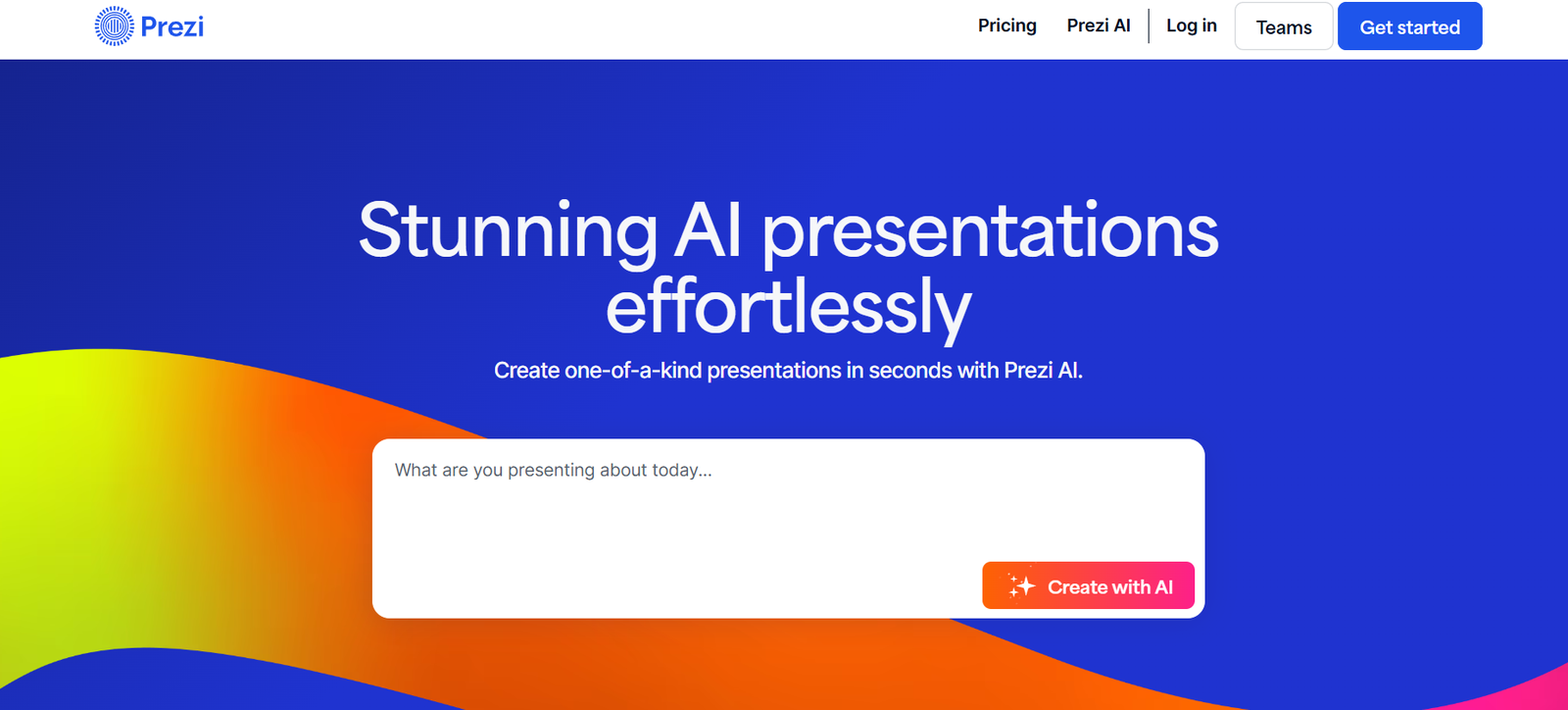
Prezi is a visual communication platform that helps users create engaging, non-linear presentations through zoomable canvases and dynamic animations. Unlike traditional slide-based tools, Prezi uses motion, spatial relationships, and visual storytelling to enhance the way ideas are shared.
Launched in 2009 and continuously evolving, Prezi is popular among educators, business professionals, marketers, and public speakers who want to capture audience attention and communicate ideas more effectively.
Features
Zoomable Presentation Canvas
Prezi replaces slides with an infinite canvas, allowing users to zoom in and out of key points to create a more immersive and interactive experience.
Prezi Video
Turn your camera into a dynamic presentation tool. Prezi Video allows users to appear alongside their content during live or recorded video calls, making virtual communication more personal and engaging.
Prezi Design
Create infographics, reports, charts, and other visual assets using drag-and-drop tools — all from within the Prezi platform.
Templates and Themes
Choose from a wide selection of professionally designed templates tailored to different industries and use cases.
Collaboration Tools
Teams can collaborate on presentations in real time, adding comments and edits across shared projects.
Analytics
Track presentation performance with view counts, engagement metrics, and time spent on each section (available in premium plans).
Integration with Video Conferencing
Works seamlessly with Zoom, Microsoft Teams, Google Meet, and Webex, enabling users to present content live without screen sharing.
Cloud-Based Access
Create and edit presentations from anywhere with Prezi’s web-based editor, or use Prezi’s desktop app for offline work.
How It Works
To use Prezi, users visit prezi.com, create an account, and choose a presentation type (Prezi Present, Prezi Video, or Prezi Design). Using the editor, users can add content such as text, images, shapes, icons, and animations.
Unlike slide tools that follow a linear path, Prezi allows users to place content on an open canvas and set a custom path between key points. Presentations can be shared via link, embedded on websites, or presented live through video calls.
Use Cases
Education and Teaching
Teachers and professors use Prezi to deliver engaging lessons that enhance visual learning and maintain student interest.
Business Presentations
Sales, marketing, and leadership teams rely on Prezi to present strategies, reports, and ideas in a compelling format.
Virtual Meetings
With Prezi Video, remote workers can make virtual meetings more dynamic and less screen-share dependent.
Pitch Decks and Demos
Startups and entrepreneurs use Prezi to create visually impressive pitch decks for investors and stakeholders.
Training and Development
Corporate trainers use Prezi to explain processes, tools, and onboarding materials in a more memorable way.
Webinars and Online Events
Prezi’s interactive format makes it ideal for creating presentations that stand out during online conferences or events.
Pricing
As of June 2025, Prezi offers several pricing plans tailored for individual users, teams, educators, and businesses:
Free Plan
Access to Prezi Present and Prezi Design
Basic templates and public sharing
100 MB storage
Individual Plus – $12/month
Offline access
Premium templates
Prezi Video recording
Private sharing and analytics
Individual Premium – $16/month
Advanced analytics
Video background removal
Enhanced editing tools
Priority support
Teams – Starting at $20/month per user
Team collaboration tools
Admin dashboard
Branded templates
Training and onboarding support
Education Pricing
Free plans for students and educators
Discounted EDU Plus and EDU Teams options
Details and eligibility requirements available at prezi.com/pricing.
Strengths
Unique, zoomable interface encourages visual storytelling
Prezi Video enhances live and remote presentations
Highly customizable templates for various use cases
Easy collaboration for teams and organizations
Integrated analytics help measure impact
Drawbacks
Takes time to learn for users familiar with slide-based tools
Can be resource-heavy on older devices or low-bandwidth environments
Limited advanced animation controls compared to some graphic tools
Offline functionality requires a paid plan
Comparison with Other Tools
Prezi vs. PowerPoint
PowerPoint follows a linear slide format. Prezi offers a zoomable canvas that supports non-linear storytelling and greater visual impact.
Prezi vs. Canva
Canva is great for static designs and basic presentations. Prezi provides a more dynamic and interactive experience, especially for live settings.
Prezi vs. Google Slides
Google Slides is ideal for simple collaboration and integration with G Suite. Prezi stands out for its engaging, motion-based presentation style.
Customer Reviews and Testimonials
Prezi is praised for its ability to keep audiences engaged and elevate presentations beyond standard slides.
“Prezi helped me deliver a presentation that actually held attention from start to finish.”
“Prezi Video changed how we run virtual meetings. No more boring screen shares.”
“It took a bit of learning, but once I got the hang of it, my presentations looked way more professional and creative.”
Educators and business professionals report improved audience retention and presentation impact.
Conclusion
Prezi is more than just a presentation tool — it’s a visual storytelling platform that transforms the way ideas are shared in both in-person and virtual environments. With its zoomable interface, integrated video features, and versatile design tools, Prezi helps individuals and teams create memorable, engaging presentations that leave a lasting impression.
Whether you’re teaching a class, pitching a product, or leading a remote team, Prezi gives you the creative power to stand out.


