
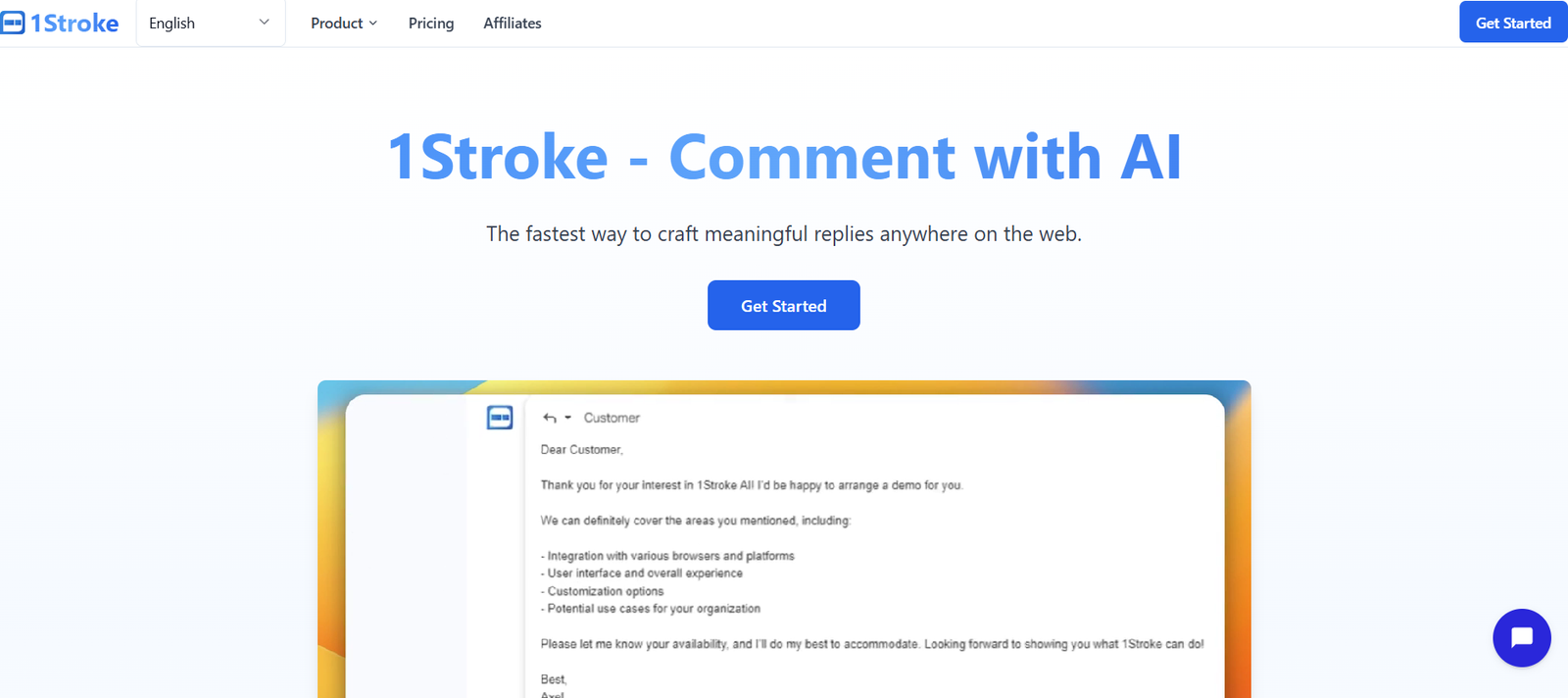
1stroke.ai is an AI-powered documentation assistant designed to help product teams, designers, and developers generate clean, user-friendly product documentation in a matter of minutes. Whether you’re launching a new SaaS feature, updating internal tools, or maintaining technical documentation, 1stroke.ai simplifies the writing process with intelligent automation.
By translating product flows and screens into structured documentation, the tool ensures faster delivery, consistent tone, and clarity—without requiring dedicated technical writers. It’s built for modern teams that want to ship faster and explain better.
Features
1stroke.ai is tailored for product professionals with the following capabilities:
AI-Powered Document Generation: Turn product flows and UI screens into descriptive, step-by-step guides.
Flow-Based Inputs: Upload product flows and automatically generate matching documentation.
UI Integration: Works with screenshots or design files to auto-analyze screens and describe functionality.
Consistent Tone and Voice: Maintain clarity and brand consistency across product docs.
Editable Output: Generated content can be revised, customized, or exported.
Version History: Keep track of documentation changes and updates (feature in development).
Collaboration Ready: Share and collaborate on docs with teammates (team plans expected).
Export Options: Export documentation into Markdown, HTML, or PDF formats.
Use-Case Templates: Generate product onboarding flows, release notes, feature walkthroughs, and more.
Web-Based Interface: All features accessible via browser—no installation needed.
These features enable product teams to maintain up-to-date documentation without manual, time-consuming writing tasks.
How It Works
1stroke.ai automates the documentation process through a few intuitive steps:
Input a Product Flow: Upload or create your product flow, including screenshots or interface references.
AI Analyzes the Flow: The tool interprets the UI and user steps using machine learning and natural language generation.
Generate Documentation: Receive a clean, step-by-step guide describing the feature or process.
Edit and Export: Customize the output and export it for your product portal, help center, or internal wiki.
In just minutes, teams can go from product walkthrough to publish-ready documentation.
Use Cases
1stroke.ai supports a wide variety of real-world documentation needs:
Product Launches: Quickly generate documentation for new feature rollouts.
User Onboarding: Create step-by-step onboarding instructions for new users.
Developer Handoff: Document user flows to help engineering understand product intent.
Customer Support: Build internal guides or public FAQs to reduce support tickets.
QA Testing: Provide clear flow documentation for testing and validation.
Technical Docs for APIs or Tools: Convert internal product flows into external-facing documents.
UI/UX Reviews: Capture and describe product journeys for stakeholders.
It’s an ideal tool for SaaS teams, design-led product orgs, and tech-forward customer support departments.
Pricing
As of the latest available details on https://www.1stroke.ai, 1stroke.ai is currently available by request, suggesting it may still be in a closed beta or invite-only launch phase.
Expected Pricing Tiers (based on SaaS market standards):
Free Trial
Limited documentation flows
Basic export options
Designed for exploring platform functionality
Pro Plan (Expected $20–$50/month)
Unlimited flows
Full export formats (Markdown, HTML, PDF)
Branding and tone customization
Ideal for product managers and designers
Team/Enterprise Plan (Custom Pricing)
Multi-user collaboration
Version control and approval workflows
Integration with platforms like Notion, Confluence, or Git
SLA, priority support, and onboarding
To access the platform, users must request early access via the official website.
Strengths
1stroke.ai offers compelling strengths that cater to fast-moving product teams:
Accelerates Documentation: Reduces hours of manual writing to minutes of AI-assisted generation.
Maintains Consistency: Ensures uniformity in tone, formatting, and structure across all documents.
Non-Writer Friendly: Enables designers and PMs to produce quality documentation without writing expertise.
Saves Time at Scale: Ideal for teams managing multiple features, updates, or modules.
Highly Visual Integration: Incorporates screen-based context into documentation logic.
These advantages help teams stay agile while keeping documentation current and clear.
Drawbacks
While innovative, 1stroke.ai does have some early-stage limitations:
Limited Public Access: Currently in beta—general availability is not immediate.
No Live Editing Collaboration Yet: Collaboration tools are expected but not fully available.
Brand Customization May Be Basic: Advanced tone or brand controls are likely in development.
Dependent on UI Flow Quality: Input accuracy impacts AI output clarity.
Pricing Undisclosed: No transparent pricing available without signup or request.
These are typical for early-phase tools and likely to improve with product maturity.
Comparison with Other Tools
Here’s how 1stroke.ai compares to other documentation and product writing platforms:
1stroke.ai vs. Scribe
Scribe turns actions into guides. 1stroke.ai builds structured documentation from product flows, offering more editorial control.
1stroke.ai vs. Notion
Notion is a general-purpose documentation tool. 1stroke.ai auto-generates content specifically for product documentation needs.
1stroke.ai vs. Confluence
Confluence is a collaborative wiki. 1stroke.ai complements it by rapidly generating documentation to publish in Confluence or similar platforms.
1stroke.ai vs. ChatGPT
ChatGPT can assist with writing, but requires detailed prompting. 1stroke.ai provides guided, flow-based documentation with minimal input.
Customer Reviews and Testimonials
While no formal testimonials are listed on the homepage, early user feedback via product design and SaaS forums reflects positive sentiment:
“We used 1stroke.ai to generate documentation for a feature set that used to take us three days—now it takes 30 minutes.”
— Product Manager, SaaS Startup
“It bridges the gap between design and documentation perfectly.”
— UX Designer
“Our onboarding docs are now clearer and more consistent thanks to 1stroke.”
— Customer Success Lead
The emphasis is on speed, clarity, and how well it integrates with product workflows.
Conclusion
1stroke.ai is a next-gen documentation assistant that empowers product teams to write faster, publish clearer content, and streamline collaboration between design, development, and support. By automating the most time-consuming parts of documentation and focusing on structured, user-friendly output, it removes friction from a process that’s often overlooked.
If you’re building features and struggling to explain them clearly—or just need to save time—1stroke.ai offers a powerful, AI-driven solution to simplify product documentation.


