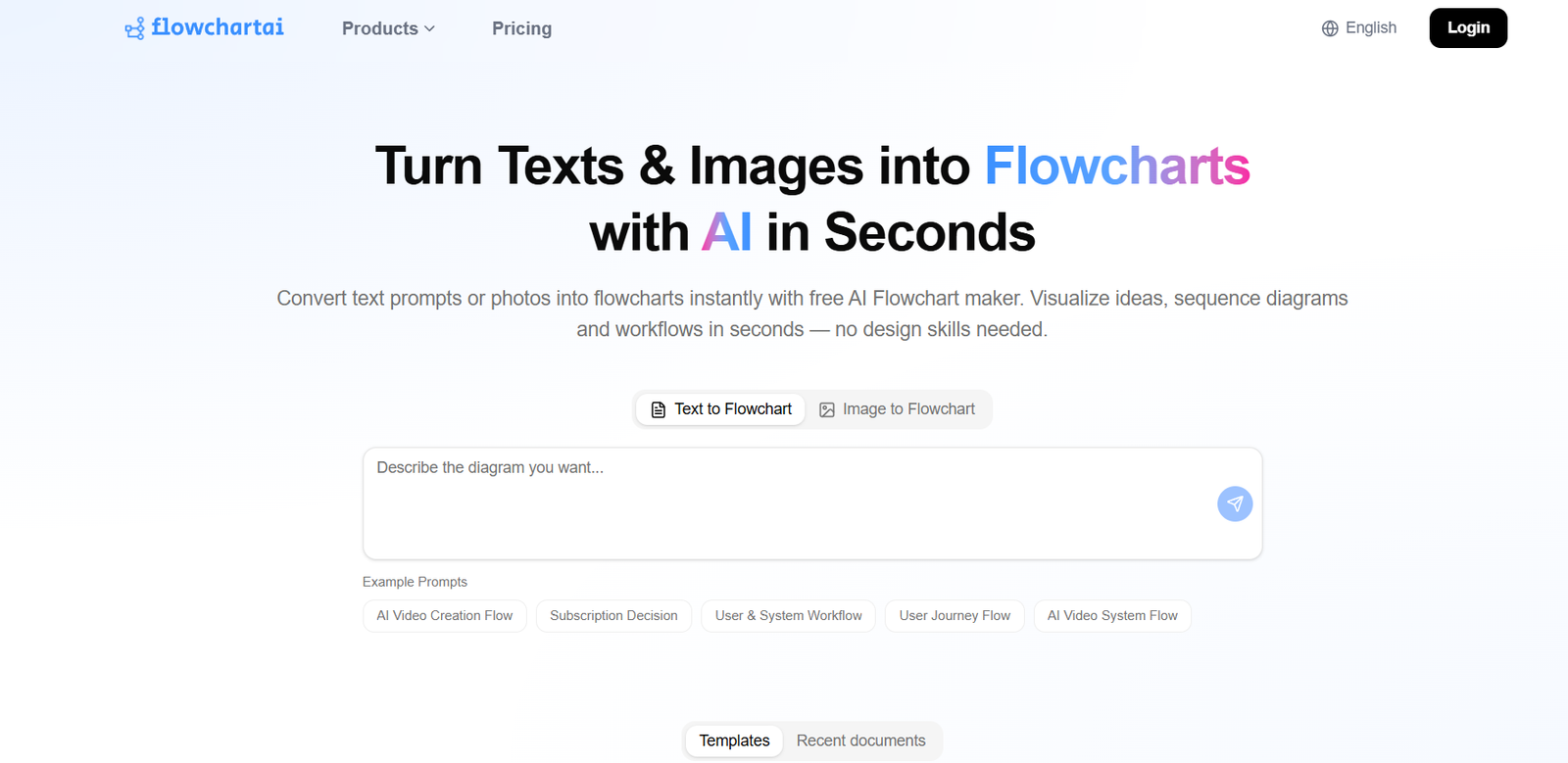
Flowchart AI is an AI-powered visual creation platform designed to generate interactive timelines, flowcharts, mind maps, charts, and diagrams from a wide variety of content sources. The tool is built for users who want to convert unstructured or structured information into visual formats that are easier to understand, present, and share. It supports source inputs such as plain text, PDF files, Word documents, PowerPoint presentations, spreadsheets, and images. This makes the platform especially useful for users who work with large amounts of information and want to transform that content into organized visual outputs quickly. Instead of building diagrams manually, users can rely on AI to analyse the source material and generate clear visual structures automatically.
Features
Flowchart AI supports the generation of interactive timelines that help users present events, milestones, or project stages in a chronological format. It can create flowcharts that map processes, decisions, and workflows from source material. The platform also generates mind maps for idea organization, brainstorming, and concept breakdown. In addition, it produces charts and diagrams that summarize and visualize information extracted from different file types. One of its strongest features is multi-source compatibility, allowing users to work with text, PDFs, Word files, PowerPoint files, spreadsheets, and images. This broad input support makes the tool flexible for both professional and academic use. The platform is designed to turn source content into visual outputs with minimal manual effort.
How It Works
Flowchart AI works by accepting source material in different formats and using artificial intelligence to analyse the content. After the content is uploaded or entered, the system identifies key information, structure, relationships, and sequence within the material. Based on this analysis, it generates a suitable visual representation such as a timeline, flowchart, mind map, chart, or diagram. For example, a document with step-by-step instructions may be turned into a flowchart, while a report with dates and milestones may be converted into a timeline. Spreadsheet data can be used for charts, and image-based content can be interpreted into diagram form. The goal is to reduce the effort required to manually read, interpret, and draw visual structures from source files.
Use Cases
Flowchart AI can be used by business teams to convert reports and process documents into workflow diagrams and presentation-ready visuals. Students and educators can upload learning materials, notes, or academic documents and turn them into mind maps or timelines for easier understanding. Project managers can use the platform to convert plans, schedules, and task descriptions into structured flowcharts and timeline views. Researchers can transform complex source material into charts and concept diagrams for analysis and communication. Marketing teams can use presentations and spreadsheets to generate visuals that summarize campaigns, strategies, or performance data. The tool is also useful for consultants, analysts, and operational teams who regularly work with documents and need fast visual summaries.
Pricing
Flowchart AI pricing may vary depending on the level of access, file handling capabilities, export features, and advanced interactive options offered by the platform. A basic plan may support limited file uploads and standard diagram generation, while premium plans may include broader document support, advanced customization, and enhanced export or collaboration options. Since pricing details can change, the most accurate information should be checked directly on the official website at https://www.flowchartai.tech/.
Strengths
One major strength of Flowchart AI is its ability to handle multiple content formats instead of relying only on plain text input. This makes it far more practical for real-world users who often work with PDFs, documents, slides, spreadsheets, and images. Another strength is the variety of visual outputs it can create, including timelines, flowcharts, mind maps, charts, and diagrams. The platform saves time by reducing the manual work involved in reading source files and creating visuals from scratch. It also improves clarity by presenting complex information in structured formats that are easier to understand. Its support for interactive visuals makes it more useful for presentations, collaboration, and exploration of information.
Drawbacks
The effectiveness of Flowchart AI depends on the clarity and quality of the source material. Poorly formatted documents, unclear images, or inconsistent data may reduce the quality of the generated visuals. Complex documents may still require manual editing after generation to ensure accuracy and completeness. Some advanced features may only be available in paid plans, which can limit access for users looking for a free solution. Users working with specialized or highly technical material may need to review the generated output carefully before using it in professional settings.
Comparison with Other Tools
Compared with traditional diagram tools, Flowchart AI offers a more automated and source-driven approach. Manual tools require users to build every chart, flowchart, or mind map step by step, while Flowchart AI starts with source files and generates visuals automatically. Compared with tools that only support text-to-diagram functionality, Flowchart AI stands out because it accepts multiple file types such as PDF, Word, PowerPoint, spreadsheets, and images. This gives it an advantage for users who need more than simple text conversion. It is particularly valuable for people looking for a single platform that can create several kinds of visuals from different input sources.
Customer Reviews and Testimonials
Users are likely to value Flowchart AI for its convenience, especially when converting existing files into visual content quickly. The ability to generate timelines, flowcharts, mind maps, charts, and diagrams from common document formats is a strong practical benefit. Professionals may appreciate the reduction in manual work, while educators and students may find it useful for simplifying complex material. Feedback is often strongest for tools that save time and improve communication, and Flowchart AI appears well-positioned in both areas.
Conclusion
Flowchart AI is a versatile visual generation tool that helps users create interactive timelines, flowcharts, mind maps, charts, and diagrams from a wide range of source materials. Its support for text, PDFs, Word files, PowerPoint presentations, spreadsheets, and images makes it especially useful for modern workflows where information comes from many formats. By turning source content into structured visuals automatically, the platform helps users save time, improve understanding, and present information more effectively. For users seeking a tool that combines AI automation with multi-format visual generation, Flowchart AI offers strong practical value.