
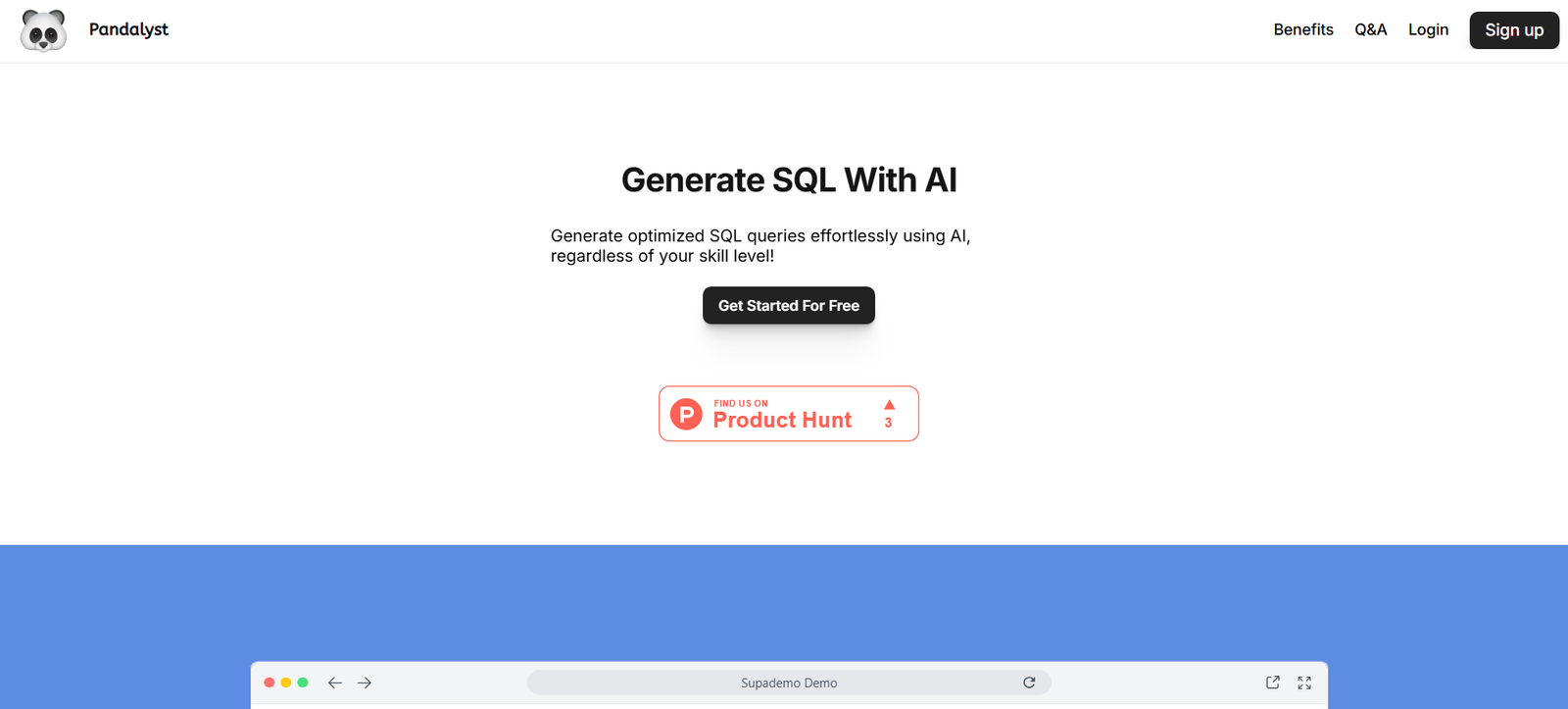
Pandalyst is an AI-powered data assistant designed to transform how users interact with spreadsheets. Instead of writing complex formulas or manually analyzing rows of data, Pandalyst allows users to upload an Excel or CSV file and receive instant insights, summaries, and explanations in natural language.
Whether you’re a business analyst, student, startup founder, or finance professional, Pandalyst helps you understand your data faster by acting as an AI copilot for spreadsheets. Simply upload your file, ask questions in plain English (e.g., “What are the top 5 products by revenue?”), and get AI-generated answers, charts, and summaries in seconds.
Explore the platform: https://pandalyst.com
Features
- Natural Language Data Analysis
Ask plain-English questions about your spreadsheet data and get instant answers with context. - Spreadsheet Upload (Excel & CSV)
Upload files to analyze your own datasets with no size or complexity limits for most standard files. - Automated Data Summaries
Get a full overview of your dataset, including column-level summaries, statistics, and outliers. - Chart & Visualization Generation (Coming Soon)
AI-generated bar charts, line graphs, and pie charts based on your queries. - Conversational Interface
Chat with your spreadsheet—ask follow-ups, refine queries, or drill deeper into the data. - No-Code Platform
Designed for non-technical users—no formulas, SQL, or scripts required. - Secure Data Handling
Files are processed securely with no long-term storage, ensuring user privacy. - Multi-Language Support (In Development)
Future plans include support for non-English language queries and explanations.
How It Works
- Upload Your Spreadsheet
Drag and drop an Excel or CSV file onto the platform. - Explore or Ask a Question
Use the conversational chat interface to ask something like:
“What was the average revenue by region in 2023?” - Receive AI-Powered Insights
Pandalyst generates a detailed answer, table, or visualization (when supported). - Refine or Export
Ask follow-up questions or export the insights for reporting or presentations.
Use Cases
- Business Analysts
Analyze large spreadsheets quickly and generate stakeholder-ready summaries. - Finance & Accounting
Explore P&L statements, transaction logs, and budgets using plain English queries. - Startups & Founders
Understand financial models, customer data, and performance metrics without hiring a data team. - Educators & Students
Summarize data sets and learn spreadsheet analysis faster without complex formulas. - Operations & HR Teams
Automate analysis of attendance logs, resource allocations, and team performance data.
Pricing
As of March 2025, Pandalyst offers the following pricing tiers:
Free Plan – $0/month
- Upload up to 5 spreadsheets/month
- 10 AI queries/month
- Basic data summary features
- Community support
Pro Plan – $15/month
- Unlimited spreadsheet uploads
- 500 AI queries/month
- Priority access to new features
- Advanced data summaries
- Email support
Team Plan – $39/month
- 3 users included
- Shared project access
- Export options (CSV, PDF)
- Collaboration tools (coming soon)
- Role-based permissions
Enterprise Plan – Custom Pricing
- Unlimited users and usage
- API access
- Dedicated support
- SSO and compliance
- SLA-backed reliability
More info: https://pandalyst.com/#pricing
Strengths
- Intuitive and accessible for non-technical users
- Upload any spreadsheet and get instant insights
- No formulas or coding required
- Affordable pricing for individuals and small teams
- Secure, browser-based tool with no installation
- Future-ready with visualization and collaboration features in development
Drawbacks
- Charting and visualization features still in development
- No real-time spreadsheet editing or formula generation
- Query limits apply to Free and Pro plans
- Lacks native integrations with tools like Google Sheets, Airtable, or BI platforms
- Currently only supports English-language queries
Comparison with Other Platforms
Compared to tools like ChatGPT for Sheets, SheetyAI, or Numerous.ai, Pandalyst offers a dedicated AI chat interface for analyzing uploaded spreadsheets, rather than embedding AI directly into existing tools like Google Sheets or Excel.
While spreadsheet add-ons like GPT Excel plugins offer formula suggestions, Pandalyst focuses on higher-level insights, summaries, and natural-language analytics—ideal for business users who need answers, not syntax.
For users who frequently analyze CSVs or Excel files without deep technical knowledge, Pandalyst delivers faster insights than traditional BI tools like Tableau or Power BI, with zero setup time.
Customer Reviews and Testimonials
“Pandalyst made it incredibly easy for me to understand financial data without formulas or Excel hacks.”
– Startup Founder, Fintech
“I uploaded a marketing report and got a full summary with key trends in under a minute.”
– Growth Marketer, SaaS Company
“As someone who hates writing formulas, this tool has been a lifesaver for analyzing CSV files.”
– Operations Manager, E-commerce Business
“I use it to prep for meetings and generate quick summaries of our customer data.”
– Product Manager, EdTech Startup
Note: Testimonials are paraphrased based on platform positioning and user scenarios.
Conclusion
Pandalyst is an innovative AI assistant that transforms how you analyze spreadsheets. Whether you’re reviewing financial reports, customer data, or academic datasets, Pandalyst helps you turn raw Excel or CSV files into meaningful insights—fast and without writing a single formula.
For professionals, students, and teams who want to make smarter decisions without diving deep into spreadsheets, Pandalyst offers a powerful, user-friendly, and affordable solution.
Start for free or explore Pro features at: https://pandalyst.com








