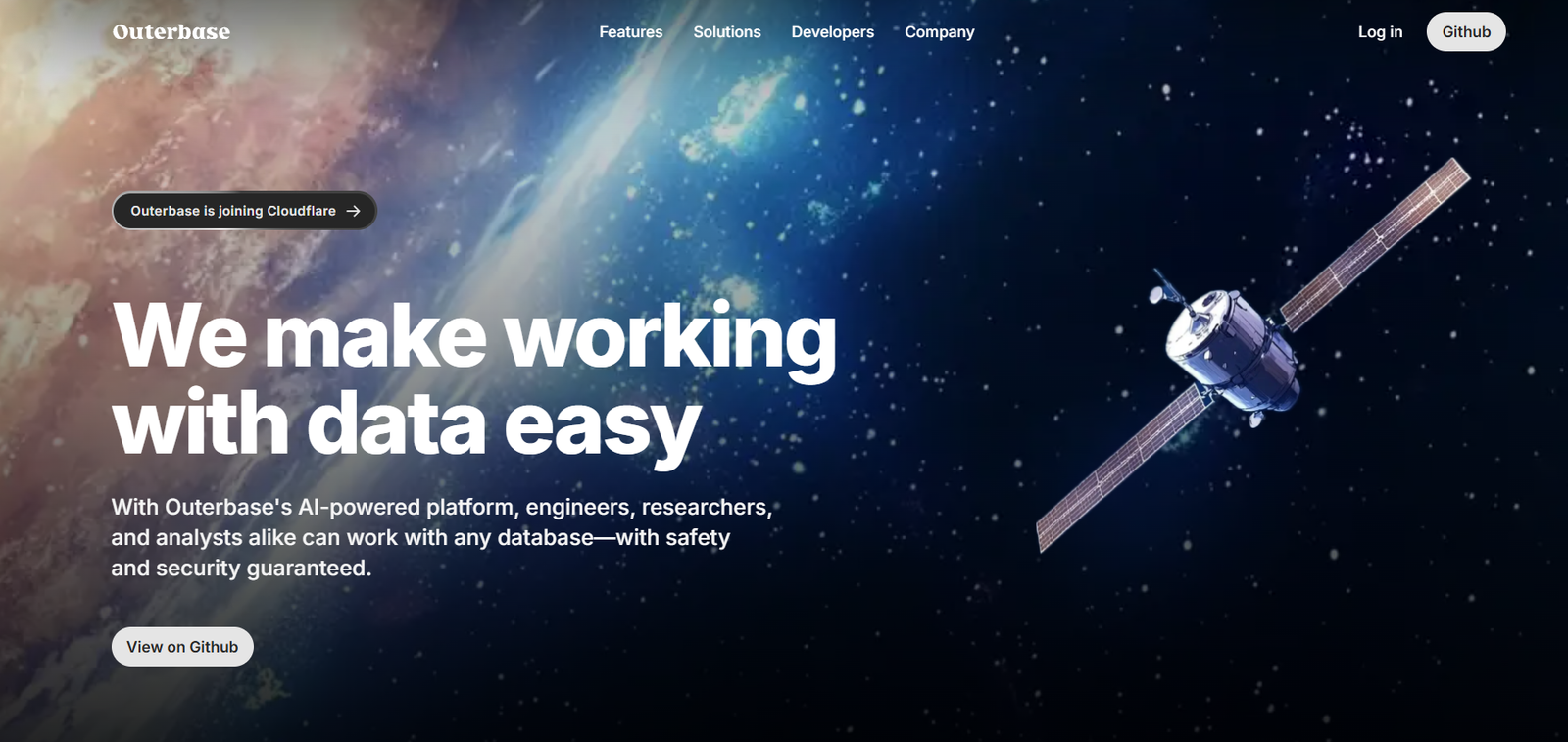
Outerbase is a modern, AI-powered platform that allows users to interact with databases through a visual and collaborative interface. Designed for developers, data teams, and business stakeholders, Outerbase simplifies querying, managing, and editing databases using natural language and intuitive tools.
Unlike traditional SQL clients or complex admin tools, Outerbase provides a spreadsheet-like interface enhanced by AI, enabling anyone—regardless of technical skill—to explore and manage structured data. The platform transforms database workflows into a fast, user-friendly experience that helps teams collaborate more effectively and make real-time decisions.
Features
Outerbase offers a wide range of modern features built to streamline database operations.
The Visual Editor mimics a spreadsheet interface, allowing users to view, edit, and filter rows of data directly from the database in a clean, interactive layout.
AI Querying allows users to input natural language prompts and receive SQL queries generated automatically by AI. This enables non-technical team members to retrieve data without needing to learn SQL syntax.
The SQL Editor supports both read and write operations, giving developers full control over the data when necessary. It includes syntax highlighting, formatting tools, and real-time previews.
Live Collaboration lets multiple users work within the same workspace, view data changes, and annotate queries for shared understanding, improving team productivity.
Custom Views can be saved for recurring queries or dashboards, allowing users to return to important datasets or visualizations easily.
Outerbase offers support for major SQL databases including PostgreSQL, MySQL, Snowflake, and more, making it compatible with a wide range of backend systems.
The platform also includes role-based access control to manage data permissions across teams and ensure secure data handling.
How It Works
Outerbase works by connecting directly to your existing SQL database through secure integrations. Once connected, the data is instantly available through the visual editor.
Users can start by browsing their tables in a spreadsheet-like interface. Filters, sorting, and pagination allow for quick exploration. For users who need to run queries, the platform offers an AI-powered query bar where natural language inputs are translated into executable SQL statements.
Advanced users can switch to the SQL editor for full query customization. All query results are displayed in the visual interface, where users can edit, export, or share the data.
Workspaces support multiple collaborators, and changes are reflected in real time. Custom views and query history help streamline repeated tasks or team reporting workflows.
Outerbase can be used directly from the browser without installing any software, and the onboarding process is fast—users can get connected to their database and begin querying in just a few minutes.
Use Cases
Outerbase has applications across a wide range of teams and industries.
Startup founders use it to quickly explore and manipulate user data without relying on developers.
Data analysts use Outerbase to collaborate with engineering and product teams, pulling data for reports, dashboards, or experimentation.
Customer support and operations teams can find specific user accounts or transaction records without needing access to complex backend tools.
Developers use Outerbase as a replacement for traditional admin dashboards, especially during early-stage development when quick, safe database access is essential.
Marketing teams can access product usage metrics or campaign data by querying the database without needing BI tools or technical support.
Educators and students use it as a learning tool to better understand SQL and relational database structure through a hands-on visual experience.
Pricing
As of the latest information available on the Outerbase website, the platform offers a free and paid tier.
Free Plan
Access to visual data editor
AI SQL generation (limited credits)
Single workspace
Basic SQL support and integrations
Pro Plan – $20/month per user
Unlimited AI SQL usage
Advanced collaboration tools
Multiple workspaces
Custom views and saved queries
Priority support
Enterprise Plan – Custom pricing
Tailored onboarding and support
Role-based access control
Dedicated infrastructure and security
Audit logging and compliance options
Custom integrations and SLAs
Full pricing details are available on the Outerbase website, and a free trial is available for users who want to test the platform before committing.
Strengths
Outerbase’s AI-powered natural language query builder dramatically lowers the barrier to accessing and analyzing structured data.
Its visual interface makes database management more intuitive, especially for users unfamiliar with traditional SQL tools.
The platform’s collaboration features help teams share insights and work together on queries without relying on engineering bottlenecks.
Outerbase supports a wide range of databases and has strong security and access control options, making it suitable for both startups and enterprise teams.
Its ability to combine spreadsheet-style exploration with real-time SQL querying provides flexibility for users at all technical levels.
Drawbacks
Outerbase may not support highly complex database operations or advanced analytics workflows that require custom scripting or stored procedures.
AI-generated SQL queries may occasionally require review or adjustment to ensure accuracy, particularly for nuanced data requests.
While the free tier is generous, larger teams or frequent users will need to upgrade to the Pro or Enterprise plan to unlock all collaboration and customization features.
As a relatively new platform, some users may encounter occasional bugs or UI limitations compared to long-established SQL clients.
Currently, the platform is optimized for web use only, with no native desktop applications available.
Comparison with Other Tools
Outerbase is best compared to tools like Retool, PopSQL, and TablePlus.
Unlike TablePlus or DBeaver, which are desktop SQL clients aimed at developers, Outerbase focuses on accessibility and collaboration through a web-based UI with AI support.
Compared to PopSQL, which supports team-based SQL query sharing, Outerbase offers a more visual experience with spreadsheet-like editing and AI prompt generation.
Retool is more focused on building internal tools and dashboards using components, whereas Outerbase is built specifically for data exploration and direct database management.
Outerbase bridges the gap between technical and non-technical users, positioning itself uniquely in the market as a low-barrier, collaborative data interface with real-time database access.
Customer Reviews and Testimonials
Outerbase has been featured on Product Hunt and received positive feedback for its clean interface and practical utility.
Users highlight how the tool improves collaboration between technical and non-technical team members by making database access less intimidating.
Many early adopters report significant time savings when using Outerbase to answer internal questions or debug data issues without engineering intervention.
Developers appreciate the SQL editor’s responsiveness and the ability to switch between manual and AI-assisted query generation.
Founders and startup teams find it helpful for monitoring databases in real time without building internal admin panels.
Conclusion
Outerbase is a modern solution for teams that want to manage and interact with their databases more intuitively. By combining AI, collaboration, and a spreadsheet-like interface, it reimagines the way teams work with data. Whether you’re a developer needing quick access to production data, or a non-technical team member seeking insights without writing SQL, Outerbase provides a fast, secure, and user-friendly experience.
Its pricing is accessible, and its flexibility makes it a great fit for startups, product teams, and growing organizations looking for a smarter way to handle database operations.