
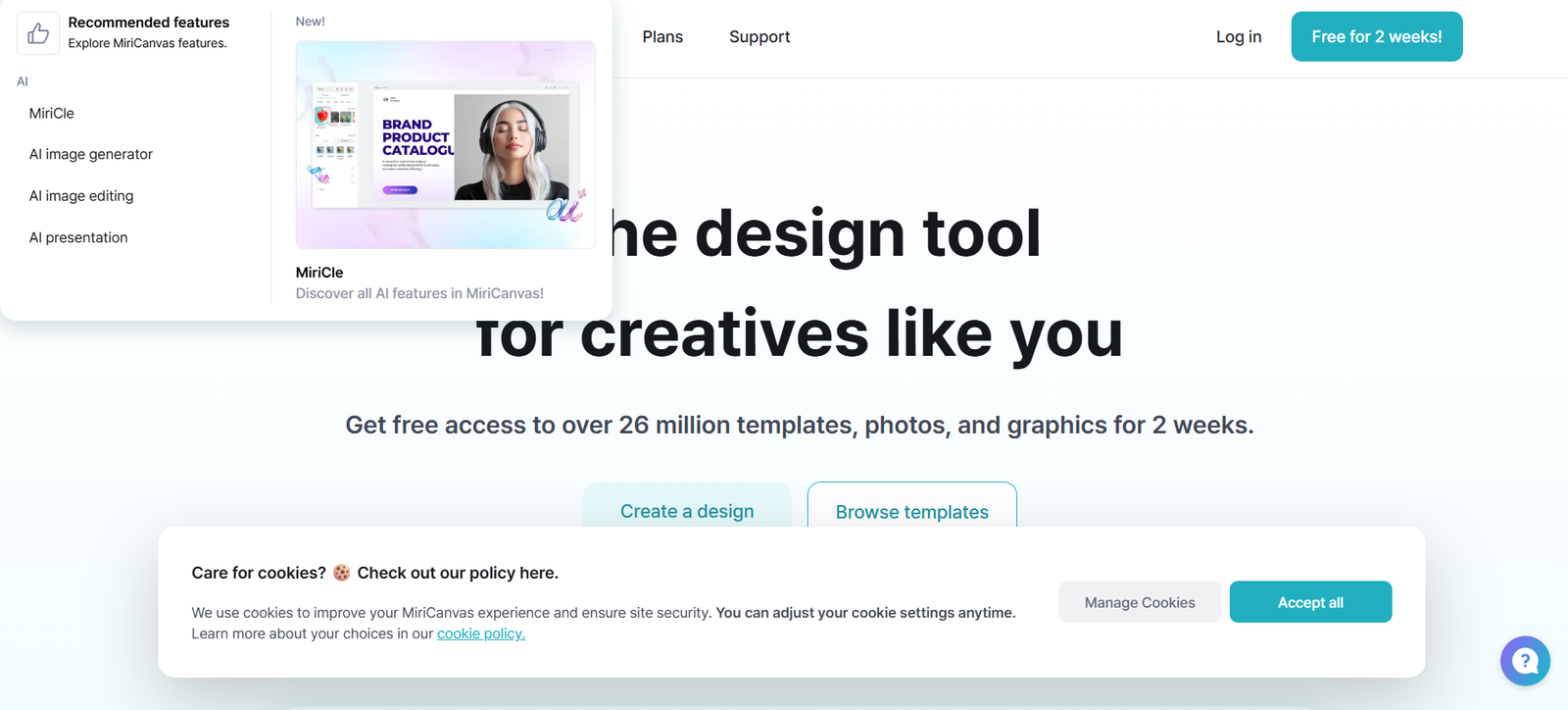
MiriCanvas is a web-based graphic design platform designed for marketers, business professionals, and creators who need high-quality visuals fast. Offering thousands of professionally crafted templates, MiriCanvas lets users design everything from social media posts and infographics to presentations and marketing materials—without needing graphic design experience.
Built by Kakaocorp (the company behind KakaoTalk), MiriCanvas stands out with its clean interface, rich Korean and global content, and strong collaboration features, making it especially popular in East Asia and steadily expanding to global markets.
Official website: https://www.miricanvas.com
Features
1. Thousands of Free Templates
Access pre-designed templates for Instagram, YouTube thumbnails, business presentations, posters, infographics, and more.
2. Drag-and-Drop Design Interface
Create polished visuals by dragging images, text, icons, and shapes onto your canvas. No design experience required.
3. Text & Font Library
Includes a wide range of Korean and English fonts for different use cases—headlines, body text, stylish scripts, and minimalist typefaces.
4. Stock Assets and Icons
Use free stock photos, vector icons, and illustrations built into the platform without copyright worries.
5. Brand Kit and Custom Fonts
Upload your own fonts, set brand colors, and save logos to maintain consistency across all projects.
6. Team Collaboration
Invite team members, co-edit designs in real-time, and manage shared folders. Ideal for marketing or content teams.
7. Multi-Device Support
Fully web-based, responsive on desktops and tablets. No software installation required.
8. PDF & Image Export Options
Export designs as high-resolution PNGs, JPGs, or PDFs for print or digital use.
How It Works
MiriCanvas is beginner-friendly and efficient:
Sign Up or Log In
Register with an email or Kakao account to access the full suite of features.Choose a Template or Start Blank
Browse by category (e.g., Instagram post, resume, presentation) or start from scratch.Customize with the Editor
Drag in photos, edit text, add icons, and adjust layouts. Tools are intuitive, even for non-designers.Collaborate and Save
Share your design with a team or export when ready. Designs are autosaved in the cloud.
MiriCanvas supports real-time collaboration similar to Google Docs or Figma.
Use Cases
1. Social Media Management
Quickly create professional Instagram posts, Facebook banners, TikTok thumbnails, and YouTube channel art.
2. Business Presentations
Design slide decks for meetings, pitches, and training materials using visually appealing templates.
3. Online Education and Courses
Create lesson slides, worksheets, and content visuals for eLearning platforms or YouTube tutorials.
4. Marketing Teams
Build marketing visuals for ads, landing pages, email campaigns, and printed materials.
5. Freelancers and Creators
Produce content for personal brands, blogs, portfolios, and newsletters with minimal effort.
6. Nonprofits and Schools
Generate flyers, certificates, event banners, and community posters with ease and for free.
Pricing
As of June 2025, MiriCanvas offers both free and premium plans:
Free Plan
Access to thousands of free templates
Free design editor and export tools
Limited access to premium templates and fonts
Team collaboration support
Premium Plan – ₩5,900/month (~$4.50 USD)
Full access to all templates and premium content
Priority customer support
Commercial use license
More storage and project slots
Premium plans are offered on a monthly or annual basis and can be canceled anytime. Payment is processed in Korean won (KRW), but international users can purchase via credit card.
For latest pricing updates, visit: https://www.miricanvas.com/price
Strengths
Free and Accessible: A strong free version with many assets and export options.
Professional Templates: High-quality designs suitable for business, marketing, and creative use.
Multilingual Support: Built-in Korean and English fonts, ideal for East Asian markets and global users.
Team Collaboration: Real-time co-editing and cloud storage enhance team productivity.
Simple UI: User-friendly interface perfect for non-designers and quick content creation.
Drawbacks
Language Interface: Some UI elements and support documents may still be in Korean, limiting accessibility for global users.
Limited Advanced Design Features: Not suitable for advanced graphic design tasks like photo manipulation or custom vector drawing.
Export Format Limitations: No direct SVG export; more focus on raster formats.
No Mobile App (Yet): Best used on desktop or tablet browsers; mobile optimization is basic.
Comparison with Other Tools
Versus Canva: Canva has broader global reach and mobile apps, but MiriCanvas is stronger in Korean-language content and local template design.
Versus Adobe Express: Adobe offers more robust creative integrations, but MiriCanvas is faster and easier for basic marketing and business visuals.
Versus Visme: Visme excels in infographics and data visualization, while MiriCanvas is more versatile for general design and team workflows.
MiriCanvas stands out as an excellent Canva alternative for Korean-speaking users and teams focused on quick, elegant designs for everyday business needs.
Customer Reviews and Testimonials
While MiriCanvas doesn’t display third-party reviews on its website, Korean design communities and social media users commonly praise its:
“Beautiful templates and fonts—it’s like Canva but tailored to Korean style.”
“Very useful for our school projects and presentations.”
“I love how easy it is to design Instagram posts in under 10 minutes.”
Positive mentions highlight its clean layout, modern design templates, and low learning curve.
Conclusion
MiriCanvas is a fast, intuitive, and free-to-start online design platform that enables anyone—from business professionals to students—to create polished visuals with ease. With thousands of templates, multilingual support, and team collaboration tools, MiriCanvas is especially appealing for Korean users and growing global teams that want an alternative to Canva.
If you’re seeking a simple, template-driven design experience with collaboration features and professional output, MiriCanvas is a top-tier choice.









