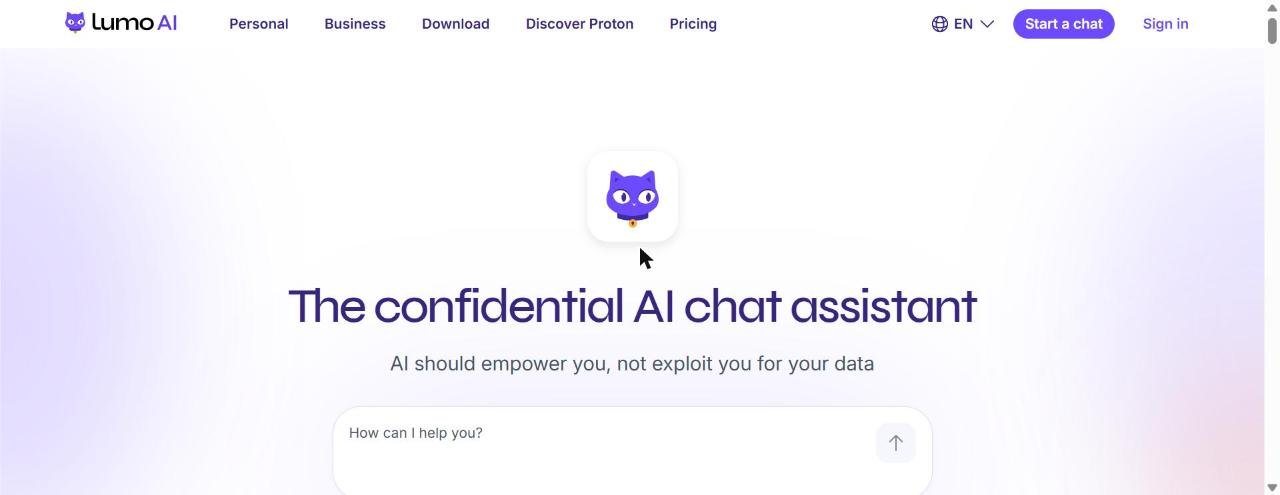
Lumo is the confidential AI chat assistant from Proton, the company behind Proton Mail and Proton VPN: your chats are stored with zero-access encryption and never used to train AI.
Facts checked: November 2026 · Sources: proton.me/lumo and its download page
Lumo answers questions, analyzes data, creates images and helps you get organized, while keeping conversations encrypted so not even Proton can read them. The new desktop apps add connectors to your apps and local files, plus scheduled tasks.
Privacy-conscious people and teams who want an AI chat assistant
Yes, free plan with a free Proton account
Lumo Plus €9.99/month billed yearly (€12.99 monthly)
Web, Windows, macOS, Linux, iOS and Android
Proton, based in Europe (GDPR)
Is Lumo right for you?
- want AI chat without your data being used for training or ads
- already use Proton Mail or other Proton apps
- want an open-source assistant you can verify
- need the largest ecosystem of plugins and integrations
- don’t want to create a Proton account
- need connectors and schedules on mobile (desktop only for now)
Lumo pricing
| Plan | Price | What you get |
|---|---|---|
| Free | €0 | Limited Max model usage, messages, chat history and image generation; 1 project |
| Lumo AI Plus | €9.99/month yearly or €12.99 monthly | More Max model usage, messages, chat history and images; unlimited projects and custom Lumos; 30-day money-back guarantee |
| Lumo for Business | See Proton’s site | Encrypted AI assistant for teams |
Prices shown in euros on the official site; USD and CHF are also available.
Key features
Zero-access encryption
Saved chats can only be read by you, not by Proton.
No training on your data
Proton says your chats are never used to train AI or for advertising.
Open source
Lumo’s code is public so anyone can check its privacy claims.
Desktop connectors
Connect your apps and local files and use connected tools in Lumo Desktop.
Schedules
Schedule recurring tasks in the desktop app.
Image generation
Turn descriptions into images and refine them.
Pros and cons
- Strong privacy and encryption
- Free plan available
- Apps for every major platform
- Based in Europe under GDPR
- Free plan has tight usage limits
- Connectors and schedules are desktop-only
- Needs a Proton account for most features
- Fewer integrations than the biggest AI assistants
How to get started
- Go to proton.me/lumo and start a chat, or download the app.
- Create a free Proton account to save encrypted chats.
- On desktop, connect your apps or files and set up a schedule.
Lumo alternatives
Lumo: frequently asked questions
Is Lumo free?
Yes. You can use Lumo with a free Proton account, with limits on messages, the Max model and image generation. Lumo Plus costs €9.99 a month billed yearly or €12.99 monthly.
Is Lumo private?
Proton says chats are saved with zero-access encryption, are not logged on its servers and are never used to train AI. Lumo’s code is open source.
Does Lumo have a desktop app?
Yes, for Windows, macOS and Linux. The desktop app adds connectors for your apps and local files, connected tools and scheduled tasks.
Can I use Lumo on my phone?
Yes, there are iOS and Android apps with dictation. Connectors and Schedules are only on desktop for now.
What are the best alternatives to Lumo?
ChatGPT and Claude are the best-known AI assistants. Venice AI is another privacy-focused option.