
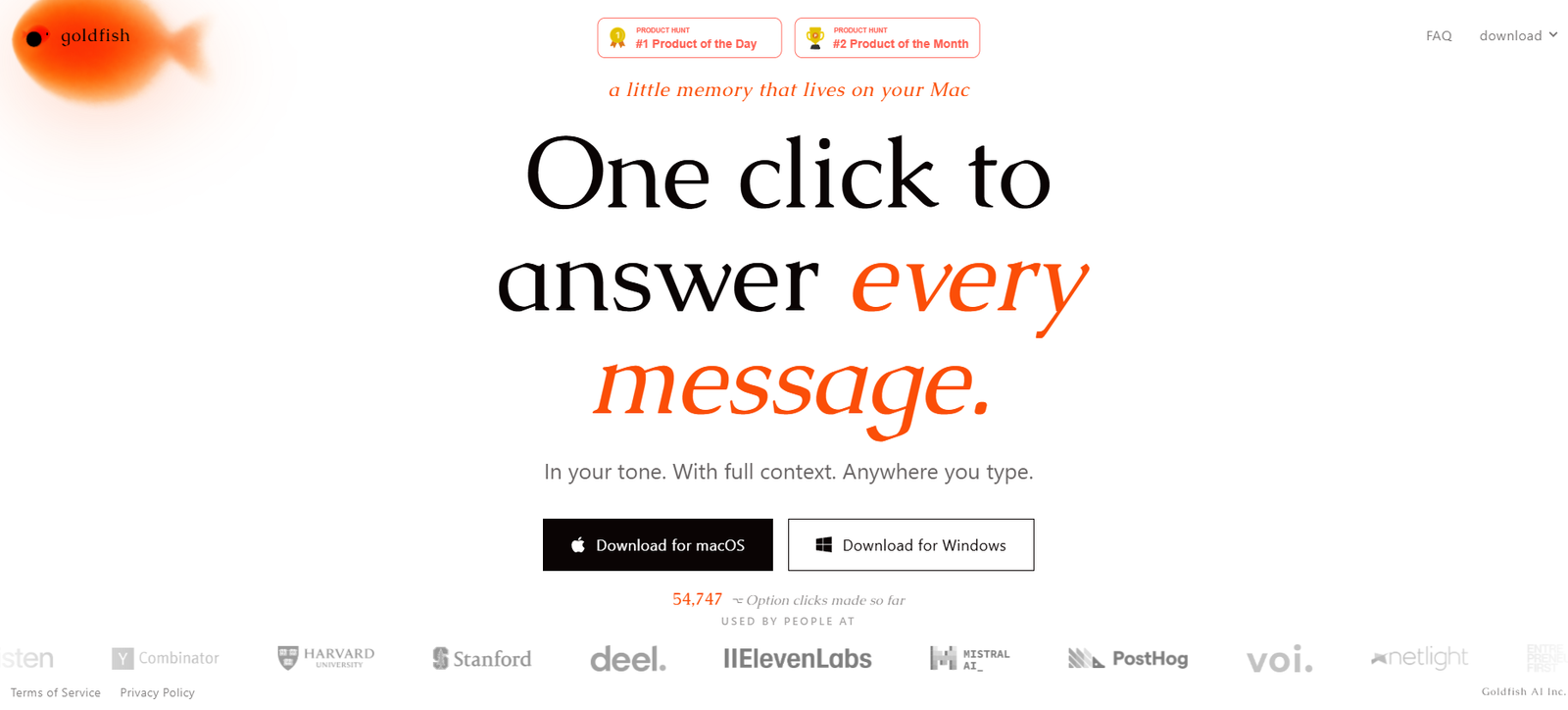
Goldfish is an AI-powered memory assistant designed for macOS and Windows that helps users write, reply, summarize, and recall information without repeatedly providing context. Instead of switching between AI chat windows or copying text into a chatbot, Goldfish works directly wherever you type, using a simple keyboard shortcut to provide context-aware assistance.
The platform builds a private memory of your recent work on your device, allowing it to generate responses that match your writing style and understand ongoing projects. Goldfish is intended for professionals, founders, developers, students, researchers, and anyone who spends significant time writing across multiple desktop applications.
Features
AI Memory
Goldfish remembers your recent work and conversations, allowing it to generate responses with relevant context instead of requiring repeated explanations.
Writing in Your Tone
The assistant adapts its responses to match your personal writing style, making emails, messages, and documents feel more natural.
Universal Desktop Support
Goldfish works across desktop applications wherever text can be entered, eliminating the need to switch between apps while writing.
One-Click AI Assistance
Users can press a keyboard shortcut to draft replies, continue writing, rewrite text, summarize conversations, or recall important information instantly.
Context-Aware Responses
The AI understands what you’ve been working on recently, helping produce more relevant and personalized suggestions.
Privacy-Focused Design
Goldfish emphasizes keeping your work context on your computer while providing AI assistance, reducing unnecessary copy-and-paste workflows.
How It Works
Download and install Goldfish on your Mac or Windows computer.
Allow the application to build contextual memory from your recent work.
Continue working in your preferred applications.
Press the designated keyboard shortcut whenever you need AI assistance.
Review the generated response and insert it directly into your document, email, or chat.
Use Cases
- Professionals drafting emails and business messages.
- Developers documenting projects and writing technical content.
- Students summarizing notes and preparing assignments.
- Researchers organizing information across projects.
- Founders managing customer communication.
- Writers improving drafts without switching applications.
- Teams looking for faster, context-aware writing assistance.
Pricing
Goldfish is currently available free during its beta period. The official website does not list paid subscription plans at this time.
Strengths
- Understands previous work context automatically.
- Writes in the user’s personal tone.
- Works across desktop applications.
- Reduces repetitive prompting.
- Simple keyboard shortcut workflow.
- Available for both macOS and Windows.
- Free during beta.
Drawbacks
- Currently in beta.
- Effectiveness depends on the quality of collected context.
- Advanced enterprise features are not yet publicly available.
- Some users may prefer complete manual control over AI-generated responses.
Comparison with Other Platforms
Unlike traditional AI chatbots that require users to repeatedly explain context or paste previous conversations, Goldfish continuously remembers recent work and provides context-aware writing assistance directly inside desktop applications. Its emphasis on persistent memory and writing in the user’s own tone makes it especially useful for people who work across multiple apps throughout the day.
Customer Reviews and Testimonials
Customer reviews and testimonials are not clearly available on the official website.
Conclusion
Goldfish is an innovative AI productivity assistant that brings contextual memory directly to your desktop workflow. By remembering your recent work, understanding your writing style, and providing instant assistance across applications, it helps reduce repetitive prompting and improves productivity. It is particularly well suited for professionals, developers, founders, students, and anyone seeking a more personalized AI writing experience.


