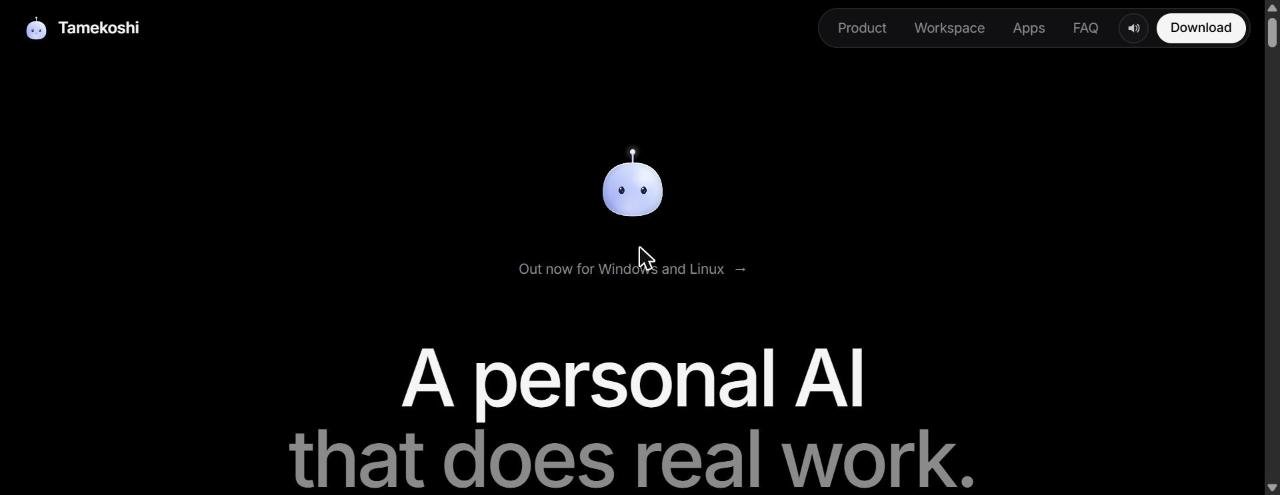
Tamekoshi (Tame) is a Tamagotchi-style personal AI that lives at the top of your screen and does real work: voice calls, background tasks with subagents, meeting notes and actions in your apps.
Facts checked: November 2026 · Sources: tamekoshi.com and its Product Hunt launch (20 Nov 2026)
Tamekoshi is a desktop AI companion. Talk to it on a voice call, hand off tasks that run in the background, get meeting notes with speaker labels, and message it from WhatsApp, Telegram, Slack and more. By default it asks before every action.
Power users who want an AI assistant that acts across their apps
Free beta (version 0.1)
Windows 10/11 and Linux; macOS 15+ in final testing
Nearly 80 providers; bring your own key or sign in with an existing account
Product Hunt, 20 November 2026
Is Tamekoshi right for you?
- want one AI assistant that works in Notion, Linear, GitHub and other apps
- want meeting notes without a bot joining the call
- are comfortable choosing and connecting your own AI model
- use a Mac and need it today
- want a simple chatbot with no setup
- need a finished, stable product rather than an early beta
Tamekoshi pricing
| Plan | Price | What you get |
|---|---|---|
| Beta 0.1 | Free | Desktop app for Windows and Linux |
| AI model usage | Depends on your provider | Bring your own key or sign in with an account you already have |
No paid plans are listed on the official site yet.
Key features
Voice calls
Start a call from the screen-top “island” and talk; interrupt, mute or push-to-talk.
Background tasks
Hand off work, use subagents in parallel and run routines on a schedule, webhook or poll.
Meeting notes
Captures mic and computer audio with speaker labels, decisions and action items; no bot in the call.
286 apps + MCP
Connect apps like Notion, Linear, GitHub and Figma, or any MCP server.
40+ channels
Message it on WhatsApp, Telegram, Slack, Teams, Signal, iMessage or email.
Its own computer
An isolated Linux desktop in the cloud or a local Docker/Podman container.
Pros and cons
- Free beta with a large feature set
- Asks before acting; payments and security changes always ask
- Works with almost any AI provider
- Meeting notes are transcribed on your computer
- Early 0.1 beta
- No Mac version yet
- You may pay your AI provider separately
- Not open source yet (on the roadmap)
How to get started
- Download the free beta for Windows or Linux from tamekoshi.com.
- Pick an AI provider and add a key or sign in with an existing account.
- Connect your apps, then start a voice call or hand Tame a task.
Tamekoshi alternatives
⇄ Compare Tamekoshi side by side
Tamekoshi: frequently asked questions
Is Tamekoshi free?
Yes, the 0.1 beta is free. You may need to pay your chosen AI provider, since you bring your own key or sign in with an account you already have.
What does Tamekoshi do?
It is a desktop AI companion that takes voice calls, runs background tasks with subagents, writes meeting notes with speaker labels, and acts in 286 connected apps and 40+ messaging channels.
Is Tamekoshi available on Mac?
Not yet. It runs on Windows 10 and 11 and Linux; the macOS 15+ build is in final testing and has a waitlist.
Does Tamekoshi act without permission?
By default it asks before every action. In auto-review mode reads run on their own while writes still ask, and payments and security changes always ask.
Is Tamekoshi open source?
Not yet. The maker says open source is on the roadmap.