
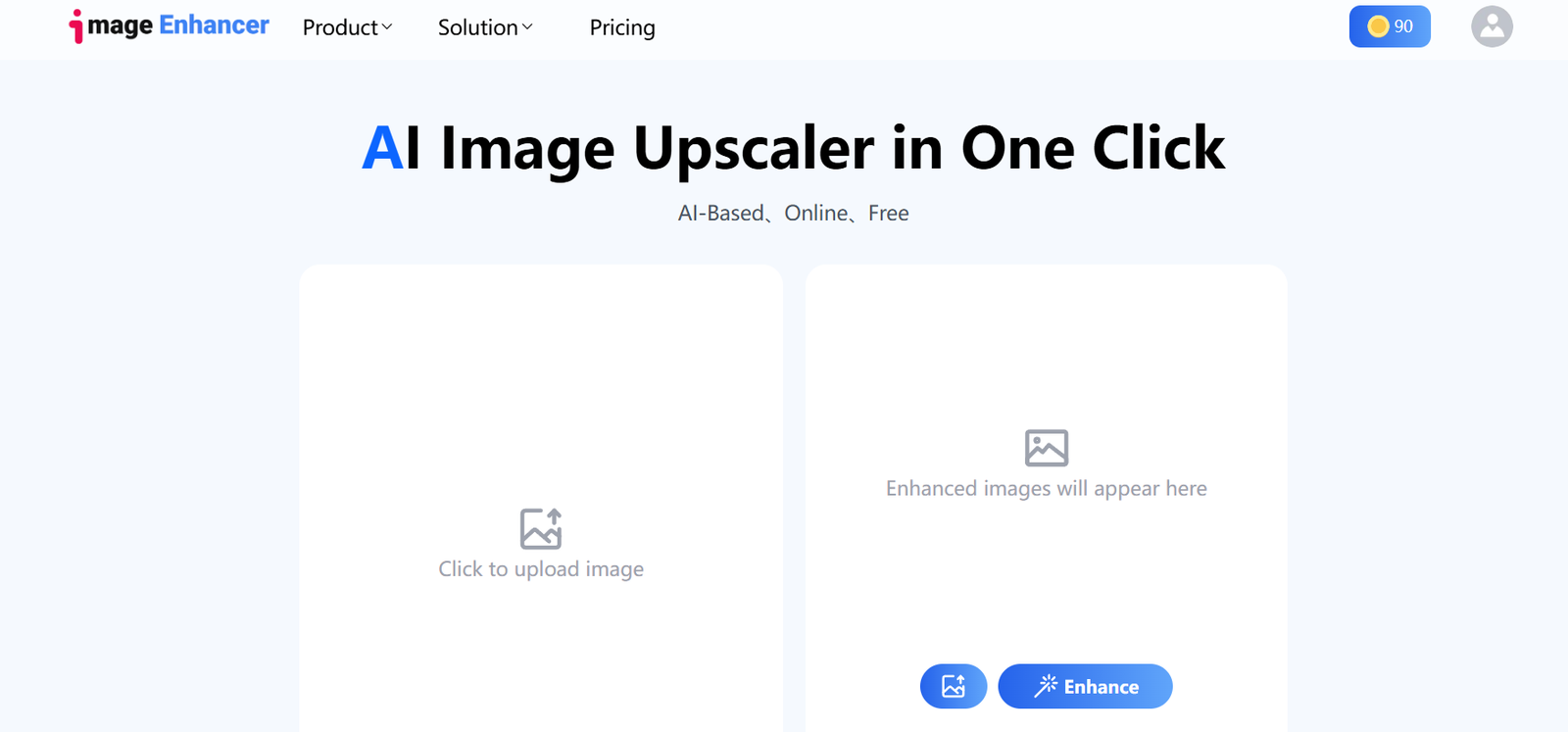
ImageEnhan is an AI-powered photo enhancement platform designed to upscale, deblur, denoise, and restore images quickly and automatically. Whether you’re trying to revive an old photograph, sharpen a blurry selfie, or upgrade the resolution of an image for printing or web use, ImageEnhan offers a simple, browser-based solution.
The platform uses cutting-edge machine learning algorithms to analyze and enhance image quality with one-click processing—making it ideal for both casual users and professionals who need to improve image clarity without mastering advanced photo editing tools.
Official website: https://www.imageenhan.com
Features
1. AI Image Upscaler
Increase image resolution by 2x, 4x, or more while preserving and enhancing visual details.
2. Deblur Tool
Automatically sharpens out-of-focus or motion-blurred images to restore clarity.
3. Denoising
Removes grain, noise, or artifacts caused by low light or compression.
4. Photo Restoration
Enhance old or damaged images by improving resolution, color accuracy, and texture detail.
5. Web-Based Interface
No need to install software—just upload, enhance, and download directly from your browser.
6. Multiple Format Support
Compatible with common image formats such as JPG, PNG, and WEBP.
7. Fast Processing
AI-enhanced images are ready within seconds to minutes, depending on resolution and enhancement level.
How It Works
Using ImageEnhan is quick and user-friendly:
Visit the Website
Go to https://www.imageenhan.com.Upload an Image
Drag and drop or browse to select a photo from your device.Choose Enhancement Options
Select the enhancement type: upscale, deblur, denoise, or restore.Click to Enhance
ImageEnhan’s AI engine processes the photo in the cloud.Download the Result
Once complete, the enhanced image is available for instant download.
No design experience or technical skills are needed—perfect for quick and effective photo fixes.
Use Cases
1. Social Media Users
Fix blurry or low-resolution photos before posting to Instagram, Facebook, or LinkedIn.
2. Online Sellers
Enhance product images for eCommerce listings, boosting professionalism and trust.
3. Designers & Creatives
Upscale images for print materials, ads, or websites without losing quality.
4. Photographers
Recover detail in noisy, low-light, or out-of-focus images using AI tools.
5. Students & Teachers
Restore old photos for school projects or history presentations.
6. General Users
Give a fresh life to old family pictures or restore memorable moments with clarity.
Pricing
As of June 2025, ImageEnhan operates on a freemium model:
Free Plan
Limited number of image enhancements per day
Watermarked output
Standard resolution only
Basic AI enhancement models
Pro Plan – $9.99/month
Unlimited image enhancements
HD resolution downloads
No watermark
Priority processing
Access to all enhancement tools (deblur, upscale, denoise)
Enterprise or Bulk Use
Custom pricing is available for high-volume users, agencies, or enterprise needs. Contact the support team via the website for details.
Strengths
Easy to Use: Designed for all users—no editing knowledge required.
Fast AI Processing: Enhancements are quick and cloud-based.
All-in-One Platform: Supports upscaling, deblurring, denoising, and restoration in one place.
No Installation Needed: 100% web-based access.
Affordable Pricing: Pro version is competitively priced for personal and small business use.
Drawbacks
Free Plan is Limited: Watermarked images and capped usage may not meet all user needs.
No Batch Processing: Currently supports single-image processing only.
No Mobile App: Desktop browser access only as of now.
Minimal Customization: No manual editing tools—limited to automatic AI adjustments.
Comparison with Other Tools
Versus Remini: Remini is mobile-based with real-time facial restoration. ImageEnhan offers a web alternative with broader photo enhancement tools.
Versus Let’s Enhance: Let’s Enhance has more advanced upscaling presets. ImageEnhan is simpler and more budget-friendly.
Versus Topaz Gigapixel AI: Topaz offers desktop software with professional control. ImageEnhan is better for casual or rapid use without downloads.
ImageEnhan is ideal for users who want fast, AI-powered image improvements without a learning curve or expensive software.
Customer Reviews and Testimonials
While the official website does not yet display user testimonials, early adopters from online forums and social media report:
“Quick and accurate. Helped clean up an old photo for my grandmother’s birthday gift.”
“Impressed by how clear my travel photos looked after using the upscale tool.”
“Fast and easy—just what I needed for my Etsy product shots.”
Overall, users praise the platform’s ease of use, fast delivery, and noticeable improvements in photo quality.
Conclusion
ImageEnhan brings the power of AI to everyday photo editing, allowing users to upscale, deblur, and denoise images in seconds—all from the convenience of a web browser. With an intuitive interface and affordable pricing, it serves as a practical tool for casual users, social media managers, online sellers, and creative professionals alike.
If you’re looking to revive your photos without complex software, ImageEnhan is a simple and effective solution worth trying.







