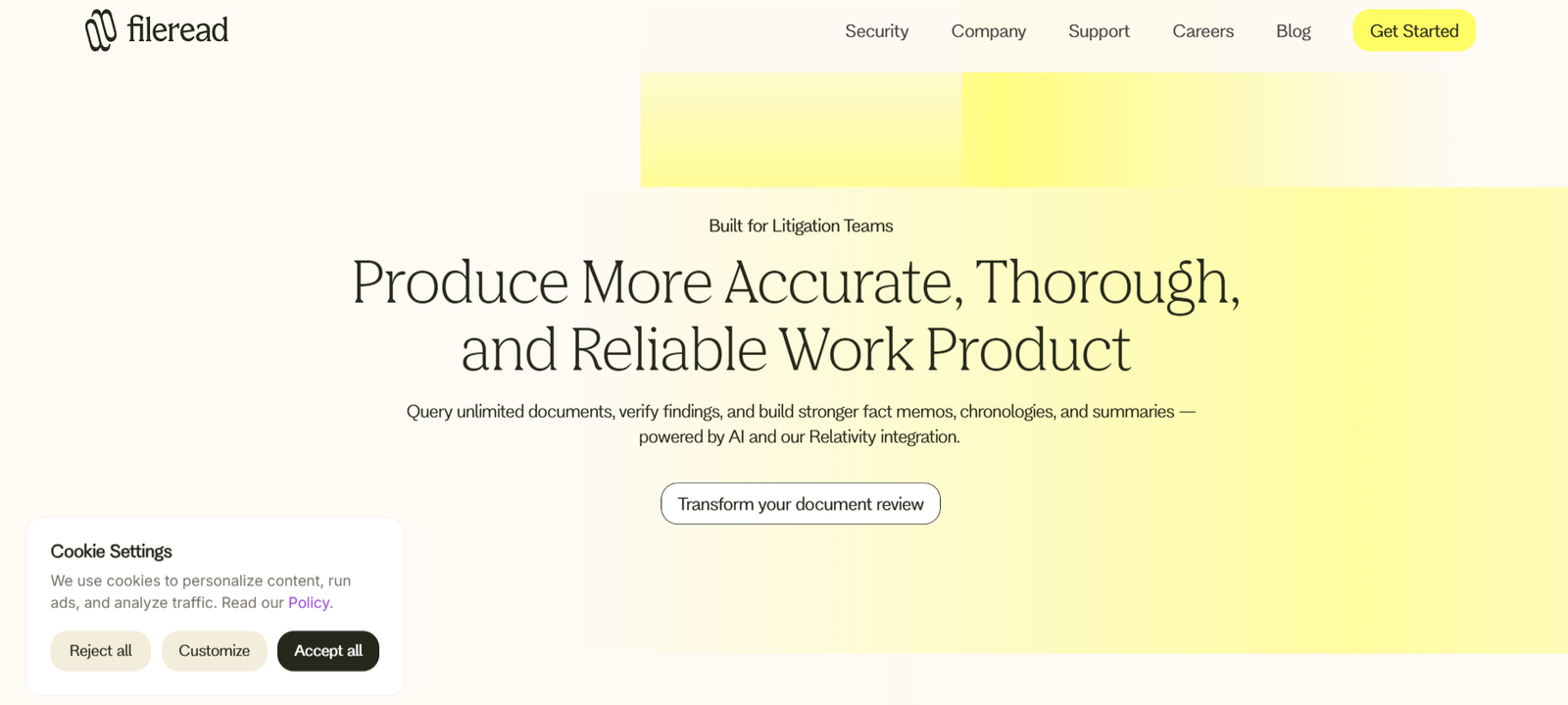
Fileread is an AI tool that lets users upload and interact with documents using a conversational interface. Instead of manually reading long PDFs or scanning pages for specific details, users can simply ask questions about the content, get instant summaries, and extract key information directly from their uploaded files.
The platform supports popular document formats such as PDF, DOCX, TXT, CSV, and more. Once a file is uploaded, Fileread uses natural language processing and AI models to parse, analyze, and make the document fully searchable and interactive.
Fileread is ideal for business professionals, legal teams, researchers, analysts, and students who regularly deal with large volumes of information. It removes the friction of manual document review and allows users to focus on decision-making instead of data processing.
Features
Fileread offers a comprehensive suite of features that make document interaction seamless and intelligent:
AI-Powered Q&A: Users can ask questions about their uploaded documents in plain English and receive direct answers from the AI, without needing to read the entire file.
Automatic Summarization: Fileread generates concise summaries of lengthy documents, helping users quickly grasp the core ideas and themes.
Multi-Format Support: Supports multiple file types including PDF, Word, text, CSV, and more, enabling analysis of diverse document formats.
Keyword Search: Users can search for specific terms, clauses, or phrases within documents instantly.
Intelligent Highlighting: Key sections or answers are highlighted within the context of the original document for better understanding.
Multi-File Analysis: Users can upload and analyze multiple documents within a single session to compare or cross-reference information.
Data Extraction: Extracts structured data such as names, dates, figures, and specific entities from documents for reporting or recordkeeping.
Secure Upload and Processing: Files are processed securely with no public sharing or data storage beyond the session unless the user opts in.
Chat-Based Interface: Engage in a conversational dialogue with the document, making the experience more natural and interactive.
No Account Required for Basic Use: Fileread allows instant access with no login needed for casual users, lowering the barrier to entry.
Dark Mode and UI Customization: Offers a user-friendly interface with dark mode support for comfort during long reading sessions.
How It Works
Fileread operates as a web-based application. Users simply visit https://fileread.com, drag and drop or upload a file, and immediately start interacting with it.
Once a document is uploaded, Fileread’s backend AI engine processes the content, breaking it down into structured, searchable segments. Users can then:
Ask questions like “What is the main purpose of this document?”
Request summaries such as “Summarize section 3”
Search for terms like “termination clause”
Extract data by asking “What dates are mentioned in this file?”
The tool responds in real time, providing accurate answers supported by contextual snippets from the original document.
No installation is required, and the tool works directly in any modern browser, including Chrome, Firefox, and Safari.
Use Cases
Fileread is designed for professionals and individuals who need fast, accurate document insights. Common use cases include:
Legal Professionals: Analyze contracts, NDAs, and legal filings to extract obligations, terms, and clauses without manual review.
Business Executives: Quickly review reports, financial statements, or strategy documents to make informed decisions.
Researchers and Academics: Summarize academic papers, extract citations, and find relevant data points without reading every page.
Students: Upload lecture notes, research papers, or textbooks and ask questions for study support or exam prep.
Content Creators: Analyze source materials or whitepapers and extract key messages for summaries or repurposed content.
Data Analysts: Use CSV or structured text documents and ask for insights or trends found in the data.
Administrative Staff: Extract key points from policy documents, manuals, or internal communications.
Compliance Officers: Identify policy changes, flagged clauses, or compliance risks in regulatory documents or contracts.
Pricing
As of the latest available information, Fileread offers the following pricing structure:
Free Plan
Access to core features
Limited number of questions per document
File size restrictions
No account required
Pro Plan (starting at $8/month)
Unlimited questions
Priority access to new features
Support for larger files
Access to advanced AI models
Faster processing and priority queue
Enterprise Plans
Custom pricing
Team collaboration features
Extended file limits and integrations
Data privacy agreements
API access (upon request)
Users can upgrade directly on the website. For more details or enterprise inquiries, visit: https://fileread.com
Strengths
Fast Document Understanding: Fileread significantly cuts down time spent reading, analyzing, and summarizing lengthy documents.
Conversational AI: The interactive Q&A approach offers a user-friendly way to engage with complex content.
No Installation or Setup: As a web-based tool, Fileread works immediately from the browser without requiring downloads.
Multi-Format Flexibility: Supports a wide range of document types, making it suitable for various industries and users.
Free Access: Allows casual users to test the tool and experience value before committing to a subscription.
Secure and Private: No files are publicly shared, and uploads are handled securely. Privacy is prioritized.
Cross-Device Compatibility: Works on both desktop and mobile browsers.
Frequent Updates: The platform continues to evolve with improved AI models and performance.
Drawbacks
Limited Offline Use: As a web-based service, Fileread requires an internet connection and cannot be used offline.
Basic Free Plan Limitations: Free-tier users face limits in terms of document length and number of interactions.
No Native Mobile App: While mobile browser access is supported, there is currently no standalone app for iOS or Android.
Single-User Focus: Team collaboration features are limited unless using enterprise plans.
Not Suitable for Legal Advice: While it can summarize and highlight clauses, Fileread does not provide legal interpretation or advice.
Large File Limits: Very large or scanned image-based PDFs may encounter upload or parsing limitations.
Comparison with Other Tools
Fileread belongs to the growing category of AI document understanding tools. Here’s how it compares:
ChatPDF: Similar in functionality, ChatPDF focuses solely on PDF documents. Fileread supports more formats, including DOCX and CSV.
Humata.ai: Both platforms offer chat-based document Q&A. Fileread has a simpler onboarding process and more flexible usage without mandatory sign-up.
AskYourPDF: Also offers PDF Q&A, but Fileread’s multi-format capability and modern UI provide a smoother user experience.
Notion AI or ChatGPT Plugins: These require configuration or subscriptions and may not offer the same plug-and-play experience that Fileread does.
Fileread stands out with its clean interface, file format versatility, and instant usability without requiring technical knowledge or third-party integrations.
Customer Reviews and Testimonials
Fileread is a relatively new tool and does not yet have widespread reviews on platforms like G2 or Capterra. However, early adopters and users on Twitter and tech communities have provided positive feedback:
“This tool saved me hours on contract review.”
“Fileread is like having an AI assistant for documents.”
“Love that I can just ask a PDF a question and get answers instantly.”
Users appreciate its simplicity, speed, and the ability to ask meaningful questions without needing to scroll through dozens of pages manually.
More structured reviews and case studies are expected as the platform grows and adoption increases.
Conclusion
Fileread is a powerful and accessible AI tool that redefines how users interact with documents. By allowing natural language Q&A, summaries, and keyword extraction across a variety of file types, Fileread turns static documents into dynamic knowledge sources.
Whether you’re a legal professional, researcher, student, or business executive, Fileread offers a fast and user-friendly way to extract the information you need — when you need it — without the overhead of manual document analysis.
For users looking to increase efficiency and reduce time spent reading and summarizing content, Fileread is a valuable addition to the modern digital toolkit.