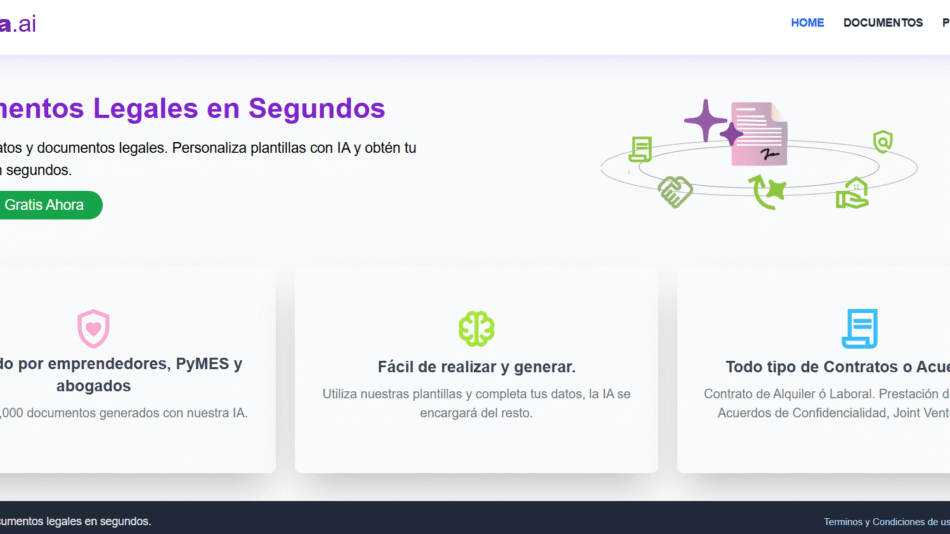
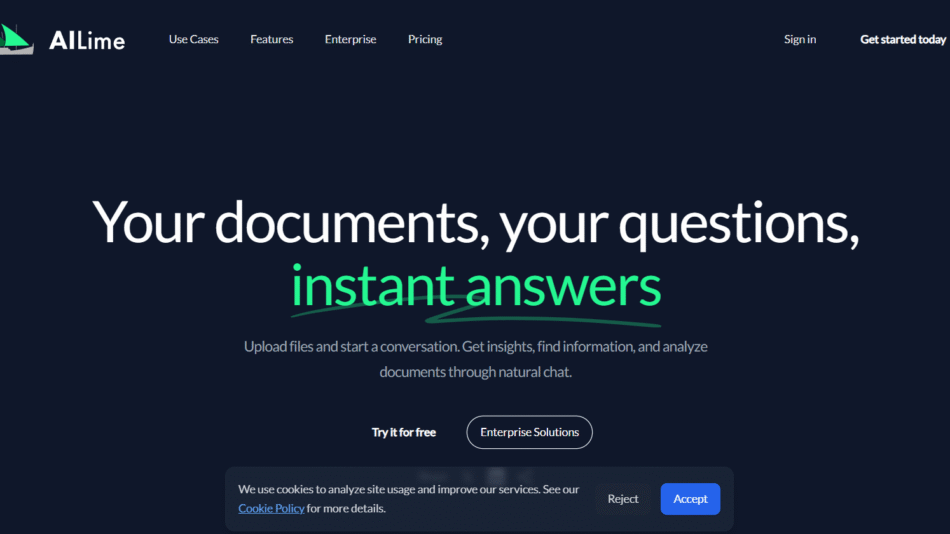
Docuya is an AI-powered document chatbot platform that allows individuals and teams to turn any set of files into a custom AI assistant. By simply uploading documents, users can create a chatbot capable of answering natural language questions based on the uploaded content. This helps reduce time spent searching files, improves knowledge sharing, and streamlines onboarding and support processes.
Whether you’re a solopreneur, educator, business team, or startup, Docuya provides an easy way to make information from documents instantly accessible through intelligent Q&A.
Features
Docuya offers a powerful set of features designed to turn static documents into dynamic, conversational AI tools:
AI Chatbot from Documents: Upload documents (PDF, DOCX, TXT, etc.) and generate a chatbot instantly.
Multi-File Support: Combine content from multiple documents into a single knowledge source.
Natural Language Question Answering: Ask questions in plain English and get relevant, contextual responses.
Drag-and-Drop Upload: Easily upload files to build your chatbot—no technical setup required.
Web-Based Interface: Access the chatbot and manage documents entirely in your browser.
Custom Branding: Customize chatbot interface to reflect your brand.
Link Sharing: Share your chatbot with others via a unique link for external access.
Data Privacy: Uploaded documents are not public and are protected with secure access.
Fast Response Time: Get answers to document-related questions within seconds.
Multi-Use Capability: One chatbot can be trained on varied content—manuals, whitepapers, internal guides, and more.
How It Works
Docuya is designed to be user-friendly and requires no coding or AI expertise. To get started, users visit the Docuya website and upload one or more documents via the drag-and-drop interface. The platform processes the content using natural language processing (NLP) and creates an AI chatbot trained on that data.
Once the chatbot is ready, users can ask it questions in conversational language. For example, if you uploaded a product manual, you could ask, “How do I reset the device?” and receive an accurate, context-specific answer sourced from the file.
Each chatbot can be shared with a team or public audience via a link, and users retain control over which documents are accessible and editable.
Use Cases
Docuya is suitable for a wide variety of personal, professional, and business applications:
Customer Support: Upload product manuals or service guides to answer customer queries automatically.
Employee Onboarding: Share company policies and training materials via an interactive chatbot.
Education and Coaching: Provide students with access to study guides, syllabi, or training materials.
Freelancers and Agencies: Offer clients chatbot access to deliverables or instruction sets.
Legal and Compliance: Help teams navigate complex policies, terms, and legal documents.
SaaS and Product Teams: Upload product documentation and reduce support load.
Documentation Portals: Replace static help centers with searchable, AI-powered assistants.
Pricing
Docuya offers a free plan and paid options depending on document volume and usage. According to the official website:
Free Plan
1 chatbot
1 document upload
Up to 100 questions per month
Ideal for personal use or small trials
Starter Plan – $8/month
3 chatbots
Up to 10 documents per chatbot
1,000 questions per month
Good for freelancers and small businesses
Pro Plan – $25/month
10 chatbots
Up to 30 documents per chatbot
10,000 questions per month
Suitable for agencies and larger teams
Enterprise Plan – Custom Pricing
Unlimited chatbots and documents
Higher question limits
Premium support and custom features
You can view full pricing and get started at the Docuya pricing page.
Strengths
Docuya brings several advantages to teams and individuals needing instant knowledge access:
Quick setup with no technical skills required
Converts any document into an interactive chatbot
Natural language responses improve accessibility of complex content
Affordable pricing for individuals and small teams
Reduces support workload and improves response times
Shareable chatbots for clients, teams, or customers
Flexible use cases across industries and roles
Clean, browser-based interface with fast performance
Drawbacks
While Docuya is powerful, there are a few limitations:
Currently limited to document-based input—no web scraping or live integrations
Free plan has low usage limits
May require clear, well-structured documents for best results
Lacks native integration with platforms like Slack or Notion (as of the latest version)
No mobile app—browser access only
Comparison with Other Tools
Docuya competes with other document-based AI assistants like ChatPDF, Humata, and AskYourPDF, but offers a broader, shareable chatbot experience:
ChatPDF and AskYourPDF allow document Q&A but are mostly one-off tools without chatbot sharing.
Humata includes in-document summarization but is geared toward research use.
Docuya stands out with its multi-chatbot creation, link sharing, and custom branding—making it more suitable for business-facing use cases.
Customer Reviews and Testimonials
While third-party reviews are still limited due to the tool’s newness, user feedback on the official website and product launch platforms is highly positive. Users highlight the ease of setup, accuracy of AI responses, and usefulness in reducing time spent searching long documents.
One small business owner noted that Docuya helped them turn their onboarding handbook into a 24/7 support tool for new hires. Another freelancer used the platform to provide interactive deliverables to clients without managing live chat support.
Conclusion
Docuya is a practical and flexible AI document chatbot platform that turns any static file into an interactive, intelligent assistant. For teams, educators, product managers, and freelancers, it’s a fast way to make knowledge accessible—without needing code or complex integrations.
Whether you’re aiming to improve customer support, employee training, or client engagement, Docuya offers a simple, cost-effective solution for transforming documents into searchable AI chatbots.