
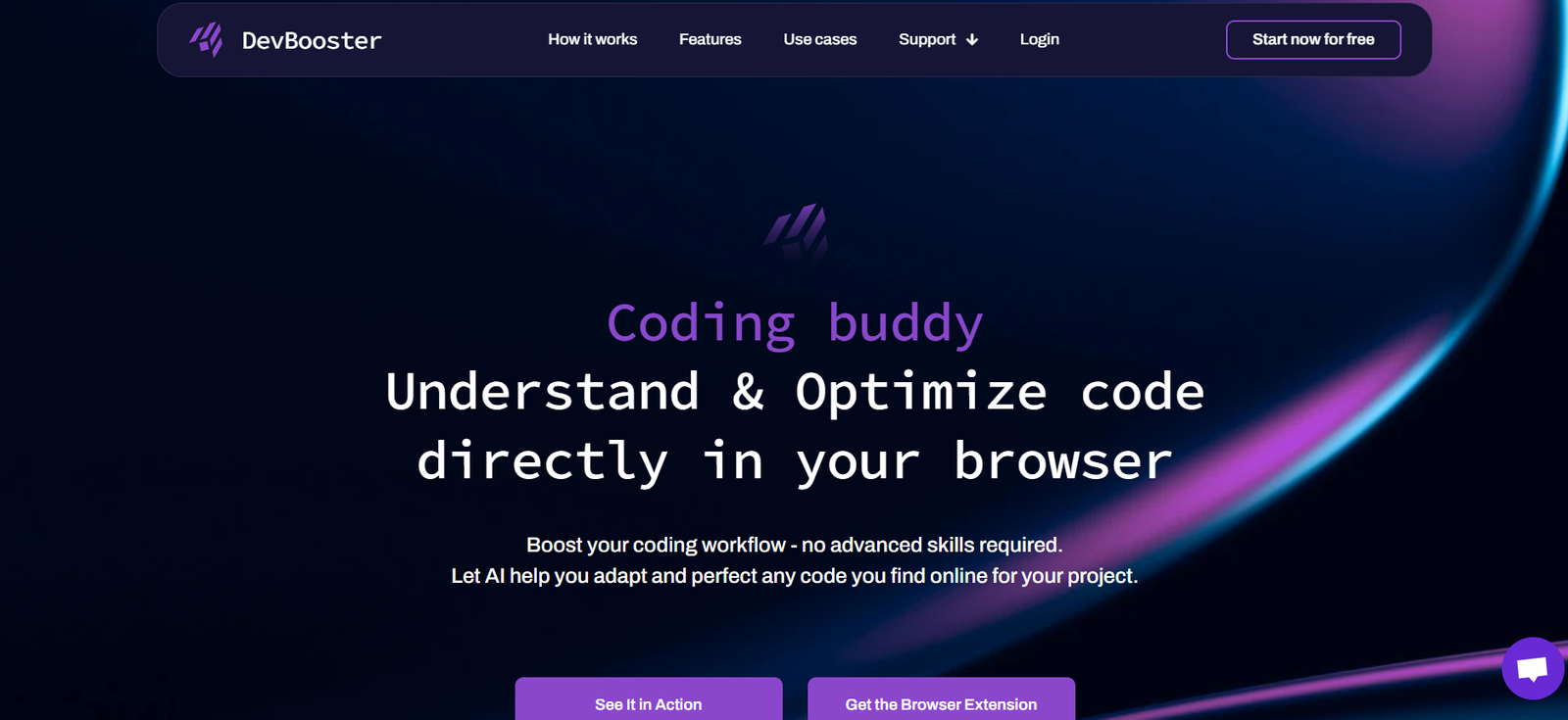
DevBooster AI is an AI-powered development assistant designed to accelerate software engineering by helping developers write, review, and optimize code efficiently. Built for both solo developers and teams, DevBooster integrates artificial intelligence directly into the development workflow to enhance productivity and reduce coding errors.
Whether you’re building complex applications, debugging legacy code, or simply speeding up boilerplate tasks, DevBooster AI acts as a smart coding partner. It leverages advanced natural language models to understand code context, suggest improvements, and generate ready-to-use code snippets tailored to your project.
Features
AI Code Generation: Generate functions, modules, or entire code blocks based on natural language descriptions.
Code Review Assistance: Automatically identify syntax issues, logic flaws, and security concerns in your code.
Multi-Language Support: Works with Python, JavaScript, Java, C++, and more—ideal for polyglot teams.
Real-Time Suggestions: Get contextual code suggestions as you type, similar to IDE autocompletion but smarter.
Documentation Support: Generate inline code comments and documentation blocks automatically.
Version Control Integration: Compatible with Git workflows to assist in reviewing pull requests and writing commit messages.
Secure Local Usage Option: Enterprise and pro users can deploy DevBooster in secure environments for data-sensitive projects.
How It Works
Visit devbooster.ai and sign up for an account.
Connect Your IDE or Use the Web Editor: Choose between the browser-based interface or integrate with supported IDEs like VS Code.
Describe Your Intentions in Plain Language: Tell the AI what you want to build, and DevBooster writes the code.
Refine, Review, and Iterate: Accept, edit, or improve the AI’s suggestions and ask follow-up questions.
Deploy or Export: Once you’re satisfied, export the code or push it directly into your development pipeline.
DevBooster AI fits seamlessly into modern agile workflows, especially during rapid prototyping and feature sprints.
Use Cases
Frontend Development: Quickly scaffold UI components with HTML, CSS, and JavaScript.
Backend Development: Generate server-side logic, API endpoints, and database interactions.
DevOps Automation: Write YAML scripts, Dockerfiles, and CI/CD configs using plain language prompts.
Code Refactoring: Identify and optimize inefficient or outdated code.
Learning and Teaching: Assist students and new developers with code explanations and hands-on practice.
Technical Writing: Produce README files, documentation, and setup instructions with developer-friendly formatting.
Pricing
According to https://devbooster.ai, DevBooster offers a freemium model with optional upgrades:
Free Plan
Limited monthly usage
Access to basic AI coding features
Suitable for individual developers and hobby projects
Pro Plan (Subscription-Based)
Increased usage limits
Priority access to updates and advanced models
Integrations with popular IDEs and Git platforms
Monthly or annual billing available (price available upon signup)
Enterprise Plan
Custom integrations
Local deployment options
Team collaboration features and audit logs
Pricing on request
Strengths
Fast and highly relevant code generation
Useful for both junior and experienced developers
Streamlines repetitive coding and documentation tasks
Supports multiple programming languages and frameworks
Easy integration into existing dev environments
Drawbacks
Free plan has usage limits that may not be sufficient for heavy users
Accuracy varies depending on complexity and specificity of prompt
Not a replacement for deep architectural decision-making
Still under development—some advanced languages/frameworks may be partially supported
Comparison with Other Tools
DevBooster AI vs GitHub Copilot
GitHub Copilot is tightly integrated with GitHub and VS Code. DevBooster offers broader customization and team-focused features.
DevBooster AI vs Tabnine
Tabnine excels in in-line suggestions. DevBooster provides a more comprehensive assistant for full-function generation and refactoring.
DevBooster AI vs Replit Ghostwriter
Replit Ghostwriter is platform-specific. DevBooster is adaptable across IDEs and codebases, with enterprise-ready flexibility.
Customer Reviews and Testimonials
Here’s what early adopters are saying:
“DevBooster saved me hours during our last sprint—its suggestions were spot on.”
“As a freelance dev, this is like having a junior assistant on call 24/7.”
“Code review has never been faster. I use it for sanity checks before submitting PRs.”
“It’s like pair programming with an AI that actually listens.”
These testimonials highlight the tool’s time-saving, productivity-boosting capabilities.
Conclusion
DevBooster AI is more than a code generator—it’s a full-fledged development assistant that helps software teams move faster and build smarter. Whether you’re trying to write clean code, debug faster, or simply reduce mental overhead, DevBooster brings AI-powered efficiency to your fingertips.
For developers who want to speed up their workflow without sacrificing code quality, DevBooster AI is a valuable addition to the modern tech stack.










