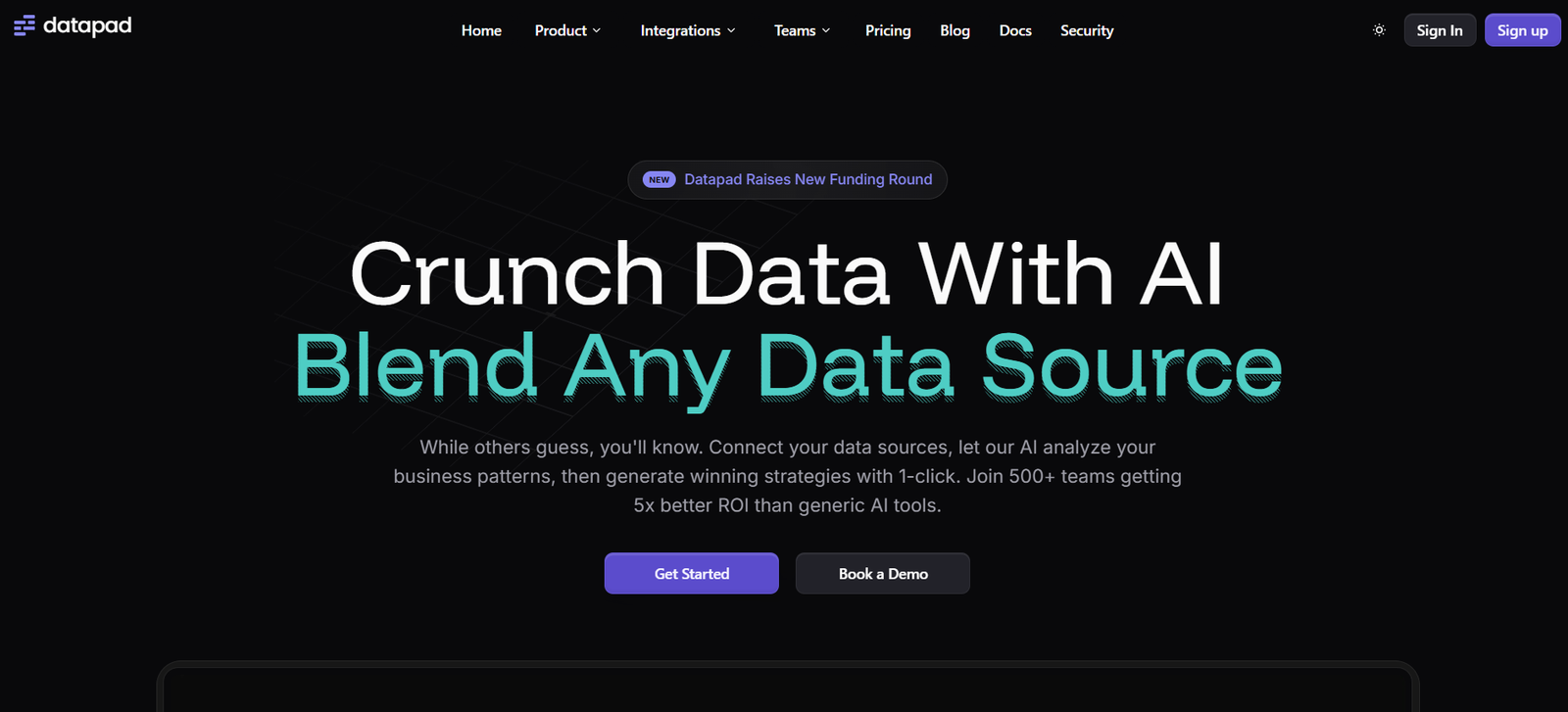
Datapad is a mobile-first business intelligence (BI) tool designed to help teams track and manage KPIs on the go. It simplifies the process of connecting data sources, building dashboards, and monitoring performance — all within an intuitive mobile app. Unlike traditional BI platforms built for desktop, Datapad focuses on delivering real-time data access and collaboration directly from mobile devices, making it ideal for executives, founders, and distributed teams who need immediate access to business insights.
Its minimalist design, ease of use, and quick setup make Datapad an excellent choice for startups and growing companies seeking agile data monitoring without the complexity of enterprise-level BI tools.
Features
Datapad offers a streamlined feature set focused on accessibility and mobile-first reporting:
Mobile-First Design: Optimized for smartphone use, allowing users to build, view, and share dashboards on the go.
No-Code Dashboard Builder: Create visually appealing dashboards without needing SQL or technical expertise.
Data Source Integration: Connect to Google Sheets, PostgreSQL, MySQL, and other sources (with more integrations under development).
Real-Time Sync: Dashboards update automatically with the latest data from connected sources.
Team Collaboration: Invite team members to view, comment on, and manage dashboards collaboratively.
Push Notifications: Get instant alerts when key metrics cross thresholds or need attention.
Custom KPIs: Define business-specific metrics for different functions like marketing, sales, or product performance.
Simple Sharing: Share dashboards with stakeholders via secure links or in-app access.
Dark Mode and Clean UI: Sleek interface designed for ease of navigation and readability.
The platform is built to provide essential BI functionality without the typical bloat of large, desktop-oriented tools.
How It Works
Datapad is designed to be operational in just a few steps:
Sign Up and Log In: Users start by downloading the mobile app (available for iOS and Android) or using the web app.
Connect a Data Source: Choose a data source such as a spreadsheet or database. API integrations and third-party connectors are continuously being added.
Build a Dashboard: Use the drag-and-drop builder to create visualizations like line charts, bar graphs, and metric blocks.
Customize KPIs: Input custom metrics or formulas based on your data.
Share and Collaborate: Invite team members to view, edit, and comment on dashboards in real-time.
Monitor on Mobile: Access dashboards anytime, anywhere with full functionality via the mobile app.
The focus is on speed, ease, and mobile accessibility — removing technical barriers to everyday data tracking.
Use Cases
Datapad is a strong fit for organizations that need agile and accessible KPI monitoring:
Startup Founders: Track metrics like MRR, customer churn, or daily active users from your phone.
Marketing Teams: Monitor campaign performance, ad spend, or conversion rates in real time.
Sales Managers: Keep tabs on pipeline status, deal velocity, and revenue targets while on the move.
Operations Executives: Get quick views into supply chain, logistics, or support metrics without logging into complex tools.
Remote Teams: Collaborate over dashboards without needing desktop software or specialized BI training.
Agencies & Consultants: Share dashboards with clients quickly for reporting and updates.
Whether you’re running a small business or leading a department, Datapad offers real-time visibility and convenience.
Pricing
As of the latest update, Datapad offers simple and transparent pricing:
Free Plan:
Build dashboards for up to 3 team members
Access all core features
Ideal for startups or small teams
Pro Plan (Starting at $20/month per user):
Unlimited dashboards and team members
Priority support
Advanced integrations (as available)
Enterprise Plan:
Custom pricing
White-labeling
Dedicated account management
Custom integrations and support
Visit the official pricing page for up-to-date details and to request enterprise access.
Strengths
Datapad stands out in several key areas:
Mobile Optimization: Unlike most BI tools, Datapad is designed mobile-first, offering full functionality in a native app.
Fast Setup: Create dashboards in minutes, no technical setup or training required.
User-Friendly Interface: Minimalist and intuitive design tailored for non-technical users.
Collaboration Ready: Built-in tools for team commenting and dashboard sharing.
Low Barrier to Entry: Free tier available and affordable pricing for growing teams.
These strengths make Datapad particularly well-suited to lean, fast-moving teams.
Drawbacks
Despite its benefits, Datapad has a few limitations:
Limited Integrations: Currently supports fewer data sources than mature BI platforms like Tableau or Power BI.
Not Built for Deep Analytics: Lacks advanced modeling, predictive analytics, or custom SQL support (as of now).
Mobile First Only: While there is a web app, the primary experience is optimized for mobile, which may not suit all users.
Still Evolving: As a newer tool, it is rapidly developing and may lack some enterprise-grade features.
That said, its simplicity is intentional — Datapad is built for fast, clear insights rather than deep analytical complexity.
Comparison with Other Tools
Datapad competes with other dashboard and BI tools, but with key differences:
Power BI / Tableau: These are advanced and powerful but require technical skills and desktop environments.
Google Data Studio: Free and flexible but more suited for desktop and lacks true mobile-first design.
Geckoboard / Databox: Similar focus on metrics, but Datapad offers better native mobile support and a simpler UI.
Klipfolio: Offers more integrations but is more complex to set up.
Datapad fills a gap in the market by offering a truly mobile-first, lightweight alternative to traditional BI tools.
Customer Reviews and Testimonials
Early users and tech startups report high satisfaction with Datapad’s speed, simplicity, and mobility. Founders and team leads appreciate being able to check key metrics on their phones without digging through spreadsheets or complicated software. Many also mention its ease of use for non-technical stakeholders, especially for sharing updates during meetings or while traveling.
The development team is also praised for being responsive to feedback and rolling out features regularly.
Conclusion
Datapad is a powerful yet simple mobile-first dashboard platform designed for modern teams who need quick, clear access to business metrics. Whether you’re a founder, marketer, or operator, Datapad offers an accessible way to monitor KPIs, collaborate with your team, and stay data-driven—without the steep learning curve of traditional BI tools. For startups and fast-growing companies that value speed, mobility, and simplicity, Datapad is a smart solution for everyday data needs.