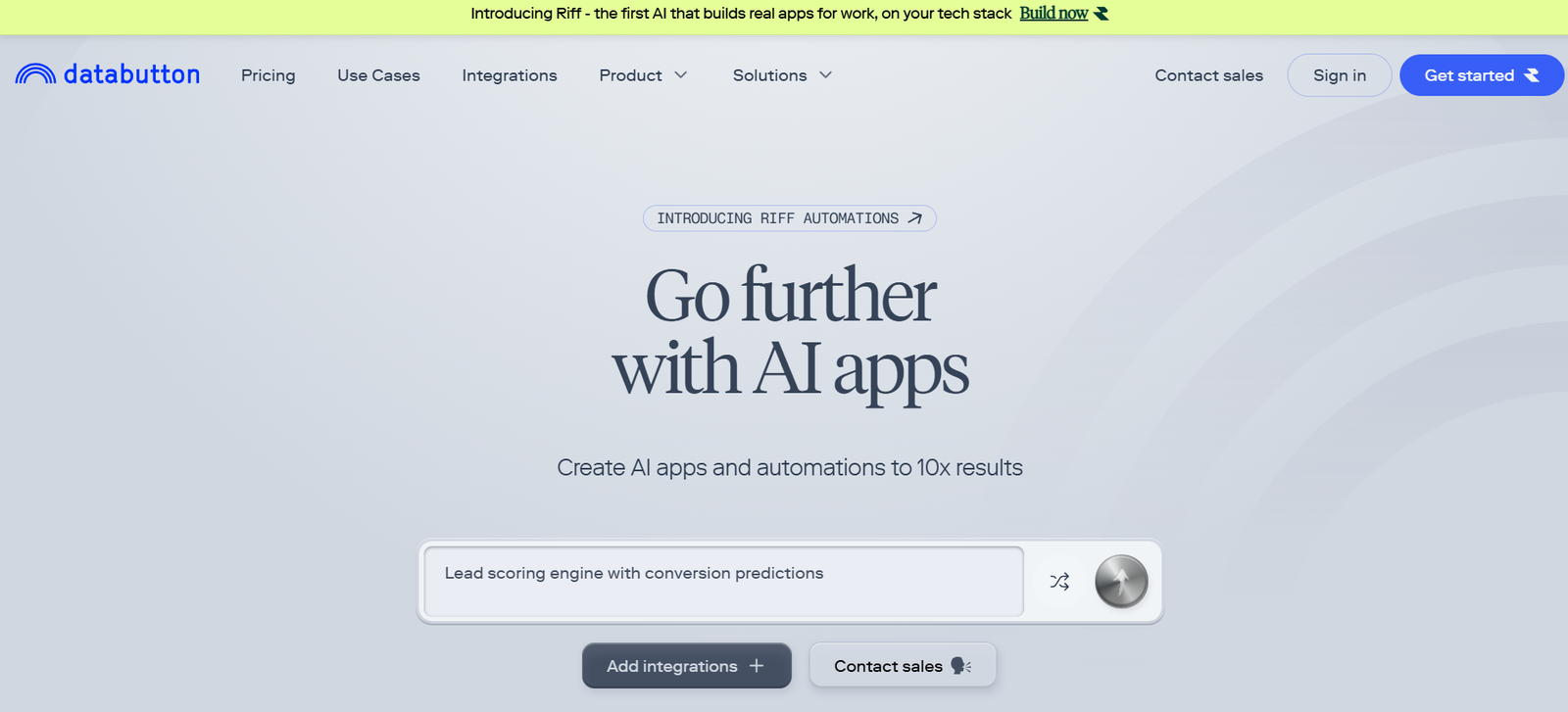
Databutton is a platform that empowers developers, data scientists, and AI creators to build and deploy AI-powered web apps using only Python—without needing frontend or backend development skills. Designed to make full-stack app development approachable and fast, Databutton combines a browser-based code editor, built-in UI tools, data integrations, and AI features into one seamless experience.
Whether you’re building an internal dashboard, launching an AI chatbot, or deploying a machine learning model as an app, Databutton helps turn your idea into a live, shareable web application within minutes. The platform automates the infrastructure and handles app deployment, so creators can focus entirely on logic and functionality.
From solo developers to enterprise teams, Databutton accelerates the AI app development lifecycle while reducing technical complexity.
Features
Databutton offers a rich set of features tailored for fast AI app development with Python.
Python-First Development
Create complete web applications using only Python. No need to write HTML, CSS, or JavaScript.
Drag-and-Drop UI Components
Use built-in UI elements like buttons, sliders, text inputs, charts, and tables to create interactive frontends for your app.
AI-Powered Assistant
Built-in AI code assistant helps you write, debug, and complete your Python code faster with context-aware suggestions.
Browser-Based IDE
A full Python development environment runs entirely in the browser, with code editing, live preview, and deployment built-in.
Instant Deployment
Deploy your app to the web in one click. Each app gets a unique public URL you can share instantly.
Built-In Database
Each app comes with a built-in SQLite database, accessible directly from your code with integrated persistence for user data.
User Authentication
Add login and authentication to your app with a single line of code. Manage users without configuring any backend.
File Upload and Storage
Support file uploads and data storage out of the box. Accept CSVs, images, and other file formats for processing and analysis.
Realtime Collaboration
Invite team members or collaborators to co-develop apps in real time, with shared access and version control.
OpenAI Integration
Easily integrate with OpenAI’s APIs and other third-party services for chatbot, generative AI, or NLP-based applications.
Versioning and Backup
Automatic version control allows you to roll back changes and track your app development history.
Custom Workflows
Automate tasks and create backend workflows using scheduled functions or triggers.
Markdown and Documentation
Create help pages, documentation, or reports inside your app using Markdown support.
How It Works
Databutton simplifies the process of building and launching AI apps by providing all the necessary tools in a single web interface.
Users start by logging into the platform and selecting a starter template or a blank app. From there, they use the built-in IDE to write Python code. UI elements can be created using Databutton’s Python API or by dragging components into the layout editor.
The platform automatically connects the frontend to the backend, meaning input forms, charts, and outputs are bound directly to the Python logic without manual wiring.
Once development is complete, a single click deploys the app to a secure, public URL. Developers can then iterate in real time, push updates, and manage users or data through the integrated platform dashboard.
The code assistant is always available to help debug or suggest Python logic, while templates and documentation provide a head start for common AI app patterns.
Use Cases
Databutton is ideal for a wide range of data-driven and AI-powered applications.
AI Chatbots
Quickly build and deploy AI chatbots using OpenAI’s GPT APIs. Customize with specific prompts, contexts, or datasets.
Internal Tools
Build tools for reporting, automation, or data entry within your organization without needing IT or DevOps involvement.
ML Model Deployment
Turn machine learning models into web apps with input forms and output visualizations, ready to share with users.
Data Dashboards
Create dynamic dashboards with charts, tables, and filters to visualize business, financial, or operational metrics.
No-Code to Low-Code AI Prototypes
Enable domain experts with minimal coding skills to build functional AI prototypes or assistants.
Education and Training
Instructors can build educational tools, simulations, or interactive demos for students using simple Python code.
Surveys and Data Collection
Develop apps to gather user input or feedback with secure data storage and exportable formats.
Generative AI Apps
Build applications that generate images, text, or documents using OpenAI or other generative models.
Text Analysis
Develop apps for text summarization, sentiment analysis, or document classification with real-time output.
Workflow Automation
Automate data processing, email generation, or reporting with scheduled tasks and Python scripts.
Pricing
Databutton offers a free plan as well as paid tiers tailored for professionals and teams.
Free Plan
Unlimited public apps
1 private app
Basic AI assistant access
Shared development environment
Ideal for learning and personal projects
Pro Plan (Paid)
Unlimited private apps
Priority AI assistant features
Custom domains
Larger compute and memory limits
Team collaboration tools
Price available on request or in platform dashboard
Enterprise Plan (Custom)
Advanced team management
SLA-based support
Custom integrations
Dedicated infrastructure
Security and compliance features
Strengths
Databutton provides several clear advantages for modern developers and AI creators.
Python-Only Workflow
No need to learn full-stack development or front-end frameworks—just write Python.
Fast Deployment
Apps can go live in minutes with one-click deployment and instant URLs.
AI Assistant for Coding
Integrated AI helps write, debug, and complete code, speeding up development.
Zero DevOps
No server setup, deployment pipeline, or infrastructure work needed.
OpenAI Integration
Out-of-the-box support for integrating with OpenAI to create intelligent apps and workflows.
Secure and Scalable
Built-in user authentication and data persistence without manual configuration.
Ideal for MVPs and Prototypes
Quickly test and share new ideas, apps, or products without building from scratch.
Team Collaboration
Supports real-time editing and sharing, which is essential for agile development.
Educational and Accessible
Great for learners, educators, and those transitioning into AI or software development.
Drawbacks
While powerful, Databutton also has a few limitations to consider.
Limited Language Support
Currently supports Python only; developers working with R, Julia, or JavaScript need alternatives.
Cloud-Only Platform
Requires an internet connection and is tied to Databutton’s hosting environment.
Not Meant for Complex UIs
Although UI tools are helpful, it’s not suited for pixel-perfect front-end design or complex interfaces.
Storage and Compute Limits
Free and lower-tier plans may be limited in memory and storage, especially for larger ML models.
Dependency on Platform
Heavily relies on Databutton’s infrastructure and continued service availability.
Still Maturing
As a relatively new platform, feature set and integrations are still expanding.
Comparison with Other Tools
Databutton is often compared to tools like Streamlit, Gradio, Replit, and Retool.
Streamlit allows fast Python app development but requires local setup or external hosting.
Gradio is great for quick model demos but is more limited in app structure and UI customization.
Replit offers a coding IDE and deployment but lacks the AI-focused app development workflow.
Retool is aimed at enterprise internal tools but requires more configuration and is not Python-native.
Databutton combines the simplicity of Streamlit with a no-DevOps deployment experience, making it uniquely positioned for AI creators who want to build full-featured apps with minimal effort.
Customer Reviews and Testimonials
Early users of Databutton praise it for:
Speed of app creation and deployment
Ability to prototype AI tools without infrastructure
Helpful and responsive AI assistant
Ease of integrating OpenAI models
Clean and simple interface for solo developers and small teams
Many data scientists and developers highlight how Databutton helped them go from idea to working AI app in just hours, without needing DevOps or frontend developers.
Conclusion
Databutton is redefining what it means to build and launch AI-powered web apps. With its Python-first approach, drag-and-drop components, AI-assisted development, and one-click deployment, it empowers a new generation of creators to build full-stack applications faster than ever—without writing a line of JavaScript or managing servers.
Whether you’re developing a chatbot, data dashboard, ML interface, or workflow automation tool, Databutton provides all the tools needed to move from idea to live app, in one place.