
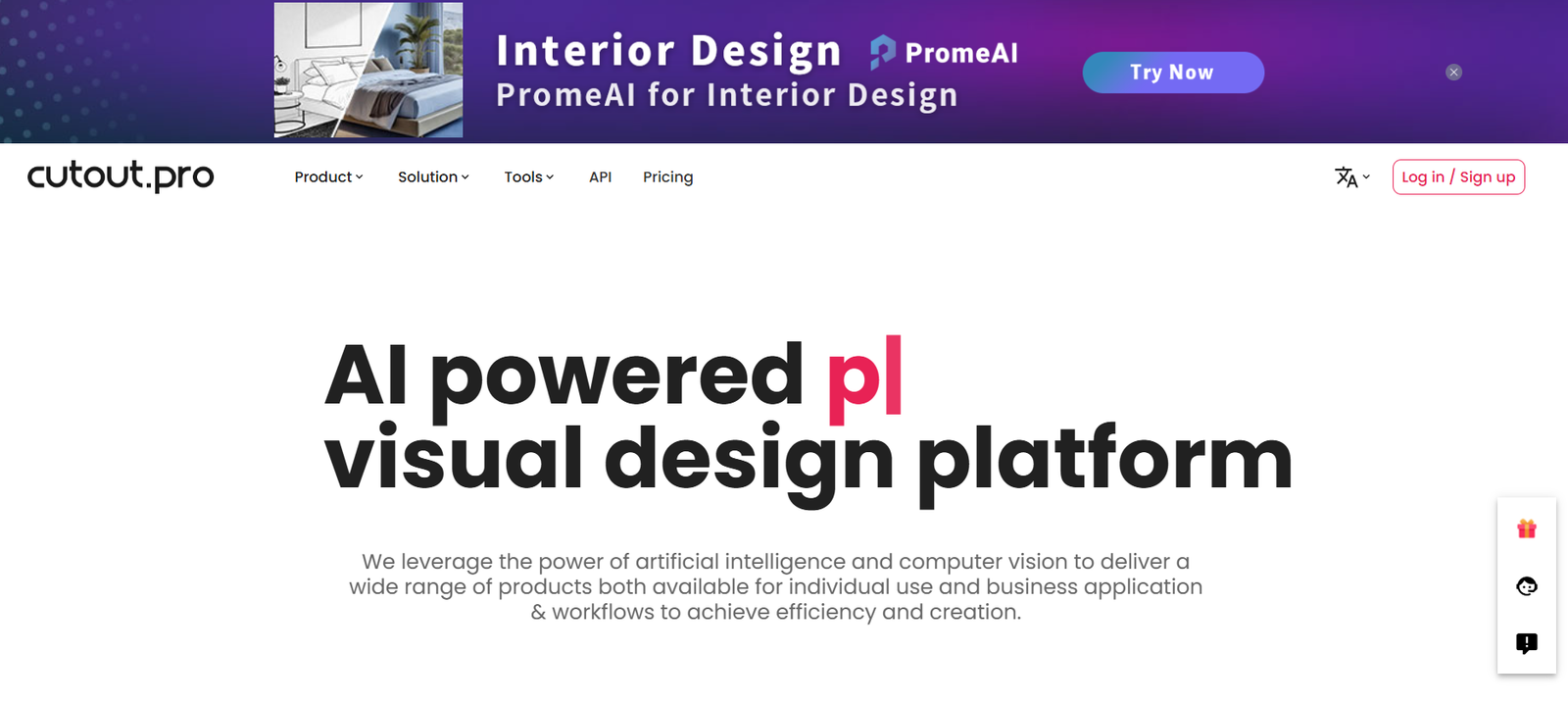
Cutout.pro is a comprehensive AI visual editing platform designed for individuals, content creators, and businesses looking to quickly enhance, edit, and stylize their images and videos. The platform offers a range of smart tools—including background removal, photo restoration, face enhancement, cartoon generation, and even video background editing—without requiring any graphic design experience.
Accessible through a browser and supported by powerful AI models, Cutout.pro aims to automate labor-intensive editing tasks, helping users save time while achieving professional results. Whether you’re preparing content for e-commerce, social media, marketing, or personal use, Cutout.pro delivers an all-in-one creative toolkit that works instantly and intuitively.
Features
AI Background Remover
Automatically remove or replace backgrounds in photos and videos with high accuracy.
Photo Enhancer
Improve image clarity, reduce noise, sharpen facial features, and upscale resolution.
Face Cutout Tool
Extract headshots or portraits with precision, useful for IDs, resumes, or marketing creatives.
Photo to Cartoon
Convert portraits or full-body photos into artistic cartoon or sketch-style illustrations.
Old Photo Restoration
Bring faded, scratched, or low-resolution vintage photos back to life using AI.
AI Video Background Remover
Erase video backgrounds without green screens—ideal for video resumes or product demos.
Passport and ID Photo Maker
Generate compliant passport, visa, and ID photos based on specific country requirements.
Bulk Processing Support
Upload and process multiple images at once—useful for businesses with large volumes.
Online and API Access
Use through a browser or integrate into custom workflows via API for automation.
How It Works
Visit Cutout.pro
Go to www.cutout.pro and choose a tool from the homepage.Upload an Image or Video
Drag and drop your media file or select it from your device.AI Processing Begins
The platform automatically analyzes and edits your image/video based on your selected task.Preview and Adjust
Review the results, apply optional changes (backgrounds, filters, sizing), and finalize.Download Your Edited File
Export the result as a high-quality image or video with no watermark (for paid users).
Use Cases
E-commerce and Product Photography
Clean up product images with background removal and enhancement for platforms like Amazon or Shopify.
Social Media Content Creation
Generate eye-catching cartoons, video edits, and profile content for Instagram, TikTok, or YouTube.
Professional Headshots and ID Photos
Quickly create formal photos for resumes, business profiles, and identification documents.
Vintage Photo Restoration
Preserve family history by restoring and colorizing old, damaged photos.
Marketing and Creative Design
Produce polished graphics, ads, and promotional visuals without hiring designers.
Bulk Processing for Businesses
Process hundreds of images quickly for team onboarding, product listings, or data processing.
Pricing
As of May 2025, Cutout.pro offers both credit-based and subscription pricing models:
Credit-Based Pay-As-You-Go
1 credit per image or video task
Starts at $0.20 per credit (bulk discounts available)
Ideal for casual or occasional users
Monthly Subscription Plans
Basic Plan – $5.99/month
40 credits/month
No watermark
High-res downloads
Pro Plan – $9.99/month
100 credits/month
Access to all AI tools
Priority processing
Enterprise Plan – Custom Pricing
API access
Team collaboration features
Unlimited bulk processing
SLA support
A free plan is also available, but all outputs will have watermarks and limited resolution.
Strengths
Wide Range of AI Tools
Covers all key image and video editing needs—from background removal to stylization.
Web-Based and API Accessible
No downloads required, and developers can integrate features into their own systems.
Fast and Accurate
Most tasks are processed in seconds with high accuracy thanks to robust AI models.
Affordable for Individuals and Teams
Multiple pricing tiers support occasional users and enterprises alike.
Easy to Use
Intuitive user interface suitable for non-designers and professionals alike.
Regular Updates
Frequently adds new features and improves existing ones based on user feedback.
Drawbacks
Watermarked Free Version
Free tools are limited in resolution and include watermarks, which can be restrictive for business use.
Limited Manual Editing Options
While powerful for automation, Cutout.pro lacks advanced manual tools for fine-tuning edits.
Credit Model Can Be Confusing
Users unfamiliar with credit systems might prefer flat-rate or unlimited access.
Internet Connection Required
All features rely on cloud processing—offline editing is not available.
Mobile Optimization Is Basic
While accessible on mobile, the experience is better suited for desktop use.
Comparison with Other Tools
Cutout.pro vs. Remove.bg
Remove.bg is strictly for background removal, while Cutout.pro includes photo enhancement, video editing, cartoon effects, and more.
Cutout.pro vs. Canva
Canva is better for layout and design work. Cutout.pro excels in photo and video-specific edits powered by AI.
Cutout.pro vs. Fotor or Pixlr
Fotor and Pixlr provide more manual editing features; Cutout.pro offers faster AI automation for quick results.
Cutout.pro vs. Photoshop
Photoshop is unmatched in advanced editing but has a steep learning curve. Cutout.pro is designed for speed and simplicity with no learning required.
Customer Reviews and Testimonials
“Cutout.pro saved hours of my time removing backgrounds for our online store. The results are clean and consistent.” – E-commerce Owner
“I restored old photos of my grandparents, and the clarity is amazing. Truly impressive AI.” – Personal User
“We process ID photos for dozens of employees monthly. This tool streamlined everything.” – HR Administrator
“The cartoon filter is fun and surprisingly detailed. Great for social media content.” – Content Creator
Conclusion
Cutout.pro stands out as a versatile, AI-powered visual editing suite that simplifies common image and video tasks for a wide range of users. Whether you’re a business needing bulk photo processing or a casual creator enhancing selfies and social content, Cutout.pro provides professional-grade results without complexity.
With affordable plans, API access, and a continuously expanding toolset, Cutout.pro is an excellent choice for modern visual editing—fast, flexible, and fully automated.











