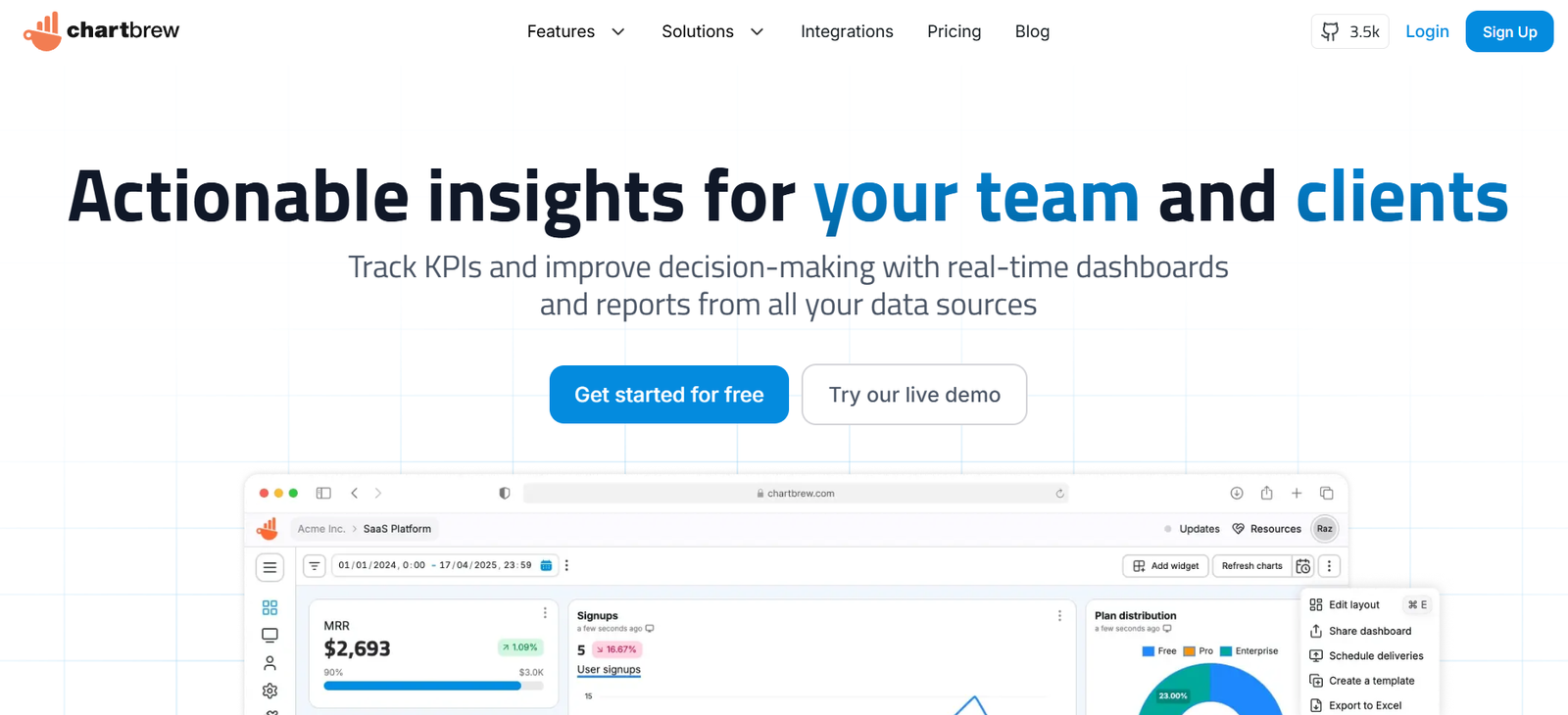
ChartBrew is an open-source data visualization and dashboard tool that allows users to connect to APIs and databases to create real-time, shareable dashboards without writing code. It is built for developers, data analysts, and businesses that need a flexible and customizable way to present and track live data from multiple sources. Whether you’re visualizing business metrics, tracking app performance, or monitoring external APIs, ChartBrew offers a lightweight, modern solution that can be self-hosted or used via a cloud version.
Features
ChartBrew includes a rich set of features that make it easy to visualize data from diverse sources:
Data Source Integration: Connect to REST APIs, PostgreSQL, MySQL, and other SQL-based databases.
No-Code Chart Builder: Design charts and dashboards without writing SQL (optional SQL editor also available).
Real-Time Dashboards: Set automatic refresh intervals for charts to update live.
Custom API Requests: Create dynamic API calls to display external or internal data.
Chart Types: Support for line, bar, pie, area, radar, and more visualizations.
Collaborative Dashboards: Share dashboards with teams or clients, with public and private access controls.
Open-Source and Self-Hostable: Available under an MIT license, giving users full control over deployment and data privacy.
Cloud Hosting Option: Fully hosted version available for users who prefer managed infrastructure.
Authentication & Permissions: Built-in user authentication and access control for secure sharing.
These features are particularly valuable for developers and teams that need transparent, customizable dashboards without relying on complex BI platforms.
How It Works
ChartBrew works by allowing users to connect directly to data sources through its web-based UI. Once connected, users can select data tables or configure API requests and begin building charts using a guided, no-code chart builder. Each chart can be configured with refresh intervals, filters, and grouping options. Dashboards can then be created by combining multiple charts, which can be shared publicly or privately. The application can be run locally via Docker or deployed on a server, or users can opt for the cloud version hosted by ChartBrew.
Use Cases
ChartBrew serves a variety of use cases across industries:
Startup Dashboards: Track key product metrics, user engagement, or business KPIs from internal databases.
API Monitoring: Visualize data from third-party APIs like Stripe, GitHub, or analytics tools.
Marketing Analytics: Display website traffic, campaign conversions, and funnel performance.
Customer Reporting: Share live dashboards with clients or stakeholders using secure links.
Team Productivity Metrics: Connect to internal tools or CRMs to visualize task progress or sales performance.
IoT and Sensor Data Monitoring: Connect to APIs that serve real-time device data for visualization.
Its flexible architecture makes it suitable for developers, product managers, and analysts alike.
Pricing
ChartBrew offers a flexible pricing model that includes:
Free (Open Source): Self-hosted version available on GitHub under the MIT License. Full functionality for teams that want to deploy it internally.
Cloud Hosted Plans:
Starter Plan: Free for basic usage with limited dashboards and data sources.
Pro Plan: Starts at $15/month, includes unlimited dashboards, increased API limits, and priority support.
Team Plan: Starts at $49/month for multiple users, advanced collaboration, and higher usage limits.
Detailed pricing can be found at https://chartbrew.com/pricing.
Strengths
ChartBrew’s biggest strengths are its open-source nature, ease of use, and flexible data integrations. It bridges the gap between developers who want control over their infrastructure and analysts who prefer intuitive tools. The no-code builder makes it accessible to non-technical users, while the SQL and API integration features keep it powerful for developers. The ability to self-host ensures data privacy and compliance for organizations with strict security needs. Custom API connectors also make it easy to integrate with almost any service.
Drawbacks
While ChartBrew is robust for many use cases, it may not offer the advanced analytics or machine learning capabilities found in larger BI tools like Tableau or Power BI. Custom visualizations may require additional development if existing chart types don’t meet specific needs. In the self-hosted version, users are responsible for maintaining and securing their own infrastructure. Additionally, for very large datasets or high concurrency, performance may require optimization.
Comparison with Other Tools
ChartBrew is often compared to tools like Metabase, Redash, and Superset:
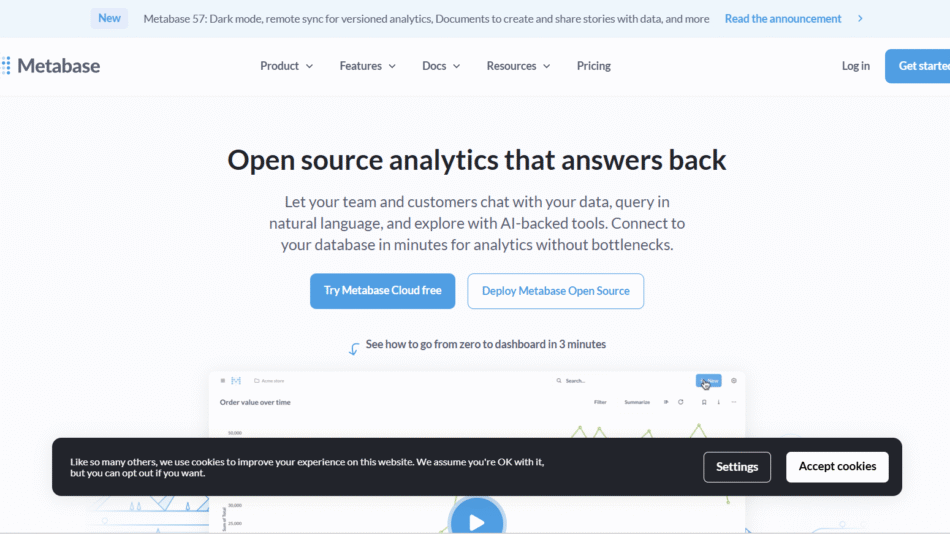
Metabase is more feature-rich for SQL-based data exploration but lacks built-in API support.
Redash offers powerful SQL querying but is more focused on analysts and developers.
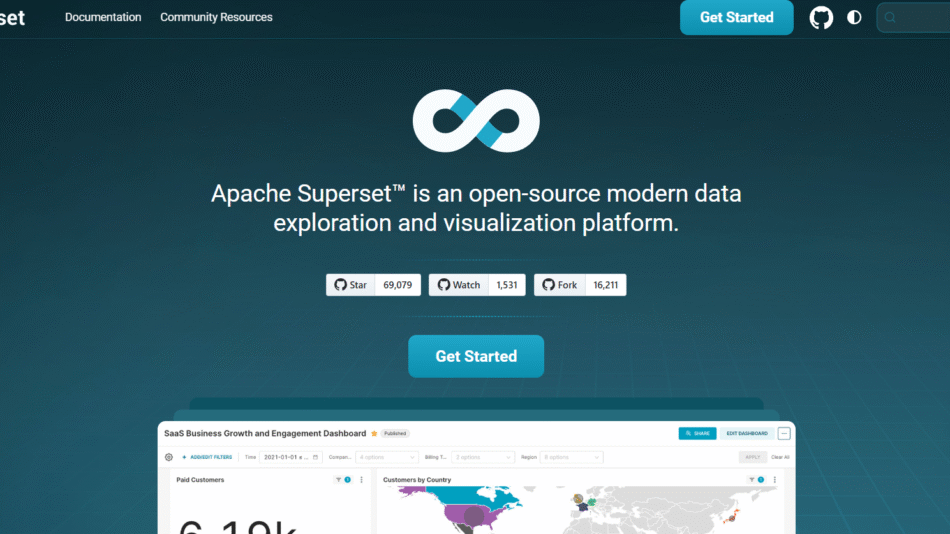
Apache Superset is a more enterprise-focused tool that requires significant setup and infrastructure.
ChartBrew stands out for its API-first design, open-source model, and user-friendly dashboard builder. It’s ideal for teams that need a lightweight, flexible solution for data visualization without enterprise complexity.
Customer Reviews and Testimonials
Users praise ChartBrew for its clean UI, ease of setup, and real-time charting capabilities. Developers appreciate the ability to connect to APIs directly without middleware, and small businesses value the affordability of the cloud plans. Open-source advocates highlight the transparency and control the platform offers, and many report using it to create internal dashboards within hours of setup. The support and responsiveness of the development team are also commonly cited as positives.
Conclusion
ChartBrew is a powerful, flexible, and accessible open-source platform for building real-time dashboards using data from APIs and SQL databases. With both self-hosted and cloud-hosted options, it suits the needs of startups, agencies, developers, and growing teams looking for a no-code/low-code solution to visualize data effectively. Whether you need a live KPI dashboard, API monitoring, or client-facing analytics, ChartBrew delivers a lightweight yet robust experience without the overhead of traditional BI tools.