
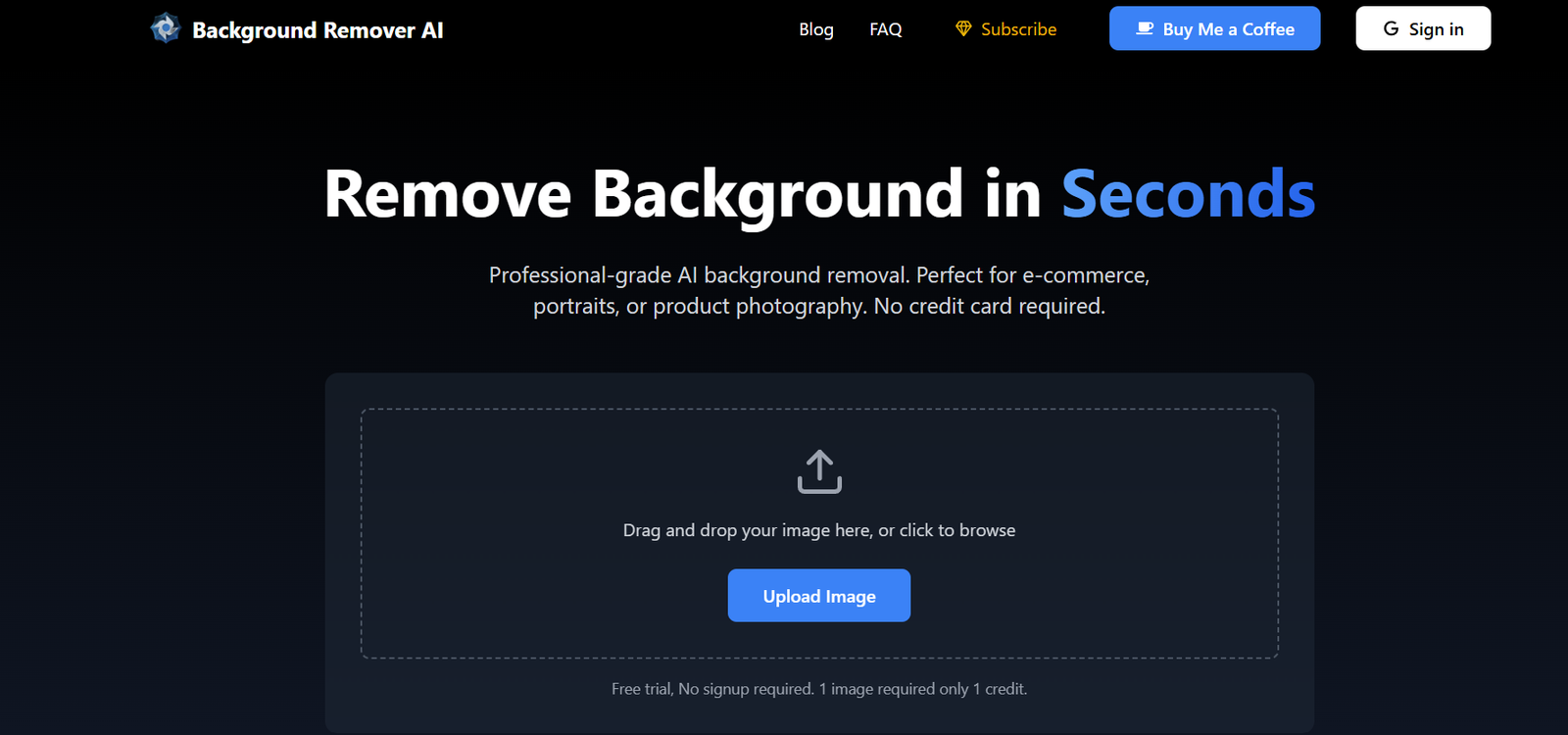
BGClearer.com is a free, AI-powered tool that specializes in automatic background removal for images. Whether you’re preparing product photos for e-commerce, polishing a headshot for LinkedIn, or editing graphics for design use, BGClearer delivers clean and precise cutouts in seconds—without the need for Photoshop or manual editing.
The platform is fully web-based and requires no registration or downloads. Simply upload your image, and BGClearer processes it instantly using advanced AI algorithms trained to detect and separate foreground objects from complex backgrounds.
Designed for speed and simplicity, BGClearer.com is an ideal solution for marketers, photographers, online sellers, and content creators who need professional-grade background removal—fast and free.
Features
AI-Powered Background Removal
Remove image backgrounds with a single click using artificial intelligence trained on diverse image types.
High Accuracy Detection
Automatically detects people, objects, pets, and other subjects with precision and edge clarity.
Free and Unlimited Usage
Use the tool with no limits on the number of images processed and no need to sign up.
Download in High Resolution
Download the output in standard resolution with optional upscaling available.
No Watermarks
Images processed through BGClearer are free of watermarks, even on the free version.
Fast Web Interface
Image processing takes just a few seconds and works smoothly on desktop and mobile browsers.
Simple One-Step Workflow
No need to tweak settings—just upload and download.
How It Works
Visit BGClearer.com
Open the site in any modern browser. No login or account creation is needed.Upload Your Image
Drag and drop or browse your local files to upload an image in JPEG or PNG format.AI Processes the Image
The tool automatically detects the subject and removes the background within seconds.Preview and Download
View the processed image and download it in PNG format with a transparent background.Use in Your Projects
Apply the cutout to websites, presentations, social media posts, e-commerce platforms, or other design tools.
Use Cases
E-Commerce Product Listings
Create clean product images with transparent or solid-color backgrounds for platforms like Amazon, eBay, or Shopify.
Professional Profile Photos
Remove distracting backgrounds to create crisp, clean headshots for LinkedIn or business websites.
Marketing and Design
Quickly isolate images for use in promotional graphics, social media posts, or brochures.
Event and Portrait Photography
Edit personal or professional photos without relying on expensive editing software.
Content Creation
Create thumbnails, banners, and visual overlays by quickly extracting people or objects from photos.
Pricing
As of May 2025, BGClearer.com is completely free to use:
Free Access
Unlimited image uploads
High-quality background removal
Instant download in PNG format
No watermark
No registration required
There is currently no paid plan or subscription tier, making BGClearer one of the most accessible AI tools for background removal on the web. If paid features are introduced in the future (e.g., batch processing or higher resolution exports), they will likely be announced on the site.
Strengths
Completely Free
No sign-up, no watermark, and no usage limits—unusual for tools in this category.
Instant Results
Removes backgrounds in seconds with no manual masking or erasing required.
User-Friendly Interface
Straightforward and efficient—ideal for users of all skill levels.
No Ads or Distractions
The website is clean, responsive, and focused entirely on background removal.
No Software Installation Needed
Fully web-based and accessible from desktop or mobile devices.
Works on Any Image Type
Capable of detecting people, products, pets, and more.
Drawbacks
No Batch Processing
Currently, BGClearer processes one image at a time—inefficient for large-scale use.
Limited Editing Options
No tools for manual refinement, background replacement, or image enhancement.
No API Access
Unlike some competitors, BGClearer does not offer an API for integration or automation.
Standard Output Only
Output is limited to PNG with transparent backgrounds—no built-in format customization or resolution scaling.
No Cloud Storage or History
You must download images immediately—there is no account-based saving or archive.
Comparison with Other Tools
BGClearer.com vs. Remove.bg
Remove.bg offers similar functionality but places limits on free usage and includes watermarks unless you pay. BGClearer is completely free and watermark-free.
BGClearer.com vs. Adobe Express
Adobe Express offers background removal but as part of a broader creative suite. BGClearer is faster and more focused, with no account required.
BGClearer.com vs. Canva
Canva includes background removal in its Pro version only. BGClearer provides this feature free of charge, making it ideal for users not subscribed to Canva.
BGClearer.com vs. PhotoRoom
PhotoRoom offers creative editing and design tools in addition to background removal. BGClearer excels at simple, clean cutouts without additional features or cost.
Customer Reviews and Testimonials
“BGClearer is the fastest tool I’ve ever used for background removal. Simple, clean, and no watermarks!” – Freelance Designer
“We use it for product photography and it has saved us countless hours and money.” – Small Business Owner
“No sign-up, no ads, and it works every time. Can’t ask for more.” – Content Creator
“I edited 15 LinkedIn profile pictures for my team in under an hour using BGClearer.” – HR Specialist
Conclusion
BGClearer.com is a fast, free, and highly effective AI tool for anyone who needs instant background removal. With no downloads, no cost, and no limitations on use, it’s a standout solution for content creators, businesses, and individuals seeking high-quality cutouts with minimal effort.
While it lacks advanced editing tools or bulk processing, its laser focus on accuracy, speed, and simplicity makes it one of the best free background remover tools on the web today.









