
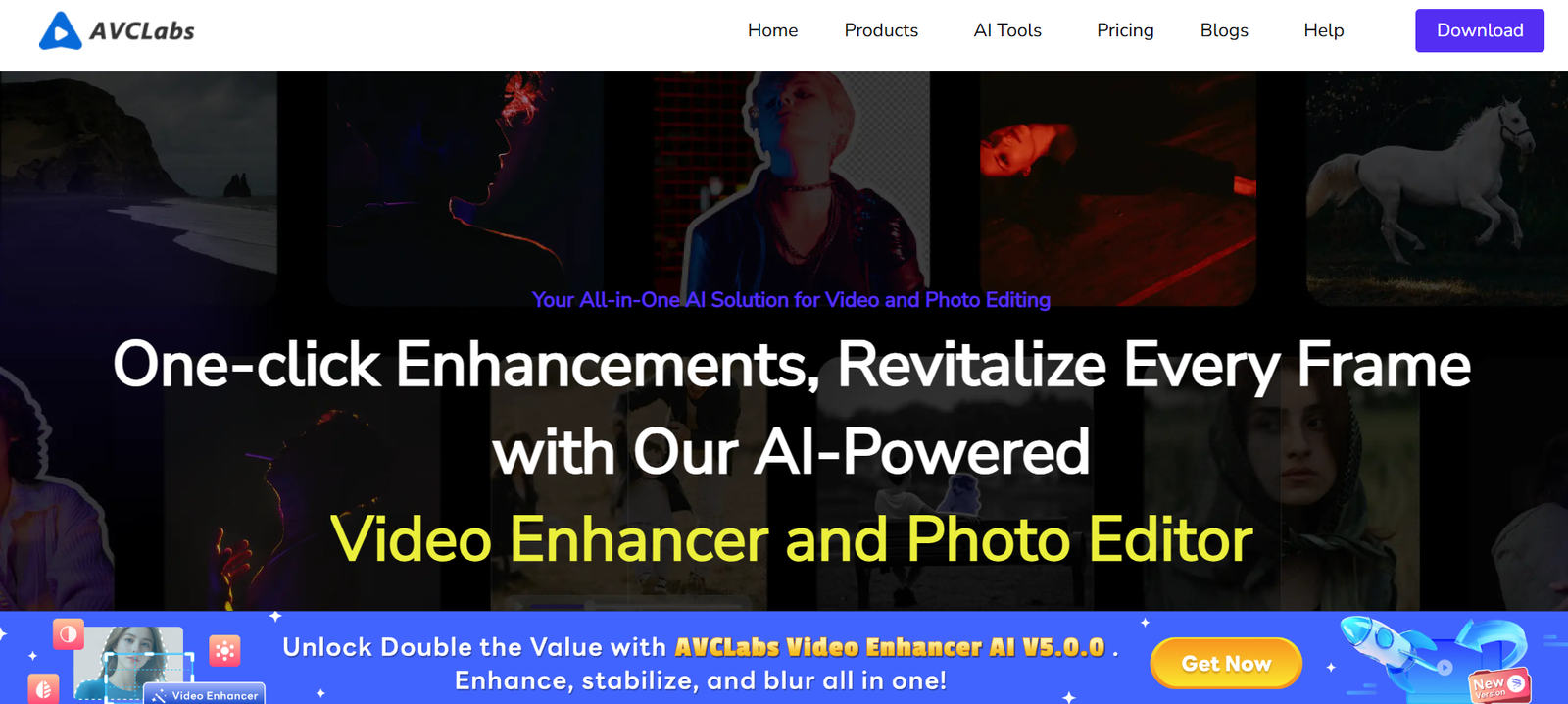
AVCLabs is a multimedia software brand specializing in AI-powered tools for video upscaling, photo enhancement, noise reduction, and facial detail restoration. Designed for video editors, photographers, content creators, and archivists, AVCLabs delivers cutting-edge AI models that dramatically improve the quality of low-resolution media.
Whether you’re restoring old family footage, enhancing product shots for eCommerce, or preparing high-definition videos for YouTube, AVCLabs provides user-friendly desktop solutions backed by artificial intelligence.
Official website: https://www.avclabs.com
Features
1. AVCLabs Video Enhancer AI
Upscale videos to 4K or 8K resolution using deep-learning models.
Remove noise, deblur motion, and sharpen edges automatically.
Enhance facial details with face refinement mode.
Output to MP4, MOV, AVI, MKV, and more.
2. AVCLabs Photo Enhancer AI
Automatically enhance image resolution, fix blur, and reduce noise.
Specialized models for portraits, landscapes, and low-light photos.
AI face refinement for sharper eyes, skin tone correction, and detail enhancement.
3. AVCLabs Video Blur AI
Add intelligent background blur to videos.
Motion-aware detection keeps subjects in focus while anonymizing or styling the background.
Useful for YouTube creators, interviews, or privacy-focused footage.
4. AVCLabs PhotoPro AI
Manual and AI-powered photo editing software with tools like object removal, color correction, and background replacement.
5. AVCLabs Video Converter
Convert between a wide range of formats (MP4, MKV, AVI, MOV).
Includes video trimming, cropping, and resolution adjustment.
Ideal for media conversion, format compatibility, or preparing content for mobile devices.
How It Works
Each AVCLabs tool is designed to be intuitive, using AI to handle the most complex processing behind the scenes. Here’s a general workflow:
Download and Install the Tool
Install AVCLabs Video Enhancer AI or another product from the official website.Upload Media
Import the video or image you want to enhance.Choose AI Model or Enhancement Settings
Select your desired output resolution, enhancement strength, or specific mode (e.g., Face AI, Deblur, Denoise).Preview & Process
Preview the results in the interface. If satisfied, run the AI to process the entire media file.Export
Save the final output in your preferred format and resolution.
Use Cases
1. Video Restoration
Upscale and clean old home videos or archival footage with AI sharpness and detail recovery.
2. Content Creation
YouTubers, vloggers, and educators can enhance poor-quality clips or optimize resolution before uploading.
3. Photography Enhancement
Fix underexposed or blurry images, upscale small photos for print, and sharpen facial details in portraits.
4. eCommerce Optimization
Improve product images or videos for sharper, more engaging listings.
5. Surveillance & Security
Enhance low-quality or blurry footage from cameras for better visibility in legal or monitoring contexts.
6. Social Media and Influencer Workflows
Produce polished visuals with minimal editing experience.
Pricing
As of June 2025, AVCLabs offers individual and bundle licenses for its AI tools. Here’s a breakdown of popular pricing tiers (from the official pricing page):
AVCLabs Video Enhancer AI
Monthly License: $39.95
Annual License: $119.95
Lifetime License: $299.90
AVCLabs Photo Enhancer AI
Monthly License: $19.95
Annual License: $59.95
Lifetime License: $149.95
AVCLabs Video Blur AI
Monthly: $29.95
Annual: $89.95
Lifetime: $199.95
AVCLabs PhotoPro AI
One-Time Purchase: $69.95
Free trial available with limited exports
Discount bundles are available for purchasing multiple tools together. All paid versions include regular software updates and technical support.
Strengths
AI-Driven Quality: Enhances image and video quality with superior upscaling, denoising, and restoration models.
Multiple Specialties: Offers dedicated tools for different tasks (video blur, photo enhancement, conversion).
Offline Software: No upload limits or internet dependency once installed.
Intuitive UI: Designed for beginners and professionals alike.
Frequent Updates: Tools are actively maintained with evolving AI models.
Drawbacks
No Web-Based Version: All tools must be downloaded—no browser access for quick edits.
High Monthly Cost: Best value is in annual or lifetime licenses.
Hardware Intensive: AI processing may be slow on low-spec machines; GPU acceleration recommended.
Limited Format Support in Some Tools: Video Enhancer AI focuses on MP4/MOV; some formats require conversion before processing.
Comparison with Other Tools
Versus Topaz Video AI: Topaz is more expensive but offers advanced timeline editing. AVCLabs is more beginner-friendly and cost-effective for general upscaling.
Versus HitPaw or DVDFab: AVCLabs provides deeper restoration features with more control over enhancement parameters.
Versus Canva or Fotor: Those are better for graphic design; AVCLabs focuses on deep AI-based media improvement, not design layout.
AVCLabs is ideal for users seeking advanced AI restoration without needing complex editing software.
Customer Reviews and Testimonials
User feedback on platforms like Trustpilot and video creator forums is generally positive:
“I was able to upscale a 480p video to 1080p and the result blew my mind. It actually worked.”
“AVCLabs Photo Enhancer AI helped me restore an old wedding photo—impressed with the face refinement.”
“Simple interface, powerful results. The tools just work, even for someone with minimal editing skills.”
Common praise includes output quality, ease of use, and AI accuracy.
Conclusion
AVCLabs offers a powerful collection of AI tools for restoring, upscaling, and enhancing media content. With solutions tailored to both video and photo workflows, it stands out as a user-friendly and effective alternative to manual editing and high-end software.
Whether you’re cleaning up archival footage, enhancing product visuals, or polishing videos for publishing, AVCLabs empowers you to achieve stunning results—without the steep learning curve.










