
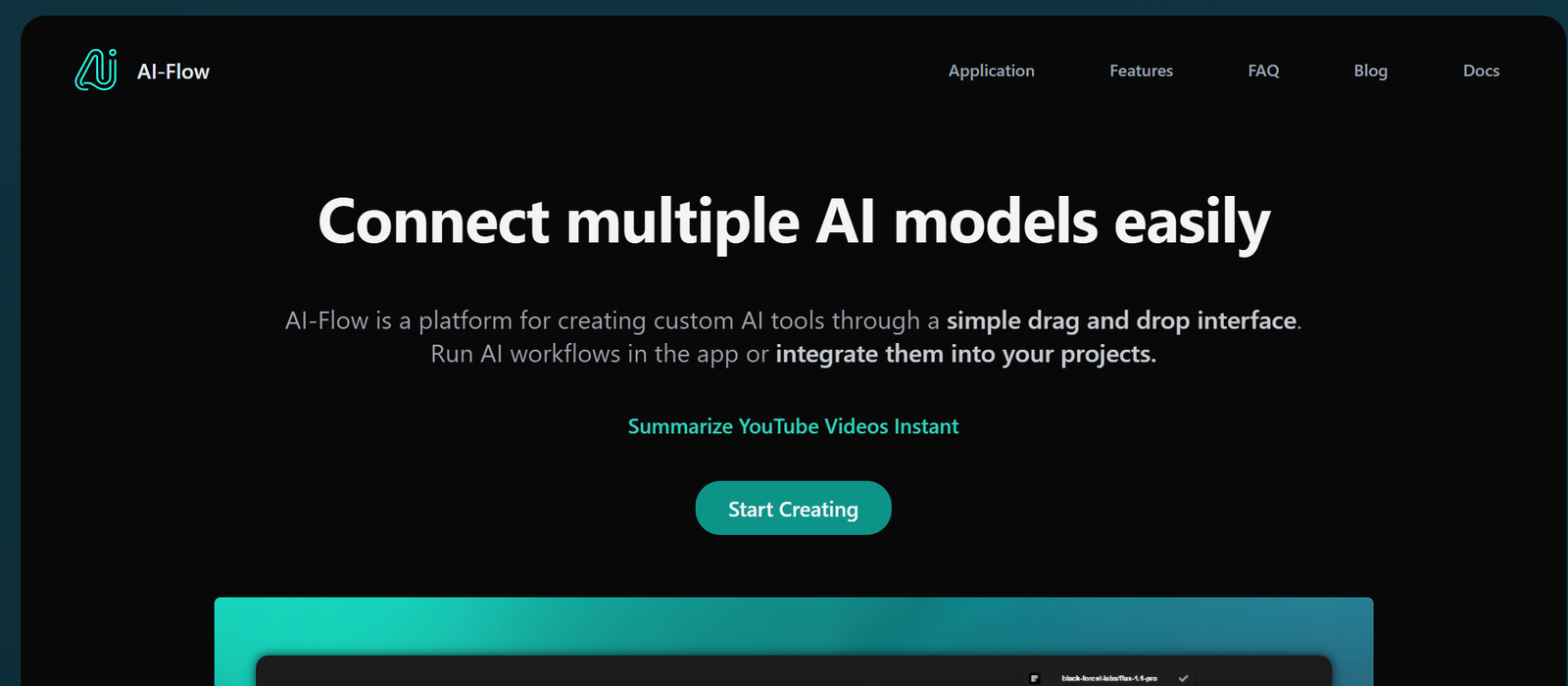
AI Flow is a no-code workflow automation platform that connects various AI tools and services into customized, repeatable workflows. It enables users to build chains of tasks—called “flows”—that integrate multiple steps in the content creation process, such as generating text with GPT, editing images, translating text, summarizing content, or distributing it across platforms.
AI Flow is especially powerful for non-technical users who want to automate creative tasks using AI, such as writers, marketers, content teams, and indie founders. The platform provides a visual builder and a growing library of templates, allowing users to stack AI tools together like building blocks.
Key Features of AI Flow
1. No-Code AI Workflow Builder
Create multi-step workflows visually. Drag and drop AI tasks like “Generate text with GPT,” “Summarize article,” or “Translate to French” into a sequence.
2. AI-Ready Integrations
Supports integration with major AI models such as OpenAI (GPT-4) and other content generation services. Additional modules for image processing, text-to-speech, and code generation are also available.
3. Templates for Content Workflows
Use prebuilt templates for blog writing, Twitter thread generation, product descriptions, YouTube scripts, and more. Save time by starting with proven flows.
4. Flow Versioning and History
Track versions of each flow, compare outputs, and iterate with full visibility. Great for teams working on evolving content strategies.
5. Easy Input/Output Customization
Define how each step in the flow receives and passes information. You can prompt the AI, pass text into another step, or send final results to output destinations like email or documents.
6. Real-Time Preview and Execution
Test your flows instantly. Run single steps or full workflows and view the outputs in real time.
7. AI Agent Chaining (Advanced)
Create modular AI flows where outputs from one model become inputs for another—ideal for building autonomous content agents.
8. Web-Based Platform
Entirely browser-based. No installation or local resources required.
9. Workflow Sharing and Collaboration
Share flows with collaborators or clients via links, or duplicate templates to reuse them across projects.
How AI Flow Works
Step 1: Sign Up and Create a Flow
Start by creating a free account at ai-flow.net. From the dashboard, click “Create New Flow.”
Step 2: Add Steps to the Workflow
Using the visual builder, add and configure AI tasks like “generate blog intro,” “summarize key points,” or “translate content.”
Step 3: Input Prompts and Conditions
Customize each step with AI prompts, parameters, or conditional logic. For example, use specific instructions for tone, format, or length.
Step 4: Preview and Run the Flow
Test your flow in real time. View the generated content, make adjustments, and re-run as needed.
Step 5: Save, Share, or Export
Once satisfied, save the flow for future reuse, export the output, or share the entire workflow with a link.
Use Cases for AI Flow
Content Creators and Bloggers
Automate blog outlines, intros, meta descriptions, and complete articles using GPT-powered templates.
Social Media Managers
Generate and schedule content for Twitter, LinkedIn, or Instagram using automated prompts and character constraints.
YouTube and Video Creators
Use workflows to generate video scripts, thumbnails, titles, and descriptions based on a single prompt.
E-commerce and SEO Teams
Create product descriptions, feature highlights, and multilingual listings at scale.
Marketing Agencies
Standardize content pipelines for clients, including onboarding forms, brand voice consistency, and content approvals.
Educators and Course Creators
Build content workflows for generating quiz questions, lesson summaries, or email sequences from source materials.
Startup Founders
Build lightweight content operations for newsletters, product updates, landing pages, or investor communications.
AI Flow Pricing
As of May 2025, AI Flow offers three pricing tiers:
Free Plan
3 custom workflows
Limited AI runs per month
Access to templates
Great for testing and basic personal use
Pro Plan – $19/month
Unlimited workflows
Increased AI usage quota
Full template library
Priority execution speeds
Ideal for freelancers and individual creators
Team Plan – $49/month
Multi-user collaboration
Shared workspaces
Admin controls and usage tracking
Workflow version history
Designed for content teams and agencies
Visit https://ai-flow.net/pricing for the most current updates and plan comparisons.
Strengths of AI Flow
1. Extremely Easy to Use
The drag-and-drop interface is intuitive, even for users with no technical background.
2. Built for Content Creators
Unlike general automation tools, AI Flow is tailored to the needs of creative teams and marketers.
3. Modular AI Chaining
Connect multiple AI tasks in sequence, from prompt to publication—ideal for multi-step generation.
4. Expanding Template Library
The platform offers dozens of ready-made content workflows that users can copy and customize.
5. Affordable for Solo Creators
The free and Pro plans offer good value for individuals or small teams looking to automate without enterprise pricing.
Drawbacks of AI Flow
1. Limited External Integrations (Currently)
Unlike Zapier or Make, AI Flow currently focuses more on internal workflows than external app integration.
2. AI Usage Quotas Apply
Free and Pro users are limited in how many AI runs they can execute per month, depending on plan limits.
3. No Native Publishing Tools
You can create and export content, but the platform does not yet support auto-publishing to WordPress, Medium, or social media directly.
4. No Offline Access
AI Flow is entirely web-based and requires an internet connection to use.
Comparison with Other Tools
AI Flow vs. Zapier
Zapier is a general-purpose automation tool with thousands of app integrations. AI Flow specializes in chaining AI tasks for content generation, with a focus on creative workflows.
AI Flow vs. Notion AI
Notion AI is embedded within a note-taking platform. AI Flow is a workflow engine designed to automate content across multiple AI steps and models.
AI Flow vs. Copy.ai / Jasper
Copy.ai and Jasper offer powerful AI copywriting but focus on single-task generation. AI Flow is more customizable, allowing users to create entire content pipelines.
AI Flow vs. Make.com
Make supports broader app workflows, but lacks the AI-specific step builder and templates that make AI Flow appealing to content creators.
Customer Reviews and Testimonials
Early users of AI Flow, including solopreneurs and marketers, have praised its ease of use and time-saving features:
“I replaced five different tools with AI Flow. Now I have a single workflow that takes me from headline to blog post in one click.” – Indie Writer
“Perfect for creating newsletters. I set it up once, and now every week it generates my intro and summary content automatically.” – Email Marketer
“The ability to chain GPT outputs is a game-changer. I use it for Twitter threads, blog drafts, and product blurbs all from one place.” – SaaS Founder
Conclusion: Is AI Flow Worth It?
If you’re a content creator, marketer, or product builder looking to leverage AI more efficiently, AI Flow is a smart investment. Its visual workflow builder, growing template library, and ability to chain multiple AI tools together make it an excellent choice for automating creative work.
While it doesn’t yet replace platforms like Zapier for general-purpose automation, AI Flow excels at what it was built for—scaling AI-powered content creation with zero coding and minimal setup.










