
Best AI Tools for Image & Video Editing
Dive into image and video creation with cutting-edge tools and techniques, from graphic design to video editing, to elevate your visual storytelling skills.
Showing 73–81 of 1006 resultsSorted by latest
-
 Video Generator & Editing
Flux3 Studio
Create AI-generated images and videos with Flux3 Studio. Generate visuals from text, edit images, animate scenes, and produce cinematic content in one platform.
-
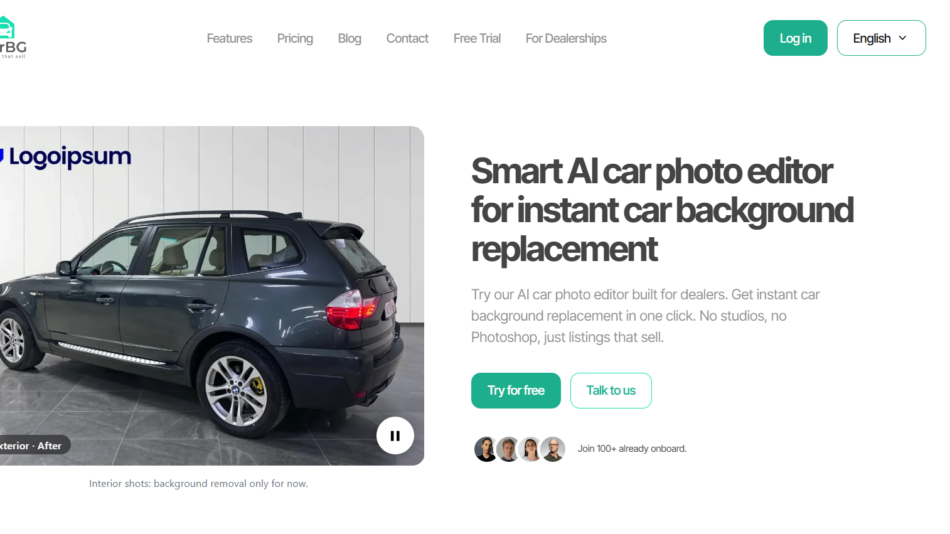 Image Generator & Editing
Car Background AI
Transform car photos into professional dealership images with Car Background AI. Replace backgrounds, enhance lighting, batch edit, and prepare listing-ready photos.
-
 Video Generator & Editing
Meta Image AI
Create AI images, edit photos, and generate videos with Meta Image. Use multiple AI models, natural language editing, and flexible credit-based pricing.
-
 Video Generator & Editing
AriaFlow AI
Create faceless AI videos with AriaFlow AI. Generate scripts, voiceovers, visuals, subtitles, and automatically publish content to social media platforms.
-
 Text to Speech & Video
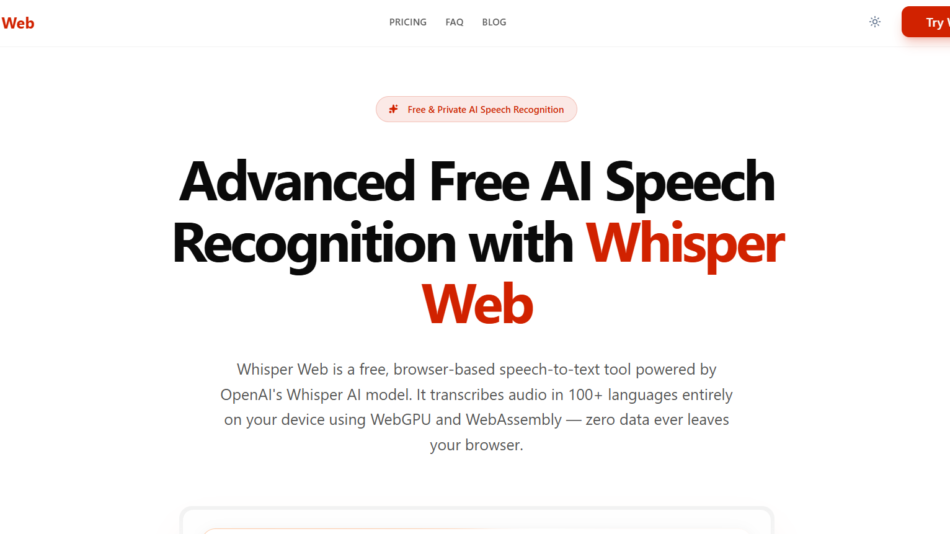
Whisper Web
Transcribe audio and video into text with Whisper Web. Generate accurate transcripts in 100+ languages using AI with private browser-based processing and exports.
-
 Video Generator & Editing
Artlist AI
Create AI videos, images, music, and voiceovers with Artlist AI. Access powerful creative tools and commercially licensed assets in one platform.
-
 Image Generator & Editing
EzEditor AI
Edit photos with EzEditor AI using background removal, image upscaling, object removal, and AI headshot generation. Create professional images in minutes.
-
 Video Generator & Editing
Animater
Create professional product demo and launch videos with Animater. Turn live web pages into animated videos using AI motion design, voiceovers, and 4K exports.
-
 Text to Speech & Video
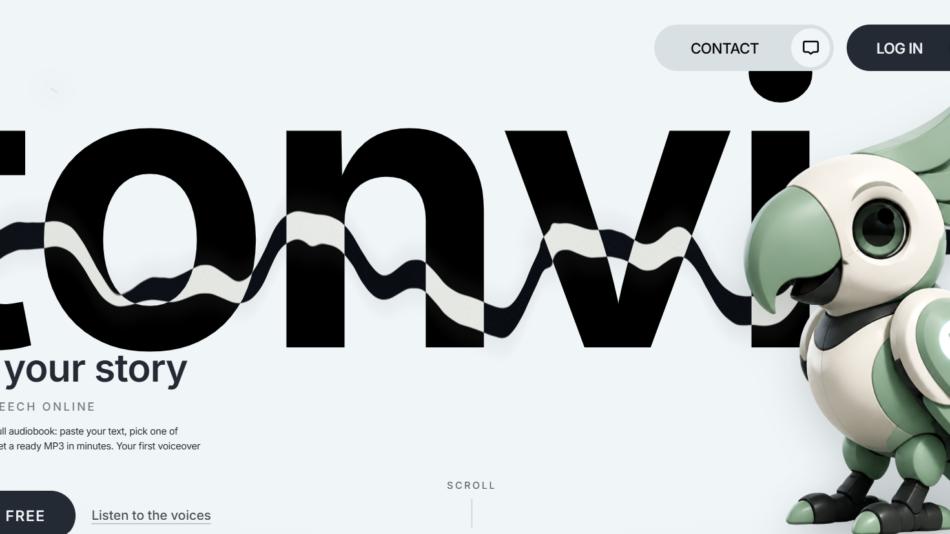
Tonvio
Create realistic AI voiceovers with Tonvio using text to speech, voice cloning, multilingual translation, and character voices for videos, podcasts, and audiobooks.