
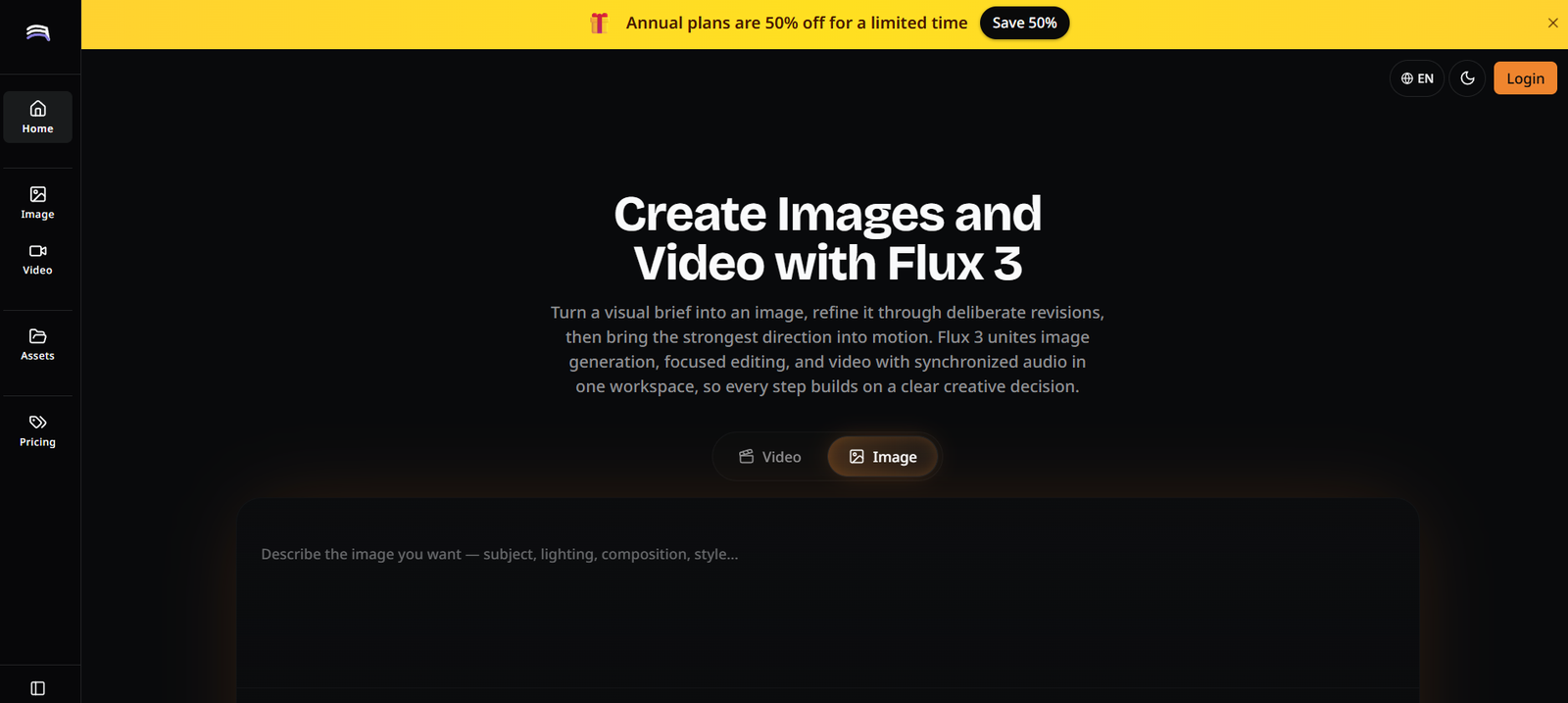
Flux3 Studio is an AI-powered creative platform that enables users to generate, edit, and animate images and videos from text prompts and reference images. It combines AI image generation, image editing, and video creation into a single browser-based workspace, allowing creators to move from concept to finished visual content without switching between multiple tools.
Designed for content creators, designers, marketers, filmmakers, agencies, and digital artists, Flux3 Studio provides an end-to-end workflow for producing professional-quality visuals. Users can generate artwork, refine images through AI editing, animate still images, and create cinematic AI videos with synchronized audio, making it suitable for a wide range of creative projects.
Features
AI Image Generation
Flux3 Studio transforms text prompts into high-quality AI-generated images. Users can create illustrations, product renders, concept art, portraits, landscapes, and marketing visuals with just a few descriptions.
AI Video Generation
The platform supports text-to-video generation, allowing users to convert written prompts into animated videos. It also enables users to transform static images into dynamic motion clips for engaging visual storytelling.
AI Image Editing
Users can refine generated images using AI-powered editing tools. Images can be modified, enhanced, or updated through iterative prompts without restarting the creative process.
Reference Image Support
Flux3 Studio accepts reference images to guide style, composition, characters, or objects, helping users maintain consistency across multiple creations.
Unified Creative Workspace
Instead of separating image generation, editing, and video production into different applications, Flux3 Studio integrates them into a single workflow for greater efficiency.
High-Resolution Outputs
The platform supports high-quality image generation suitable for digital publishing, marketing campaigns, presentations, and creative projects.
Browser-Based Platform
Flux3 Studio operates entirely online, allowing users to create AI-generated content from any modern web browser without installing software.
How It Works
Step 1: Create a Flux3 Studio account.
Step 2: Enter a text prompt describing the desired image or video.
Step 3: Optionally upload reference images to guide the AI.
Step 4: Generate AI images or videos.
Step 5: Edit and refine the generated results using additional prompts.
Step 6: Preview the final content.
Step 7: Download the completed image or video for publishing or commercial use.
Use Cases
Content creators can produce social media graphics and videos.
Designers can generate concept art and creative illustrations.
Marketing teams can create promotional images and advertisements.
Businesses can develop product visuals and branded content.
Filmmakers can produce storyboards and animated concepts.
Agencies can rapidly generate creative assets for clients.
Educators can prepare engaging visual learning materials.
Digital artists can explore new artistic styles and workflows.
Pricing
Flux3 Studio offers both free and paid plans.
Free Plan
- 20 free credits for new users
- AI image and video generation
- Browser-based access
Basic Plan
- Starts at $4.90/month (annual billing)
- 6,000 yearly credits
- Commercial use license
- Image enhancement tools
- AI video generation support
Professional Plan
- Starts at $9.90/month (annual billing)
- 24,000 yearly credits
- Higher monthly generation limits
- Priority generation queue
- No watermark
- Commercial usage rights
Enterprise Plan
- Starts at $19.90/month (annual billing)
- 72,000 yearly credits
- Highest generation limits
- Priority customer support
- Commercial license
- Advanced AI generation features
Strengths
- Combines image generation, editing, and video creation.
- Supports both text-to-image and text-to-video workflows.
- Browser-based with no installation required.
- Allows reference-image guided generation.
- High-quality visual outputs.
- Suitable for both beginners and professionals.
- Commercial usage available on paid plans.
Drawbacks
- Credit-based usage may limit heavy creators.
- Advanced features require a paid subscription.
- Video generation consumes more credits than image generation.
- Internet connection is required for cloud processing.
Comparison with Other Platforms
Unlike many AI creative tools that focus on only image or video generation, Flux3 Studio integrates image creation, editing, animation, and video production into a unified workflow. This enables creators to develop complete visual projects without moving between multiple applications, making it especially valuable for marketers, designers, agencies, and multimedia creators seeking an all-in-one AI content production platform.
Customer Reviews and Testimonials
Customer reviews and testimonials are not prominently displayed on the official website.
Conclusion
Flux3 Studio is a comprehensive AI-powered creative platform for generating images, editing artwork, and producing AI videos from simple text prompts. Its unified workflow, browser-based interface, reference image support, and high-quality outputs make it an excellent solution for creators, designers, businesses, and agencies looking to streamline visual content production with AI.


