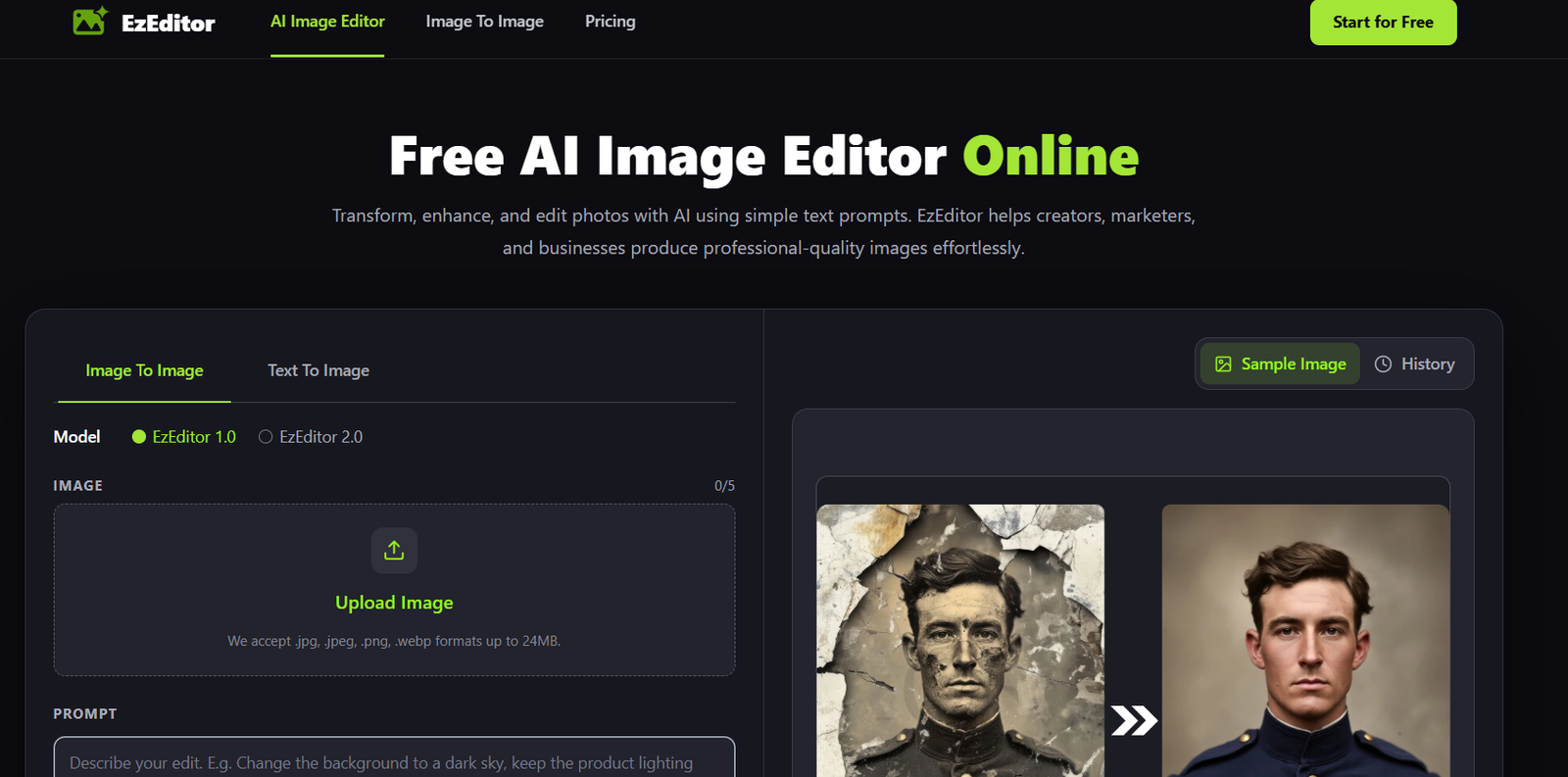
EzEditor AI is an AI-powered photo editing platform designed to simplify professional image editing through an easy-to-use online interface. It combines multiple AI editing tools into one workspace, allowing users to remove backgrounds, enhance image quality, erase unwanted objects, and generate professional headshots without requiring advanced editing skills.
The platform is suitable for photographers, e-commerce businesses, marketers, designers, social media creators, and professionals who need high-quality images quickly. By handling complex image processing in the cloud, EzEditor AI enables users to create polished visuals from almost any device without installing heavy editing software.
Features
AI Background Removal
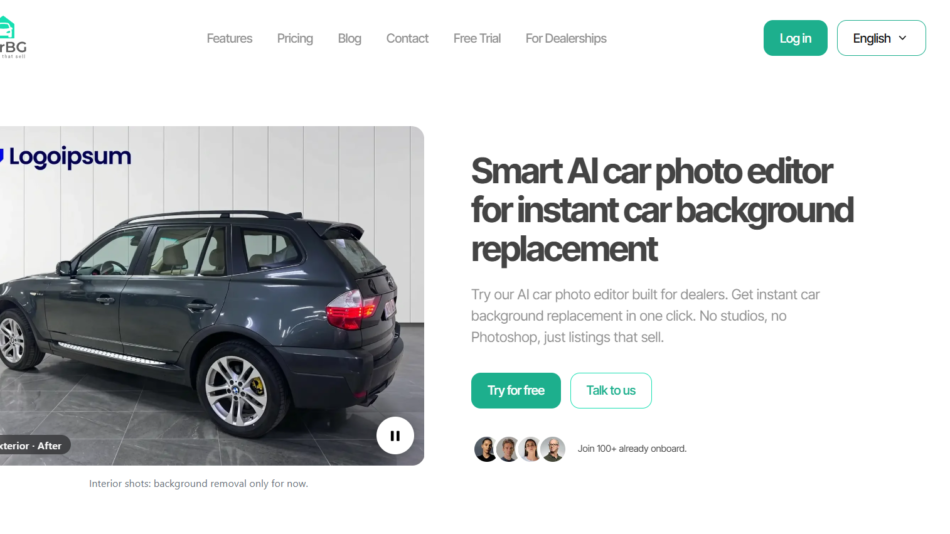
EzEditor AI automatically detects subjects and removes image backgrounds with high precision. Users can create transparent images or replace backgrounds for product photography, marketing materials, and creative projects.
AI Image Upscaling
The platform enhances low-resolution or blurry images by increasing resolution up to 4K. AI reconstruction helps improve sharpness while reducing noise and compression artifacts.
AI Professional Headshots
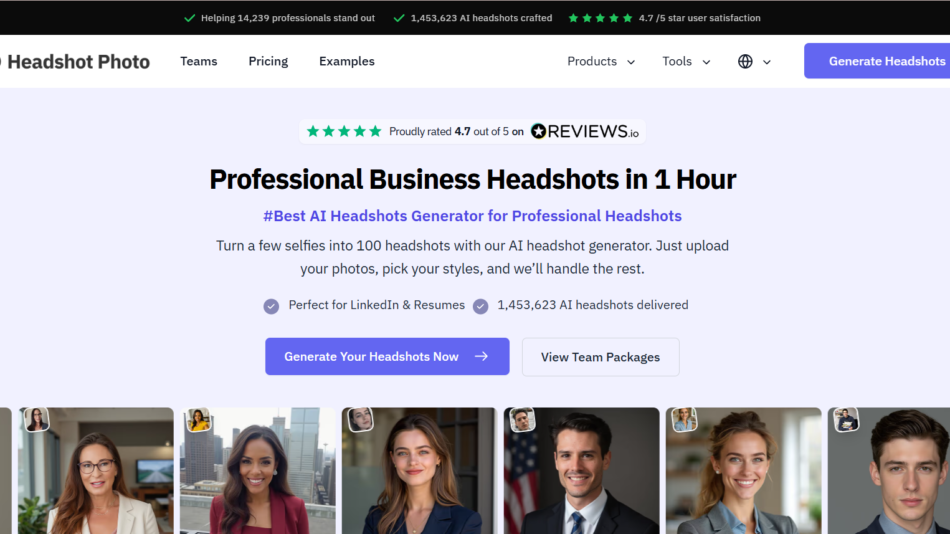
Users can transform casual selfies into professional-looking headshots with different backgrounds, lighting styles, and business-ready appearances, making the tool useful for resumes, LinkedIn profiles, and corporate branding.
Object Removal
EzEditor AI allows users to remove unwanted people, objects, or distractions from photos, helping create cleaner and more professional-looking images.
Batch Image Processing
Multiple images can be processed simultaneously, making the platform suitable for businesses, online stores, and creators who edit large collections of photos.
Cloud-Based Editing
Image processing takes place in the cloud, reducing the workload on users’ devices while enabling editing from any modern web browser.
Commercial Usage Rights
Paid plans include commercial usage rights, allowing businesses and professionals to use edited images for commercial projects.
How It Works
Step 1: Create an EzEditor AI account and start the free trial.
Step 2: Upload the image you want to edit.
Step 3: Select the AI editing tool, such as background removal, image upscaling, headshot generation, or object removal.
Step 4: Let the AI process the image automatically.
Step 5: Preview the edited result.
Step 6: Make additional edits if necessary.
Step 7: Download the finished high-quality image for personal or commercial use.
Use Cases
E-commerce businesses can create clean product images with transparent or customized backgrounds.
Marketing teams can prepare promotional visuals for advertisements and campaigns.
Content creators can enhance photos for YouTube, Instagram, TikTok, and blogs.
Photographers can improve image quality and remove distractions from photos.
Professionals can generate business-ready profile photos for resumes, websites, and LinkedIn.
Graphic designers can speed up routine image editing tasks.
Small businesses can create professional marketing materials without hiring dedicated photo editors.
Pricing
EzEditor AI uses a credit-based pricing model rather than monthly subscriptions.
Available one-time credit packs include:
- Basic: $9.99 for 600 credits
- Creator: $19.99 for 1,250 credits
- Pro: $49.99 for 3,200 credits
- Premium: $199.99 for 15,000 credits
All paid plans include access to every AI tool, priority processing, commercial usage rights, and credits that do not expire. New users can also start with a free trial.
Strengths
- Combines multiple AI photo editing tools in one platform.
- Simple browser-based interface with no software installation.
- Fast cloud-based processing.
- Supports batch image editing.
- Produces professional-quality headshots.
- Offers image upscaling up to 4K.
- Flexible one-time credit purchases with no recurring subscription required.
- Includes commercial usage rights for paid plans.
Drawbacks
- The platform focuses on photo editing and does not provide advanced graphic design or video editing capabilities.
- Usage depends on available credits.
- Some advanced editing features require purchasing additional credits.
- Users looking for manual editing controls may need dedicated photo editing software.
Comparison with Other Platforms
EzEditor AI focuses on making professional photo editing fast and accessible through AI automation. Unlike traditional image editing software that requires manual adjustments and technical knowledge, it emphasizes one-click editing for common tasks such as background removal, image enhancement, object removal, and headshot generation. Its credit-based pricing model may also appeal to users who prefer paying only for the editing they use instead of maintaining a monthly subscription.
Customer Reviews and Testimonials
Customer reviews and testimonials are not clearly available on the official website.
Conclusion
EzEditor AI is a practical AI photo editing solution for creators, businesses, photographers, and marketers who want professional-quality images without spending hours on manual editing. Its combination of AI-powered background removal, image upscaling, object removal, headshot generation, and batch processing makes it a versatile platform for personal and commercial image editing workflows.