
Best AI Tools for Image & Video Editing
Dive into image and video creation with cutting-edge tools and techniques, from graphic design to video editing, to elevate your visual storytelling skills.
Showing 55–63 of 1006 resultsSorted by latest
-
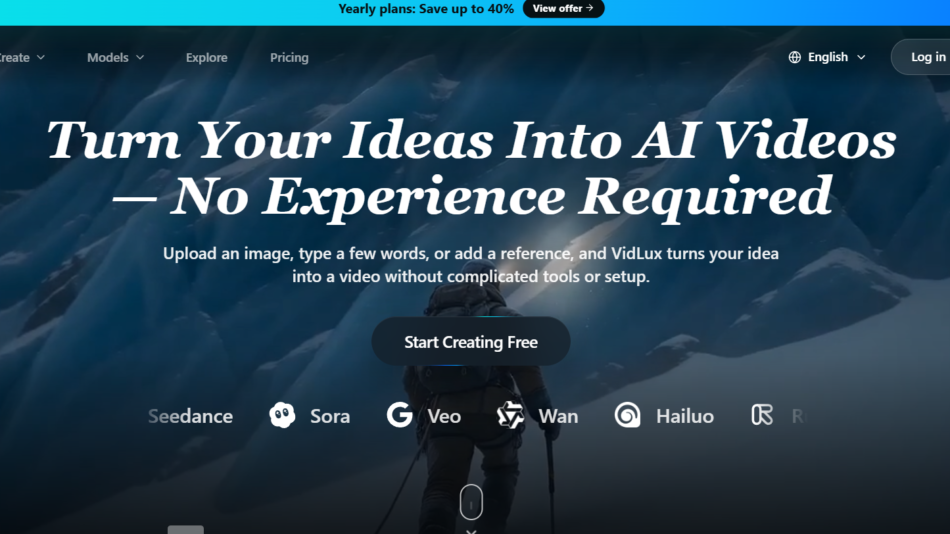 Video Generator & Editing
Vidux AI
Create, enhance, upscale, compress, and convert videos with Vidux AI. Generate AI videos from text or images using multiple AI models in one platform.
-
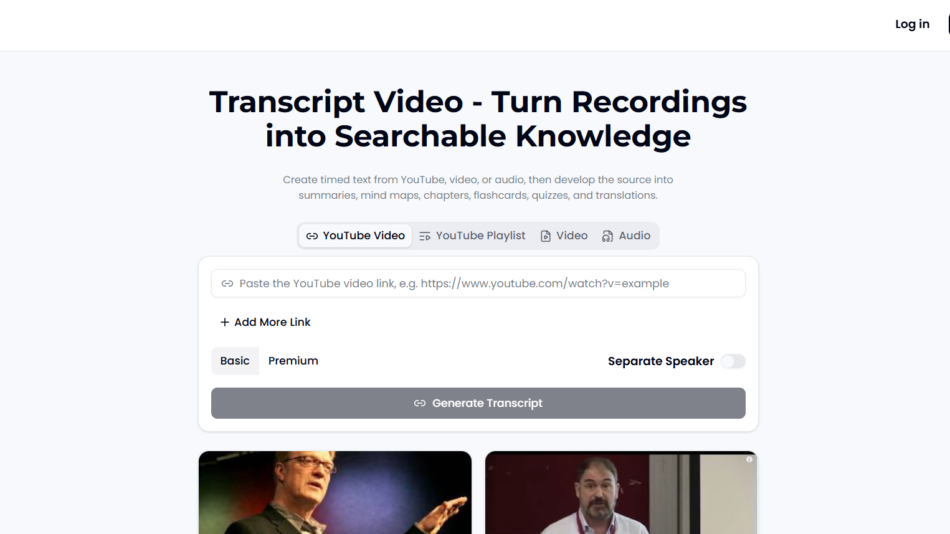 Video Generator & Editing
TranscriptVideo AI
TranscriptVideo converts videos and audio into searchable transcripts, summaries, flashcards, quizzes, mind maps, and translated content with AI-powered study tools.
-
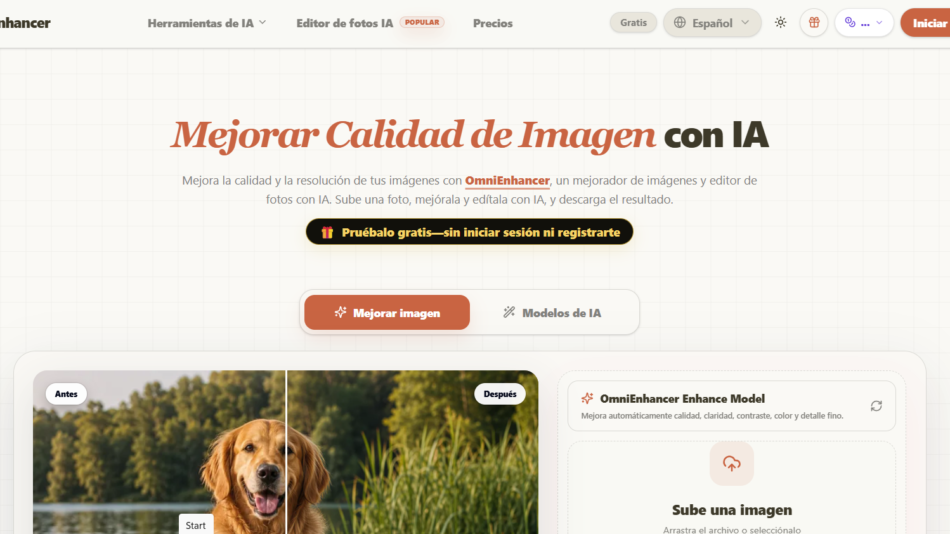 Video Generator & Editing
Omni Enhance AI
Turn photos into cinematic AI videos with Omni Enhance. Create high-quality image-to-video content featuring character consistency, 4K output, and commercial licensing.
-
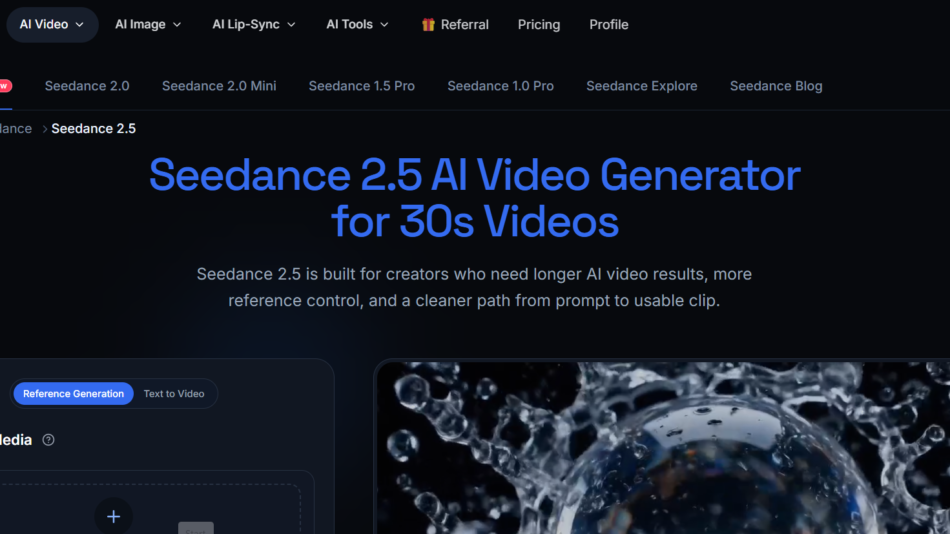 Video Generator & Editing
JXP AI
Create AI-generated videos and images with JXP using text prompts or images. Generate cinematic videos, animations, and creative visuals with advanced AI models.
-
 Video Generator & Editing
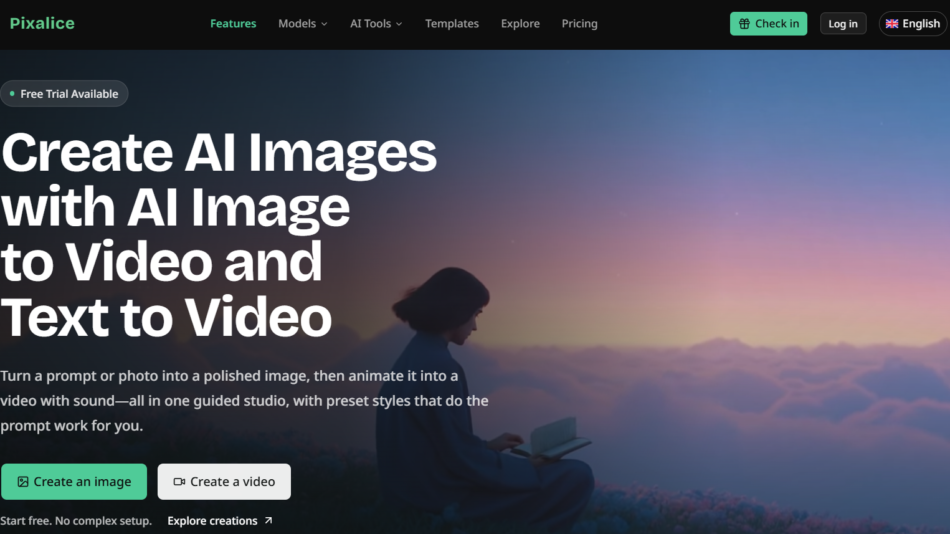
PixAlice AI
PixAlice is an AI-powered platform for generating images and videos from text or photos with AI editing, style presets, 4K output, and commercial usage rights.
-
 Video Generator & Editing
CrazyRouter Unified AI
Access over 300 AI models through one API with CrazyRouter. Build AI apps using OpenAI-compatible endpoints for text, image, video, audio, and embeddings.
-
 Video Generator & Editing
VlogMe AI
Create complete AI videos with VlogMe using scripts, images, audio, and prompts. Generate scenes, avatars, voiceovers, captions, and publish videos faster.
-
 Video Generator & Editing
Brainrot Shorts AI
Brainrot Shorts is an AI video generator that creates viral-ready faceless videos, Reddit stories, explainers, quizzes, and AI character videos for social media.
-
 Image Generator & Editing
ColoringDaily AI
ColoringDaily is an AI-powered coloring page generator that creates printable coloring pages from text prompts or photos with PDF, PNG, and SVG downloads.