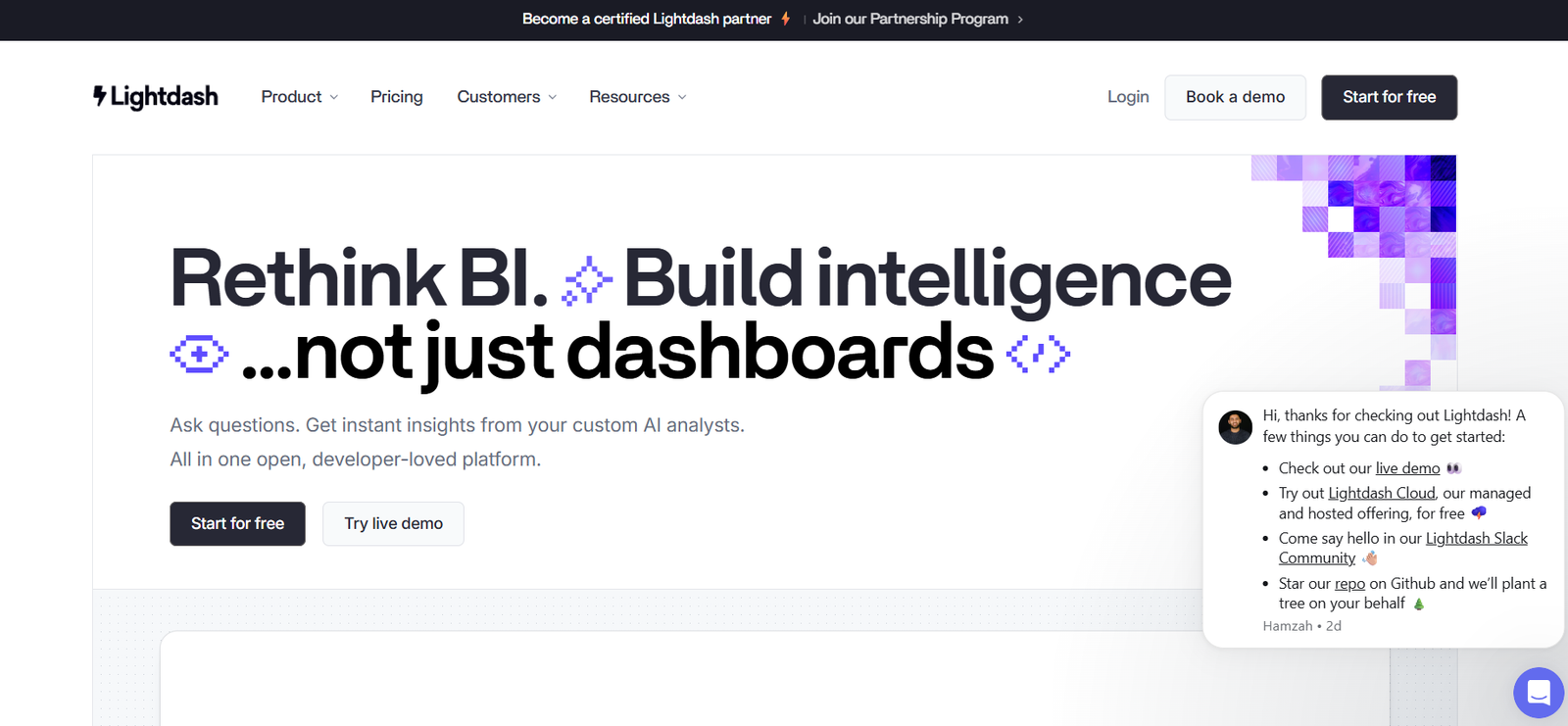
Lightdash is an open-source business intelligence (BI) and data visualization tool designed specifically for modern data teams using dbt (data build tool). It allows users to transform dbt models directly into interactive dashboards, charts, and metrics without needing to move data or duplicate logic. Unlike traditional BI platforms, Lightdash prioritizes developer workflows and version control, enabling analytics engineering teams to build, test, and maintain analytics in code.
The platform is built for collaboration between data analysts, engineers, and business stakeholders who want consistent, reliable, and real-time access to data insights—all while keeping data transformations centralized in dbt.
Features
Lightdash offers a robust and modern feature set tailored for dbt-native workflows:
dbt Integration: Native integration with dbt core, allowing you to sync dbt models and use them as the foundation for BI metrics.
Live Dashboards: Create real-time dashboards from your data warehouse using dbt models without data duplication.
Metric Layer: Define KPIs and business logic in code for reuse across reports and teams.
Git Version Control: Treat your BI logic like software—use Git to manage changes, reviews, and deployments.
SQL Runner: Query your data warehouse directly within Lightdash for ad hoc analysis.
Permissions & Access Control: Granular control over data access, metrics, and projects.
Visualization Library: Choose from bar charts, line graphs, tables, and more to present insights effectively.
Open-Source and Self-Hostable: Full transparency and control, with the flexibility to deploy in your own environment.
Collaboration Tools: Share dashboards and reports easily across teams with custom views and filters.
These features allow data teams to align BI closely with software engineering best practices, promoting collaboration, trust, and scalability.
How It Works
Lightdash connects to your existing dbt project and data warehouse. After syncing your dbt models, Lightdash automatically imports dimensions, metrics, and relationships defined in your dbt files. Users can then build dashboards and reports by selecting fields from the synced models, without having to write new SQL.
Since Lightdash reads from the data warehouse in real time, it always reflects the most current data and transformations handled in dbt. The UI is designed for both technical and non-technical users: analysts can explore data visually, while engineers can contribute via Git-based development workflows.
Use Cases
Lightdash is ideal for modern data teams, analytics engineers, and businesses working in cloud-native environments:
Analytics Engineering: Build scalable, reusable BI logic directly from dbt models and push changes through Git.
Centralized Reporting: Provide consistent and up-to-date dashboards across departments using a single source of truth.
Product Analytics: Track user behavior, feature adoption, and retention using real-time dashboards.
Marketing & Sales KPIs: Monitor campaign performance, pipeline health, and ROI without duplicating metrics.
Executive Reporting: Deliver high-level dashboards with trusted metrics defined in dbt.
Data Democratization: Empower stakeholders to explore data independently with guardrails and governance in place.
These use cases apply to startups, mid-sized SaaS companies, and enterprises adopting modern data stacks.
Pricing
As of the latest information from Lightdash:
Free & Open Source Plan:
Self-hosted
Access to full core functionality
Designed for developers and small teams
Available via GitHub at https://github.com/lightdash/lightdash
Cloud Plan:
Managed hosting by Lightdash
Starts with a Free tier for individuals and small teams
Pro & Enterprise Plans available with:
Role-based access control
Git integration
Audit logs
Enhanced support
For complete and current pricing details, visit the Lightdash Pricing Page.
Strengths
Lightdash offers several key strengths over traditional BI tools:
dbt-First Approach: Leverages existing dbt projects, keeping transformations consistent and code-based.
Developer Friendly: Supports Git workflows, version control, and code reviews for BI.
Real-Time Analytics: Pulls live data from the warehouse, ensuring dashboards are always current.
Open Source: Transparent, extensible, and suitable for custom deployments or auditing.
Fast Setup: Syncs with dbt projects in minutes with minimal configuration.
Metric Consistency: Metrics are defined once in dbt and reused across dashboards, reducing logic duplication.
These strengths make Lightdash a compelling choice for modern data teams embracing the analytics engineering paradigm.
Drawbacks
While Lightdash is powerful, there are some limitations:
Requires dbt Knowledge: Non-technical users may struggle to onboard without dbt familiarity.
Limited Advanced Visualizations: Visualization capabilities are growing but may not match legacy BI tools like Tableau or Power BI.
No Built-In ETL: Lightdash assumes dbt handles all transformations—it is not an ETL platform.
Smaller Ecosystem: As a relatively new tool, Lightdash has fewer third-party integrations compared to more mature BI solutions.
Still, for teams already using dbt, these trade-offs are often minimal compared to the benefits.
Comparison with Other Tools
Lightdash is often compared to tools like:
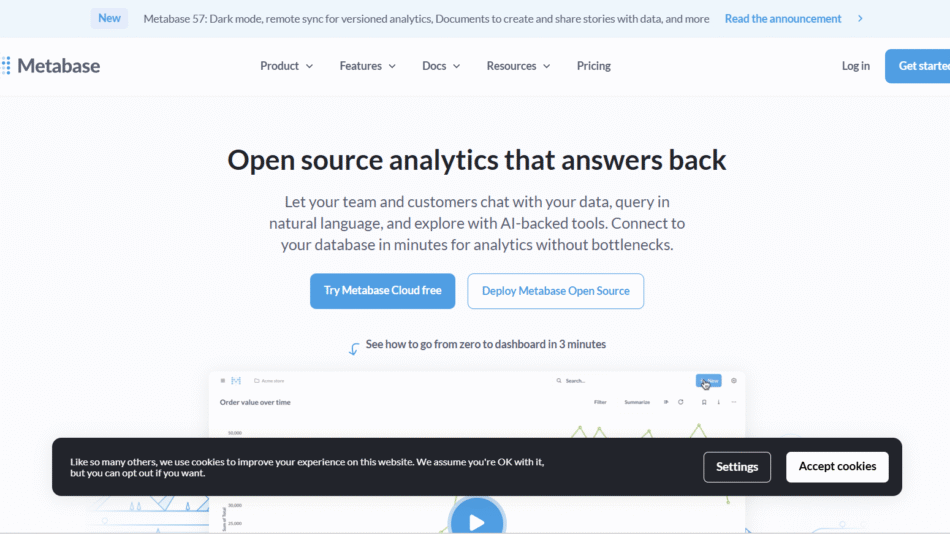
Metabase: Offers simple dashboards and SQL querying but lacks deep dbt integration and Git workflows.
Looker: Strong metric layer and modeling, but proprietary and expensive; Lightdash offers similar value with open-source flexibility.
Mode: Powerful for data scientists, but SQL-heavy and less focused on reusable metrics.
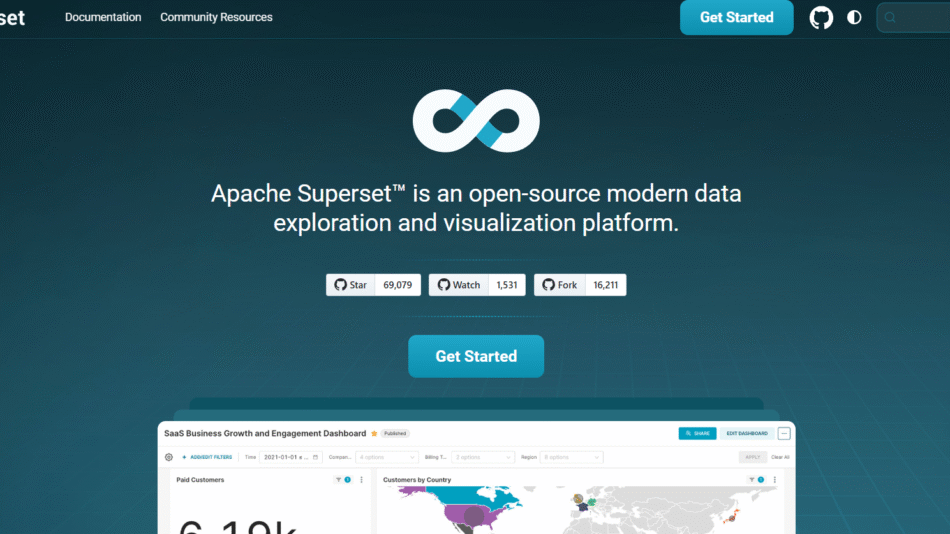
Superset: Great for visualization and exploration, but not designed with dbt or analytics engineering in mind.
Lightdash stands out by embedding modern software engineering practices—version control, CI/CD, code reviews—directly into the BI workflow.
Customer Reviews and Testimonials
Early adopters and community users consistently praise Lightdash for its:
Tight integration with dbt
Rapid deployment and ease of setup
Clean and intuitive UI
Transparent metric definitions
Friendly and responsive open-source community
Teams switching from legacy BI tools report faster iteration cycles, fewer discrepancies in metrics, and increased trust in dashboards.
Conclusion
Lightdash is a modern, dbt-native BI tool that brings data modeling, visualization, and analytics engineering under one roof. With its open-source foundation, real-time dashboards, and Git-based workflows, Lightdash empowers data teams to build reliable, maintainable, and scalable analytics systems. For organizations already using dbt or transitioning to a modern data stack, Lightdash offers a powerful, developer-friendly alternative to traditional BI platforms—without the vendor lock-in.