
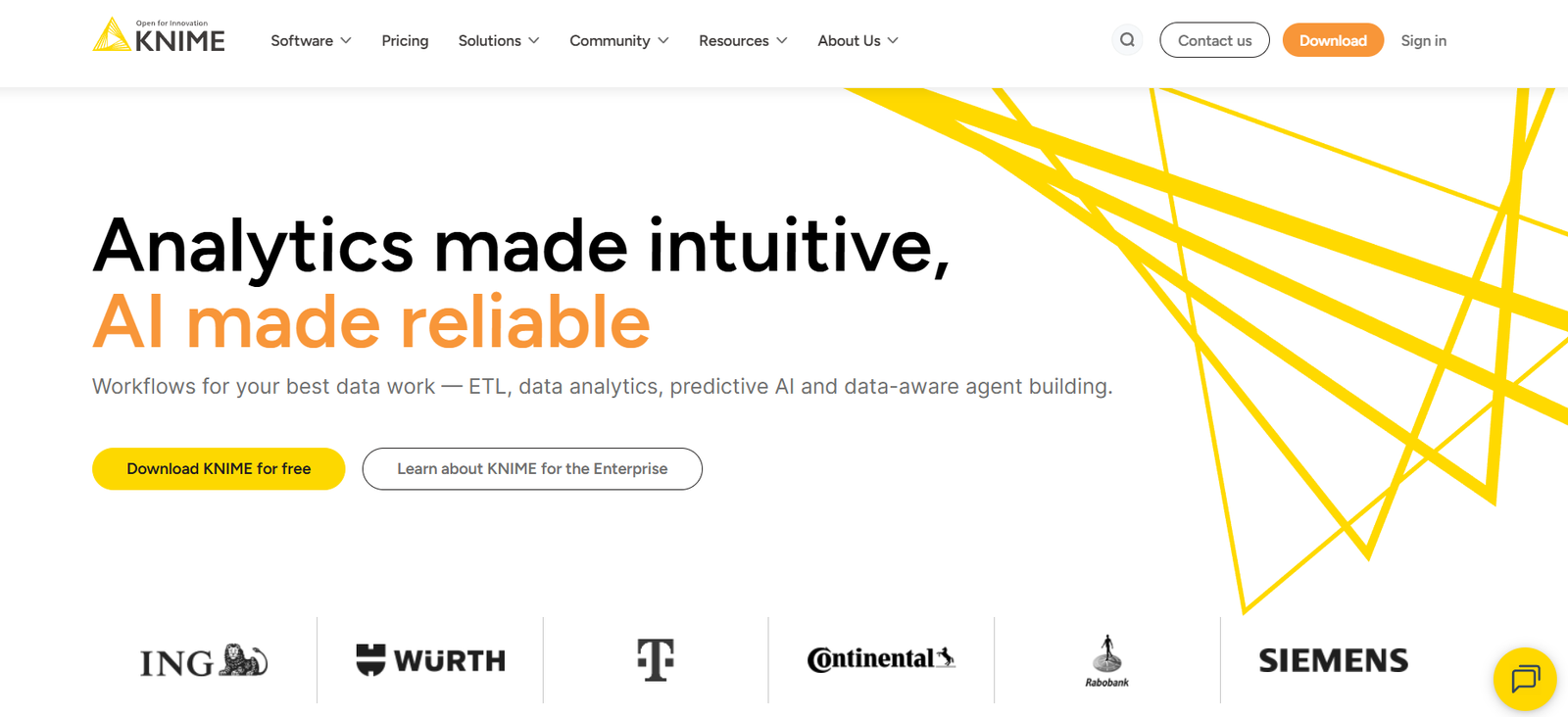
KNIME (Konstanz Information Miner) is an open-source data analytics platform that enables users to access, prepare, analyze, and visualize data without writing code. Known for its intuitive, drag-and-drop interface and modular architecture, KNIME is widely used for data science, machine learning, and workflow automation.
Founded in 2004 and backed by a strong community of developers and users, KNIME supports both novice analysts and experienced data scientists in building advanced data workflows. The platform combines data integration, transformation, modeling, and visualization in a single environment, making it suitable for individuals and enterprises alike.
KNIME’s open-source foundation ensures flexibility and transparency, while its commercial extensions and cloud capabilities offer scalability for enterprise-grade deployments.
Features
KNIME offers a comprehensive suite of features designed for end-to-end data analytics.
Visual Workflow Designer
The KNIME Analytics Platform provides a no-code, visual interface where users build workflows by connecting nodes. Each node represents a data operation, such as reading files, filtering rows, or training models.
Data Access and Integration
Supports seamless connectivity to structured and unstructured data from databases, spreadsheets, APIs, cloud storage, and big data platforms. Integrates with tools like Amazon S3, Google Drive, Excel, CSV, SQL databases, and REST APIs.
Data Preparation and Cleaning
Includes hundreds of pre-built nodes for missing value imputation, deduplication, parsing, transformation, data blending, normalization, and aggregation.
Machine Learning and AI
Offers classification, clustering, regression, and recommendation algorithms. KNIME integrates with TensorFlow, Keras, Scikit-learn, H2O, and XGBoost for building advanced models.
Text and Image Processing
Enables analysis of text data, sentiment analysis, keyword extraction, and image classification using deep learning extensions.
Automation and Scheduling
Workflows can be scheduled and automated with KNIME Server or deployed to run periodically, allowing users to build data pipelines that refresh automatically.
Collaboration and Sharing
Projects and workflows can be shared via the KNIME Hub or KNIME Server, with version control and user management features for teams.
Python and R Integration
Users can write and execute Python or R scripts within KNIME workflows, combining code with visual tools for maximum flexibility.
Interactive Visualizations
KNIME includes nodes for bar charts, scatter plots, histograms, heatmaps, and interactive dashboards to support exploratory data analysis and reporting.
Extensions and Community Nodes
The KNIME community and partner network contribute additional nodes and extensions, expanding the platform’s capabilities.
Deployment to Cloud
KNIME supports deployment to AWS, Microsoft Azure, and Kubernetes clusters for scalable, production-ready workflows.
Security and Governance
KNIME Server includes user authentication, access control, audit trails, and encrypted communication to support enterprise security requirements.
How It Works
KNIME works through visual workflows composed of modular “nodes” connected to form a data pipeline. Each node performs a specific task, such as reading a file, transforming data, applying a model, or exporting results.
Users start by dragging input nodes (such as file readers or database connectors) onto the workflow canvas. They then add transformation or analytics nodes and link them in sequence. Every step is executed visually, and outputs can be inspected in tables, charts, or interactive views.
Data scientists can extend workflows with custom code in Python, R, or Java. Once a workflow is complete, it can be run on-demand or scheduled via KNIME Server. Workflows can also be parameterized for reuse or embedded into applications through APIs or REST endpoints.
KNIME’s modular architecture makes it easy to adjust, test, and optimize workflows as business needs evolve.
Use Cases
KNIME is a versatile platform used across industries and departments for a variety of data-driven tasks.
Customer Analytics
Segment customers, track behavior, and predict churn by integrating and analyzing data from CRM, social media, and transaction systems.
Marketing Campaign Optimization
Evaluate campaign performance, run A/B testing, and personalize offers through predictive modeling and data visualization.
Fraud Detection
Build real-time fraud detection pipelines using classification models and anomaly detection techniques applied to transaction data.
Healthcare Analytics
Analyze patient data, medical imaging, and clinical trial results while maintaining privacy and compliance standards.
Financial Forecasting
Use regression models and time-series forecasting to predict revenue, manage risk, and plan budgets.
Manufacturing and IoT
Process sensor data to monitor equipment performance, optimize maintenance schedules, and detect anomalies in industrial systems.
Text Mining
Extract insights from customer reviews, emails, survey responses, or research papers using natural language processing (NLP).
Supply Chain Optimization
Visualize and analyze logistics data to improve inventory planning, supplier management, and delivery performance.
Academic Research
KNIME is widely used in universities for teaching data science, performing reproducible research, and publishing workflows.
Regulatory Compliance
Automate reporting and compliance checks by processing and validating large datasets with rule-based systems.
Pricing
KNIME follows a freemium model with open-source and commercial offerings.
KNIME Analytics Platform (Free)
Open-source desktop application
All core features included
Suitable for individuals, researchers, and small teams
Free access to KNIME Hub and community extensions
KNIME Business Hub (Paid)
Advanced collaboration, deployment, and automation tools
Centralized workflow storage and access control
Workflow scheduling and monitoring
Versioning, user roles, and audit logging
Pricing available upon request
KNIME Server (Legacy, being phased out)
For on-premise deployment
Similar features to Business Hub, with installation on local servers
Cloud Deployment
Pay-as-you-go options for running workflows on AWS or Azure
Support for Docker, Kubernetes, and DevOps integration
KNIME offers enterprise support, consulting, and custom training services under commercial agreements.
Strengths
KNIME delivers several compelling advantages for data professionals and organizations.
Open-Source and Free
KNIME Analytics Platform is completely free, making it highly accessible for learning, prototyping, and production use.
User-Friendly Interface
Drag-and-drop workflow design lowers the barrier to entry for users without programming backgrounds.
Extensive Extensions
Thousands of built-in and community-contributed nodes cover a wide range of functions and industries.
Hybrid Workflows
Combines no-code tools with custom Python or R scripts, offering flexibility for beginner and advanced users.
Scalable Deployment
From desktop to cloud clusters, KNIME scales with organizational needs and supports enterprise deployment.
Strong Community
An active community of users, contributors, and educators provides tutorials, templates, and support via KNIME Hub.
Cross-Platform Compatibility
Works on Windows, macOS, and Linux. Also supports containerized and cloud-native environments.
Enterprise Support
Commercial services and Business Hub features make KNIME a viable choice for organizations with strict IT requirements.
Drawbacks
While KNIME is a powerful tool, it does have a few limitations.
Resource Usage
Workflows with large datasets may consume significant memory or require tuning, especially on desktop installations.
Learning Curve for Complex Use
While basic workflows are easy to build, mastering advanced analytics and extensions may require deeper learning.
Limited Real-Time Capabilities
KNIME is primarily batch-based, so it is not optimized for real-time streaming or low-latency applications without external integration.
UI Can Feel Dated
The interface, while functional, may feel less modern compared to newer SaaS analytics platforms.
Enterprise Features Require Payment
Workflow scheduling, collaboration, and access control are only available through commercial licenses.
Comparison with Other Tools
KNIME competes with tools like RapidMiner, Alteryx, Apache NiFi, and Dataiku.
RapidMiner also provides visual workflows and is good for academic use, but KNIME has broader community support.
Alteryx offers a polished interface and strong analytics capabilities but is fully commercial and expensive.
Apache NiFi focuses more on data flow automation and lacks advanced analytics features.
Dataiku is a strong enterprise platform with collaboration and MLOps tools but requires paid licenses.
KNIME stands out as one of the few open-source platforms that offers true end-to-end functionality — from data access and cleaning to modeling and deployment — with optional enterprise upgrades.
Customer Reviews and Testimonials
KNIME is trusted by organizations across industries such as pharmaceutical, finance, retail, manufacturing, and academia.
Users frequently praise:
Ease of learning and use
Ability to quickly build and test workflows
Rich integration with Python and R
Cost-effectiveness for startups and educational institutions
Active and helpful user community
Customer case studies highlight success stories in drug discovery, financial forecasting, customer segmentation, and more.
Conclusion
KNIME is a robust, flexible, and accessible platform for data analytics, machine learning, and automation. With its visual workflow editor, open-source model, and broad functionality, it serves as an ideal tool for data professionals seeking to build end-to-end data pipelines without vendor lock-in.
Whether you’re a solo data analyst, a university researcher, or an enterprise team, KNIME offers the tools to simplify complex data tasks and unlock actionable insights—at zero or low cost.


