
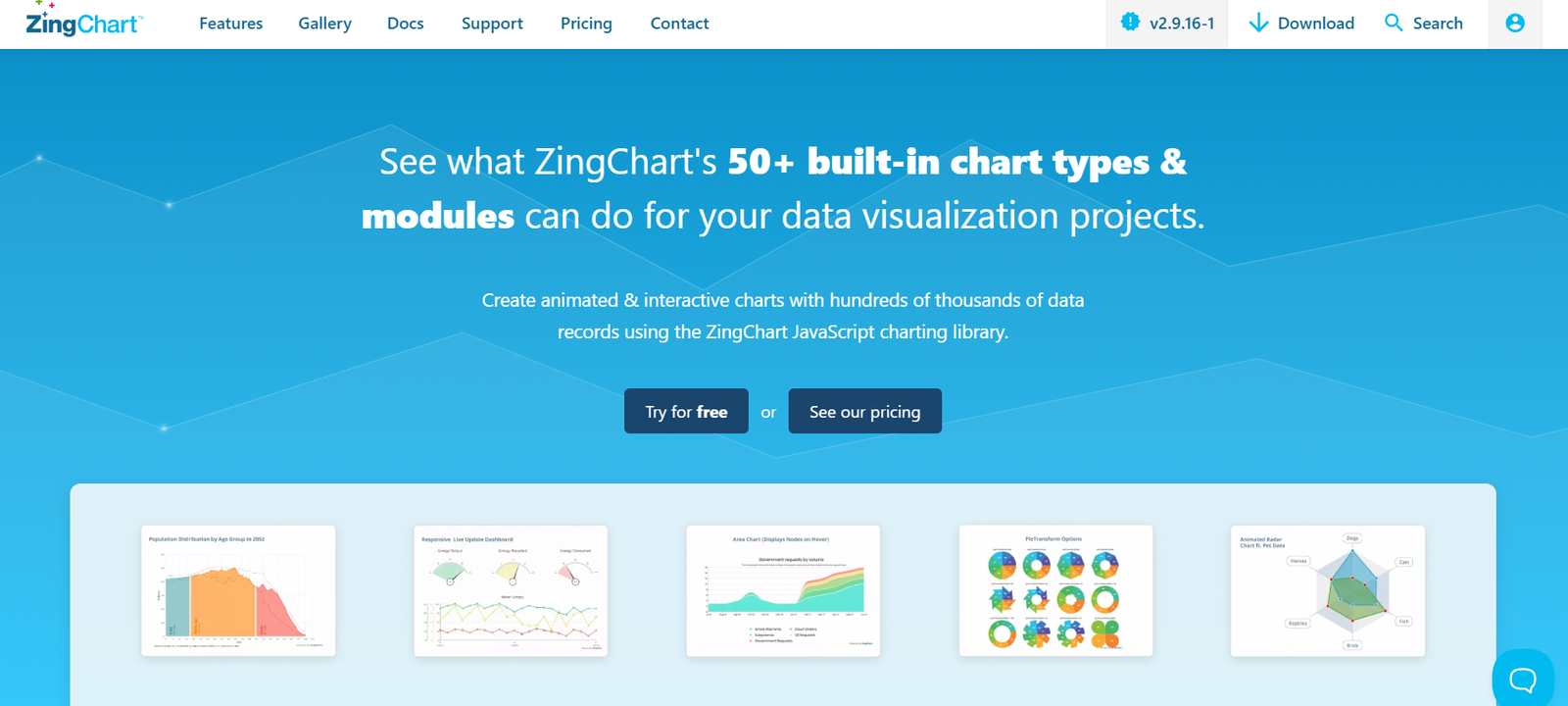
ZingChart is a flexible and powerful JavaScript charting library designed for building fast, responsive, and interactive data visualizations. Trusted by developers worldwide, ZingChart supports over 35 chart types and provides extensive customization options to meet modern web application needs. Whether used in dashboards, analytics tools, or business applications, ZingChart delivers high-performance data rendering and interactive experiences that scale with large data sets. The library is suitable for startups, enterprises, and government applications where data visualization plays a critical role.
Features
ZingChart is loaded with features that make it a versatile solution for front-end developers and data professionals:
35+ Chart Types: Includes line, bar, pie, area, scatter, heatmaps, treemaps, gauge, radar, and more.
High Performance: Renders thousands of data points efficiently using HTML5 Canvas.
Modular Architecture: Load only what you need to reduce page weight and improve performance.
Fully Customizable: Offers extensive configuration options for styling, data formatting, and interactivity.
Interactive Elements: Tooltips, zooming, panning, legends, animations, and drill-down capabilities.
Real-Time Data Support: Supports dynamic updates and streaming data visualizations.
Responsive Design: Charts adapt to different screen sizes and devices without losing functionality.
Framework Compatibility: Works seamlessly with React, Angular, Vue.js, jQuery, and vanilla JavaScript.
Export Options: Save charts as PNG, JPG, PDF, or SVG for reports and sharing.
These features give developers the tools to create rich, interactive visualizations that enhance the user experience and data comprehension.
How It Works
ZingChart is implemented via a JavaScript library that can be loaded via CDN or installed using npm. Developers include the library in their project and define charts using JSON configuration objects. The library renders charts in a specified HTML container using the HTML5 Canvas element. Chart types, data series, axes, and styling can be customized through a declarative structure. Interactivity such as hover effects, click events, and dynamic data updates can be programmed through the ZingChart API. The modular system also allows developers to import only necessary features, optimizing load time.
Use Cases
ZingChart serves a broad range of industries and use cases where data visualization is essential:
Business Dashboards: Embed real-time charts in executive dashboards for performance tracking.
Financial Applications: Create candlestick, line, or area charts for financial and stock market data.
Healthcare Analytics: Visualize patient data, resource utilization, or lab results dynamically.
IoT & Smart Devices: Stream live sensor data in monitoring interfaces.
Education Platforms: Display quiz results, progress tracking, or learning statistics.
Marketing Tools: Visualize campaign metrics, traffic analysis, and conversion rates.
Whether it’s a small internal tool or a customer-facing web application, ZingChart adapts to complex data visualization needs.
Pricing
ZingChart offers both free and paid licensing options based on usage and deployment:
Free Version: Offers full feature access for non-commercial and limited commercial use with attribution.
Commercial License: Required for full commercial use and includes priority support and removal of branding.
Enterprise License: Designed for large-scale applications and includes SLA-backed support, volume usage, and advanced customization.
Pricing is tailored based on organization size, usage scope, and deployment model. Interested users can contact ZingChart for a personalized quote or purchase a license directly via their website.
Strengths
ZingChart’s biggest strengths include its performance with large datasets, rich feature set, and ease of integration with modern web frameworks. It offers developers full control over chart behavior and appearance without steep learning curves. The modular build reduces bloat, and the real-time data rendering capabilities make it ideal for high-speed, data-intensive applications. Its compatibility with various tech stacks and flexible licensing makes it appealing to startups and large enterprises alike.
Drawbacks
While ZingChart offers extensive functionality, it may require a deeper understanding of JavaScript and JSON configurations compared to some drag-and-drop charting tools. The level of customization can be overwhelming for beginners. Additionally, the free version requires attribution, which might not be suitable for all use cases. Developers seeking advanced statistical chart types (e.g., box plots, violin charts) may need to consider extensions or alternative libraries.
Comparison with Other Tools
Compared to alternatives like Chart.js, Highcharts, and D3.js, ZingChart offers a middle ground between simplicity and flexibility. Chart.js is easier to use but has fewer chart types and customization options. D3.js provides granular control but comes with a steep learning curve. Highcharts is powerful and user-friendly but requires licensing for commercial use. ZingChart balances performance, interactivity, and ease of use, making it a strong choice for teams looking for a robust and responsive charting library with commercial flexibility.
Customer Reviews and Testimonials
ZingChart is praised by developers for its performance, ease of setup, and comprehensive documentation. Users highlight how quickly they can implement complex charts and customize them to meet exact design needs. Organizations value the customer support and frequent updates, while developers appreciate the extensive API and event system. Testimonials often mention the platform’s ability to handle real-time data and large datasets without performance degradation.
Conclusion
ZingChart is a powerful and flexible JavaScript charting library that empowers developers to create fast, interactive, and customizable visualizations. With over 35 chart types, strong framework support, and high-performance rendering, it’s suitable for everything from internal dashboards to full-scale analytics applications. Whether you’re building a real-time monitoring system or a marketing analytics platform, ZingChart offers the features and scalability to meet complex visualization needs with ease.


