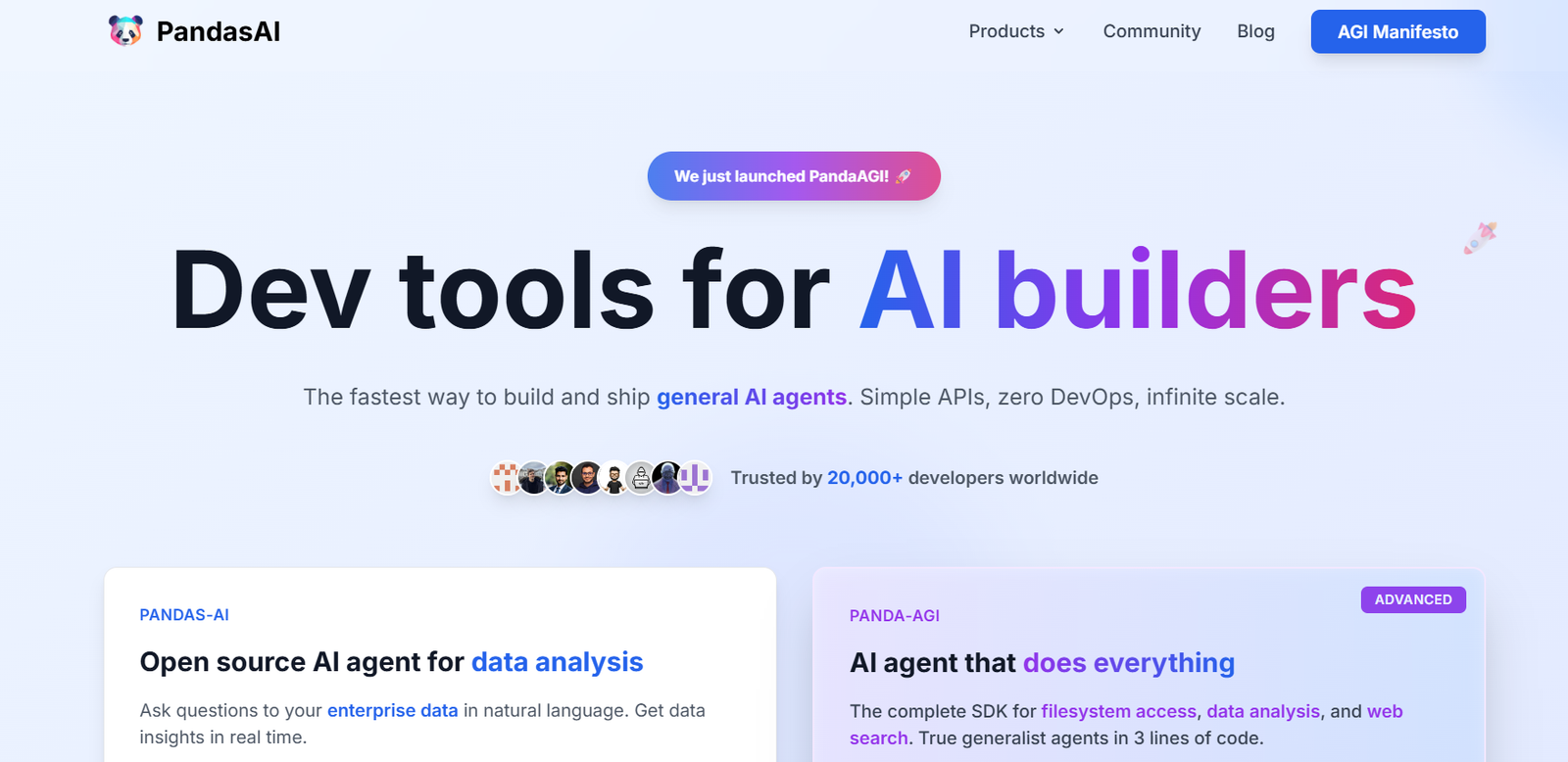
Pandas AI is an open-source Python library that adds generative artificial intelligence capabilities to the widely-used pandas library. Designed to make data analysis more intuitive and accessible, Pandas AI enables users to interact with their data using natural language commands instead of complex programming syntax. This significantly reduces the learning curve for data analysis and allows analysts, data scientists, and business users to ask questions about their datasets conversationally.
By combining the power of pandas with large language models (LLMs), Pandas AI helps automate exploratory data analysis, generate insights, and even visualize data—all from simple text prompts. It’s an ideal tool for those who want to speed up their analysis, reduce coding time, or make data more accessible to non-technical stakeholders.
Features
Pandas AI enhances the traditional pandas experience with several AI-powered features. Its primary function is natural language querying, where users can input text-based questions and receive code-generated responses or visual outputs. The library can interpret commands like “show me the average sales per region” and return the appropriate result, including charts or tables.
It supports integration with multiple large language models, including OpenAI, Hugging Face, and Google PaLM, giving users flexibility based on their API access or preferences. The library also offers automatic charting, allowing users to generate bar charts, line graphs, or scatter plots through simple prompts without writing any visualization code.
Another feature is its contextual awareness. Pandas AI understands the structure of your DataFrame and retains context throughout the session, enabling follow-up questions without redefining your query or reloading data.
Pandas AI includes privacy controls to avoid sending raw data to external APIs by enabling local LLM support or masking sensitive data. It also provides developers with hooks to customize responses or modify how the AI interprets commands.
How It Works
Pandas AI works as a wrapper around the pandas DataFrame, enabling users to pass natural language prompts to analyze or visualize data. After importing the library, users connect it to an LLM provider by supplying an API key or running a local model.
Once initialized, users load their data into a DataFrame and wrap it using the PandasAI class. Natural language queries can then be passed using a simple .chat() or .run() method. Behind the scenes, Pandas AI sends the prompt, along with relevant metadata about the DataFrame, to the connected language model.
The LLM interprets the query and returns a response, which may include Python code, summary statistics, or visualizations. The result is executed within the user’s environment, providing output directly in the notebook or console.
Because the tool uses standard pandas objects, it integrates seamlessly with existing Python workflows, making it suitable for both exploratory analysis and automated reporting.
Use Cases
Pandas AI is suitable for anyone working with data in Python who wants to streamline their workflow or make data analysis more intuitive. Data analysts use it to speed up data exploration by asking questions in plain English rather than writing multiple lines of code.
Business intelligence teams leverage it to make ad hoc reporting easier and more accessible to non-technical stakeholders. Educators and students use Pandas AI to learn data analysis concepts without needing to master complex pandas syntax from the start.
Data scientists incorporate it into notebooks to prototype ideas quickly, test hypotheses, and generate visualizations for presentations. Teams working with sensitive data use Pandas AI in conjunction with local LLMs to preserve privacy while benefiting from AI-powered insights.
The tool also supports rapid dashboarding or insight generation for early-stage startups and solo developers who need quick analysis without building full applications.
Pricing
Pandas AI is an open-source library and is free to use under the terms of the MIT License. Users can install it via pip and connect it to their preferred large language model through a compatible API or local deployment.
While the library itself is free, usage of external LLMs like OpenAI’s GPT or Google’s PaLM may incur charges depending on the provider’s pricing structure. Users are encouraged to review the LLM provider’s pricing if they plan to use cloud-based models.
For advanced support or enterprise use, Pandas AI may offer commercial solutions or extended services in the future, but as of now, the core functionality is entirely open-source and community-driven.
Strengths
Pandas AI significantly reduces the barrier to entry for data analysis in Python by allowing users to interact with data using natural language. Its integration with pandas means users don’t have to switch environments or learn a new interface.
The ability to connect with various LLMs provides flexibility, and the option for local model integration is a key strength for privacy-conscious users. It accelerates the exploratory data analysis process and is especially useful for those who need quick, actionable insights.
As an open-source project, it benefits from continuous improvement and community contributions. The simplicity of installation and use makes it attractive to both beginners and experienced analysts. The tool is also highly extensible, allowing developers to embed it in larger applications or research environments.
Drawbacks
While powerful, Pandas AI does depend on the capabilities of the underlying language model, which means that response accuracy can vary based on the quality of the model and the clarity of the prompt.
Users must still have a basic understanding of data structures to interpret the results or troubleshoot errors. For advanced tasks involving complex joins, data cleaning, or machine learning, Pandas AI may not fully replace manual coding.
Another consideration is data privacy. When using cloud-based LLMs, users must be cautious about sending sensitive data off-platform unless anonymization or masking is enabled. In enterprise settings, legal or compliance restrictions may require local LLM deployment, which could involve additional setup and resources.
Finally, because Pandas AI is a relatively new project, some features may be in development, and documentation may not be as extensive as more mature libraries.
Comparison with Other Tools
Pandas AI can be compared to other tools aimed at simplifying data analysis, such as ChatGPT code interpreter, Dataiku, and Microsoft Copilot for Excel. Unlike traditional BI tools, Pandas AI integrates directly into Python workflows, giving it an advantage for users already working with pandas.
Compared to Dataiku, which provides a full visual interface for data workflows, Pandas AI keeps the user in control of code while making interactions easier through natural language. Microsoft Copilot brings similar natural language features into Excel, but lacks the flexibility and depth of Python-based analysis.
ChatGPT with the code interpreter can perform similar tasks, but lacks direct context from the DataFrame unless it is shared explicitly. Pandas AI keeps the analysis grounded in the user’s session and context, offering a more integrated and secure experience.
Overall, Pandas AI stands out for its lightweight design, open-source nature, and native compatibility with Python.
Customer Reviews and Testimonials
As an open-source project, Pandas AI has been widely discussed and shared on GitHub, developer communities, and social media. Early adopters praise its ease of use, especially in Jupyter Notebooks, where it fits naturally into existing data science workflows.
Developers have shared positive feedback on how the tool accelerates data exploration and enhances team productivity. Users also appreciate the flexibility to choose between local and cloud-based language models.
While formal customer testimonials are not prominently listed on the website, the community-driven feedback has been encouraging. The tool has also gained attention in the open-source AI community for being one of the first libraries to bring conversational AI into the pandas ecosystem.
Conclusion
Pandas AI is a powerful, open-source Python library that enhances pandas with generative AI capabilities. By allowing users to analyze data using plain language commands, it simplifies and accelerates the data analysis process without sacrificing flexibility or control.
Whether you’re a data scientist, analyst, educator, or business user, Pandas AI offers a unique blend of natural language interaction, customizable AI integration, and seamless compatibility with existing Python tools. As the field of AI-powered data tools continues to grow, Pandas AI is well-positioned to remain a go-to solution for conversational analytics in code-first environments.
For those looking to bridge the gap between technical and non-technical users in data workflows, Pandas AI is an innovative and accessible step forward.