
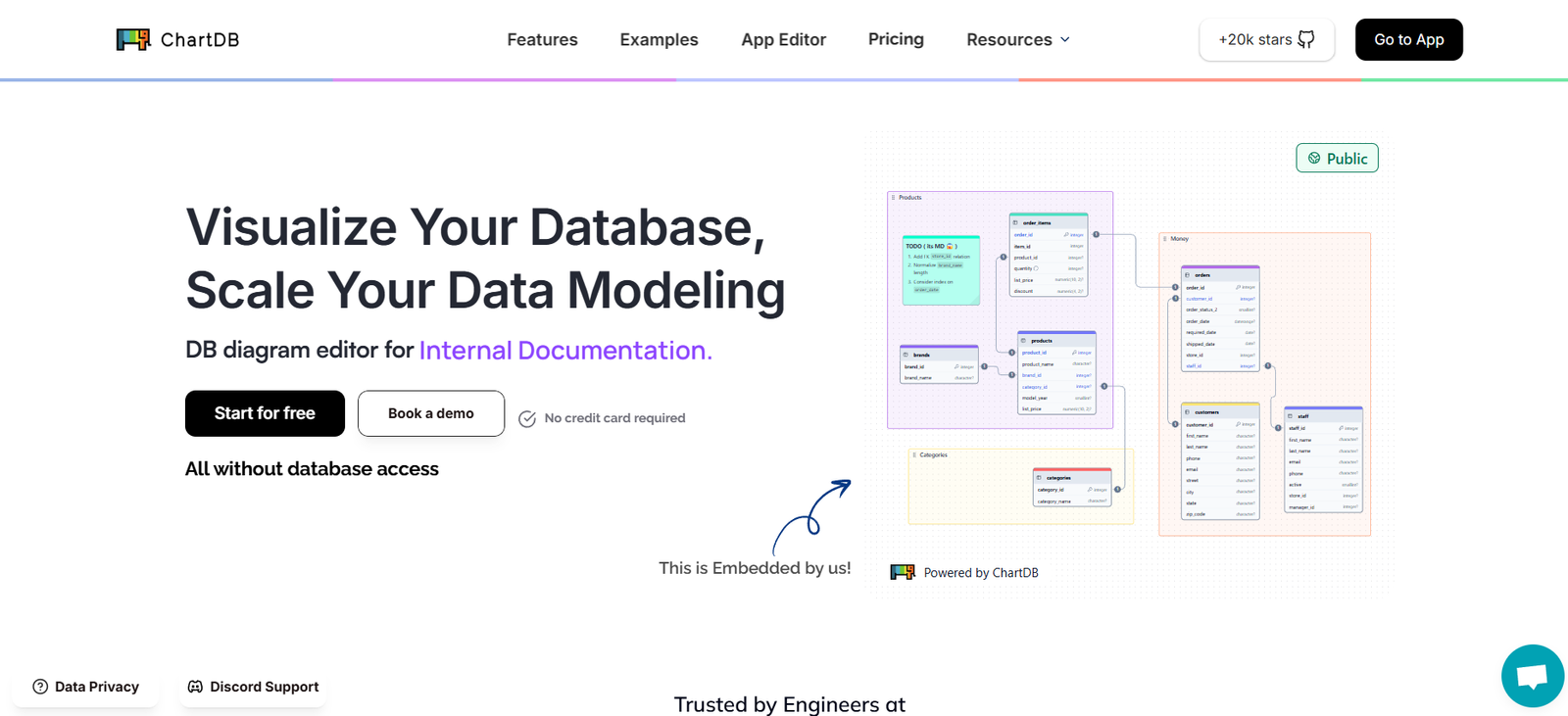
ChartDB is a modern, SQL-first data visualization and dashboarding platform designed for developers, analysts, and data teams. It allows users to write SQL queries directly against their database and instantly transform the results into shareable, interactive charts. Built with a developer-centric approach, ChartDB simplifies the process of creating visual insights while ensuring accuracy, version control, and automation.
Unlike traditional business intelligence (BI) tools that rely heavily on drag-and-drop interfaces, ChartDB embraces code. It offers a clean interface, versioned queries, and flexible integrations to help engineering and analytics teams move faster without compromising transparency or reproducibility. Whether you’re building internal dashboards or public-facing charts, ChartDB helps teams ship visualizations as fast as they ship code.
Features
ChartDB includes a focused set of features that prioritize simplicity, performance, and developer experience.
SQL-First Workflow: Write raw SQL queries to extract data directly from your database, then visualize results instantly.
Live Charts: Create charts that auto-refresh as data changes. Ideal for tracking metrics, monitoring KPIs, or analyzing trends in real time.
Versioned Queries: Every chart and query is version-controlled, allowing you to track changes over time and collaborate effectively.
Instant API Access: Every chart can be turned into an API endpoint, making it easy to integrate charts into apps, websites, or tools.
Simple UI for Visualization: Convert query results into charts with a minimal and intuitive interface that supports bar, line, area, pie charts, and more.
Embeddable Charts: Easily embed charts into websites, internal tools, or documentation via iframes or API calls.
Team Collaboration: Share charts and dashboards with teammates. Manage access and visibility without complex permission settings.
Database Connections: Connect ChartDB to PostgreSQL, MySQL, ClickHouse, and other SQL-compatible databases securely.
Scheduled Refreshes: Schedule charts to refresh periodically so they always display the most up-to-date data.
Export and Sharing Options: Share charts via public URLs or export them for use in presentations or reports.
How It Works
ChartDB is designed to be straightforward for developers and data teams:
Step 1 – Connect Your Database: Start by securely connecting your SQL database using your preferred credentials or access method.
Step 2 – Write a Query: Use the built-in SQL editor to write a query that returns the data you want to visualize.
Step 3 – Choose a Chart Type: After running the query, select a chart type (line, bar, pie, etc.) to visualize your results.
Step 4 – Customize and Save: Customize the chart layout, labels, colors, and formatting. Save the chart to a project or collection.
Step 5 – Share or Embed: Generate a public link or embed code to share the chart, or use the auto-generated API to pull chart data into external applications.
Step 6 – Track Changes: All charts and queries are versioned, so you can always review or roll back changes.
Use Cases
ChartDB is ideal for technical teams and organizations that need fast, reliable data visualizations without complex BI software.
Developer Dashboards: Engineers can write SQL to track application metrics, user behavior, or system performance in real time.
Product Analytics: Product teams can create charts to monitor feature usage, retention rates, or funnel analysis using live data.
Startup Metrics: Founders and operations teams use ChartDB to track MRR, growth KPIs, and financial data directly from their database.
Internal Tools: Embed live charts into admin panels or internal documentation to keep teams aligned and informed.
Customer-Facing Dashboards: Use the chart API or embeds to display visual data in SaaS products, customer portals, or investor dashboards.
Data Monitoring: Analysts can build dashboards for anomaly detection, operational metrics, or business insights with minimal overhead.
Pricing
ChartDB offers simple and transparent pricing with both free and paid plans.
Free Plan: Ideal for individuals and small teams getting started. Includes:
One user
Up to 50 charts
One database connection
Public chart sharing
Pro Plan: Designed for startups and growing teams. Priced at $15 per user per month and includes:
Unlimited charts
Multiple users and databases
Scheduled refreshes
Chart APIs and embeds
Access control for sharing
Enterprise Plan: Custom pricing for larger organizations. Includes:
SSO and advanced access controls
Dedicated support and SLAs
Custom data integrations
On-premise or VPC deployment options
For the most current details, visit the ChartDB pricing page.
Strengths
ChartDB provides a strong value proposition for data-savvy teams:
Developer-Friendly: Built with engineers in mind, ChartDB removes the overhead of traditional BI tools.
SQL-Centric: No abstraction layer or learning curve—just write queries as you would in your database.
Fast Setup: No complex installations or long onboarding. Connect, query, and visualize within minutes.
Version Control: Track and review every change made to your charts and queries.
Embeddability: Seamlessly embed charts in external platforms or products with no extra tooling.
API Access: Automatically generate APIs for your visualizations, enabling programmatic access to chart data.
Lightweight and Focused: Avoids feature bloat while still offering the essentials for building reliable, shareable visualizations.
Drawbacks
While ChartDB is efficient and powerful, it may not suit all use cases:
SQL Required: Non-technical users or teams unfamiliar with SQL may find the platform less accessible.
Limited Chart Customization: While sufficient for most use cases, advanced visualization customizations may be limited compared to tools like Tableau or Power BI.
No Drag-and-Drop Interface: Users looking for low-code or no-code analytics tools may prefer platforms with point-and-click functionality.
Basic Collaboration: While sharing is supported, ChartDB lacks some enterprise-level features like commenting or user roles beyond Pro plans.
Not Yet a Full BI Suite: It’s a focused tool for charting and dashboards—not a complete BI platform with ETL, advanced modeling, or predictive analytics.
Comparison with Other Tools
ChartDB is distinct from traditional BI and dashboarding tools in its approach:
Compared to Metabase or Redash, ChartDB offers a more modern, lightweight UI and superior API access for embedding and integration.
Unlike Tableau or Power BI, which are enterprise-focused and feature-rich, ChartDB is streamlined and tailored for teams that prefer writing raw SQL and deploying quickly.
Compared to low-code analytics platforms like Looker Studio, ChartDB appeals more to developers and engineers who want direct control over their queries and data pipelines.
For fast-moving startups, product teams, and technical users, ChartDB strikes a balance between simplicity, speed, and power.
Customer Reviews and Testimonials
As a newer product, ChartDB is gaining traction with data-driven startups, developers, and analytics teams. Early users highlight:
– Fast and simple setup with no learning curve
– Time-saving for engineers who already work with SQL
– Clean UI that avoids the clutter of traditional BI tools
– Great support and rapid feature updates
– High value for embedding charts in internal or external tools
Developers appreciate the focus on speed, API access, and version control—making it ideal for product-facing and operational metrics.
To read user stories or join the community, visit chartdb.io.
Conclusion
ChartDB is a modern, SQL-native visualization tool built for developers and technical teams who want to ship charts as fast as they ship code. By eliminating the complexity of traditional BI tools and focusing on speed, transparency, and API-driven workflows, ChartDB helps teams turn queries into insights without overhead.
Whether you’re building dashboards for internal use, tracking product metrics, or embedding visualizations in customer-facing apps, ChartDB delivers a flexible and developer-first approach to data visualization.
For teams that want a powerful yet lightweight charting solution that speaks the language of code, ChartDB is a tool worth exploring.


