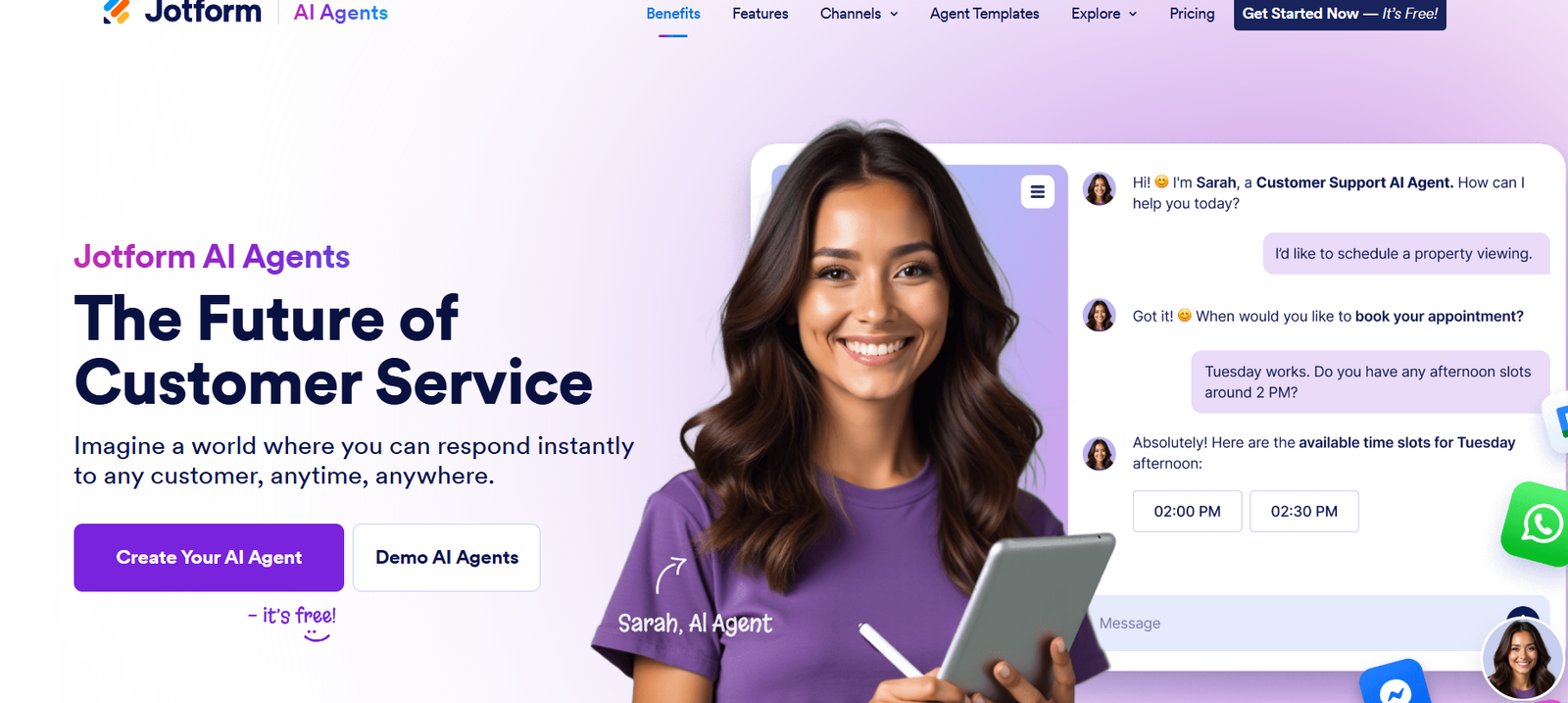
Jotform is a versatile online form builder that allows users to create custom forms for data collection, payments, registrations, surveys, and more—without any coding skills. Trusted by millions of businesses, educators, and nonprofits worldwide, Jotform provides drag-and-drop tools, advanced integrations, automation features, and secure storage options. Whether you’re gathering customer feedback, processing event registrations, or collecting online orders, Jotform makes form creation fast, secure, and user-friendly. With its rich set of templates, widgets, and automation tools, it serves as a complete data management solution for teams of any size.
Features
Jotform offers a robust suite of features that simplify form building and enhance productivity.
Drag-and-Drop Builder: Create fully customized forms using an intuitive visual editor.
Over 10,000 Templates: Choose from a vast library of pre-designed templates for various industries and use cases.
Payment Integrations: Accept payments directly through forms using Stripe, PayPal, Square, and other gateways.
Conditional Logic: Show or hide fields, send specific emails, or direct submissions based on user responses.
Mobile Forms: Create responsive forms that work seamlessly on phones and tablets via web or the Jotform mobile app.
PDF Form Converter: Turn existing PDFs into online forms without losing layout or formatting.
Approval Workflows: Automate approval processes for leave requests, budgets, and onboarding forms.
Form Analytics: Track user interactions, submission rates, and abandonment statistics.
Widgets and Add-Ons: Add e-signatures, calendars, file uploads, progress bars, and other interactive elements.
HIPAA Compliance: Secure healthcare data with encryption, signed BAA, and HIPAA-certified features (available in Gold and Enterprise plans).
CRM and App Integrations: Connect with tools like Salesforce, HubSpot, Google Sheets, Slack, Dropbox, and more.
Form Embedding: Publish your forms anywhere—on websites, landing pages, or emails—with just a few clicks.
How It Works
Getting started with Jotform is simple. Users begin by signing up and choosing whether to start from scratch or use a prebuilt template. The form builder provides drag-and-drop functionality to add fields like text inputs, dropdowns, checkboxes, and file uploads.
Once the form is built, users can customize themes, colors, and fonts, or apply CSS for advanced styling. Settings allow for adding email notifications, conditional logic, and integrations.
After publishing the form via direct link or embed code, responses are collected and stored securely in the user’s dashboard. Submissions can be viewed, exported, analyzed, or routed to integrated applications automatically.
The platform supports workflow automation and document creation, helping users streamline everything from lead generation to contract management.
Use Cases
Jotform supports a wide variety of industries and functions, making it a go-to solution for digital data collection and automation.
Lead Generation: Capture new business leads through landing pages, ads, or website forms.
Event Registration: Manage RSVPs, ticketing, and attendee lists for virtual and in-person events.
Online Orders: Sell products or services directly through integrated payment forms.
Healthcare Intake: Collect patient data, medical history, and consent forms securely with HIPAA compliance.
Education: Build quizzes, course feedback surveys, or student registration forms.
Human Resources: Process job applications, vacation requests, onboarding documents, and internal feedback.
Legal and Finance: Create secure contract forms, e-signature requests, and invoice submission systems.
Nonprofits: Accept donations, manage volunteer sign-ups, or distribute surveys for community feedback.
Pricing
Jotform offers several pricing tiers to accommodate users from freelancers to large enterprises.
Free Plan:
5 forms
100 monthly submissions
100 MB storage
Basic features
Jotform branding
Bronze Plan ($39/month):
25 forms
1,000 monthly submissions
1 GB storage
No Jotform branding
Unlimited form views
Silver Plan ($49/month):
50 forms
2,500 monthly submissions
10 GB storage
HIPAA compliance
Priority support
Gold Plan ($129/month):
100 forms
10,000 monthly submissions
100 GB storage
HIPAA compliance
Premium features and analytics
Enterprise Plan (Custom Pricing):
Unlimited forms and submissions
Dedicated support and server
Custom branding
SSO and compliance management
All plans include access to the mobile app, templates, integrations, and analytics. Visit Jotform Pricing for current details.
Strengths
Jotform is highly rated for its flexibility, ease of use, and powerful integration capabilities.
No-Code Form Building: Designed for users with zero technical experience, yet robust enough for developers.
Extensive Template Library: Thousands of ready-to-use templates across industries reduce setup time.
Secure Data Collection: Offers encryption, HIPAA compliance, and secure file handling.
Mobile-Friendly: Forms and submissions work perfectly on all devices, including mobile.
Versatile Integrations: Connects with over 150 apps, including CRM, storage, and automation tools.
Approval Workflows: Built-in automation for form approvals, document routing, and alerts.
Multilingual Support: Create forms in multiple languages to support global operations.
Custom Branding: Paid plans allow users to add logos and remove Jotform branding for a white-labeled experience.
Drawbacks
While Jotform is feature-rich, there are some limitations depending on user needs.
Submission Limits: Free and lower-tier plans have strict monthly submission and storage caps.
Branding on Free Plan: Forms display Jotform branding unless on a paid plan.
Complex Logic Requires Learning: Setting up advanced conditional logic or workflows can have a learning curve.
Limited Advanced Design: Although customizable, some users may find the design editor less flexible than full web builders.
Performance on Large Forms: Extremely large or complex forms with many fields may load slowly or affect performance.
Comparison with Other Tools
Jotform competes with form builders such as Google Forms, Typeform, and Wufoo.
Compared to Google Forms: Google Forms is basic and free but lacks design customization and integrations. Jotform offers more professional design and business-focused features.
Compared to Typeform: Typeform excels in conversational form experiences, but Jotform supports a broader range of formats, automation, and templates.
Compared to Wufoo: Wufoo is easy to use but less modern and flexible. Jotform has better UI, mobile support, and third-party integrations.
Jotform stands out by offering enterprise-grade functionality with consumer-level usability, making it ideal for both individuals and businesses.
Customer Reviews and Testimonials
Jotform is trusted by over 20 million users worldwide and maintains high ratings across platforms like G2, Capterra, and Trustpilot.
One user shared, “Jotform helped us automate client intake and reduce manual data entry. The approval flows are a game-changer.”
Another commented, “I was able to build a branded form, connect Stripe, and start selling in under 30 minutes—no coding needed.”
Education professionals, nonprofit coordinators, and marketers all praise Jotform’s reliability, ease of use, and responsive support team.
Jotform is especially valued for its accessibility and the ability to scale as business needs grow.
Conclusion
Jotform is a powerful, all-in-one form builder that simplifies data collection, automates workflows, and enhances digital operations. Whether you’re managing customer feedback, selling online, onboarding employees, or collecting donations, Jotform offers a professional, secure, and flexible platform to do it all.
With a user-friendly interface, robust feature set, and integrations that support modern business workflows, Jotform is an excellent choice for individuals, SMBs, and enterprises looking to streamline their processes without writing a single line of code.