
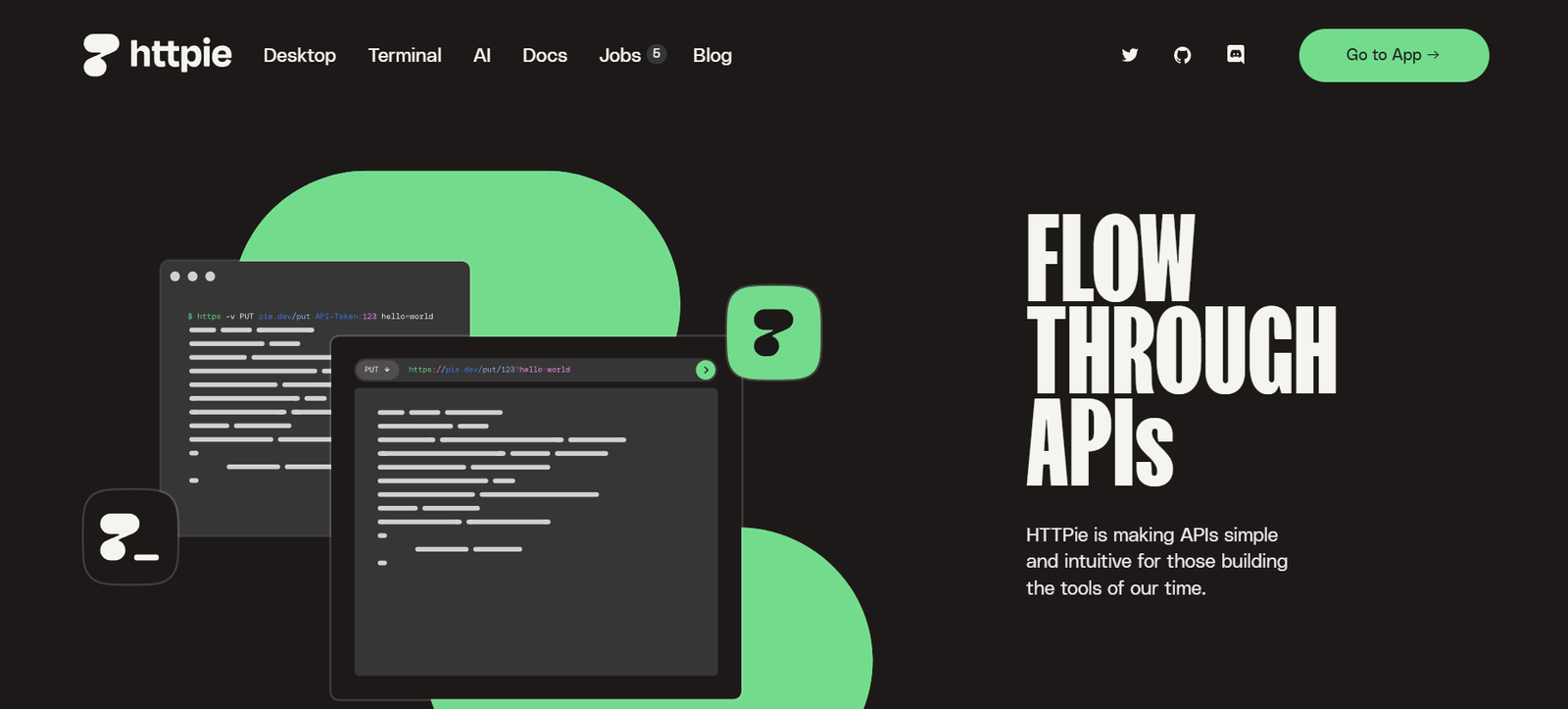
HTTPie is an AI-powered API testing and debugging tool designed to make API requests, testing, and debugging more efficient and developer-friendly. With a user-friendly command-line interface (CLI) and a collaborative API client, HTTPie helps developers, DevOps teams, and API testers streamline REST, GraphQL, and WebSocket API interactions.
Unlike traditional API clients, HTTPie provides a simple yet powerful syntax, AI-powered insights, and real-time collaboration tools to help teams test, document, and debug APIs faster. Whether you’re a backend developer building APIs, a DevOps engineer managing integrations, or a QA tester validating endpoints, HTTPie enhances API testing workflows with automation and intelligent debugging features.
Features
Developer-Friendly CLI for API Requests
- Simplifies HTTP requests with an intuitive syntax
- Supports GET, POST, PUT, DELETE, PATCH, and other methods
- Displays formatted, color-coded responses for easy reading
AI-Powered API Debugging and Error Detection
- Uses AI to analyze API responses and suggest fixes
- Detects common API errors like incorrect headers, authentication issues, and invalid payloads
- Provides real-time debugging insights
Collaborative API Client
- Offers a modern API testing UI for teams
- Enables real-time collaboration with shared API collections
- Supports team-based API testing, request history, and comments
Support for REST, GraphQL, and WebSockets
- Works with REST APIs using JSON, XML, and form data
- Supports GraphQL queries and mutations
- Enables WebSocket testing for real-time applications
Seamless Authentication and Token Management
- Supports OAuth, JWT, API keys, and basic authentication
- Automates token refresh and secure credential storage
- Simplifies authentication setup for API testing
Automated API Documentation and Code Generation
- Generates AI-powered documentation from API requests
- Converts API requests into cURL, Python, JavaScript, and other formats
- Helps teams maintain accurate and up-to-date API documentation
Scripting and Automation for API Testing
- Automates API workflows with scriptable API requests
- Supports integration with CI/CD pipelines for automated API testing
- Works with Jenkins, GitHub Actions, and Docker for API monitoring
Cross-Platform Compatibility
- Available for Mac, Windows, and Linux
- Works as a command-line tool and a web-based API client
- Offers browser extensions for quick API testing
Dark Mode and Customizable UI
- Provides a clean, modern interface with customizable themes
- Supports light and dark modes for better visibility
- Allows users to personalize request layouts and shortcuts
How It Works
- Install HTTPie – Available via CLI, desktop app, or web client.
- Send API Requests – Use a simple syntax to test REST, GraphQL, and WebSockets.
- Analyze Responses – Get formatted, color-coded responses with AI insights.
- Debug and Automate – Use AI-powered suggestions and scripting for better API testing.
- Collaborate with Teams – Share API requests, history, and comments in real time.
Use Cases
For API Developers and Backend Engineers
- Quickly test and debug API endpoints
- Automate token management and authentication
- Generate API documentation directly from requests
For DevOps and QA Engineers
- Integrate API testing into CI/CD workflows
- Automate API health checks and monitoring
- Collaborate with teams on API debugging and performance testing
For Frontend Developers and Mobile App Teams
- Test GraphQL APIs and WebSockets with live responses
- Validate JSON responses and handle API errors faster
- Sync API requests with Postman, Insomnia, and Swagger
For SaaS Teams and API-Based Businesses
- Share API collections with customers and developers
- Monitor API uptime and response times
- Ensure secure API authentication and data transfer
Pricing Plans
HTTPie offers flexible pricing plans for individual developers and teams.
- Free Plan – Basic CLI usage, API requests, and community support
- Pro Plan – Advanced collaboration, AI-powered debugging, and API monitoring
- Enterprise Plan – Custom API security, role-based access, and team management
For the latest pricing, visit HTTPie’s official website.
Strengths
- Intuitive CLI for simple API requests
- AI-powered API debugging and error detection
- Collaborative API client for team-based testing
- Supports REST, GraphQL, and WebSockets
- Seamless authentication and token management
Drawbacks
- AI-generated debugging suggestions may require manual validation
- Free plan lacks advanced automation and integrations
- Limited integrations with legacy API testing tools
Comparison with Other API Testing Tools
Compared to Postman, Insomnia, and cURL, HTTPie offers a simplified CLI experience and an AI-driven debugging toolset. While Postman provides a feature-rich API client for large teams, and Insomnia focuses on GraphQL and API request automation, HTTPie is ideal for developers who want a lightweight, fast, and AI-enhanced API testing workflow.
Customer Reviews and Testimonials
Users praise HTTPie for its clean syntax, AI-powered insights, and ease of use. Many developers find it faster and more intuitive than traditional API testing tools. Some users highlight the collaborative API client as a key advantage, while others appreciate the AI-generated debugging suggestions. Overall, HTTPie is highly rated for simplifying API development and testing.
Conclusion
HTTPie is an AI-powered API testing and debugging tool that helps developers test, debug, and document APIs efficiently. With an intuitive CLI, real-time API collaboration, and AI-driven insights, HTTPie improves API development workflows for backend engineers, DevOps teams, and QA testers.
For those looking to simplify API testing, automate debugging, and enhance collaboration, HTTPie provides a powerful, developer-friendly solution.
Explore HTTPie’s features and pricing on the official website today. 🚀


