
By Balvinder Kumar, Founder, Trending AI Tools · Updated November 2026 · Prices checked on official websites
Short answer: the best Clipchamp alternatives in 2026 are:
- Best overall: CapCut, with a free plan and templates on phone and desktop (not available in India)
- Best for quick social videos: Canva, whose free plan includes a video editor
- Best for podcasts: Descript, which lets you edit video like a document
- Best for subtitles in the browser: Kapwing or VEED
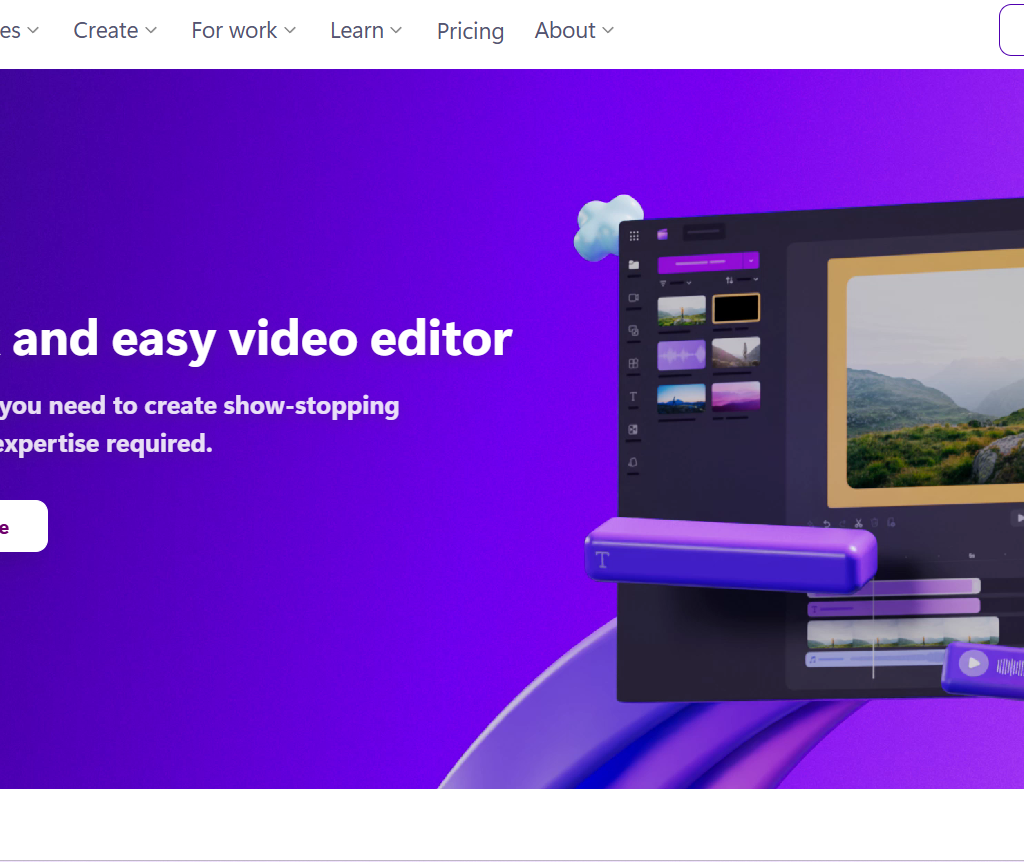
Clipchamp is Microsoft’s beginner-friendly video editor. It is free with a personal Microsoft account and exports without a watermark at up to 1080p, while 4K exports, premium stock and the brand kit come with a Microsoft 365 Personal or Family subscription. If you want stronger AI tools, a different workflow or a phone-first editor, these five tools are the closest matches.
Clipchamp alternatives compared
| Tool | Best for | Free plan | Paid from |
|---|---|---|---|
| CapCut | Hands-on editing with templates on phone and desktop | Yes, basic editing tools and free templates | Pro, priced by country (not in India) |
| Canva | Quick social videos alongside graphics and slides | Yes, Canva Free | Pro, priced by country, free trial available |
| Descript | Podcasts and interviews, editing by transcript | Yes, 60 media minutes a month | $24/mo ($16/mo yearly) |
| Kapwing | Browser editing with auto subtitles and resizing | Yes, 720p with watermark | $16/mo on yearly billing |
| VEED | Browser editor with subtitles, templates and AI tools | Free to start | €11/user/mo billed yearly |
Prices are for one user. Descript and Kapwing list US dollars; VEED, CapCut and Canva showed us local-currency prices, and CapCut says its displayed pricing is for reference only. Tools change prices often, so check the tool’s own page before you buy.
1. CapCut: best overall
CapCut is the closest match if you like Clipchamp’s simple timeline but want more templates, effects and auto captions, on phone, desktop or the web. The free plan includes basic editing tools and free templates. Pro adds premium templates, AI features, monthly AI credits and 1 TB of storage, with prices set by country. CapCut is not available in India.
2. Canva: best for quick social videos
If your videos are mostly Reels, Shorts and simple promos, Canva lets you make them next to your graphics and presentations with the same templates and brand colours. Canva Free is open to anyone. Canva Pro and Business add premium templates and more AI, and both offer a free trial; prices depend on your country.
3. Descript: best for podcasts and interviews
Descript turns your recording into a transcript, and deleting words in the text cuts them from the video. It also cleans audio with Studio Sound and removes filler words. The free plan includes 60 media minutes a month. Hobbyist costs $24 a month, or $16 billed yearly, with 10 media hours and watermark-free 1080p exports; Creator adds 4K exports.
4. Kapwing: best for subtitles and resizing
Kapwing is a browser editor built for teams that repurpose content: auto subtitles, translation, resizing and a transcript-based trim. The free plan exports at 720p with a watermark, up to 4 minutes per video and 30 minutes a month. Pro is $16 a month on yearly billing and removes the watermark, with 4K exports and 1,000 credits a month.
5. VEED: best browser editor with AI tools
VEED is an online editor with auto subtitles, templates and more than 15 AI tools, good if you want everything in a browser tab. You can start for free. The Creator plan removes the watermark and adds unlimited auto subtitles; it was shown to us at €11 per user a month billed yearly, and Pro at €23.
Our pick: stay on Clipchamp if its free 1080p exports cover you. Otherwise try CapCut (or Canva in India) for everyday edits, Descript for podcasts, and Kapwing or VEED for subtitle-heavy work in the browser.
Frequently asked questions
What is the best free alternative to Clipchamp?
CapCut if it is available in your country, because its free plan covers hands-on editing with templates on phone and desktop. In India, where CapCut is not available, Canva Free is the easiest swap, and Kapwing and Descript also have free plans.
Is Clipchamp free?
Yes. You can edit and export videos without a watermark at up to 1080p by signing in with a personal Microsoft account. 4K exports, premium stock, premium effects and the brand kit come with a Microsoft 365 Personal or Family subscription.
Which Clipchamp alternative is cheapest?
Kapwing Pro and Descript Hobbyist both list $16 a month on yearly billing in US dollars. VEED Creator was shown to us at €11 per user a month billed yearly, and CapCut and Canva set prices by country.
Which tool is best for podcasts and interviews?
Descript. You edit the video by editing its transcript, and the free plan gives 60 media minutes a month to try it.
Is CapCut available in India?
No. CapCut is not available in India, so Indian creators should look at Canva, Kapwing, VEED or Descript instead.
Browse more tools in our AI tools directory.
Enjoyed this guide? Get the next one by email
Every two weeks: the most useful new AI tools, free alternatives and honest picks. Free, no spam, unsubscribe anytime.


