
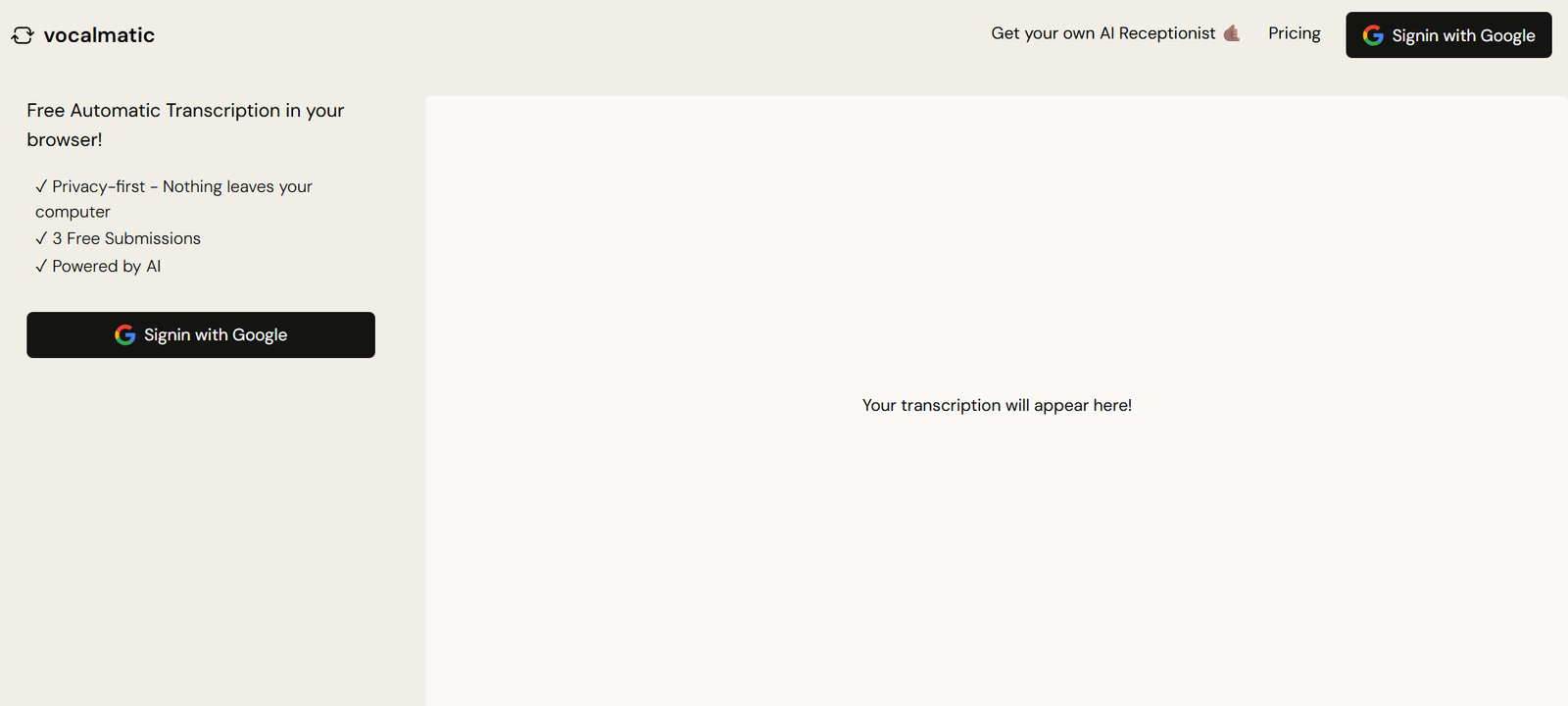
Vocalmatic is an AI-powered automatic transcription tool that converts audio recordings into editable text. Designed for content creators, journalists, researchers, and businesses, Vocalmatic simplifies the process of turning voice into text with support for a wide variety of audio formats and languages. The platform leverages speech recognition technology to generate quick and accurate drafts, allowing users to edit, format, and export the final transcript with ease. Whether you are transcribing interviews, podcasts, lectures, or meetings, Vocalmatic provides a streamlined solution to save time and effort.
Features
Vocalmatic offers a range of transcription features to make voice-to-text conversion fast, accurate, and accessible.
Automatic Transcription
Uploads audio or video files and automatically generates a transcription using AI speech recognition.
Multi-Language Support
Supports transcription in multiple languages, including English, Spanish, French, German, and more.
Editable Transcript
Edit the AI-generated transcript directly in the built-in editor with time stamps and playback controls.
Audio and Video Compatibility
Supports common file formats such as MP3, WAV, MP4, M4A, and others.
Speaker Labels
Detects multiple speakers in the audio and assigns speaker labels for better readability.
Searchable Transcripts
Search within your transcript to quickly find keywords or specific quotes.
Export Options
Download transcripts in various formats including TXT, DOCX, and PDF.
Secure File Handling
All uploads are processed securely and deleted from servers after a short period for user privacy.
Email Notifications
Get notified when your transcription is complete and ready to edit or export.
How It Works
Using Vocalmatic is simple and requires no technical experience. First, users create an account and upload their audio or video file. The AI system then processes the file and produces a rough transcript, typically within minutes, depending on file length and quality.
Once the transcript is generated, users can access it in the online editor. The interface includes audio playback synced with the transcript text, allowing for easy verification and correction. Users can label speakers, edit errors, and apply formatting. After finalizing the text, the transcript can be exported in multiple formats for use in articles, reports, or archives.
The tool works in the cloud, so there’s no need to download software. Everything is handled via the web interface, making it accessible from any device with internet access.
Use Cases
Vocalmatic is useful across various industries and professions that rely on accurate voice-to-text conversion.
Podcasters
Transcribe episodes for blog posts, captions, or SEO purposes.
Journalists
Convert recorded interviews into text for quoting or publishing.
Students
Transcribe lectures or class recordings for easier study and review.
Researchers
Turn focus group recordings or research interviews into searchable text.
Businesses
Document meetings, calls, or training sessions for internal records or sharing.
Content Creators
Generate subtitles or written content from voice recordings and video files.
Legal and Compliance
Create documentation from phone calls, depositions, or legal meetings.
Pricing
Vocalmatic uses a pay-as-you-go model with transcription credits and offers a free trial.
Free Trial
New users receive 30 minutes of transcription credit to test the platform
No credit card required for trial access
Pay-As-You-Go
Starts at $15 for 180 minutes of audio transcription
Flexible pricing based on how many minutes you need
No recurring subscription required
Enterprise and Custom Plans
Available for high-volume users or businesses needing custom features
Includes priority support and bulk pricing options
You can view all pricing details and purchase credits at https://vocalmatic.com/pricing
Strengths
Vocalmatic offers an intuitive interface, fast transcription times, and strong support for multiple audio formats and languages. It is a great solution for users who want affordable, pay-per-use transcription without long-term commitments. The editing interface makes it easy to polish transcripts, and export options support flexible workflows. The inclusion of speaker labeling and timestamping improves transcript accuracy and readability. Vocalmatic’s simplicity and ease of use make it appealing to both casual and professional users.
Drawbacks
As with all AI transcription tools, Vocalmatic’s automatic transcripts may require manual editing, especially in recordings with strong accents, background noise, or overlapping dialogue. It does not offer real-time transcription, and there is no direct integration with platforms like Zoom or Google Meet. While it offers multi-language support, accuracy may vary depending on language and audio quality. It is also primarily suited for individual users, with limited built-in collaboration features.
Comparison with Other Tools
Compared to Otter.ai, Vocalmatic offers similar transcription speed and editing tools but lacks live transcription or team collaboration features. Rev.com provides human transcription with higher accuracy but at a much higher price. Descript adds editing and podcasting tools, whereas Vocalmatic focuses on straightforward transcription. For users looking for a fast, affordable way to convert audio to text without extra features or commitments, Vocalmatic provides a practical, budget-friendly alternative.
Customer Reviews and Testimonials
Vocalmatic has received positive feedback from users who appreciate its simple user interface and cost-effective pricing model. Podcasters and journalists often highlight how much time it saves in preparing content. Students and researchers mention its helpfulness in turning recordings into study material or research notes. While some note that AI errors do occur, most agree that the editing tools make it easy to clean up transcripts quickly. The free trial is frequently praised as a risk-free way to evaluate the tool.
Conclusion
Vocalmatic is a reliable and easy-to-use AI transcription service that turns your audio or video files into editable, exportable text. With a free trial, pay-as-you-go pricing, and support for multiple file formats and languages, it meets the needs of a wide range of users from content creators to academics. If you’re looking for a simple, web-based transcription tool that saves time and improves productivity, Vocalmatic is a smart choice.










