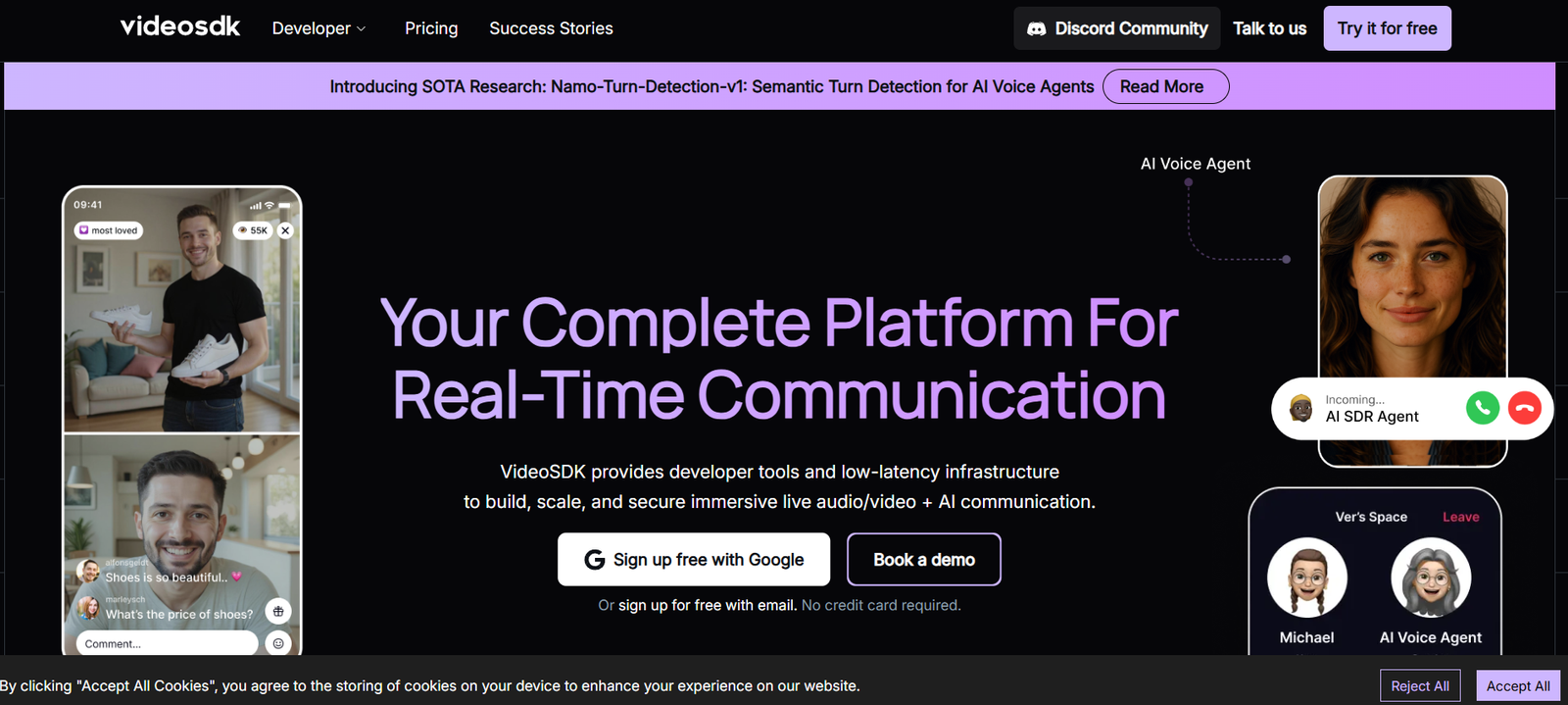
VideoSDK is a developer-first platform that provides APIs and SDKs for building scalable, real-time video and audio communication applications. Designed for speed, customization, and ease of integration, VideoSDK empowers developers to add video calls, live streaming, audio conferencing, and collaborative features to web, mobile, and desktop applications with minimal effort.
Unlike generic communication tools, VideoSDK is built for complete flexibility and deep customization. Whether you’re creating a telehealth app, virtual classroom, multiplayer game, or social live-streaming experience, VideoSDK gives you the building blocks to create tailored communication solutions using simple APIs and SDKs.
It supports a wide range of features such as screen sharing, recording, breakout rooms, and in-call chat, along with low-latency performance and robust scalability.
Features
VideoSDK offers a powerful set of features for real-time communication development.
Video and Audio Calling: Enable high-quality 1-on-1 or group video/audio calls with adaptive bitrate and low-latency performance.
Live Streaming: Broadcast video sessions to thousands of users with real-time interactivity and audience controls.
Screen Sharing: Built-in screen sharing support for web and native apps, useful in education, support, or team collaboration.
Recording: Server-side or client-side recording capabilities to capture meetings or streams with high-definition playback.
Breakout Rooms: Allow users to split into smaller sessions from the main call, ideal for classrooms or workshops.
In-Call Chat: Add real-time text chat alongside video calls with support for emojis and file sharing.
Whiteboard Support: Collaborative whiteboards that allow participants to sketch or explain concepts visually.
Webhooks and Events: Real-time callbacks for user join/leave, stream status, and other in-call events for deeper integration.
Cross-Platform SDKs: Supports Web, React, React Native, Android, iOS, and Flutter, enabling fast development across multiple platforms.
Custom UI Components: Prebuilt and customizable components to speed up integration while maintaining control over the user interface.
AI Noise Suppression: Improve audio clarity in noisy environments using integrated noise cancellation.
Analytics and Insights: Real-time session metrics and call analytics for monitoring performance and user experience.
How It Works
VideoSDK is built for developers who want complete control over their real-time communication stack:
Step 1 – Sign Up and Get API Key: Create a free account on VideoSDK and generate your API key from the dashboard.
Step 2 – Choose SDK or API: Select your development platform (Web, Mobile, etc.) and install the appropriate SDK.
Step 3 – Initialize the SDK: Use the API key to initialize the SDK in your app, and set up authentication for users or participants.
Step 4 – Create or Join a Meeting: Use the SDK functions to create a meeting room or allow users to join an existing session via meeting ID.
Step 5 – Customize UI and Events: Leverage built-in events to handle user actions, display custom UI, and manage session behavior.
Step 6 – Deploy and Scale: Go live with your application, and monitor sessions, users, and performance from the VideoSDK dashboard.
Use Cases
VideoSDK supports a wide range of real-time communication scenarios:
Telehealth: Build HIPAA-compliant virtual consultation platforms with video, chat, and session recording.
Education: Enable virtual classrooms with features like breakout rooms, screen sharing, and collaborative whiteboards.
Live Commerce: Power interactive shopping experiences with real-time product demonstrations and buyer engagement.
Online Events and Webinars: Host scalable webinars or virtual events with audience interaction, polls, and live chat.
Gaming and Social: Add in-game video or voice chat and host live streams with real-time engagement in social apps.
Customer Support: Allow users to connect with support agents via live video or audio directly from your app or website.
Remote Teams: Create custom video conferencing tools for internal team communication with analytics and security.
Fitness and Coaching: Deliver 1-on-1 or group video training sessions with video, audio, and screen sharing.
Pricing
VideoSDK offers usage-based pricing tailored to teams of all sizes, from startups to enterprises.
Free Tier:
Up to 10,000 minutes per month
Access to all SDKs
Core features like video, audio, chat, screen sharing
Ideal for prototyping or small-scale applications
Pro Tier (Usage-Based):
Billed per minute based on usage
Includes advanced features like recording, live streaming, breakout rooms
Pricing starts from approximately $0.001/minute
Scales with volume—transparent and competitive for production usage
Enterprise Plan:
Custom pricing for large-scale applications or regulated industries
Includes SLAs, white-labeling, dedicated support, and custom integrations
Volume discounts and security/compliance features like HIPAA, GDPR
For detailed and updated pricing, visit the VideoSDK pricing page.
Strengths
VideoSDK offers a strong value proposition for developers building real-time communication platforms:
Developer-Centric: Designed with a simple API and developer-first approach, minimizing setup time and maximizing customization.
Highly Customizable: Unlike many competitors, it doesn’t lock you into a fixed UI—developers have complete control.
Scalable Infrastructure: Supports thousands of concurrent users, ideal for both small and large applications.
Cross-Platform SDKs: One solution for web, mobile, and native platforms—saving development time and ensuring consistency.
Affordable and Transparent Pricing: Usage-based pricing allows teams to scale without worrying about high upfront costs.
Rapid Integration: Most use cases can be built and deployed in days, not weeks.
Feature-Rich: Offers all the essentials (video, chat, recording) and advanced features like AI noise suppression and analytics.
Reliable Support: Dedicated documentation, tutorials, and customer support to assist with implementation.
Drawbacks
While VideoSDK is powerful, there are a few limitations to consider:
Limited No-Code Options: Designed primarily for developers—non-technical users may need additional resources or frontend help.
Newer in the Market: Compared to long-standing platforms like Twilio or Agora, VideoSDK is a newer entrant, though growing fast.
Documentation Gaps: While improving, some SDK documentation could be more detailed for edge-case scenarios.
Limited Third-Party Integrations: Compared to older platforms, integrations with CRMs or no-code tools may be more limited.
Advanced Compliance Requires Enterprise Plan: Full HIPAA or custom compliance features are reserved for enterprise customers.
Comparison with Other Tools
VideoSDK competes with established platforms like Twilio, Agora, Daily.co, and Jitsi Meet, but offers distinct advantages:
Compared to Twilio Video, VideoSDK is easier to integrate, more affordable for high-volume use, and offers more flexibility in UI.
Against Agora, VideoSDK offers a more modern SDK experience and better developer tools for faster prototyping and customization.
Compared to Daily.co, VideoSDK focuses on deeper feature sets like breakout rooms, real-time analytics, and recordings with fewer limitations.
For teams looking for a fast, affordable, and developer-friendly video SDK that works across platforms, VideoSDK is a top contender.
Customer Reviews and Testimonials
VideoSDK has received strong feedback from product teams, developers, and startups around the world. Customers praise:
– Fast integration and minimal learning curve
– High-quality audio and video with stable performance
– Flexibility to fully customize the UI and behavior
– Responsive support team and detailed onboarding
– Affordable pricing, especially for startups and scaling products
Companies building in telehealth, edtech, and SaaS report significant time savings and better control over their communication features thanks to VideoSDK.
To see real case studies and testimonials, visit the VideoSDK customers page.
Conclusion
VideoSDK is a modern, full-featured video and audio communication platform tailored for developers. Whether you’re building a telemedicine app, live classroom, or social video experience, it provides everything you need—real-time APIs, cross-platform SDKs, analytics, and deep customization—all with transparent pricing and fast performance.
With its developer-first approach, scalable infrastructure, and rich feature set, VideoSDK is an excellent choice for teams building custom video experiences without the overhead of traditional platforms.
For startups, enterprises, and independent developers alike, VideoSDK delivers powerful communication infrastructure in a flexible and cost-effective package.