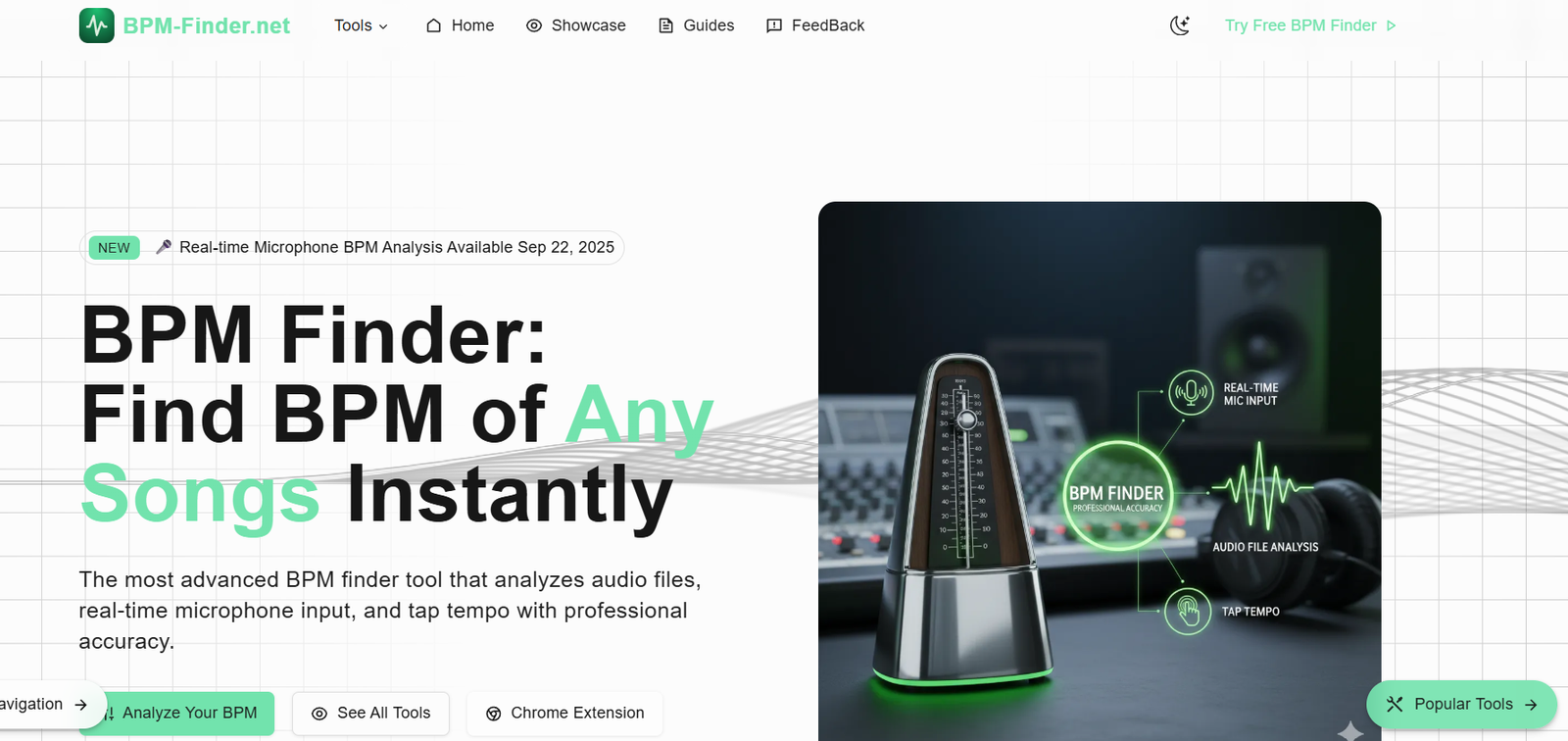
BPM Finder is a web-based tool that analyzes audio files and detects their BPM. The interface is simple: users can upload a song or paste a link, and within seconds, BPM Finder will calculate the track’s tempo.
Unlike music production software that often hides BPM detection behind complex features, BPM Finder is built specifically for this single purpose—making tempo detection accurate and effortless.
It’s particularly useful for DJs, musicians, remix artists, dancers, and anyone who needs to understand or match the tempo of a song quickly without launching a DAW (Digital Audio Workstation) or using heavy music software.
Features
BPM Finder provides a fast and accurate tempo analysis of audio tracks using advanced algorithms.
The platform supports MP3 file uploads, allowing users to drag and drop a file directly into the browser.
Users can also paste URLs from SoundCloud or YouTube, enabling BPM detection from streaming content without downloading the track manually.
Results are displayed instantly on screen, showing the calculated BPM with clear formatting for quick reference.
The tool does not require registration, login, or payment, making it freely accessible to anyone with an internet connection.
BPM Finder operates entirely within the browser, meaning no software download is required and no user data is stored.
The interface is minimalist, focused solely on functionality—no ads, distractions, or unnecessary options.
It’s optimized for speed and accuracy, giving musicians reliable data to work with in real time.
How It Works
To use BPM Finder, you visit the official website and are greeted with a single, intuitive input section.
You can either upload an audio file—such as an MP3—or paste a link to a track hosted on SoundCloud or YouTube.
Once a file or link is submitted, BPM Finder processes the audio using a tempo detection algorithm that listens for rhythmic patterns and beat intervals.
The tool then calculates the beats per minute of the track and displays the result within seconds. The BPM is usually accurate enough for both casual and professional needs.
If you’re using a video or SoundCloud link, BPM Finder extracts the audio, runs the analysis, and still delivers a result without requiring manual audio conversion.
Because the tool is browser-based, there’s no need to download or install anything. All operations are processed in real time and presented in a clean interface.
Use Cases
DJs use BPM Finder to prepare mixes and ensure tracks are compatible in tempo before a live set or recording session.
Music producers rely on the tool to analyze samples and imported stems to keep their production timeline and tempo in sync.
Dance choreographers and instructors use BPM Finder to select music with the right rhythm and pacing for routines or performances.
Fitness instructors and event planners use it to find tracks with specific BPM ranges that match workout intensity or mood.
Content creators use the tool to sync background music to video pacing, especially in TikTok, YouTube Shorts, or Instagram Reels.
Remix artists use BPM Finder to adjust pitch or time-stretch a song without distorting rhythm.
Audio engineers and sound designers use BPM data to align effects or loops in post-production work.
Even casual listeners use BPM Finder to discover the tempo of their favorite songs or to create custom playlists by BPM range.
Pricing
As of October 2025, BPM Finder is completely free to use. There is no login required, no account creation, and no subscription plans. Users can visit the site, upload a file or paste a link, and immediately get a BPM result.
There are no premium plans or hidden upsells, making it one of the most accessible and truly free BPM tools on the web.
The simplicity and zero-cost model make it especially valuable for students, hobbyists, and professionals who need a quick answer without budget constraints.
Strengths
BPM Finder is extremely simple to use, with a no-distraction interface that delivers results quickly and clearly.
It supports both direct file uploads and links, covering a wide range of user needs from local libraries to online platforms.
The tool is free, with no sign-up, lowering the barrier for anyone to access music tempo analysis.
It operates in real time, which makes it perfect for use during live sets, recording sessions, or creative brainstorms.
The detection algorithm is accurate for most mainstream audio, offering results that are trusted by DJs and musicians alike.
Its lightweight design means it works across devices, including desktops, laptops, and even tablets or smartphones with browser support.
It removes the need for opening DAWs or using complex production software just to find a track’s BPM.
Drawbacks
BPM Finder is focused solely on BPM detection, meaning it lacks additional features like key detection, waveform visualization, or beat grids.
The platform does not store or save previous results, so users must re-upload or re-enter URLs each time.
It currently supports only MP3 file uploads; other formats like WAV or FLAC may not be compatible.
There’s no API access or automation support for power users who want to integrate BPM detection into larger workflows.
Because it’s browser-based, performance may vary slightly depending on connection speed or file size.
It does not currently offer mobile apps or offline usage, though it’s responsive enough for mobile browsers.
There’s no batch processing feature for analyzing multiple files at once, which might be useful for DJs or producers with large libraries.
Comparison with Other Tools
Compared to BPM detection features in software like Ableton Live or FL Studio, BPM Finder is much faster and easier to access but lacks deeper integration.
Platforms like Mixed In Key offer BPM and key detection, but they come at a cost, whereas BPM Finder is completely free and instant.
Some DJ software includes BPM detection, but it usually requires importing the track and analyzing the library—BPM Finder gives you the answer in seconds without setup.
Unlike mobile apps that often include ads or in-app purchases, BPM Finder remains ad-free and distraction-free.
Compared to other online tools that only support file uploads, BPM Finder’s ability to parse YouTube and SoundCloud links makes it stand out in versatility.
Customer Reviews and Testimonials
The official BPM Finder website does not display user testimonials or reviews, but its design and user experience indicate a tool that prioritizes function over flash.
It’s clearly aimed at users who want a fast, accurate answer without complications. From DJs preparing for gigs to students working on school music projects, BPM Finder delivers exactly what it promises—a simple, reliable BPM analysis.
The clean UI, fast load times, and no-cost usage model suggest strong organic user satisfaction, even without visible social proof on the site.
Conclusion
BPM Finder is a practical and efficient tool that does one thing—and does it extremely well. By offering instant, accurate BPM detection via MP3 upload or streaming link, it provides musicians, DJs, dancers, and creatives with the data they need to work smarter and faster.
Its no-login, no-cost approach makes it a go-to utility for quick tempo checks without the overhead of traditional software. Whether you’re mixing music, editing videos, choreographing dance, or just satisfying your curiosity about your favorite song’s tempo, BPM Finder gets you there in seconds.