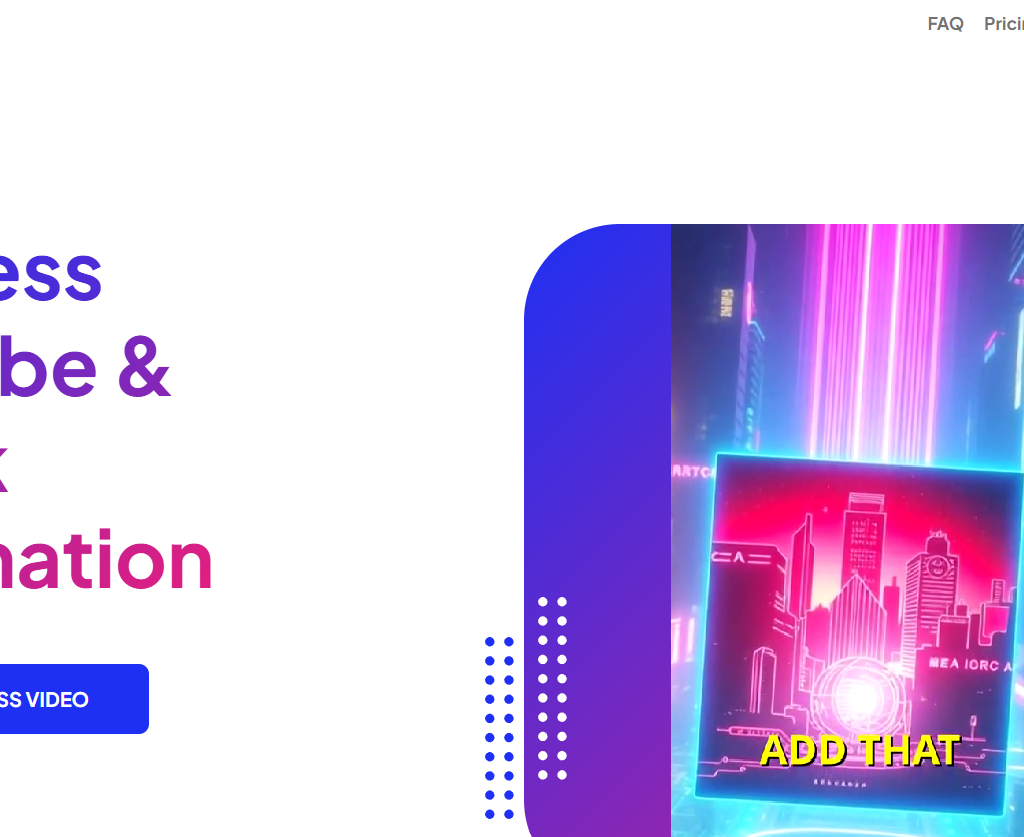
VideoArt AI turns text into professional-quality videos using AI. Discover features, pricing, and use cases in this complete guide.
Social Media Videos
Text-to-Video Creation, High-Definition Output, Multiple Visual Styles
Check the website
Is VideoArt AI right for you?
- Social Media Videos: Ideal for Instagram Reels, TikTok, and YouTube Shorts
- Marketing Campaigns: Create promotional videos for new products or services
- Education and Training: Convert lessons or tutorials into engaging visuals
- Storytelling: Animate short stories or narrative scripts
VideoArt AI pricing
| Plan | Details |
|---|---|
| Basic Plan | $10 per month – includes 100 credits. Good for low-frequency use |
| Pro Plan | $29 per month – includes 500 credits. Offers HD rendering and full access to visual styles |
| Business Plan | $99 per month – includes 2,000 credits, faster rendering, branding options, and API access |
| Pay-As-You-Go | Starts at $5 for flexible, no-subscription usage |
Prices change often: confirm on the official website.
Key features
Text-to-Video Creation
Turn simple text into cinematic videos
High-Definition Output
Supports HD rendering for professional results
Multiple Visual Styles
Choose from various artistic themes to match your content's tone
AI Voice Narration
Automatically adds voice-over using synthetic voices
Background Music
Auto-generates appropriate background music to enhance the video
Scene-by-Scene Generation
AI splits your text into scenes with relevant animations
Pros and cons
- Beginner-Friendly: No video editing skills required
- Fast Turnaround: Videos can be generated within minutes
- Creative Options: Offers multiple styles and customization features
- Cost-Efficient: Affordable compared to hiring professional editors or studios
- Cloud-Based Access: Works on any modern device with internet access
- Limited Advanced Editing: Users with professional editing needs may find customization limited
- Credit-Based Model: Can become costly for users producing large volumes of videos
- Rendering Delays: Depending on demand, rendering time may take longer than expected
- Web Only: No mobile application is available at this time
How to get started
- Enter Text: Start by typing or pasting your script or prompt into the platform
- Choose a Style: Select a visual style or theme that aligns with your content’s message
- Add Narration or Music (Optional): Customize with AI voice-over and background soundtracks
- Generate Video: Click generate and the AI processes your input into a full video
- Review and Download: Watch a preview, make changes if necessary, and download your finished video
VideoArt AI: frequently asked questions
What is VideoArt AI?
VideoArt AI is a powerful AI-based platform that enables users to generate visually engaging videos directly from text prompts. Designed for content creators, marketers, educators, and businesses, the tool simplifies the traditionally complex video production process.
How does VideoArt AI work?
Enter Text: Start by typing or pasting your script or prompt into the platform Choose a Style: Select a visual style or theme that aligns with your content’s message Add Narration or Music (Optional): Customize with AI voice-over and background soundtracks
Is VideoArt AI free?
Pricing details vary; check the official website for current plans.
What are the main features of VideoArt AI?
Text-to-Video Creation; High-Definition Output; Multiple Visual Styles; AI Voice Narration; Background Music; Scene-by-Scene Generation.
Who should use VideoArt AI?
Social Media Videos; Marketing Campaigns; Education and Training; Storytelling.
More about VideoArt AI
VideoArt AI is a powerful AI-based platform that enables users to generate visually engaging videos directly from text prompts. Designed for content creators, marketers, educators, and businesses, the tool simplifies the traditionally complex video production process. Users don’t need prior video editing experience—just input a script or concept, and the AI generates a high-quality video in minutes.
By combining generative AI with customizable artistic styles and narration features, VideoArt AI opens new doors for scalable content creation. It is especially useful for short-form content, brand storytelling, and educational videos.
Features
VideoArt AI includes several key features:
-
Text-to-Video Creation: Turn simple text into cinematic videos.
-
High-Definition Output: Supports HD rendering for professional results.
-
Multiple Visual Styles: Choose from various artistic themes to match your content’s tone.
-
AI Voice Narration: Automatically adds voice-over using synthetic voices.
-
Background Music: Auto-generates appropriate background music to enhance the video.
-
Scene-by-Scene Generation: AI splits your text into scenes with relevant animations.
-
User-Friendly Interface: Simple drag-and-drop design for non-technical users.
-
Cloud-Based Processing: No need for downloads or high-spec devices—everything runs online.
How It Works
-
Enter Text: Start by typing or pasting your script or prompt into the platform.
-
Choose a Style: Select a visual style or theme that aligns with your content’s message.
-
Add Narration or Music (Optional): Customize with AI voice-over and background soundtracks.
-
Generate Video: Click generate and the AI processes your input into a full video.
-
Review and Download: Watch a preview, make changes if necessary, and download your finished video.
The AI behind VideoArt AI uses state-of-the-art generative models and diffusion techniques to match scenes with the textual input.
Use Cases
VideoArt AI is suitable for a wide range of content creation needs:
-
Social Media Videos: Ideal for Instagram Reels, TikTok, and YouTube Shorts.
-
Marketing Campaigns: Create promotional videos for new products or services.
-
Education and Training: Convert lessons or tutorials into engaging visuals.
-
Storytelling: Animate short stories or narrative scripts.
-
Real Estate Marketing: Showcase properties using stylized video walkthroughs.
-
Internal Business Communication: Transform presentations or updates into visual formats.
Pricing
VideoArt AI uses a credit-based pricing model. As of the latest information on the official website:
-
Basic Plan: $10 per month – includes 100 credits. Good for low-frequency use.
-
Pro Plan: $29 per month – includes 500 credits. Offers HD rendering and full access to visual styles.
-
Business Plan: $99 per month – includes 2,000 credits, faster rendering, branding options, and API access.
-
Pay-As-You-Go: Starts at $5 for flexible, no-subscription usage.
Credits are consumed based on video length and resolution. For example, a longer video in HD will cost more credits than a shorter one in standard definition.
Strengths
-
Beginner-Friendly: No video editing skills required.
-
Fast Turnaround: Videos can be generated within minutes.
-
Creative Options: Offers multiple styles and customization features.
-
Cost-Efficient: Affordable compared to hiring professional editors or studios.
-
Cloud-Based Access: Works on any modern device with internet access.
-
Voice and Music Support: Makes videos more dynamic and engaging.
Drawbacks
-
Limited Advanced Editing: Users with professional editing needs may find customization limited.
-
Credit-Based Model: Can become costly for users producing large volumes of videos.
-
Rendering Delays: Depending on demand, rendering time may take longer than expected.
-
Web Only: No mobile application is available at this time.
Comparison with Other Tools
Compared to other video generation platforms, here is how VideoArt AI stands:
-
Pictory: Like VideoArt AI, Pictory converts scripts into videos but focuses more on summarizing long-form content like blogs or webinars. It offers less artistic customization.
-
Runway ML: Offers more advanced editing and generative AI features, but it’s aimed at professionals and has a steeper learning curve.
-
Synthesia: Best for AI avatar-based explainer videos. While powerful, it lacks the creative art-style flexibility VideoArt AI offers.
Overall, VideoArt AI fills a unique niche for users seeking quick, visually stylized videos from plain text.
Customer Reviews and Testimonials
Early adopters on platforms like Product Hunt have provided positive feedback:
-
“I created a stunning video in 10 minutes from just a short story prompt. Very impressed with the output quality.”
-
“Easy to use and surprisingly creative. It’s ideal for marketing videos without spending hours editing.”
-
“Would love to see more control over transitions and scene timing, but it’s already a strong platform.”
As the platform grows, more user reviews are expected to reflect long-term satisfaction and evolving feature sets.
Conclusion
VideoArt AI is a compelling AI video generation tool for anyone looking to produce engaging, creative videos from simple text input. With a user-friendly interface, a variety of visual styles, and AI voice-over capabilities, it democratizes content creation for individuals and businesses alike.
Whether you’re a content creator trying to scale output or a marketer looking for fast, effective video campaigns, VideoArt AI offers a practical, cost-effective solution with creative freedom.
⇄ Compare VideoArt AI with similar tools
Other free tools like VideoArt AI
 TypefullyFree plan · paid from $49Typefully is a modern, minimalistic tool designed for writing, scheduling, and publishing content on X (formerly…
 Tube Archivarix AIFree plan · paid from $9Tube Archivarix is an AI-powered archive search platform that helps users discover deleted, private, or unavailable…
 CommentScopeFree plan · paid from $12CommentScope is an AI-powered tool designed to help YouTube creators and marketers analyze and understand viewer…
 RADAARFree plan · paid from $9.99RADAAR is a comprehensive social media management platform designed to help individuals, marketing teams, and digital…
Want more tools like this?
Get the best new AI tools in your inbox every two weeks. Free, no spam, unsubscribe anytime.