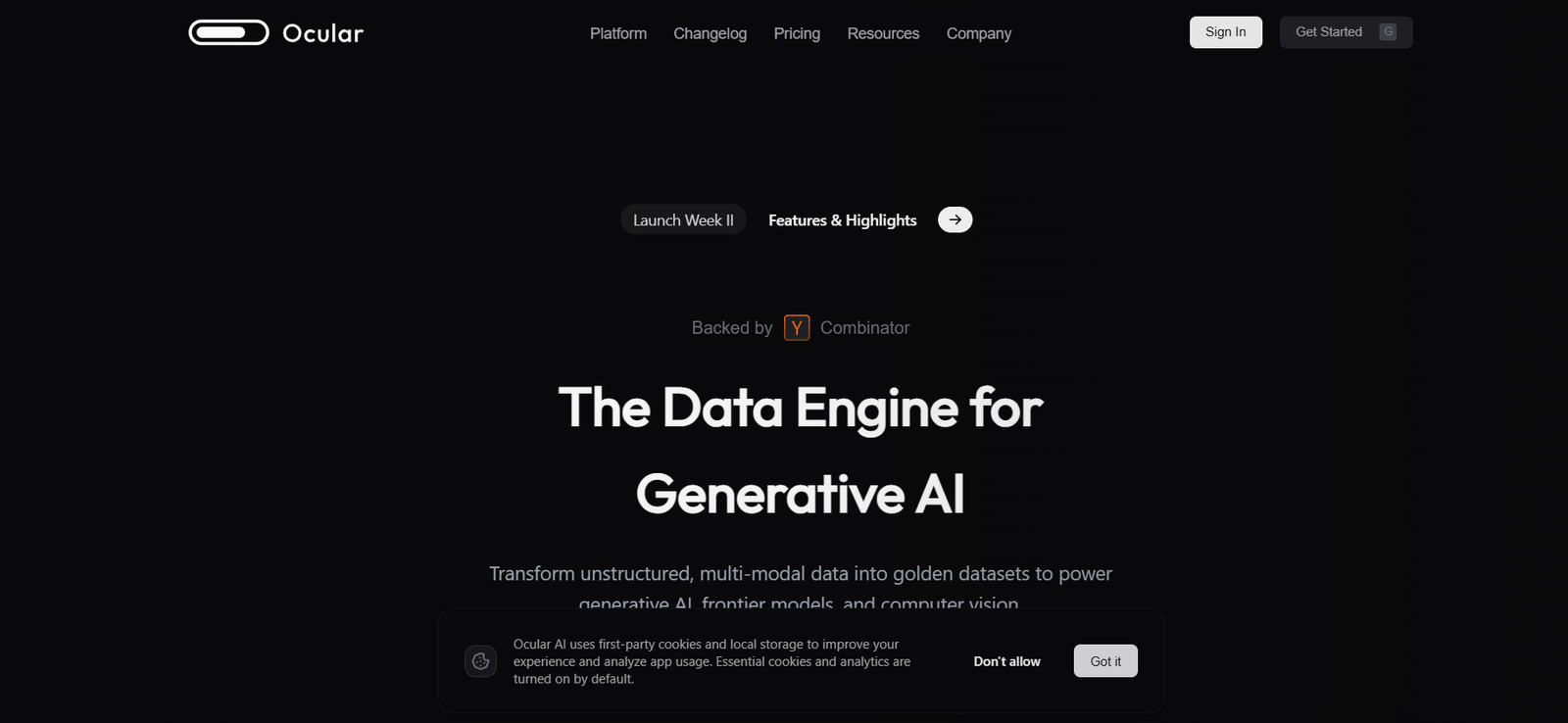
UseOcular is an AI-native automation platform that allows businesses to perform and automate operational tasks using natural language prompts. It replaces manual workflows with AI agents that can take action across integrated platforms without requiring user intervention or scripting knowledge.
Unlike traditional automation tools that rely on rigid workflows and pre-set conditions, UseOcular uses autonomous agents that make context-aware decisions. You simply ask the AI to perform a task—like “update all high-priority leads in HubSpot” or “generate a weekly revenue report from Stripe”—and it gets done, intelligently and accurately.
This makes UseOcular especially valuable for small to medium-sized businesses, operations teams, and tech-forward organizations looking to reduce friction across SaaS tools.
Features
Natural Language Interface
Control operations by typing instructions in plain English. No coding or complex triggers required.
Autonomous AI Agents
Tasks are executed by AI agents that can plan, decide, and act on user prompts using a multi-step reasoning system.
Multi-App Integrations
Supports integrations with popular business platforms like HubSpot, Salesforce, Stripe, Airtable, Notion, Google Sheets, Slack, and more.
Workflow Memory
Agents can retain task context, making follow-ups like “now sort by revenue” or “email the top 5 customers” possible without repeating the full prompt.
Realtime Task Execution
Instantly performs queries, updates records, generates reports, or triggers actions across connected platforms.
Role-Based Customization
Different agents can be customized for various business roles—Sales Assistant, Operations Manager, Finance Analyst, etc.
Dashboard and Logs
Track all executed tasks, view results, and audit history in a clean and interactive dashboard.
Data Privacy and Security
UseOcular follows industry security protocols to ensure sensitive data from connected tools is handled securely.
How It Works
UseOcular removes the complexity from automating tasks across your business stack. Here’s how the process works:
Sign Up & Connect Apps
Start by signing up at useocular.com and connecting your business tools (e.g., HubSpot, Notion, Stripe, etc.)Launch the Agent Console
You interact with your AI agents via a chat-style interface. This can be accessed via the browser or embedded in internal tools.Enter a Task
Type a command such as “Send a follow-up email to all leads from last week” or “Create a chart of this month’s revenue.”AI Reasoning & Action
The AI agent interprets the request, plans the steps, queries the necessary data, and executes the task across your connected apps.Review Output or Logs
View the result in real-time or review the logs for previous actions. Some tasks may also generate visual dashboards or reports.Build Complex Automations with Conversation
You can extend tasks by replying with follow-up commands, enabling dynamic multi-step workflows without ever writing code.
This approach gives technical and non-technical users alike the ability to automate work instantly.
Use Cases
Sales and CRM Automation
Automate lead follow-ups, contact tagging, and pipeline updates across CRM platforms like HubSpot or Salesforce.
Marketing Operations
Generate campaign performance summaries, move audience lists across tools, or schedule posts using simple prompts.
Finance & Revenue Reporting
Pull data from Stripe or QuickBooks, summarize weekly revenue, and generate reports or alerts with AI.
Customer Support
Automatically fetch user tickets, update support records, or flag high-priority issues using integrations like Intercom or Zendesk.
Internal Tools Management
Use Notion, Airtable, or Google Sheets more efficiently by automating entries, summaries, and database queries.
Executive Assistance
Get real-time answers to “How did our top 5 deals perform this week?” or “What’s the refund rate over the past 30 days?”
Pricing
As of the latest update, UseOcular offers a tiered pricing model suitable for startups, teams, and enterprises. Exact pricing details are provided upon request through the platform, but here is a general overview:
Free Tier (Limited Access)
1 AI agent
Limited task runs per month
Access to basic integrations
Ideal for solo users testing the product
Team Plan (Pricing on request)
Multiple users
Unlimited agents
Access to all integrations
Audit logs and admin controls
Email and chat support
Enterprise Plan (Custom)
Premium SLA & support
On-premise or private cloud hosting
Advanced security & compliance
API access and SSO integration
Custom training of AI agents
You can request early access or a demo at useocular.com.
Strengths
True Natural Language Automation
Eliminates the need for Zapier-style flow builders. Anyone can use it.Multi-Platform Integration
Works seamlessly across major business tools with minimal configuration.High-Level AI Reasoning
Handles multi-step commands and understands context, not just keywords.Time-Saving for Teams
Reduces time spent on repetitive admin work or data extraction.Clean and Modern UI
Designed for ease-of-use with clear logs and user feedback mechanisms.Privacy-Focused
Operates under strict data handling policies, critical for enterprise use.
Drawbacks
Still in Early Access
As of now, the platform is invite-only and some integrations are in beta.No Visual Workflow Builder
Unlike tools like Zapier, UseOcular relies entirely on text-based input. Some users may miss visual flow mapping.Requires Trust in AI Agents
While powerful, automated execution may feel risky for critical workflows without manual confirmation steps.Pricing Transparency
Public pricing is not yet available; users need to request access or demo to get a full quote.
Comparison with Other Tools
UseOcular vs. Zapier
Zapier is rule-based and requires flow diagrams. UseOcular uses natural language and autonomous AI to dynamically decide what to do.
UseOcular vs. Notion AI
Notion AI helps write content or summarize data, but doesn’t execute actions. UseOcular performs real-world operations across tools.
UseOcular vs. Replit AI Agents
Replit focuses on code automation and agents for dev environments. UseOcular targets business and operations use cases.
UseOcular vs. ChatGPT
ChatGPT can generate responses but can’t act on data across platforms. UseOcular is designed to execute tasks, not just generate ideas.
Customer Reviews and Testimonials
While still in early access, feedback from initial users has been positive:
“Ocular is like having a Chief of Staff with perfect memory. I don’t need to chase data—I just ask.”
— Startup CEO
“I replaced three automation tools with one AI agent. Setup took five minutes.”
— Head of Ops, SaaS Company
“The ability to say ‘Email all leads who haven’t replied’ and have it just happen is magical.”
— Sales Team Lead
The UseOcular team is actively building features and onboarding early users. Join their waitlist to stay updated on useocular.com.
Conclusion
UseOcular is a compelling example of what’s possible when AI agents meet real-world business operations. By shifting the paradigm from static workflows to intelligent, conversational automation, UseOcular empowers users to get things done without knowing how the backend works.
For businesses seeking to eliminate repetitive tasks, gain faster insights, and reduce SaaS tool overload, UseOcular offers a truly modern solution—backed by AI and built for scale.
If you’re ready to bring intelligent automation into your business, request access or explore a demo at useocular.com.