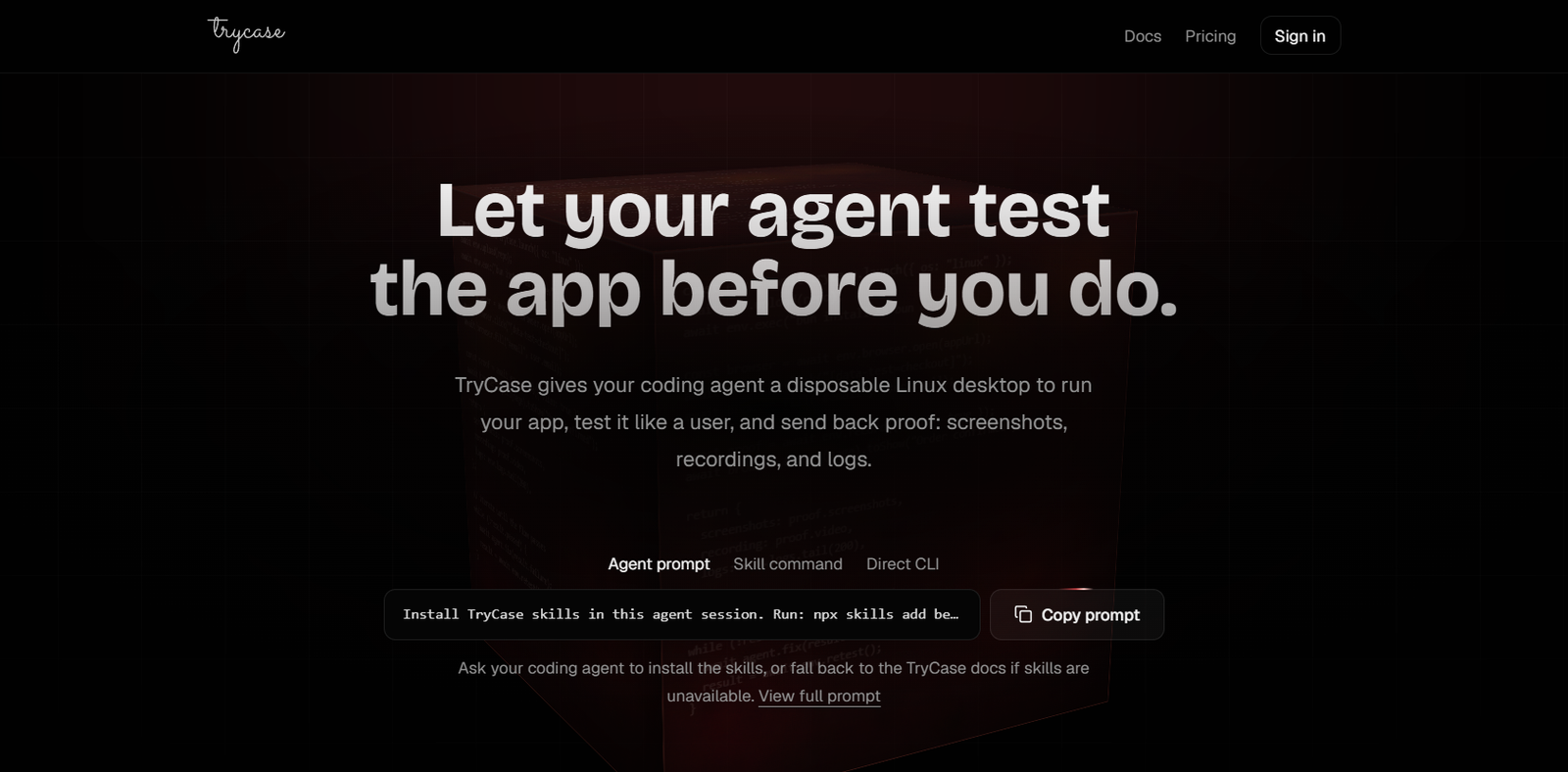
TryCase is an AI-powered testing platform built specifically for coding agents and software developers. It provides disposable Linux environments where AI agents can run applications, execute tests, interact with browsers, capture screenshots, record videos, collect logs, and verify that code changes actually work before reporting a task as complete.
Unlike traditional development workflows where developers manually verify AI-generated code, TryCase enables autonomous testing inside isolated cloud environments. Each testing session runs independently, preventing dependency conflicts while giving developers visual proof, execution logs, and recordings of successful test runs. The platform integrates with popular AI coding assistants and IDE agents, making it easier to automate end-to-end application testing.
Features
Disposable Linux Environments
Launch clean Linux environments for every AI coding task, ensuring isolated testing without affecting local development machines.
End-to-End Browser Testing
AI agents can interact with applications through a real browser by clicking buttons, filling forms, navigating pages, and validating user workflows automatically.
Screenshots and Video Recording
Generate screenshots and complete video recordings of every testing session, providing visual proof that code changes function correctly.
Log Collection
Automatically collect application logs, terminal output, and debugging information to simplify troubleshooting after test execution.
AI Agent Integration
Works with AI coding agents by allowing them to build applications, run tests, detect failures, apply fixes, and retest automatically until workflows succeed.
Automated Retesting
When tests fail, AI agents can modify the code and rerun the same workflow until the issue is resolved, reducing manual intervention.
CLI Workflow
Developers can launch environments, upload repositories, execute commands, and automate testing through the TryCase CLI.
How It Works
- Install the TryCase CLI or supported agent skills.
- Launch a disposable Linux environment.
- Upload your project repository.
- Build and start the application.
- Let the AI agent execute browser-based tests.
- Review screenshots, recordings, logs, and test results.
- If failures occur, the AI fixes the code and repeats testing until successful.
Use Cases
- AI coding agents verifying generated code.
- Software developers testing web applications.
- QA engineers automating browser testing.
- Development teams validating pull requests.
- Startups testing application workflows before deployment.
- CI/CD pipelines performing end-to-end verification.
- Product teams collecting visual proof of successful releases.
Pricing
Pricing details are not clearly mentioned on the official website. Users can join the platform and explore available options after signing up.
Strengths
- Isolated disposable testing environments.
- End-to-end browser automation.
- Automatic screenshots and video recordings.
- AI-driven bug fixing and retesting.
- Detailed logs for debugging.
- Integrates with AI coding agents.
- Helps verify code before deployment.
Drawbacks
- Primarily designed for developers and AI coding workflows.
- Requires familiarity with CLI-based development tools.
- Pricing information is not publicly available.
- Most useful for application testing rather than general software development.
Comparison with Other Platforms
Unlike conventional testing platforms that require developers to configure and execute tests manually, TryCase is built specifically for AI coding agents. It allows agents to launch isolated environments, run applications, interact with browsers, verify functionality, capture proof, and automatically retry failed workflows until successful. This makes it particularly valuable for autonomous software development and AI-assisted coding.
Customer Reviews and Testimonials
Customer reviews and testimonials are not clearly available on the official website.
Conclusion
TryCase is an innovative AI testing platform that enables coding agents to verify software independently before delivering results. By combining disposable Linux environments, browser automation, automated retesting, screenshots, recordings, and log collection, it helps developers build greater confidence in AI-generated code. It is especially useful for software engineers, QA teams, and organizations adopting AI-assisted development workflows.