
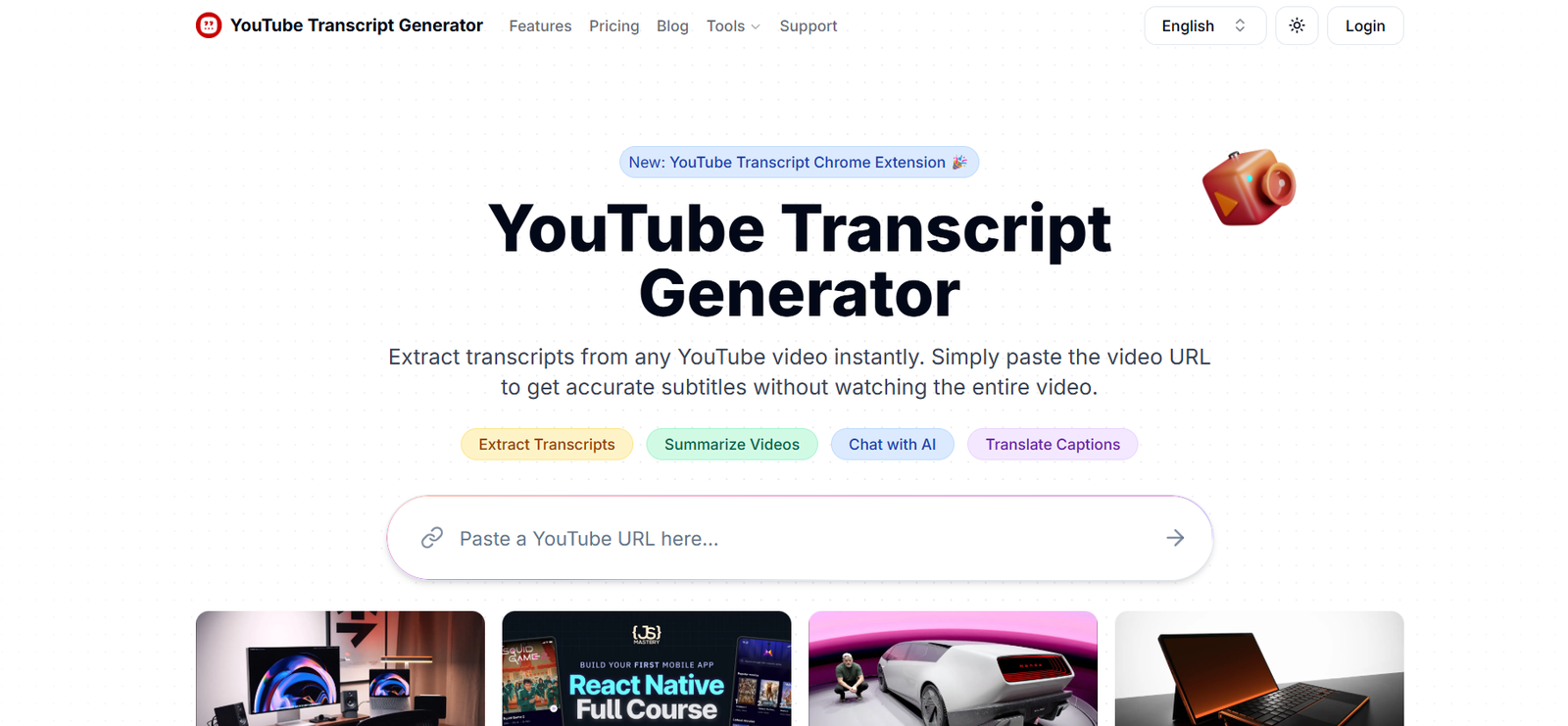
TranscriptGenerator is a free, AI-powered tool that allows users to generate instant transcripts from YouTube videos, podcasts, and other audio or video content. Designed for students, creators, journalists, and researchers, it offers a simple and accessible way to convert spoken content into written text in seconds.
Without requiring logins or downloads, TranscriptGenerator simplifies the transcription process, making it easier to study, reference, quote, or repurpose spoken content from various sources.
Features:
YouTube Transcription: Paste a YouTube link and instantly generate a full transcript.
Podcast Transcription: Works with podcast audio files or links to extract full text.
AI-Powered Accuracy: Uses natural language processing to produce readable, well-structured transcripts.
No Login Required: 100% free and usable without an account or subscription.
Multi-Language Support: Supports transcription of non-English content when available.
Copy & Save: Easily copy the transcript text to your clipboard for editing or saving.
Fast Processing: Results are generated almost instantly depending on the content length.
Clean Interface: Simple, ad-free user experience with no distractions.
Mobile-Friendly: Fully responsive for use on desktop and mobile browsers.
No Watermarks: Transcripts are clean and free from branding or limitations.
How It Works:
Visit transcriptgenerator.org: Open the platform in your browser.
Paste a YouTube or podcast URL: Add the public link of the content you want transcribed.
Click “Generate Transcript”: The AI processes the audio and delivers a text version.
Review or Copy: Scroll through the transcript, then copy it as needed for study, reference, or republishing.
There is no need to upload files, register, or download any software.
Use Cases:
Students: Convert lectures, webinars, or educational YouTube content into study notes.
Content Creators: Repurpose spoken content into blog posts, captions, or newsletters.
Journalists: Transcribe interviews or news clips for quotes and editorial use.
Researchers: Extract text from discussions or expert panels for citation and analysis.
Podcasters: Quickly create transcripts to improve SEO or accessibility.
Language Learners: Review spoken dialogue alongside the text to improve comprehension.
Pricing:
As of July 2025, TranscriptGenerator is completely free to use (source: https://transcriptgenerator.org):
Free Plan:
Unlimited YouTube and podcast transcription
No account or login required
No usage caps
No ads or pop-ups
The tool is currently offered as a 100% free, open-access solution without monetization or premium features.
Strengths:
No cost or account barriers—fully accessible to everyone
Fast and accurate transcriptions
Clean and distraction-free UI
Supports both audio and video sources
No watermarking or branding in the output
Great for casual users, students, and content repurposers
Mobile and desktop friendly
Ideal for quick, no-frills transcription needs
Drawbacks:
Lacks file upload support (currently URL-based only)
No editing tools or formatting options within the platform
No speaker identification or time stamps
Not ideal for sensitive or private content due to public URL requirement
No export functionality (only manual copy-paste)
Limited support for very long or private videos
No customer support or live help (self-serve only)
Comparison with Other Tools:
TranscriptGenerator vs Otter.ai:
Otter offers advanced features like speaker labeling, real-time collaboration, and cloud storage. TranscriptGenerator focuses on speed and simplicity, with no sign-up required.
TranscriptGenerator vs Descript:
Descript is a full audio/video editor with transcription built in. TranscriptGenerator is purely a transcription utility for quick, clean text extraction.
TranscriptGenerator vs YouTube’s Auto-Captions:
YouTube provides auto-captions, but they are harder to copy/export. TranscriptGenerator simplifies the process with a one-click, readable transcript.
TranscriptGenerator vs Temi:
Temi offers file uploads and editing for a fee. TranscriptGenerator is free, instant, and URL-based, with no additional features or costs.
Customer Reviews and Testimonials:
Users have shared positive experiences for its simplicity and usefulness:
“I use this tool to transcribe long YouTube videos for class notes. It’s fast and accurate.”
“Perfect for quickly pulling quotes from podcasts without listening to the whole episode.”
“As a blogger, I love how easy it is to repurpose content from interviews.”
“Finally a transcription tool that doesn’t require signing up or paying anything.”
The platform is highly praised for being fast, free, and incredibly easy to use.
Conclusion:
TranscriptGenerator is a simple yet powerful tool for converting online audio and video content into accurate text transcriptions instantly. With no cost, login, or complexity involved, it’s ideal for students, writers, researchers, and casual users who need fast access to readable transcripts.
If you’re looking for a free and reliable way to transcribe YouTube videos or podcasts without the hassle of account creation or software downloads, TranscriptGenerator is one of the most convenient tools available today.













