
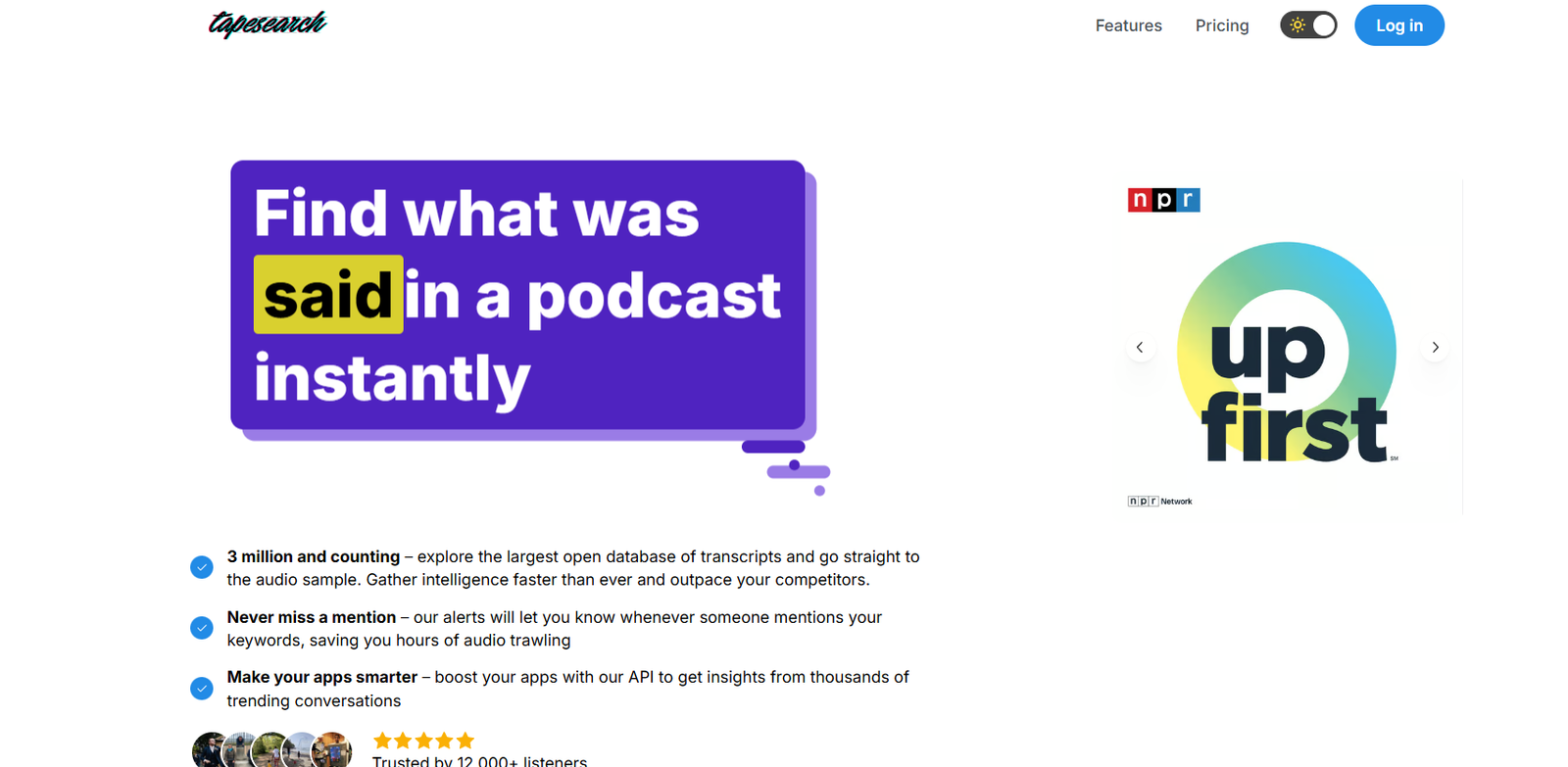
Tapesearch is an AI-powered podcast discovery tool that allows users to search across thousands of podcast episodes using transcript-based queries. Unlike traditional podcast directories that rely on titles or descriptions, Tapesearch indexes actual spoken words within episodes, offering deep search capabilities that go far beyond surface-level metadata.
Built for journalists, researchers, podcast fans, and content creators, Tapesearch transforms podcast listening into an efficient, searchable experience. Whether you’re looking for expert quotes, topic mentions, or specific interviews, Tapesearch helps you find the exact moment — without manually scrubbing through audio.
Features
Searchable Podcast Transcripts
Tapesearch indexes transcripts from a wide variety of podcasts, allowing users to search actual spoken content within episodes. This makes it easy to find mentions of specific names, topics, or phrases.
Time-Stamped Results
Each search result includes time-stamped entries so users can click directly to the moment in the episode where the term is mentioned.
Clean, Minimalist Interface
The platform offers a simple and fast-loading search bar and browsing interface, allowing users to focus on discovering relevant content quickly.
Episode Pages with Built-In Players
Each episode on Tapesearch has a dedicated page with the full transcript, audio player, and contextually highlighted search terms.
Explore by Podcast
Users can browse popular shows, explore top episodes, and dive into transcripts from creators across categories such as business, health, tech, and entertainment.
Transcript Accuracy from Official Sources
Where available, Tapesearch uses official show transcripts, enhancing accuracy and providing a better reading experience.
No Sign-Up Required
Tapesearch is fully open to the public. Users can search and explore without creating an account.
Free to Use
As of June 2025, Tapesearch remains a completely free resource for listeners, journalists, and researchers.
How It Works
Users visit Tapesearch.com and begin by entering a keyword, phrase, or name into the search bar. The AI engine quickly searches across podcast transcripts and returns results that show the exact moments where the term appears in audio.
Each result includes a snippet of the transcript and a timestamp. Clicking the link opens the episode’s page, where the user can read the entire transcript or jump directly to the relevant part of the audio.
Tapesearch doesn’t require any installation or sign-up and works in the browser, offering instant access to thousands of hours of indexed podcast content.
Use Cases
Podcast Fans
Listeners use Tapesearch to discover episodes where their favorite topics, celebrities, or experts are mentioned.
Journalists and Researchers
Reporters and academics search interviews for quotes or references to include in articles, studies, or analysis.
Content Creators
Bloggers and YouTubers find original audio clips or citations to embed in content or provide attribution.
Students and Educators
Teachers and learners use Tapesearch to access real-world examples of topics in economics, history, science, and more via podcasts.
Audio Production Teams
Producers and editors use the tool to locate source material, check prior discussions, or repurpose audio into new content.
Pricing
As of now, Tapesearch is completely free to use. There are no pricing tiers, subscriptions, or paywalls.
Users can search and browse transcripts, play podcast episodes, and access all available features without creating an account or paying a fee.
If premium or enterprise offerings become available in the future, they will likely be geared toward publishers, data analysts, or content distributors. For now, the service is accessible to the general public at no cost.
Strengths
Searches inside audio content — not just titles or descriptions
Provides time-stamped transcript results with full context
Free and easy to use without account creation
Ideal for discovery, research, and content citation
Well-designed interface with minimal distractions
Drawbacks
Transcript coverage is limited to available shows and public feeds
Does not offer personalized recommendations or saved searches
Search is currently limited to English-language content
Lacks mobile app (browser-based only as of June 2025)
Comparison with Other Tools
Tapesearch vs. Apple Podcasts
Apple Podcasts focuses on browsing and listening. Tapesearch adds transcript-based search, making it a research-oriented companion tool.
Tapesearch vs. Listen Notes
Listen Notes offers podcast metadata search and playlist curation. Tapesearch digs deeper into the content by indexing spoken words in transcripts.
Tapesearch vs. Podchaser
Podchaser is a database of podcast creators and episodes. Tapesearch is focused on content discovery within transcripts, offering more precise keyword tracking.
Customer Reviews and Testimonials
Although Tapesearch is still a growing platform, early adopters have praised its functionality, especially among professionals and podcast enthusiasts.
User feedback includes:
“Finally a way to search podcasts like Google searches websites.”
“I found an exact quote I heard years ago, in seconds.”
“Incredibly helpful for journalists and writers. Huge time-saver.”
The tool is especially popular among users who need to search long-form conversations or interviews without replaying full episodes.
Conclusion
Tapesearch is a valuable resource for anyone who wants to go beyond browsing and start searching audio content at scale. By indexing podcast transcripts and making them searchable with pinpoint accuracy, it helps listeners find exactly what they’re looking for — instantly.
Whether you’re writing a story, conducting research, or simply want to revisit a favorite quote from a podcast, Tapesearch offers a clean, efficient, and entirely free way to explore the growing world of spoken content.


