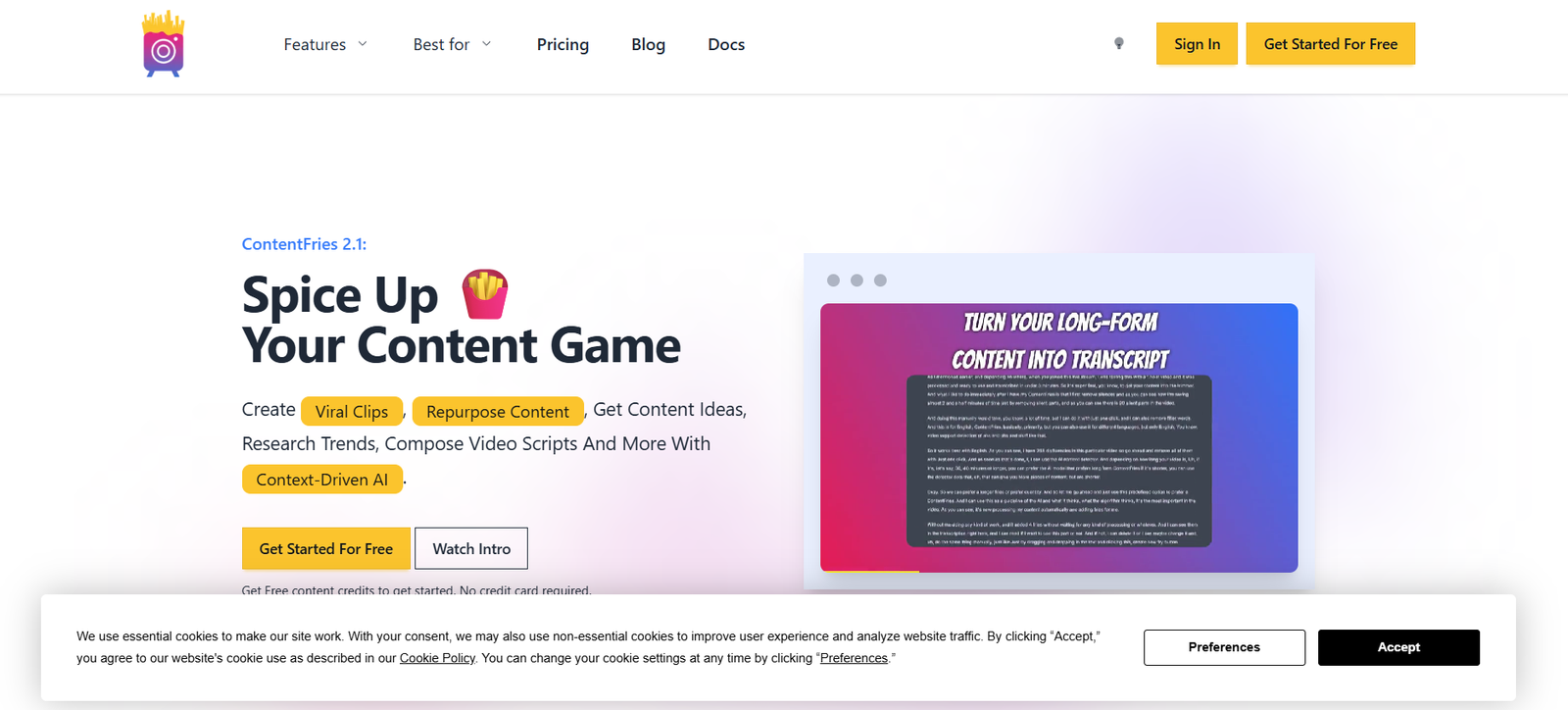
ContentFries is a content repurposing platform designed to help creators, marketers, and educators transform long-form videos into dozens of short, branded, and shareable clips for social media. Whether you’re a podcaster, course creator, coach, or agency, ContentFries allows you to take one core piece of content and break it down into smaller, snackable videos across multiple platforms.
Instead of editing each clip manually, ContentFries automates the heavy lifting. You upload one video or audio file, and it helps you generate multiple variations with subtitles, captions, progress bars, and different aspect ratios—all in one streamlined workflow.
It’s built for speed, consistency, and scale, allowing you to keep a steady stream of content flowing to your audience without starting from scratch every time.
Features
ContentFries comes packed with tools for fast, high-quality content repurposing. At the core is its “fries” concept—where your main video or “potato” is chopped into short clips, or “fries,” ready for social media.
You can start by uploading a long-form video or importing one from YouTube, and then manually or automatically cut it into highlights. These snippets can be resized to fit the format of Instagram Reels, TikTok, YouTube Shorts, or Facebook video.
Each clip can be customized with animated subtitles using ContentFries’ dynamic caption engine. The platform supports styled captions with various fonts, colors, background options, and emoji support to keep the look engaging and on-brand.
You can also add branding elements like logos, progress bars, and name tags. Templates let you reuse designs and settings, so you don’t have to start over each time. This helps teams stay consistent across all published content.
A standout feature is multi-language subtitle support. ContentFries lets you transcribe and subtitle your content in several languages, making your message more accessible to global audiences.
Everything is browser-based, so there’s no need to download software. You just log in, upload your content, and begin repurposing with an easy-to-use interface built for creators.
How It Works
To begin using ContentFries, you upload a long-form video or audio file. The platform automatically transcribes the content and shows you the full transcript, which you can use to select the most powerful moments. You can then clip those segments manually or use auto-generated suggestions.
Each clip is then converted into a “fry” that you can edit independently. You choose the format—vertical, square, or landscape—and apply your desired branding, captions, and animations. You can make clips in multiple formats at the same time, ideal for posting on different platforms without creating each one manually.
The editor allows you to preview how each clip will look and make adjustments in real time. You can tweak subtitle timing, text styling, and background elements with no prior editing experience required.
Once everything is ready, you can export all your clips in bulk and schedule or post them directly. This approach helps maintain a high content output without spending hours on manual editing.
Use Cases
Coaches and consultants use ContentFries to turn one recorded session, webinar, or podcast into weeks of short-form content to stay visible on social channels. Instead of creating content from scratch every day, they repurpose what they’ve already said.
Marketing teams rely on ContentFries to break down interviews, brand videos, or testimonials into short clips that are easy to distribute across YouTube Shorts, LinkedIn, Instagram, and TikTok.
Agencies handling multiple clients use the platform to produce clips at scale, saving hours of editing and maintaining brand consistency with templates and presets.
Educators and online course creators convert their lessons into bite-sized videos for learning reinforcement, while also using the same content for promotion.
Social media managers use ContentFries to fill content calendars with repurposed clips that continue to deliver value and engagement long after the original content was recorded.
Pricing
ContentFries offers a free trial so you can explore the platform before committing. Paid plans are based on the number of minutes processed per month and the level of access to premium features.
The Starter plan includes access to basic repurposing features, templates, transcription, and subtitle editing. This is best suited for solo creators or small teams.
The Growth plan includes more monthly processing time, advanced customization tools, automatic repurposing workflows, and priority support. This plan fits growing creators and small businesses.
The Unlimited plan is ideal for agencies or content-heavy brands that need to process large volumes of video regularly. It offers unlimited video processing, multi-language support, and access to the full feature set.
You can choose to be billed monthly or annually at a discounted rate. Visit the ContentFries pricing page for the latest details and plan comparisons.
Strengths
ContentFries stands out for turning a single piece of content into many without compromising quality. It helps you stay present on social media by multiplying your output with minimal effort.
Its subtitle system is highly customizable, making every clip look polished and on-brand. The multi-format export lets you create vertical, square, and landscape videos all at once, which is crucial for reaching audiences across platforms.
The platform is intuitive enough for solo creators and powerful enough for agencies managing dozens of campaigns. Templates and presets make it easy to maintain consistency while saving time.
Because everything is browser-based, there’s no need to install software or buy additional tools. The automation built into the workflow means you can go from full video to edited clips quickly and efficiently.
It also supports multilingual subtitling, a big plus for global creators or businesses serving diverse audiences.
Drawbacks
While ContentFries is a strong tool for repurposing, it isn’t built for full video editing. If you need advanced transitions, sound mixing, or high-end effects, you’ll still need a traditional video editor alongside it.
The interface, while user-friendly, may take a little getting used to for first-time users, especially when dealing with multiple formats and outputs.
Transcription accuracy can vary depending on audio quality and speaker accents, so some manual corrections may be required for subtitles.
The lower-tier plans have usage limits, so high-volume creators may need to upgrade to a higher plan quickly to avoid processing caps.
Comparison with Other Tools
ContentFries is often compared to tools like Descript, Pictory, and Repurpose.io. Descript offers transcription and editing, but it’s more focused on podcast and audio production. ContentFries is better suited for content clipping and visual styling at scale.
Pictory is strong in creating social clips from text, but ContentFries provides more control over subtitles and branding. It’s more tailored to creators who want content consistency and speed in repurposing.
Repurpose.io automates content distribution, but doesn’t offer the same level of visual customization or subtitle editing. Many users combine both tools—using ContentFries to produce clips and Repurpose.io to distribute them.
For users focused on transforming one long video into dozens of branded, platform-optimized clips, ContentFries is one of the most purpose-built and efficient options.
Customer Reviews and Testimonials
Users of ContentFries consistently praise the platform for how much time it saves. Creators mention being able to turn a 30-minute podcast into 10 or more high-quality clips in under an hour.
One marketer shared that it helped double their social media output while cutting editing time in half. Others appreciate the ability to create content in multiple aspect ratios without needing separate video projects.
Educators and coaches value the platform’s subtitle accuracy and customization, especially for accessibility and engagement.
Agencies highlight the ability to create branded templates for clients and quickly generate videos that match their visual identity.
Support is also frequently mentioned, with users noting responsive communication and ongoing platform updates that reflect user feedback.
Conclusion
ContentFries is a powerful and practical tool for anyone looking to turn long-form video or audio into high-impact short-form content for social media. It’s built to help creators multiply their content, grow their reach, and stay consistent—without spending hours editing.
With automated transcription, customizable subtitles, multi-platform formatting, and reusable templates, it delivers everything you need to repurpose content at scale. Whether you’re a solo creator or part of a growing team, ContentFries helps you do more with less effort.
If your content strategy depends on staying visible across platforms with frequent, high-quality posts, ContentFries is a smart and reliable partner in your toolkit.