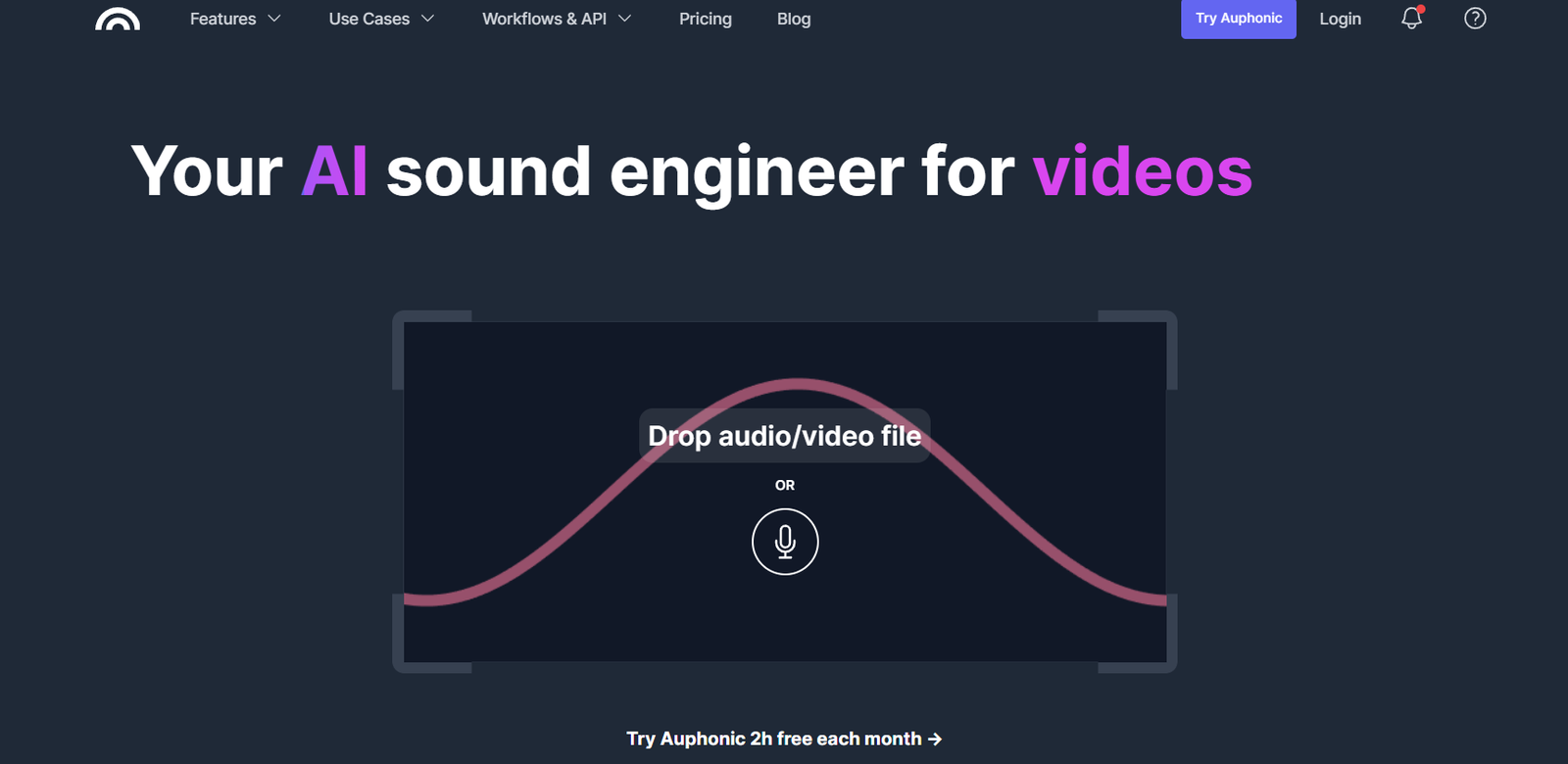
Auphonic is an AI-powered audio post-production tool designed to enhance and optimize audio files automatically. Built for podcasters, broadcasters, journalists, and video producers, Auphonic helps improve the overall audio quality of recordings by handling tasks like leveling, loudness normalization, noise reduction, and file encoding.
The platform is known for its ease of use and intelligent processing that removes the need for complex editing software. Whether you’re recording interviews, creating podcasts, or publishing video content, Auphonic ensures your audio meets professional standards with minimal effort.
Features
Auphonic provides a full suite of audio enhancement tools designed to streamline post-production.
Loudness Normalization
Automatically adjusts audio levels to meet international loudness standards like EBU R128, ATSC A/85, and more. This ensures consistent volume across episodes and platforms.
Noise and Hum Reduction
Auphonic removes background noise, static, hum, and low-frequency rumbles using adaptive filters and machine learning.
Leveling and Dynamic Range Control
Balances different speakers’ voices in a recording, adjusting quiet or loud parts to a consistent and clear level.
Automatic Encoding and Metadata
After processing, files can be exported in multiple formats like MP3, WAV, FLAC, and more. Users can also embed metadata, cover art, and chapters directly into files.
Audio Restoration
The platform can detect and reduce unwanted audio artifacts like clipping, hiss, or inconsistent volumes.
Multitrack Processing
Users can upload multiple tracks (like separate speakers or music beds) and Auphonic will intelligently mix and level them into one polished output.
Speech Recognition and Transcription
Auphonic integrates with speech recognition APIs like Whisper, Google, and AWS to provide automatic transcriptions and subtitles in multiple languages.
Intro and Outro Mixing
Users can upload intro/outro music or voiceovers to be automatically added at the beginning or end of their audio files.
Batch Processing
Process multiple files in one session with consistent settings, saving time for high-volume users.
Cross-Platform Access
Available via web app, desktop tool, and API integration. This makes it accessible to a wide range of users and workflows.
Cloud Integrations
Auphonic supports direct imports and exports from services like Dropbox, Google Drive, FTP, S3, and SoundCloud.
How It Works
Auphonic is built to be simple and user-friendly. After logging in, users upload one or more audio files and choose desired settings such as output format, noise reduction level, target loudness, and metadata. If needed, multitrack files can be uploaded and automatically synced.
Once submitted, Auphonic processes the audio using AI algorithms. The result is a polished, balanced audio file with professional loudness and clarity, ready for publishing. Users can download the final version or send it directly to their cloud storage or publishing platform.
Use Cases
Auphonic is used by a wide range of professionals who need to maintain high audio standards.
Podcasters
Podcasters use Auphonic to clean up recordings, normalize audio levels, and reduce noise, making sure every episode sounds professional and consistent.
Journalists and Reporters
Field recordings and interviews often contain background noise or uneven levels. Auphonic helps prepare these files for broadcast or online publishing.
Content Creators
YouTubers, course creators, and streamers use Auphonic to enhance voiceovers, improve dialogue clarity, and balance music tracks.
Broadcasters and Radio Hosts
Radio producers rely on Auphonic to meet broadcast loudness standards and reduce the need for manual editing.
Nonprofits and Churches
Organizations producing sermons, event recordings, or educational content use Auphonic to ensure their messages are clear and accessible.
Agencies and Audio Professionals
Freelancers and agencies handling high volumes of client audio benefit from batch processing and automated post-production.
Pricing
Auphonic offers both free and paid plans to accommodate users of all sizes.
Free Plan
Includes 2 hours of audio processing per month, with access to core features like leveling, noise reduction, and file encoding.
Pay-as-You-Go Credits
Purchase additional processing time in hourly blocks. Great for occasional users who need more than the free limit without a subscription.
Monthly and Yearly Subscriptions
Subscription plans include higher monthly processing hours and reduced prices per hour. Ideal for regular podcasters, agencies, and media teams.
Enterprise and API Access
Custom plans are available for large organizations that need API integrations, higher volume processing, and priority support.
For current pricing, visit the Auphonic pricing page.
Strengths
Auphonic offers several clear benefits for creators and professionals working with audio.
Easy to Use
With its clean interface and guided settings, anyone can enhance audio without being an audio engineer.
Consistent Results
Automated normalization and processing ensure your audio sounds the same across episodes and platforms.
Time-Saving
What used to take hours in a digital audio workstation can now be done in minutes with Auphonic’s intelligent automation.
Flexible Access
The platform works via web browser, desktop tool, or API, making it suitable for individual creators and teams alike.
Multilingual Support
Speech recognition and transcription support various languages, expanding accessibility and content repurposing options.
No Editing Required
Users don’t need to manually cut, balance, or EQ their tracks—Auphonic does it automatically.
Affordable for All Sizes
With a generous free tier and flexible credit system, Auphonic is accessible to hobbyists and professionals alike.
Drawbacks
Despite its strengths, Auphonic may not meet every production need.
Not a Full Audio Editor
Auphonic handles cleanup and enhancement but doesn’t allow for waveform editing, cutting, or creative mixing.
Limited Real-Time Feedback
The platform works after uploading the file; you can’t hear live changes like you would in a DAW.
Voice Recognition Limitations
Transcription accuracy depends on audio quality and the selected API. Some languages may be better supported than others.
File Size Restrictions
Free and lower-tier plans have file size and processing hour limits, which might be a constraint for long recordings.
No Video Editing
While it works with audio from video files, Auphonic doesn’t support direct video editing or rendering.
Comparison with Other Tools
Compared to DAWs like Audacity or Adobe Audition, Auphonic is focused on automation. While DAWs offer creative control, Auphonic is ideal for users who want fast, consistent results without the learning curve.
Versus Descript, which offers text-based editing and video support, Auphonic is better for audio-only workflows and more advanced automatic processing.
Compared to podcast hosting platforms with basic audio tools, Auphonic offers deeper audio enhancement and compliance with international standards.
When compared to iZotope RX, Auphonic is more affordable and beginner-friendly, while RX is better for complex restoration and sound design.
Customer Reviews and Testimonials
Auphonic is widely appreciated for its simplicity, reliability, and effectiveness. Podcasters often mention that it saves them hours each week while improving sound quality dramatically.
Journalists and field recordists highlight how Auphonic makes challenging recordings broadcast-ready without needing a sound engineer. Reviews frequently praise its ability to clean up poor audio, level voices, and create a consistent sound across long recordings or interview-based content.
Many users recommend Auphonic as an essential tool in their podcasting or content production toolkit.
Conclusion
Auphonic is a trusted, intelligent solution for automating the post-production of audio content. Whether you’re a podcaster, journalist, teacher, or content creator, it helps you publish polished, professional audio without needing complex software or editing experience.
With features like loudness normalization, noise reduction, multitrack mixing, and transcription, Auphonic turns raw audio into finished content in minutes. Its web-based workflow, generous free plan, and flexible pricing make it a valuable tool for audio creators of all levels.